Reader setup
Before you diagnose
- Obtain consent and data-owner approval for a labelled synthetic or specifically authorized audio corpus.
- Record the installed Asterisk version, current AMD arguments and an immutable baseline result set.
- Define the business cost of false-machine and false-human outcomes before changing one threshold.
- Expected result
- Reproduce the paired 200-item error comparison and prepare an exact effective-setting/replay contract; no audio replay or production tuning result is implied.
- Before making changes
- Do not collect or replay customer calls casually, change multiple values together, or treat a small synthetic result as production performance proof.
Build a labelled call sample
Fast answer: AMD means Answering Machine Detection. Build a consented, access-controlled corpus of human greetings, voicemail greetings, carrier announcements and silence representative of the approved route, then label each item independently before tuning.
A threshold that looks good on one carrier or country can fail on another because cadence, codec and post-answer delay differ.
Label with more than one listener whenever the corpus is large enough to make it practical, and record where they disagreed rather than silently picking one label. A single person's labels quietly encode that one person's own judgment calls about ambiguous cases — a greeting that trails into silence, a machine message read by an unusually natural-sounding voice — and a threshold tuned against an unexamined single-rater corpus can end up tuned to that person's specific blind spots instead of to the actual human/machine boundary you are trying to measure.
A campaign, in VICIdial's own terms, is one calling project — which leads get dialed, by which agents, under which dialing and detection settings — and every AMD tuning question below is scoped to one campaign's traffic, never the whole server at once. See VICIdial terminology for complete beginners: users, phones, campaigns and leads for the rest of this glossary.
Reference screenshots 3 images
Reference capture
Reference screens from the demo
Captured on an isolated VICIdial demo: Administration screens on September 24, 2026, and the idle Agent screen on August 11, 2026. Each caption states its own capture time, and every sanitized image helps you recognize a related screen; none proves that this article's call, command, or result occurred.Start from Campaign Listings
Open to enlarge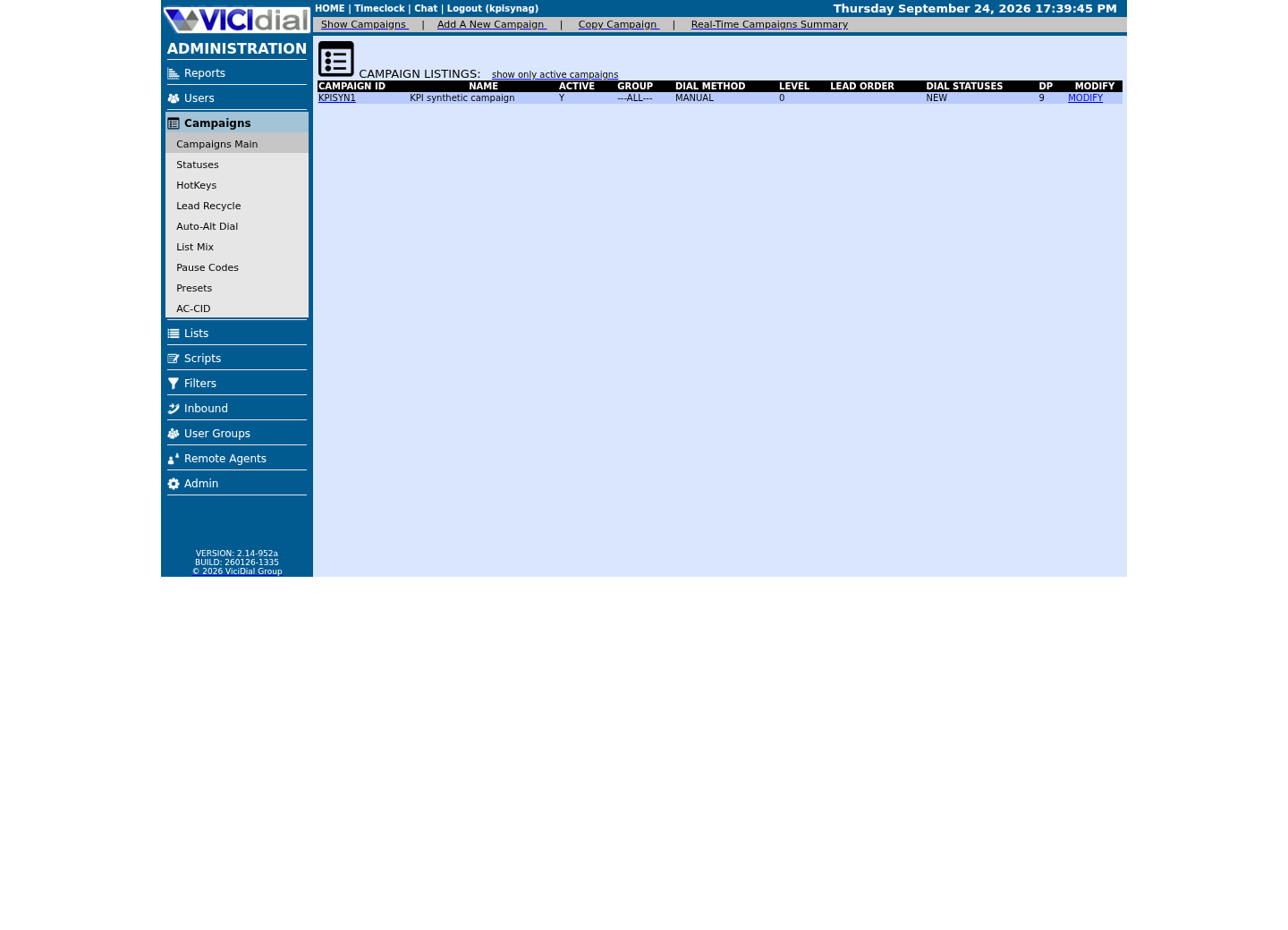
Capture details
Only the fixture campaign row is shown; other campaigns are removed. Its columns do not prove dialing activity, performance, or a completed call.Open the campaign detail page
Open to enlarge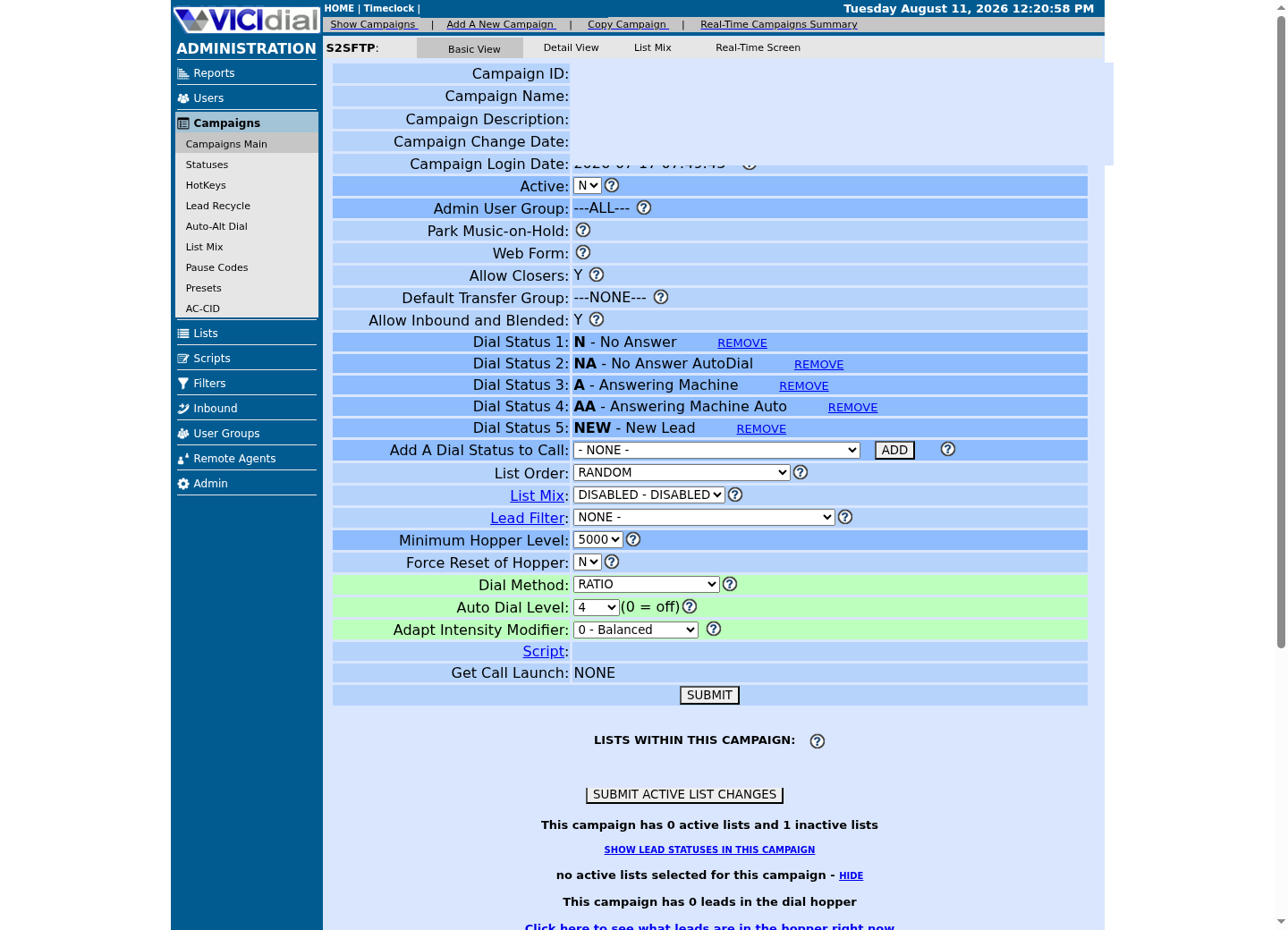
Capture details
Identifiers were redacted. Visible settings belong to an isolated configuration page and do not prove that calls were launched or completed.Review statuses allowed for dialing
Open to enlarge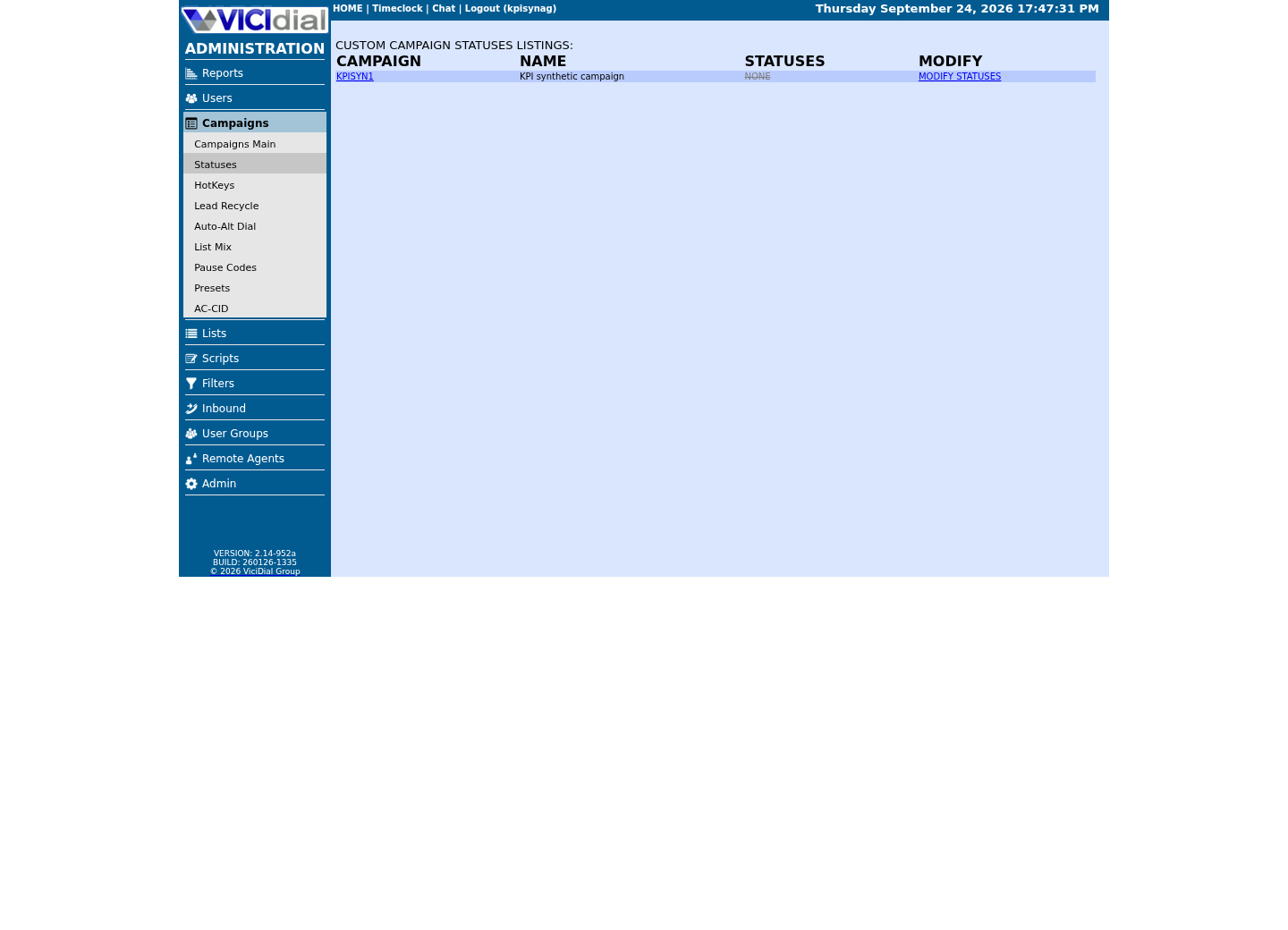
Capture details
This is the custom campaign-statuses listing for one fixture campaign, not the full dial-status selection area; it does not show call outcomes or report results.Confirm what the installed Asterisk actually supports
Asterisk documents AMD as a dialplan application, but arguments and defaults can vary by installed version and local dialplan. Read the live help before copying a setting from another system.
At a conceptual level, and without asserting numbers this article has not verified for your build, Asterisk's AMD works by analyzing the audio right after a call connects — how long the initial silence runs, how many separate bursts of speech follow it, and how long each burst lasts — and comparing those measurements against configured thresholds to decide whether what it heard fits a human greeting's shape or a machine message's. core show application AMD's own output is the authoritative list of which measurements your installed version exposes as tunable arguments; read it before assuming this article's later description of any one build's argument list applies to yours.
These commands do not display customer audio or change configuration. Keep the output with the lab record because it defines the feature contract used for the comparison.
- Before you use it
- Run on the reviewed Asterisk host using an account authorized for read-only CLI commands. AMD is an application name, not a campaign setting; do not paste dialplan or call output into a public ticket. Confirm the application is present with core show application AMD itself, not with core show help — that command lists CLI console commands, never dialplan applications, so grepping it for amd tells you nothing about whether AMD is installed.
asterisk -rx 'core show version'asterisk -rx 'core show application AMD'Captured demo response · 2026-09-25 06:55 UTC. Any filtering, hidden values or test-only data are identified in the capture label. Select Replay transcript to read the recorded output.
- Success looks like
- The installed version responds, and core show application AMD's own help text lists its supported arguments and return variables for your exact build — that response is itself the confirmation the feature is present. The argument and variable list runs long; read the full output on your own host rather than a truncated capture.
- Stop if
- Stop if AMD is absent, the version differs from the test plan, CLI access is over-privileged, or you cannot map campaign behavior to the installed dialplan safely.
Find this campaign's own AMD and CPD settings without guessing their names
Call Progress Detection (CPD) is Asterisk and VICIdial's other family of pre-connect detection, distinct from AMD in mechanism though aimed at a related problem: telling a real pickup apart from a machine, fax tone or dead air before an agent is bridged onto it. VICIdial's own capability language pairs the two as alternate detection paths a campaign can choose between.
AMD and a campaign's Answering Machine Message setting are connected in a way worth knowing before you tune either one in isolation: AGENT_API.txt documents that the Agent API's vm_message function, which sets which voicemail file plays on a detected machine, only takes effect when the campaign's Answering Machine Message setting is 'LTTagent'. A campaign left on a different Answering Machine Message setting can have AMD correctly detecting machines while a vm_message-based voicemail-drop workflow silently does nothing, which looks like an AMD tuning problem but is not one.
This article cannot name the exact campaign columns behind either setting: they appear in none of this library's shipped reference docs, and NON-AGENT_API.txt's own update_campaign field list — the authoritative list of what that function can edit — documents no AMD or CPD field at all. Confirm your own build's real column names before changing anything, rather than trusting a name copied from a forum post or another VICIdial version.
- Before you use it
- Run through the read-only database account; this only reads column metadata.
SHOW COLUMNS FROM vicidial_campaigns WHERE Field LIKE '%amd%' OR Field LIKE '%cpd%' OR Field LIKE '%vmx%';Captured demo response · 2026-09-24 22:25 UTC. Any filtering, hidden values or test-only data are identified in the capture label. Select Replay transcript to read the recorded output.
- Success looks like
- One or more real column names come back — use exactly those names, not a name recalled from documentation or another installation, in any later query or change.
- Stop if
- No rows mean these name patterns found no matching campaign columns. Inspect your build’s campaign interface and source documentation before assuming where its detection settings live.
Confirm where the AMD dialplan logic actually runs
The retained native capture shows8369@default calling AMD(2000,2000,1000,5000,120,50,4,256) at /etc/asterisk/extensions.conf:509. It also shows different amd.conf defaults. Supplied call arguments override defaults, so changing initial_silence in amd.conf alone will not change this explicit2000 ms argument.
That CLI line proves the effective location and arguments at capture time; it does not identify the canonical deployment source. Before any tuning, the owner must record which maintained file/template controls that line, its hash/revision and the normal deployment/reload path. If this mapping is unknown, stop before editing. Never edit a generated include merely because grep found it.
Record baseline and candidate argument lists in the installed AMD application’s positional order. After a separately approved managed deployment, read the exact loaded test route again. A changed unused default or a pending unsaved form is not a changed effective argument.
- Before you use it
- Run on the VICIdial/Asterisk server; none of these three commands changes anything.
asterisk -rx 'dialplan show 8369@default'grep -rn 'AMD(' /etc/asterisk/cat /etc/asterisk/amd.confCaptured demo response · 2026-09-24 22:25 UTC. Any filtering, hidden values or test-only data are identified in the capture label. Select Replay transcript to read the recorded output.
- Success looks like
- dialplan show confirms the real AMD() argument list this build actually runs, the recursive grep finds every context that calls it, and amd.conf shows the shipped defaults those arguments are read against.
- Stop if
- Stop if amd.conf does not exist on your build, or if the grep finds AMD() in a context you did not expect — either means this build's detection wiring differs from what this article assumes.
Define the isolated replay and per-item result contract first
The operator-run harness must feed the same approved incoming audio into an answered test channel for baseline and candidate and collect that channel’s AMDSTATUS/AMDCAUSE. AMD’s audioFile option plays audio toward the caller; it is not a WAV-input replay harness.
Before any call, write a replay manifest containing the exact isolated route/UA invocation, input audio delivery method, per-item call correlation and teardown command. Record the installed version, effective arguments and approved maximum call/runtime budget. If those are unavailable, the replay prerequisite is unresolved; do not claim that copying counts or playing a file tested AMD.
For every corpus item, retain an opaque item_id, independently agreed truth label, audio hash, one baseline result and one candidate result. Log HUMAN,MACHINE,NOTSURE,HANGUP or an empty/error result separately. Unknown/error items are not silently removed to improve a rate.
Only one effective argument may differ. Reusing an input means identical item identities and audio bytes, not merely the same number of calls. The local exercise below shows the comparison arithmetic; it does not execute this harness.
You should seeA specific reviewed harness can produce paired item results, or its missing capability is handed off before a call.
Run the complete fictional paired-result comparison
The 200 invented IDs contain100 human and100 machine truths. Baseline has8 false-machine and16 false-human outcomes; candidate has3 and19. Because each denominator is100, these also equal8%/16% and3%/19%. The candidate saves five human errors while adding three machine errors; the business cost decides whether that trade is acceptable.
This code generates fictional per-item predictions to make identity/denominator checks reproducible. It reads no WAV and calls no PBX. Replace generated predictions only with the separately verified harness results when doing a real comparison, retaining unknown/error counts.
- Before you use it
- Run locally with Python 3. These are declared fictional classification outputs, not results of an AMD audio run.
python3 - <<'PYMODEL'# Fictional per-item classification outputs; this does not run AMD or read audio.labels={**{"H%03d"%i:"HUMAN" for i in range(100)},**{"M%03d"%i:"MACHINE" for i in range(100)}}results={}for name,human_correct,machine_correct in [("baseline",92,84),("candidate",97,81)]: rows=[] for item,truth in labels.items(): i=int(item[1:]); correct=i<(human_correct if truth=="HUMAN" else machine_correct) predicted=truth if correct else ("MACHINE" if truth=="HUMAN" else "HUMAN") rows.append((item,truth,predicted)) assert len(rows)==len({r[0] for r in rows})==200 false_machine=sum(t=="HUMAN" and p=="MACHINE" for _,t,p in rows) false_human=sum(t=="MACHINE" and p=="HUMAN" for _,t,p in rows) results[name]=(false_machine,false_human) print(name,"human denominator=100 machine denominator=100", "false_machine=%d%% false_human=%d%%"%(false_machine,false_human))assert results=={"baseline":(8,16),"candidate":(3,19)}print("PASS same 200 item identities; candidate trades 5 fewer false-machine for 3 more false-human")print("Fictional matrix arithmetic only; no audio replay, threshold or carrier result.")PYMODELCaptured local fixture result · 2026-11-07T20:35:18.339788+00:00. Any filtering, hidden values or test-only data are identified in the capture label. Select Replay transcript to read the recorded output.
- Success looks like
- The same 200 identities reconcile; baseline false-machine/false-human are8%/16%, candidate3%/19%, and the asserted tradeoff is printed.
- Stop if
- Missing or changed identities, different truth labels, excluded unknowns or several changed arguments block a real comparison.
Actual local fixture execution with fictional input. No VICIdial, database, carrier or provider operation.
Steps and result3 steps
Fictional per-item classification arithmetic only;no audio replay,AMD threshold execution,accuracy benchmark or carrier result. Actual localhost browser capture,November7,2026;fixed source command executed by Run fixture. Video/still include ViciGeek attribution;this is not native VICIdial UI.
Observed local fixture resultBaseline errors8/16%;candidate3/19% on the same200 fictional items.
Read the chapter notes
- Local fictional scope
Actual local fixture execution with fictional input. No VICIdial, database, carrier or provider operation.
- Click Run fixture
Baseline errors8/16%;candidate3/19% on the same200 fictional items.
- Actual stdout and model limits
Baseline errors8/16%;candidate3/19% on the same200 fictional items.
2026-11-07T20:35:18.339788+00:00 · Local Python fixture / actual browser run. fictional per-item classification arithmetic only Use fullscreen to read the actual local inputs and results.
View a still screenshot
Observed local fictional model
Open to enlarge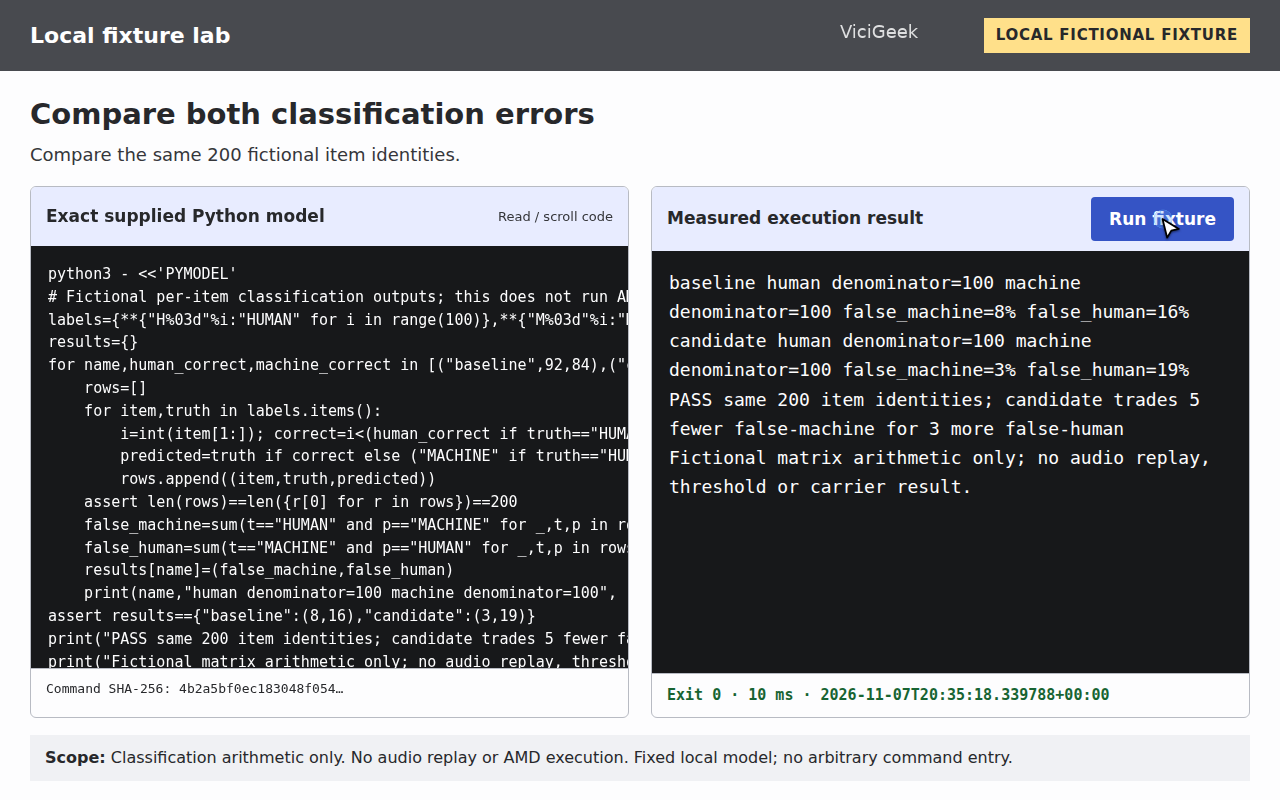
Capture details
Fictional per-item classification arithmetic only; no audio replay,AMD threshold execution,accuracy benchmark or carrier result. The Run fixture action executed the exact adjacent command; its exit code and stdout were retained. This is a local model interface, not native VICIdial UI.You should seeYou can explain both error types and their denominators without presenting the model as measured AMD accuracy.
Canary the change and watch dispositions
Apply the candidate to a small campaign slice and compare contact, drop, agent-connect and voicemail outcomes against a stable control.
Keep the prior values ready for immediate rollback. A codec or carrier change can invalidate an earlier tuning result.
- Contact rate and agent-connect rate on the canary slice, watched against the stable control slice, not against a historical average.
- Voicemail-drop volume, if the campaign's Answering Machine Message routes to one, stays within the range the corpus predicted.
- Any agent complaint of dead air or an unexpected hangup, logged with the exact call time so it can be traced back to a specific detection outcome.
Rollback quickly and improve the corpus
Stop an approved canary at its predeclared threshold. Restore only the exact recorded canonical source/configuration through its approved deployment path, then read the effective loaded AMD arguments and verify the owned controlled cases. If the canonical source was never established, no tuning should have begun; do not repair that gap by guessing at a generated file or amd.conf default.
Preserve aggregate outcomes and disputed synthetic labels for review, not caller audio in general logs. Add representative approved cases to the corpus, re-label independently and repeat offline comparison before another canary.
Keep the retired corpus and its labels alongside the new one rather than discarding it after a successful rollout. The next tuning cycle, whenever a carrier or codec change forces one, benefits from a documented history of what was tried before and why it was or was not adopted — without it, each cycle re-litigates decisions the last one already settled.
- Restore the exact baseline values and confirm the generated dialplan/campaign state.
- Verify one controlled human and machine case after rollback.
- Do not publish an accuracy claim without corpus, route and observation boundaries.
Checks and sources
What was checked
- The retained native8369/amd.conf inspection proves effective arguments and default differences only at its capture time. The canonical source/deployment origin is not claimed as confirmed.
- The paired 200-item comparison is a complete fictional arithmetic model. No audio replay, candidate threshold, canary or carrier-quality result was executed for this repair.
- The owner-run harness contract is a prerequisite for obtaining actual per-item AMD results; missing input direction, correlation or managed-source mapping blocks tuning.
- The exact local fictional model command was executed through the recorded browser on November 7, 2026; command/stdout hashes and exit 0 match the capture provenance. This establishes only the model scope stated beside that exercise.
Primary references
Sources
- VICIdial status and disposition reference (VICIDIAL_statuses.txt)VICIdial · accessed September 23, 2026
- Is my carrier scamming me (FAS)?... Dead Air / Answering Machines with AMD ONVICIdial forum · accessed September 23, 2026
- Managing DROP calls without AMDVICIdial forum · accessed September 23, 2026
- iOS Call Screening classified as AMDVICIdial forum · accessed September 23, 2026
- VICIdial Non-Agent APIVICIdial · accessed September 23, 2026
- Asterisk dialplan applicationsAsterisk · accessed September 23, 2026
- AMD parameters, defaults and audioFile directionAsterisk project · accessed November 7, 2026