Reader setup
Before you choose
List your constraints, required evidence and stop rules before you score options.
- The platform-choice lesson
- A lab VM if you continue
- A plan to check vendor documentation again before installing anything for real
- What you will prove
- You understand the support boundary behind ViciBox 12 and 13 today, and can avoid presenting an end-of-life or beta lab as a production recommendation.
- Safety boundary
- ViciBox 12's Leap 15.6 base has been unsupported since April 30, 2026. Treat ViciBox 12 and ViciBox 13 beta material as lab-only until the vendor publishes a supported production path.
Reader path
How to use this article
- Use it when: You are comparing options and need decision evidence before approval.
- Expected result: Turn options into explicit acceptance criteria and documented stop conditions.
- Start here: Score what is mandatory, keep unknowns visible, then decide only when risks are understood.
Start here
As checked September 23, 2026, Leap 15.6 has been end of life since April 30, 2026, according to openSUSE News' "Closing Out a Roughly 8-Year Era" (published April 1, 2026). Because ViciBox 12 is built on that base, this curriculum treats it as a disposable learning lab rather than a production recommendation.
A VICIdial forum thread reports that ViciBox 13 is still in beta and is being built around openSUSE Leap 16.0 — which is currently supported — rather than the end-of-life 15.6 base. The thread is attributed to ViciBox maintainer Kumba and titled "ViciBox v.13.0 beta roadmap." Once ViciBox 13 leaves beta on that newer base, this lab-only boundary is worth re-checking.
Two separate facts sit behind that one sentence, and it is worth keeping them apart: first, that ViciBox 12's own base distribution has already reached its end date, which is a settled fact as of the date on this lesson; second, that ViciBox 13 exists and targets a newer, currently-supported base, which is a forward-looking report from a forum thread rather than a vendor announcement of general availability. Treat the first as closed and the second as still developing.
A forum thread is a useful, timely source precisely because a maintainer posted directly to it, but it is still not the same kind of evidence as a vendor's own release announcement or dated documentation page. This lesson cites it as what it is — a community report worth tracking — rather than dressing it up as an official statement it never claimed to be.
Visual walkthrough
Follow three real demo screens
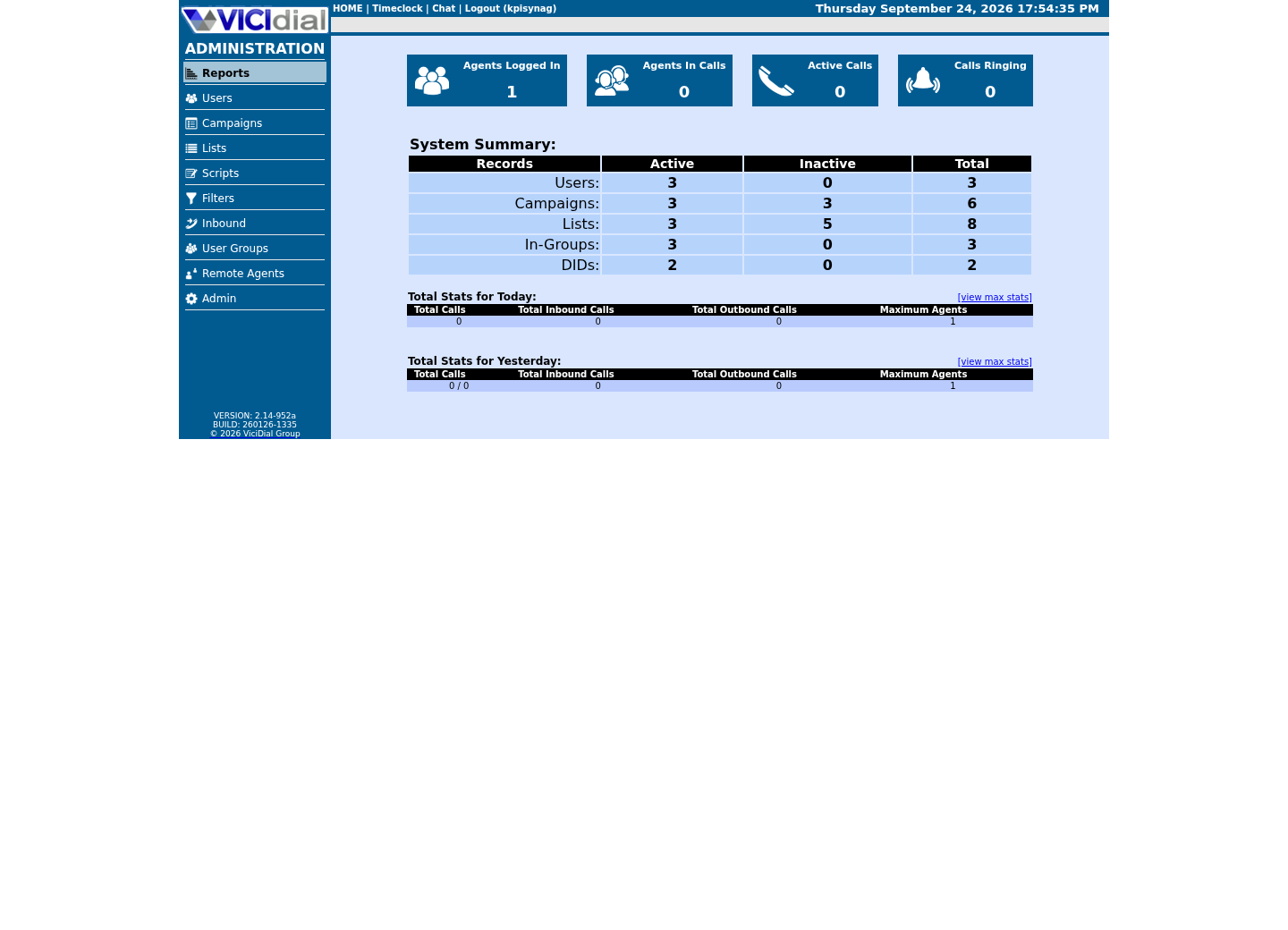
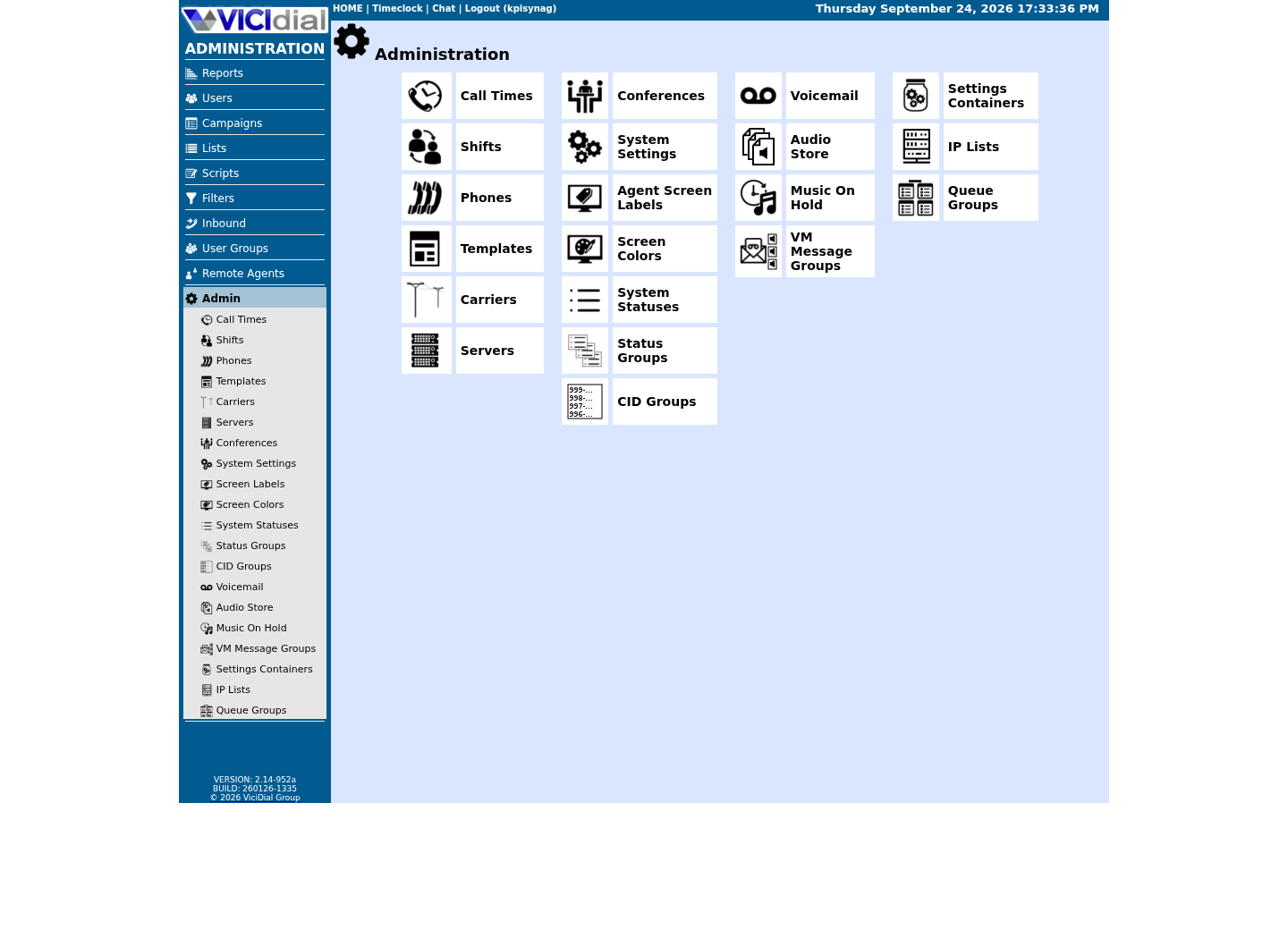
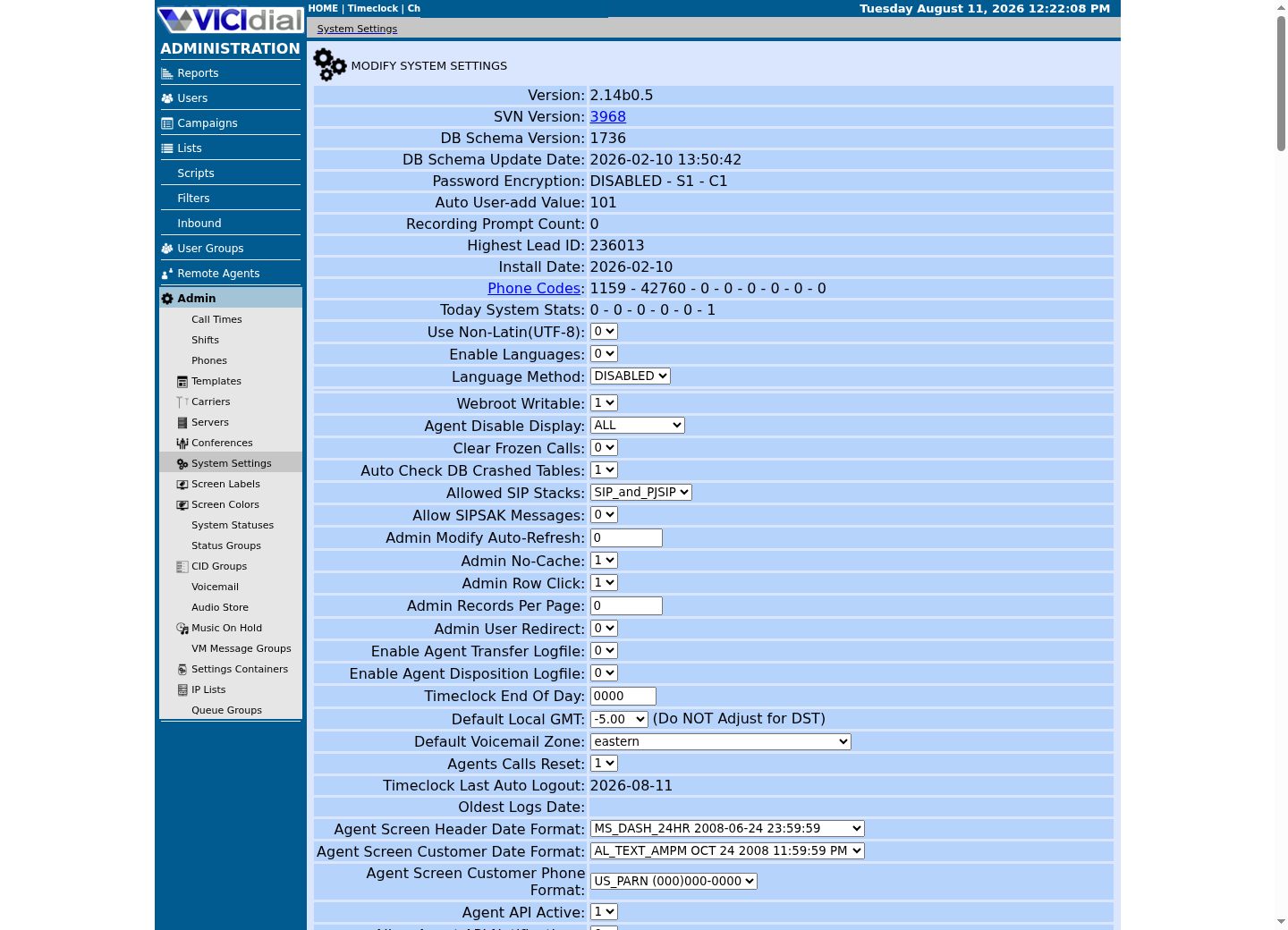
Captured on an isolated VICIdial demo: Administration screens on September 24, 2026, and the idle Agent screen on August 11, 2026. Each caption states its own capture time, and every sanitized image helps you recognize a related screen; none proves that this article's call, command, or result occurred.Start at Administration home
Use the Administration menu as a map
Confirm version and system-wide context
The idea in plain language
End of life means the upstream distribution no longer receives normal maintenance or security updates. A working installation ISO is not the same thing as a supported production foundation — the ISO can still boot and install perfectly well long after its base stopped being maintained, because nothing about the installer itself checks the calendar. A beta release, in turn, is for evaluation; it is not yet an operational promise, even when early testers report it working well, because a beta's own scope and stability can still change before a stable release ships.
This distinction is not pedantic. A learner who treats 'the installer still works' as equivalent to 'this is safe to run a business on' will eventually hit a security issue with no vendor patch coming, or a beta feature that changes behavior in the next build. Stating the boundary plainly, with a date attached, is what lets this curriculum keep using ViciBox as a teaching tool without quietly implying it as a production recommendation.
None of this means ViciBox 12 is unsafe to learn on inside a disposable lab. Isolation is what makes the difference: a lab VM with no path to real customer data or the public internet carries essentially none of the risk that an internet-facing production server on the same unmaintained base would.
It also does not mean ViciBox 12 stops functioning the day its base distribution reaches end of life. The software keeps running exactly as before; what changes is the absence of new security patches for the underlying operating system going forward, which is a risk that accumulates over time rather than one that appears all at once.
Keep the two dates in this lesson straight: April 30, 2026 is when the base distribution's support ended, and September 23, 2026 is only the date this lesson's own claims were last re-checked against the vendor's published status. Re-checking periodically matters more than either date alone, since a beta's status and a supported base's own future lifecycle can both continue to move.
Try one safe check
Read the base operating system's identity from a ViciBox lab. A version string is evidence for your notes, not approval to deploy.
- The Leap version number this build reports
- Today's date, compared against the April 30, 2026 end-of-life date this lesson cites
cat /etc/os-releaseCaptured demo response · 2026-09-23 21:35 UTC. The displayed command is the command that ran; a safe subset label means it was filtered, redacted, or fixture-scoped. Replays only after you select Replay transcript.
- Before you run it
- Run this on the ViciBox lab host. It only reads a text file.
- Success looks like
- You see the openSUSE Leap identifier and version this ViciBox build is layered on.
- Stop if
- A result that does not mention openSUSE or Leap suggests you are not on a stock ViciBox host; re-confirm with the platform-choice lesson's checks before continuing.
Check the ViciBox version file and package
ViciBox keeps a version file separate from the base openSUSE version: a changelog with the newest release listed first, so its first line alone answers 'which ViciBox is this.' Recording both numbers — the base distribution's from the previous check, and ViciBox's own from this one — gives your lab notes a complete answer instead of half of one, which matters when you eventually compare notes against the ViciBox errata page for your specific version.
- The base openSUSE version from the previous check
- The ViciBox version string on the changelog's first line
head -1 /etc/vicibox-versionrpm -q vicibox-installCaptured demo response · 2026-09-23 21:35 UTC. The displayed command is the command that ran; a safe subset label means it was filtered, redacted, or fixture-scoped. Replays only after you select Replay transcript.
- Before you run it
- Run both lines on the ViciBox lab host. Reading a file and querying the package database both change nothing.
- Success looks like
- On this curriculum's own lab, the first line reads `- ViciBox v.12.0.2 240121`; your build may report a different release, and that is exactly the value to record. The `rpm -q` line independently confirms the installer package itself is present, rather than relying on the changelog file alone.
- Stop if
- A missing file or an unrecognized package name means you are not looking at a stock ViciBox host, or its ViciBox layer was altered — confirm the base openSUSE identity from the previous check before drawing any further conclusion.
Ready for the next lesson
Continue only in a VM to understand the stock ViciBox workflow — this curriculum's next stage. Keep the two version numbers you recorded in this lesson; the next lesson's opening section refers back to this exact boundary before it explains what the ViciBox appliance actually installs.
Evidence ledger
Verification basis
- openSUSE News confirms Leap 15.6 reached end of life on April 30, 2026, closing a roughly eight-year release line.
- A VICIdial forum thread attributes the ViciBox 13 beta to maintainer Kumba and describes it as built around openSUSE Leap 16.0, not the end-of-life 15.6 base.
Primary references
Sources
- Closing Out a Roughly 8-Year EraopenSUSE News · accessed September 23, 2026
- ViciBox v.13.0 beta roadmap (forum thread)VICIdial Group forum · accessed September 23, 2026
- Installation — ViciBox 12.0 documentationViciBox · accessed September 23, 2026
- ViciBox 12.0 bug fixes — ViciBox 12.0 documentationViciBox · accessed September 23, 2026