1. Meet the two roles
VICIdial helps a team manage calls. An administrator prepares the accounts and calling work in the Admin interface. An agent signs in to a separate Agent interface, uses a phone station for audio, and speaks with contacts.
Imagine a small practice team. Its agent, learner1, uses station 8001 to work in campaign LAB01. You will build this example step by step after the practice lab is ready.
The Agent workspace
Open image to zoom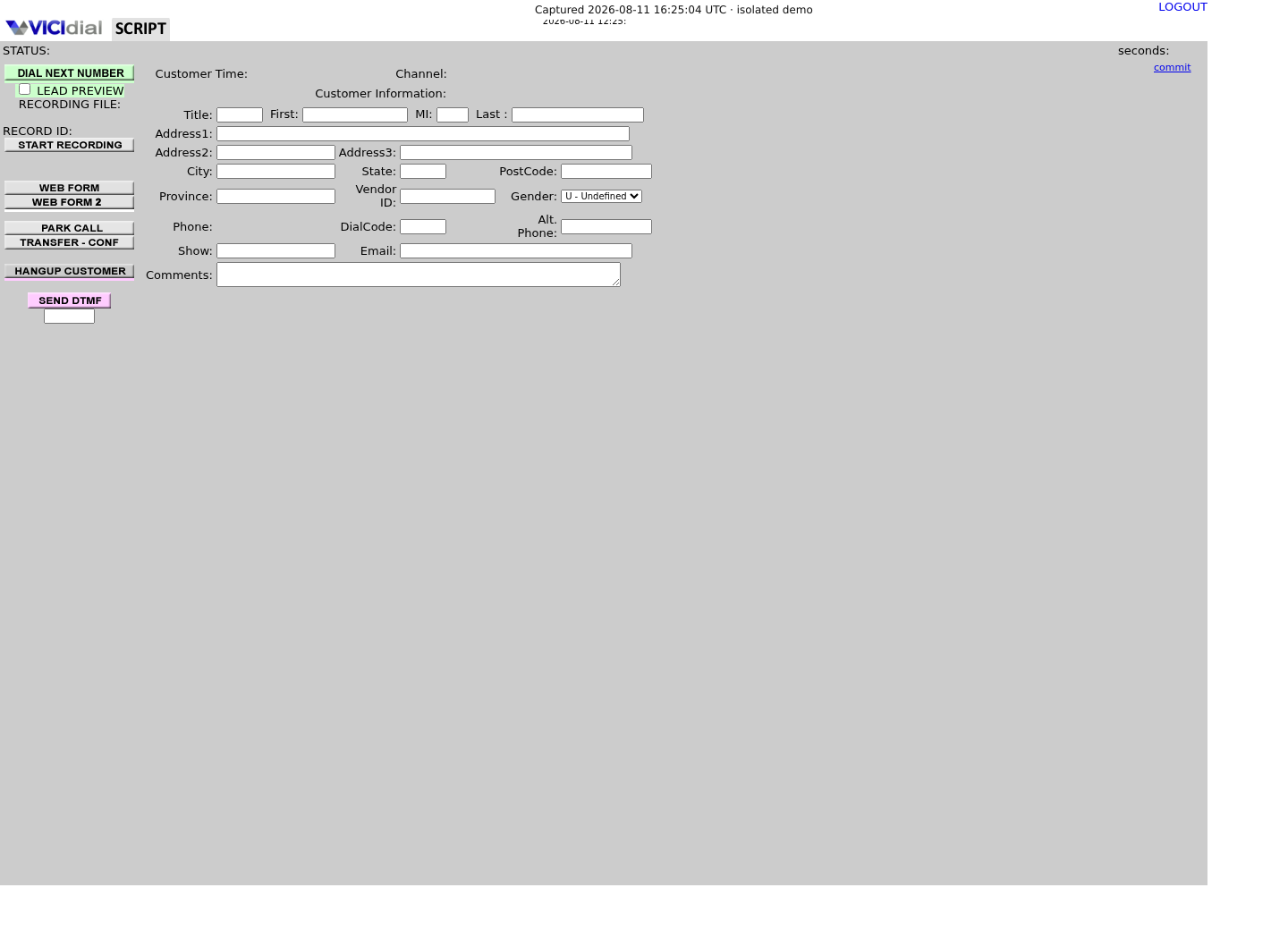
2. Follow a contact
A campaign is a calling job with its own settings. A list is a collection of contact records assigned to that campaign. Each record is called a lead; it includes details such as a name and phone number. Our campaign LAB01 will use list 90001.
An agent calls a lead and then chooses a result, called a disposition, such as an available test outcome. VICIdial records that result so it can be found later.
3. Practice with an echo
Instead of calling a customer, the exercise uses an internal echo destination: you speak into your headset and hear your voice returned. The lab owner must prepare and verify that destination before you reach the call lesson.
4. Check your understanding
Tell the story of one call in your own words.
- An administrator prepares the campaign and its list.
- An agent uses a station to call a lead.
- The agent saves a disposition after the call.
5. If a term is unclear
Continue to lesson 2 for a closer look at each part of the practice example.
Primary references
Sources
- VICIdial demonstrationVICIdial Group · accessed November 3, 2026
- VICIdial project overviewVICIdial Group · accessed November 3, 2026