Reader setup
Before you choose
- A running VICIdial or Asterisk lab you can point at a candidate provider
- A written requirements list
- A synthetic test fixture
- Expected result
- A comparable evidence record for each candidate.
- Before making changes
- No provider is ranked, qualified, or approved by this article.
Evaluate routes, not marketing claims
Give each candidate the same region, expected concurrent calls, codecs and support hours. Mark each required item pass, fail or unknown and attach the answer or test date; an unknown is not a pass.
Fast answer: there is no universally best Session Initiation Protocol (SIP) trunk, a carrier connection that carries calls, where a carrier is the phone company providing it. Score each candidate against the same approved workload, route, support and failure tests, then choose based on evidence relevant to your jurisdictions and call profile.
Some vocabulary first, because these terms decide the scores. A codec is the audio compression format both ends agree on, commonly G.711 (written PCMU or PCMA) or G.729. DTMF is the touch-tone digits a caller presses, which have to be signaled in a way both ends understand, usually the method defined in RFC 2833. TLS encrypts the SIP signaling and SRTP encrypts the audio, so a provider offering one without the other still leaves half the call readable. An INVITE is the SIP message that starts a call. An SBC, or session border controller, is equipment at the edge of your network that polices and normalizes SIP traffic between you and the provider.
Do not copy a provider marketing comparison into an operator decision. Prices, availability, qualification rules and capabilities change; obtain current written terms directly from each candidate and retain them with procurement rather than publishing unverified figures.
Terms are defined in VICIdial terminology for complete beginners: users, phones, campaigns and leads.
- Before asking for quotes, write down calling regions, peak concurrent calls and required codecs; arrange a test route that cannot reach customers.
- Non-goal: do not select, rank or cut over a provider from this article.
- Record each calling region, inbound or outbound traffic, authorized caller IDs and the number of simultaneous calls to test.
- Run the same duration and call scenarios for each candidate, and record the error or audio failure that stops the test.
Reference screenshots 3 images
Reference capture
Reference screens from the demo
Captured on an isolated VICIdial demo: Administration screens on September 24, 2026, and the idle Agent screen on August 11, 2026. Each caption states its own capture time, and every sanitized image helps you recognize a related screen; none proves that this article's call, command, or result occurred.Find carrier administration
Open to enlarge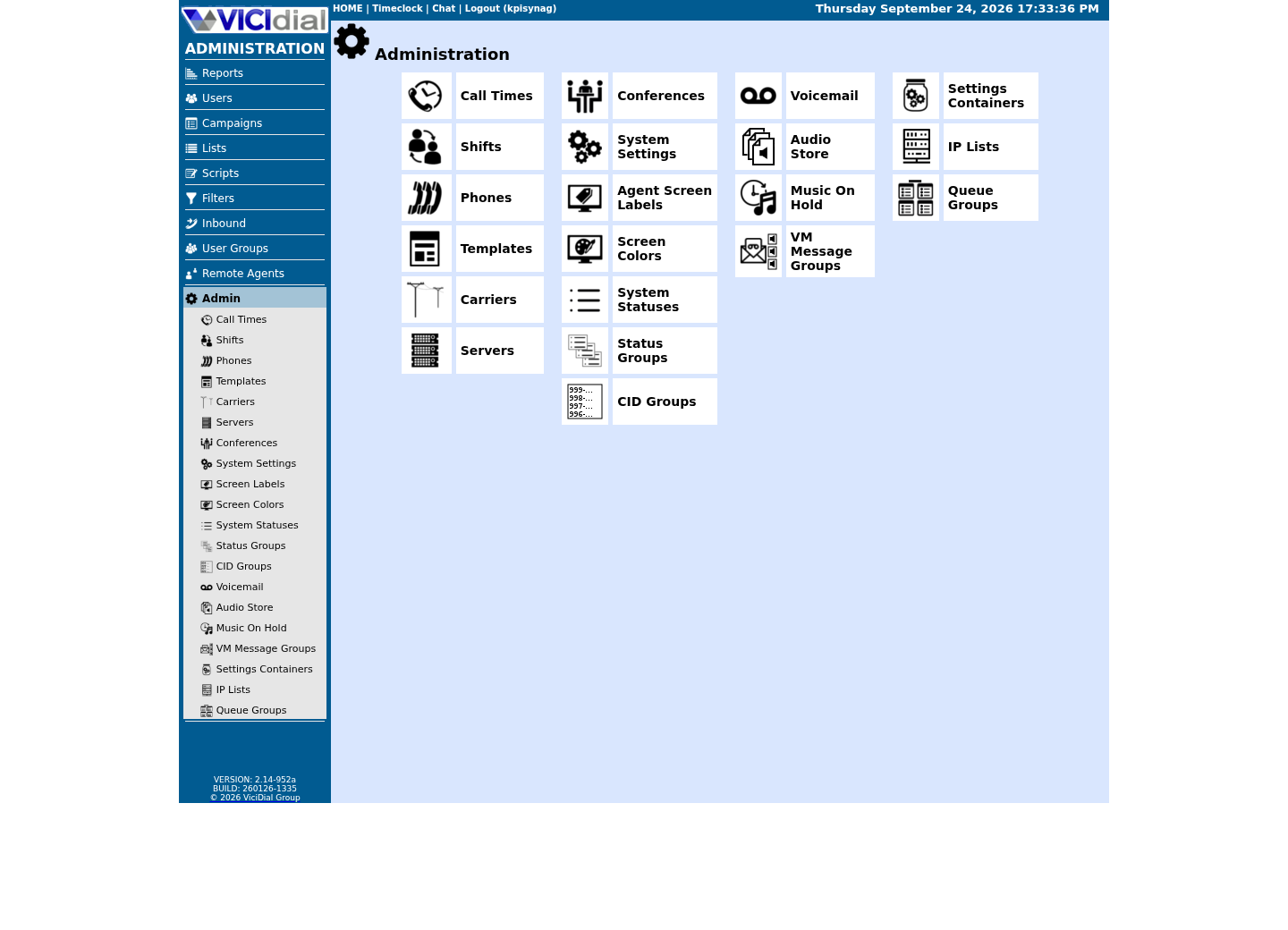
Capture details
This menu is a navigation map only; it does not show that any system-wide setting was changed or verified.Open Carrier Listings
Open to enlarge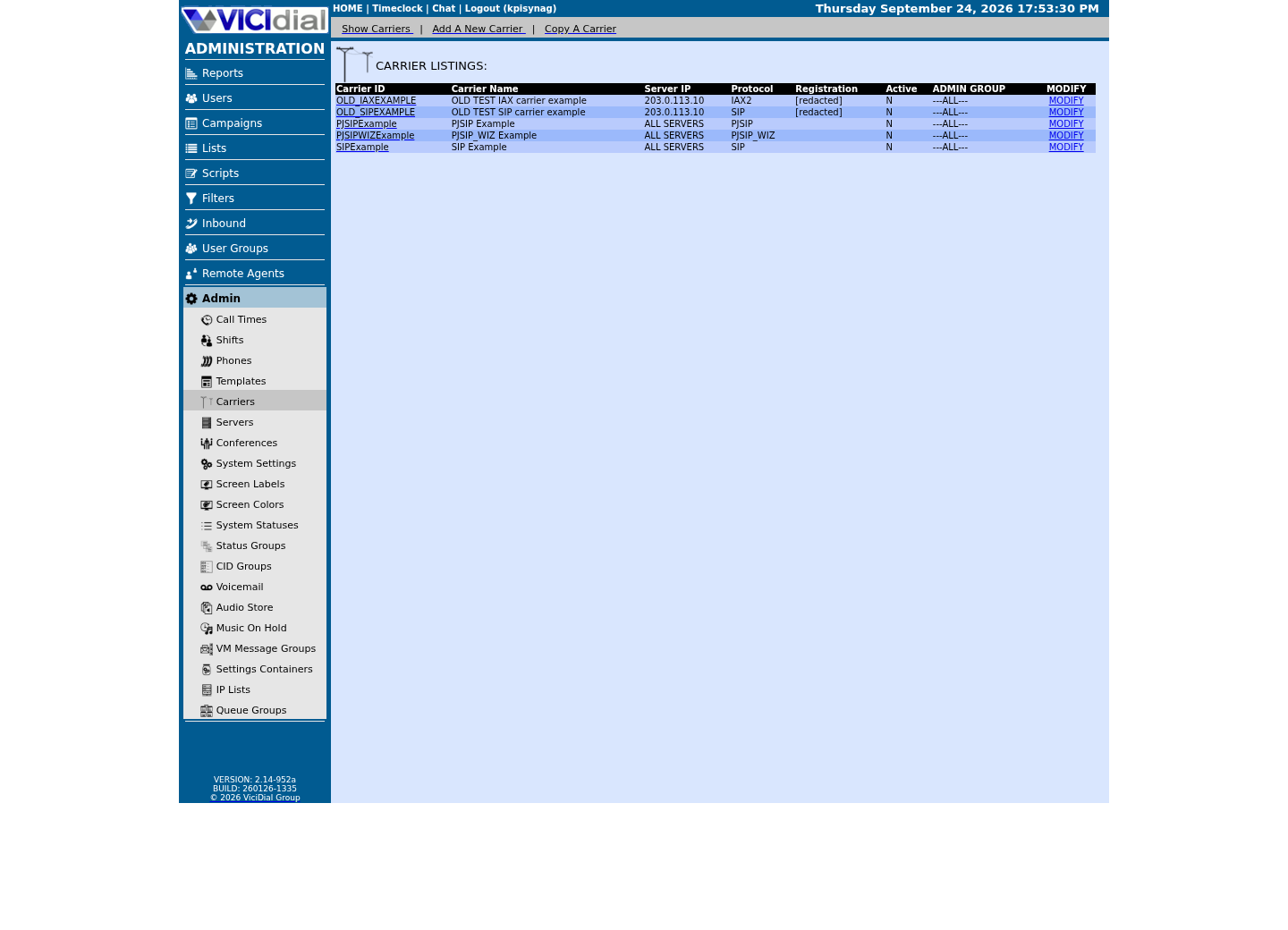
Capture details
Only stock example carrier rows are shown, with addresses replaced and registration values redacted; no real carrier is present. This does not prove registration, routing, audio quality, or a completed call.Check the allowed SIP-stack setting
Open to enlarge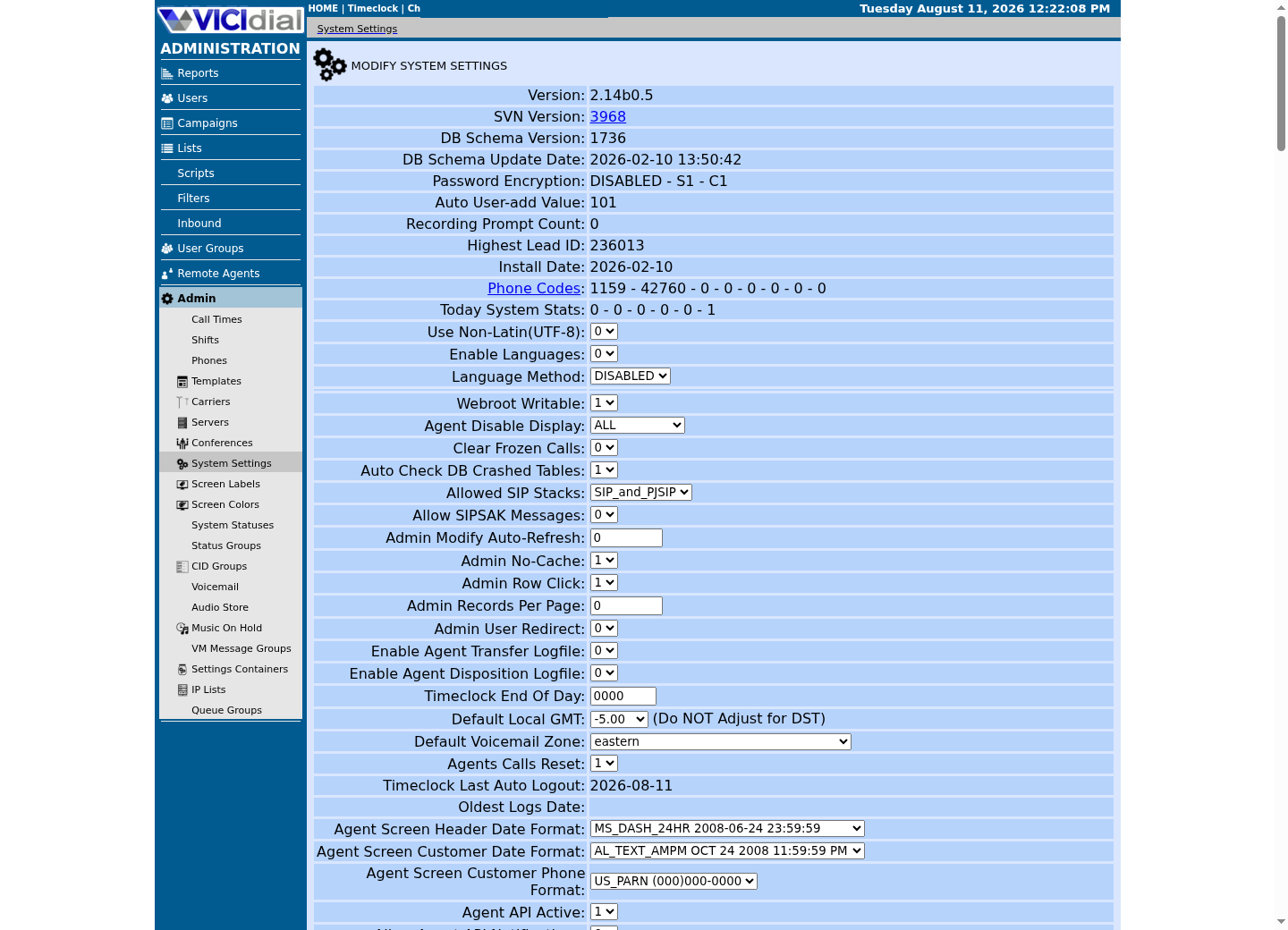
Capture details
This is a read-only view of system-wide settings with no credentials or addresses; it does not prove that a setting was changed or that an API request succeeded.Score points 1–6: admission, signaling and media
Use six separately scored checks: 1) account/onboarding eligibility; 2) region and number portability fit; 3) registration or IP-auth model; 4) TLS/SRTP or approved signaling/media options; 5) codec, DTMF and fax requirements; 6) caller-ID and identity-header handling. Confirm your own PJSIP bind port and channel driver first, before scoring point 3: chan_sip and chan_pjsip register differently, and a candidate's registration or IP-auth instructions assume you already know which driver and port your own install runs. Mark unsupported, untested and conditional separately—zero is not the same as unknown.
Use the card with one candidate at a time. OBSERVED means your controlled test demonstrated the condition; DOCUMENTED means the provider said so but you did not test it. A successful INVITE does not prove a usable production trunk.
- Before you use it
- Copy once per candidate; CANDIDATE is a non-sensitive procurement label.
CANDIDATE: provider label1 onboarding: OBSERVED | DOCUMENTED | NOT TESTED3 authentication model: OBSERVED | DOCUMENTED | NOT TESTED4 TLS/SRTP: OBSERVED | DOCUMENTED | NOT TESTED5 codec + DTMF: OBSERVED | DOCUMENTED | NOT TESTEDSTOP: required point is NOT TESTED or unsupportedThis sample is a template or reading aid, not a terminal command. There is no output to show.
- Success looks like
- Every required point has controlled evidence or an explicit exclusion.
- Stop if
- Stop comparison when a required point is untested or ambiguous.
- Capture sanitized SIP response classes and timing.
- During a test call, send a keypad digit from the agent screen and confirm that the receiving test system detects it.
- Place a test call using a number you are authorized to display and compare the received caller ID with the configured value.
Score points 7–12: operations and commercial fit
Complete the matrix with: 7) concurrency and rate-limit behavior; 8) geographic routing and quality observability; 9) emergency/service and regulatory constraints where applicable; 10) support escalation and incident communications; 11) failover, maintenance and change notice; 12) contract, billing model, porting and data-handling terms. These are decision criteria, not a vendor ranking.
Ask each provider to identify what it will measure and support at the edge versus what remains your SBC, network, Asterisk or VICIdial responsibility. Do not assume a provider supplies end-to-end diagnosis or capacity guarantees.
- Attach current vendor answers and dated terms to the evaluation record.
- Use legal/procurement review for jurisdictional and contract questions.
- Record dependencies and exclusions alongside every score.
Run an equivalent controlled lab test
Use a version-pinned VICIdial/Asterisk lab with a dedicated campaign and synthetic endpoints. Validate registration/authentication, inbound/outbound routing, transfers, recordings where approved, failover and recovery without placing unsolicited or customer calls.
Use the outcome log below after each candidate run. RESPONSE CLASS is a sanitized protocol/result category, not a raw SIP trace, and UNKNOWN means the evidence is insufficient. This lab's evidence demonstrates selected VICIdial and WebRTC checks, not a benchmark or qualification of any SIP vendor.
- Before you use it
- Use after an approved synthetic run; provider label replaces CANDIDATE and contains no endpoint or account data.
CANDIDATE: provider labelTEST: synthetic outbound audio + DTMFRESULT: PASS | FAIL | UNKNOWNRESPONSE CLASS: sanitized categoryROLLBACK: retain prior approved routeSTOP: unexpected destination or unresolved media failureThis sample is a template or reading aid, not a terminal command. There is no output to show.
- Success looks like
- A PASS has controlled audio and DTMF evidence plus a retained rollback route.
- Stop if
- Stop traffic expansion for FAIL, UNKNOWN, or an unexpected destination.
Keep a reversible carrier cutover
After reviewing the matrix, record a pilot start and end time, the test destinations, planned traffic scope, and the baseline failure and audio measures. Before starting, write the agreed threshold for each measure and who may stop or revert the pilot. Keep the prior route available where contracts and topology permit; do not expand traffic until the recorded end time and results have been reviewed.
Rollback is a documented routing reversal, not an unplanned DNS or configuration edit. Verify new calls, queued work, caller-ID policy and monitoring after each transition; never assume old and new carriers behave identically.
- Version-control sanitized route configuration changes.
- Test primary and fallback paths after every carrier change.
- Re-evaluate after major pricing, policy, software or routing changes.
Checks and sources
What was checked
- VICIdial's PJSIP support documentation (PJSIP_SUPPORT.txt) covers carrier configuration; it contains no provider comparison, price or qualification result.
- No provider was tested, ranked or recommended in this article.
Primary references
Sources
- VICIdial PJSIP SupportVICIdial · accessed September 23, 2026
- Configuring Asterisk PJSIPAsterisk · accessed September 23, 2026