Reader setup
Before you diagnose
Start with one observed symptom, then isolate one layer at a time.
- Create a read-only database account for safe VICIdial queries already completed on this host, because the call-outcome count below runs as read-only SQL.
- A curl configuration file already set up for read-only Non-Agent API calls, for example /etc/vicidial-api/readonly.cfg, so the pacing and agent-state checks need no user name or password on the command line.
- Permission to view, but not yet change, the campaign's own dial method and auto_dial_level, plus a numeric stop threshold agreed with whoever owns your abandonment limits before you raise pacing even one step.
- What you will prove
- You can separate a pacing problem from an agent-status reporting problem using read-only checks, and raise auto_dial_level in small, reversible steps with a stop threshold agreed before you start.
- Safety boundary
- Change one setting at a time, hold it for a full shift before judging it, and never raise auto_dial_level and any AMD setting in the same week if you actually want to know which one moved the numbers.
Reader path
How to use this article
- Use it when: You are investigating a live symptom and need to narrow the failure quickly.
- Expected result: Pinpoint the first failing layer, then repair only that layer.
- Start here: Use the sections as a diagnostic sequence: prove scope, then isolate and validate.
Define pacing before you describe the symptom
VICIdial's predictive pacing decides how many outbound calls to keep working per agent who currently looks free; that number is the dial level, called `auto_dial_level` in a campaign's own settings. Set above 1.0, it deliberately dials more calls than you currently have agents to answer, on the assumption that not every dialed call connects.
The symptom worth naming precisely is calls connecting with no agent actually free to take them, or an agent reporting a call landing while the real-time screen still showed them as busy a moment earlier. That is different from two genuinely simultaneous live legs landing on one agent's own line, which the conference design does not allow; treat that specific report as a transfer or conference fault, not a pacing one.
A VICIdial forum thread reports this same overlap, describing calls arriving faster than agents could be freed up for them — consistent with a pacing-versus-headcount mismatch rather than one unexplained glitch.
Visual walkthrough
Follow three real demo screens
Captured on an isolated VICIdial demo: Administration screens on September 24, 2026, and the idle Agent screen on August 11, 2026. Each caption states its own capture time, and every sanitized image helps you recognize a related screen; none proves that this article's call, command, or result occurred.Keep phones and users separate
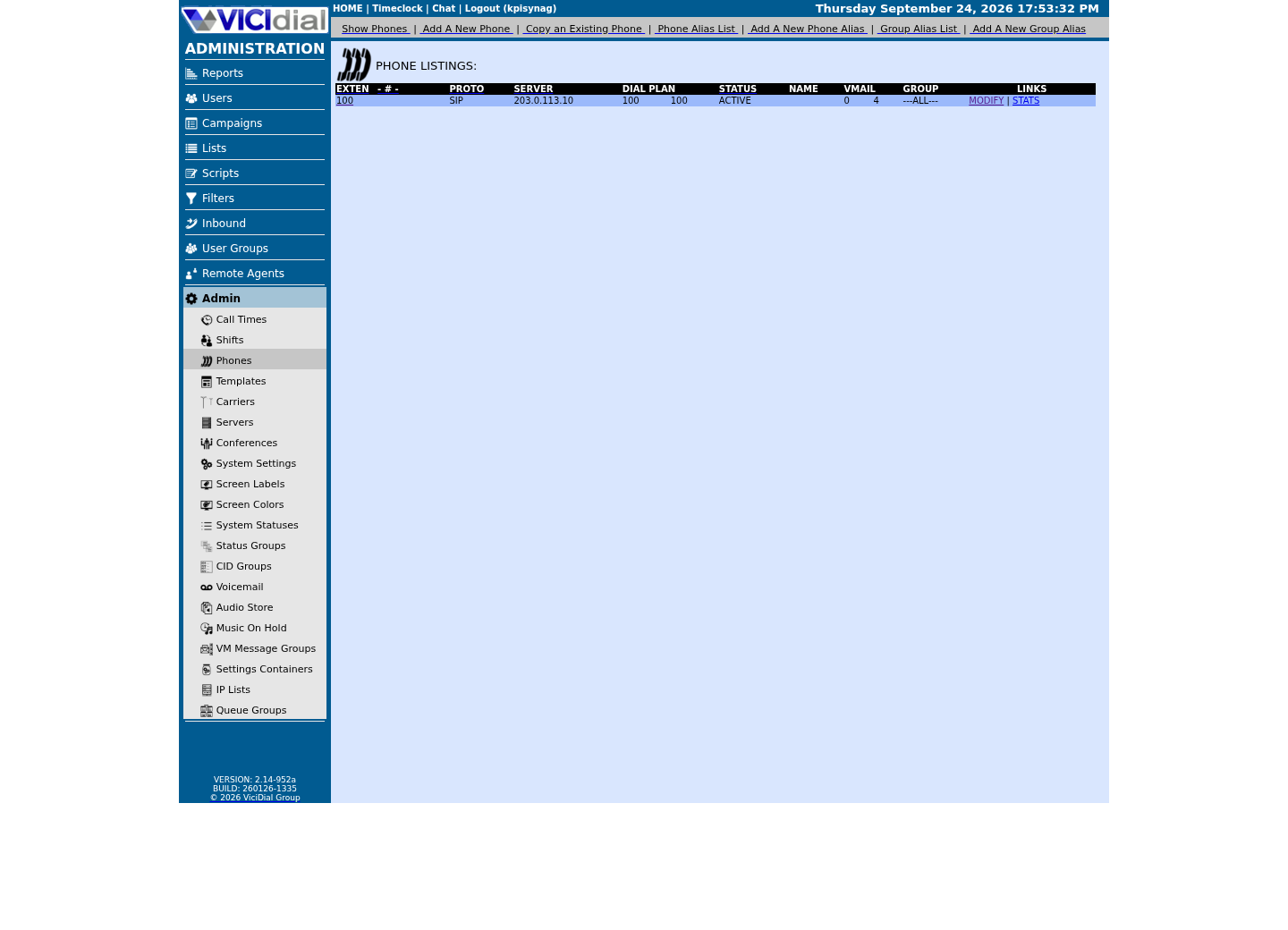
Find the campaign the agent should use
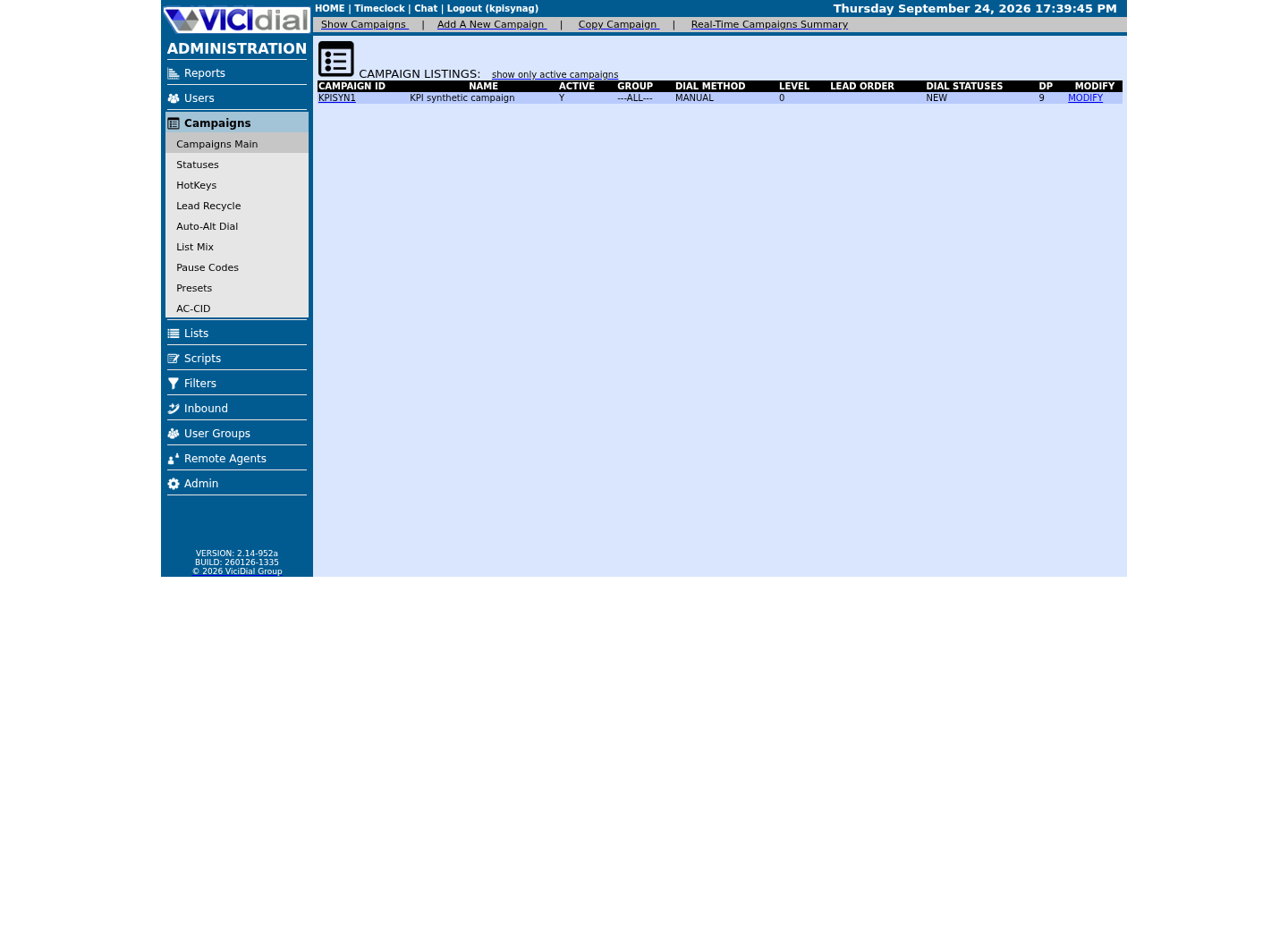
Read the real Agent screen in an idle state
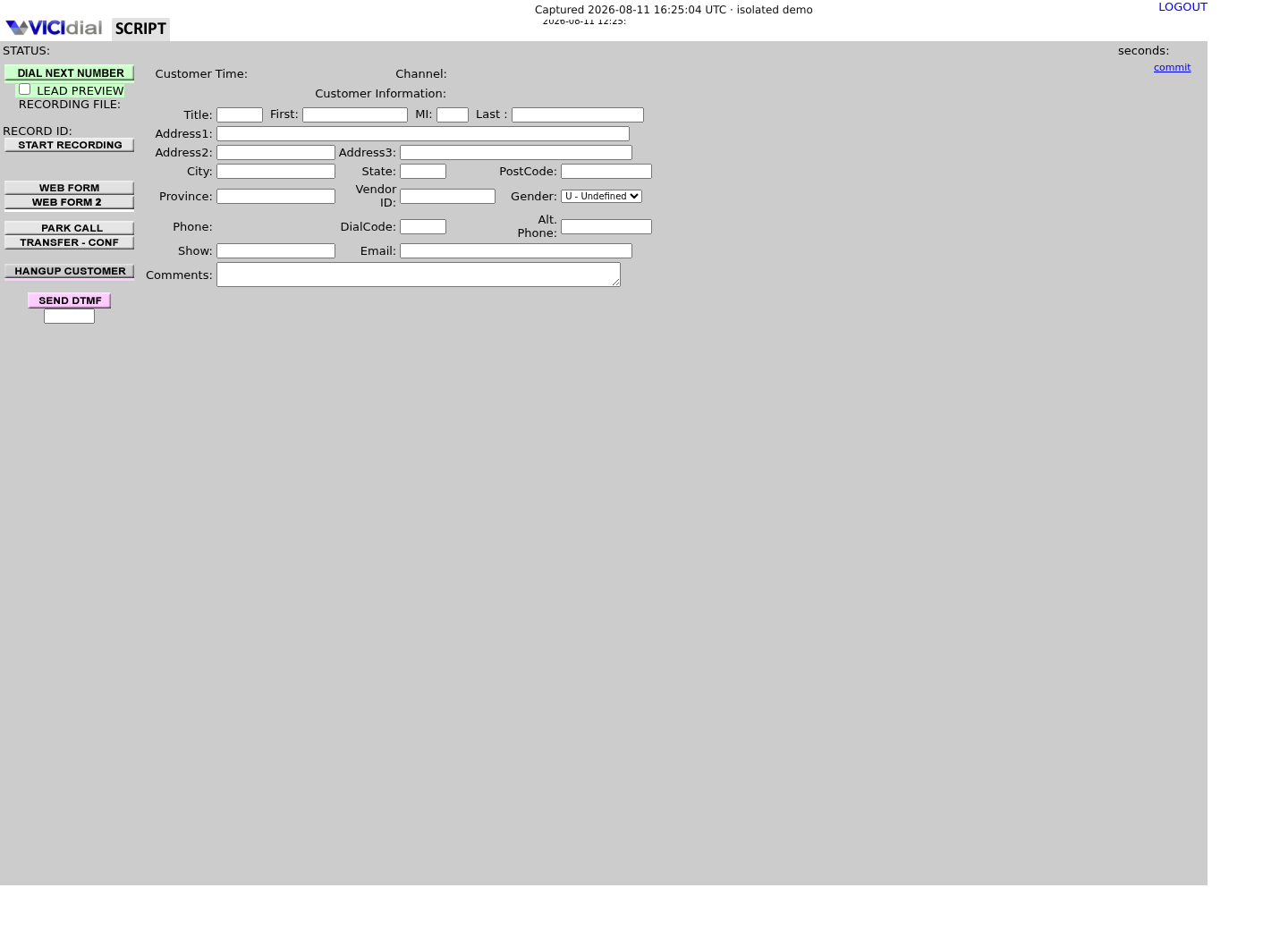
Pacing dials against a headcount, not a certainty
At the instant VICIdial decides to place more calls, it counts how many agents its own live-agent state currently shows as available and dials ahead of that number by the ratio `auto_dial_level` sets. If that headcount is even briefly stale — an agent mid-wrapup who has not yet changed status, for instance — the dialer places calls for capacity that does not actually exist yet, and the surplus connects arrive with nobody free.
This is why the fix is never one number taken in isolation: pacing and how accurately agent status gets reported both feed the same decision, and a change to either one changes how many calls land on nobody.
Rank the likely causes before you touch pacing
Check these roughly in order of how often each one turns out to be the answer.
- Most likely: `auto_dial_level`, or the wider dial method (VICIdial's pacing strategy — MANUAL, RATIO, or one of the adaptive modes) is simply set more aggressively than current staffing and answer rate support, or Available Only Ratio Tally is off.
- Second: an agent's live sub-status — the specific mid-workflow state the Non-Agent API's `agent_status` function reports, with documented values DEAD, DISPO, 3-WAY, PARK, RING, PREVIEW and DIAL — is not being read as busy by whatever is watching capacity, so a genuinely occupied agent still looks free.
- Third: the database itself is under enough load that live-agent status writes lag behind what is actually happening on the floor, affecting every campaign on that server at once, not just yours.
- Fourth, worth naming rather than blaming: heavier load in a virtualized environment can widen this same lag under predictive pacing without any single setting being wrong — an aggravating factor, not a root cause on its own.
Check the shipped pacing report before opening Admin
Start with the shipped Non-Agent API rather than opening Admin by hand: `campaigns_list` reports the pacing settings actually in effect for a campaign in one read-only call, including the field the export calls `dial_level`.
curl --fail-with-body --silent --show-error --config /etc/vicidial-api/readonly.cfg --data-urlencode "function=campaigns_list" --data-urlencode "campaign_id=<CAMPAIGN_ID>" --data-urlencode "stage=csv" --data-urlencode "header=YES"Captured demo response · 2026-09-23 21:35 UTC. The displayed command is the command that ran; a safe subset label means it was filtered, redacted, or fixture-scoped. Replays only after you select Replay transcript.
- Before you run it
- This function needs an API user with user_level 8 or higher and "view reports" enabled; run it before touching any setting, so you have the actual current pacing in writing, not a memory of it.
- Success looks like
- One CSV row returns for the campaign, and its `dial_level` column is the number to compare against agent headcount and answer rate.
- Stop if
- An ERROR naming a permission problem means the read-only API user itself needs "view reports" enabled before this or any other reporting function will work.
Count live agent state and the PDROP-versus-DROP split together
Two read-only counts, taken over the same recent window, separate a headcount problem from a pacing problem: how many agents the live-agent table currently shows in each status, and how many outbound calls in that window ended in DROP or PDROP. VICIdial's own status reference defines PDROP precisely as a call that "hung up the instant the Answer signal is received," a distinct, official capacity signature, not the same thing as a slower DROP.
Run this with your read-only account, invoked as `mysql --defaults-extra-file=/etc/vicidial-readonly.cnf -e "<statement>"`, immediately after or during the reported overlap, since live-agent counts change by the second and lose their value if you wait.
SELECT status, COUNT(*) AS agents FROM vicidial_live_agents WHERE campaign_id = '<CAMPAIGN_ID>' GROUP BY status;SELECT status, COUNT(*) AS calls FROM vicidial_log WHERE campaign_id = '<CAMPAIGN_ID>' AND call_date BETWEEN '<START_DATETIME>' AND '<END_DATETIME>' AND status IN ('DROP','PDROP') GROUP BY status;Captured demo response · 2026-09-23 21:35 UTC. The displayed command is the command that ran; a safe subset label means it was filtered, redacted, or fixture-scoped. Replays only after you select Replay transcript.
- Before you run it
- Run both together, since comparing an agent-state snapshot from one moment against a call count from a different window tells you very little.
- Success looks like
- The agent-status counts roughly match what you can see on the real-time screen, and DROP plus PDROP together stay under whatever rate your own abandonment limits allow.
- Stop if
- The live-agent counts disagree noticeably with what you can see on the floor — that points at a status-reporting lag, worth checking per-agent with the follow-up call below rather than assuming pacing alone is the cause.
Check one suspect agent's live sub-status through the API
When the counts above disagree with what you can see on the floor, check one specific agent rather than guessing which: `agent_status` reports that person's live sub-status directly from the same shipped function VICIdial itself uses, without assuming which raw table field holds it.
curl --fail-with-body --silent --show-error --config /etc/vicidial-api/readonly.cfg --data-urlencode "function=agent_status" --data-urlencode "agent_user=<AGENT_USER>"Captured demo response · 2026-09-23 21:35 UTC. The displayed command is the command that ran; a safe subset label means it was filtered, redacted, or fixture-scoped. Replays only after you select Replay transcript.
- Before you run it
- This function needs an API user with user_level 7 or higher and "view reports" enabled — one level lower than campaigns_list, so check permissions separately if only this call is refused.
- Success looks like
- The response's `real_time_sub_status` field explains what that agent is actually doing right now — DISPO, 3-WAY, PARK, and the rest each mean genuinely occupied, even when the main status column alone looked free.
- Stop if
- An "AGENT NOT LOGGED IN" response means you picked someone not currently in session; rerun it against an agent who was actually on the floor during the reported overlap.
Move one lever, in a lab or off-peak window
Change one setting at a time, and agree the stop threshold before the first change, not after a bad number. If the DROP/PDROP split is the dominant evidence, lower `auto_dial_level` by no more than one small step, in Campaigns → the affected campaign's detail screen, during a lab or off-peak window, and write down the value you started from.
Enable Available Only Ratio Tally in the same step if it is not already on, since it is the setting that keeps pacing honest about which agents truly count as available. Do not also touch any AMD-related setting in the same window, or you will not know which change actually moved the numbers.
curl --fail-with-body --silent --show-error --config /etc/vicidial-api/writer.cfg --data-urlencode "function=update_campaign" --data-urlencode "campaign_id=<CAMPAIGN_ID>" --data-urlencode "auto_dial_level=<DIAL_LEVEL>"This sample changes a system, contacts an outside service, needs a live call, or would print real data from a shared server, so it was not run on the demo. Run it only where you are authorized, and compare the result with the success and stop guidance.
- Before you run it
- Note that `update_campaign`'s own field name is `auto_dial_level`, not the `dial_level` name `campaigns_list` reported earlier; sending the wrong field name will not change the setting. When a request carries no field `update_campaign` recognizes, the documented reply is `NOTICE: update_campaign NO UPDATES DEFINED` rather than an ERROR, so read the response text instead of just checking that the call returned, and confirm the value actually moved with a repeat of `campaigns_list`.
- Success looks like
- The response confirms the campaign was updated, and a repeat of `campaigns_list` shows the new value in effect.
- Stop if
- An ERROR naming "AUTO DIAL LEVEL MUST BE FROM 0 TO 18" means the value sent is outside VICIdial's own accepted range, not a permissions problem.
Verify after a full shift, not a quiet five minutes
Re-run both the agent-state and DROP/PDROP queries after one full working shift at the new level, since a quiet moment right after saving proves nothing either way.
- DROP plus PDROP as a share of calls in that shift is at or below your agreed stop threshold.
- The live-agent status counts track what you can see on the real-time screen more closely than before.
- No AMD-related setting changed in the same window, so this comparison is actually clean.
When to stop and hand this to someone else
Escalate rather than continuing to step pacing down when the overlap persists even at a conservative dial level, when the database itself shows lock contention reaching beyond this one campaign, or when any live compliance or abandonment exposure is already in play — none of those improve with another small pacing change, and the last one specifically needs your compliance owner, not another edit.
Evidence ledger
Verification basis
- NON-AGENT_API.txt documents `campaigns_list`'s own `dial_level` export field separately from `update_campaign`'s `auto_dial_level` field, confirming the two names describe related but distinct things.
- VICIDIAL_statuses.txt defines PDROP precisely as a call that "hung up the instant the Answer signal is received," an official capacity signature distinct from a slower DROP.
Primary references
Sources
- OVERLAPPING CALLSVICIdial forum · accessed September 23, 2026
- VICIdial Non-Agent APIVICIdial · accessed September 23, 2026
- VICIdial StatusesVICIdial · accessed September 23, 2026