Reader setup
Before you start
Run each step in order and move only when the outcome is confirmed.
- Read-only VICIdial database access, using the mysql --defaults-extra-file=/etc/vicidial-readonly.cnf pattern used throughout this article — see vicidial-read-only-database-account if you do not have one yet.
- A campaign already dialing through RATIO or an adaptive dial_method, as covered in VICIdial dialing modes and pacing: manual, ratio and adaptive.
- AMD already enabled and reachable on that campaign, as covered in Tune AMD without burning good leads.
- What you will prove
- You can pull your own connection, answer, and drop rate baseline from vicidial_log and vicidial_carrier_log, tell whether a falling connect rate is a dial-level problem or an AMD problem, raise auto_dial_level in evidenced steps with a stop threshold, and know which numbers to recheck every week.
- Safety boundary
- Change auto_dial_level and any AMD setting one at a time, in separate measurement windows, or you will not know which one moved your numbers.
Reader path
How to use this article
- Use it when: You need a fixed sequence to make a deployment or configuration change now.
- Expected result: Follow each step and verify the outcome before changing the next layer.
- Start here: Start at the first section and complete every checkpoint before moving to the next.
01 / 09
Fast answer
Fast answer: a falling connect rate is not one problem, it is the leftover after two separate mechanisms both take their share of your dialed calls. Dial level (auto_dial_level) decides how many calls VICIdial places ahead of your available agents, and every call above that capacity becomes a DROP the moment nobody is free to answer it. Answering-machine detection (AMD) decides, within seconds of an answer, whether a real human greeting gets routed to an agent at all, and a threshold tuned too aggressively can send a live person to a message or a hangup and record it as AA before anyone on your team ever hears it. Measure both from vicidial_log and vicidial_carrier_log before you touch either setting, because the fix for one makes the other worse if you guess wrong.
This is the measurement layer on top of two other guides. What a dial method is and how MANUAL, RATIO, and adaptive pacing actually work is covered in VICIdial dialing modes and pacing: manual, ratio and adaptive. What AMD is and how to test a candidate threshold against a labeled sample is covered in Tune AMD without burning good leads. This guide assumes both and focuses on one question: once pacing and AMD are both live, how do you tell which one is costing you connected calls, and what do you change first.
In plain language: the dial level is the pacing number that tells VICIdial how many outbound calls to keep working per available agent; abandonment is what happens when a connected call reaches nobody, whether because no agent was free or because answering-machine detection routed it away before an agent ever saw it; an agent is a logged-in user available to take a call; a campaign is the calling project that owns dial method, pacing, and dispositions for one set of leads; a lead is one contact record with a phone number and its own call history; a list is the batch of leads assigned to a campaign; the hopper is the short queue of leads VICIdial has already picked as eligible to dial next; a disposition is the outcome code, agent-assigned or dialer-assigned, recorded when a call ends; and a carrier is the trunk that actually places the call and reports back whether, and how quickly, it was answered.
Visual walkthrough
Follow three real demo screens
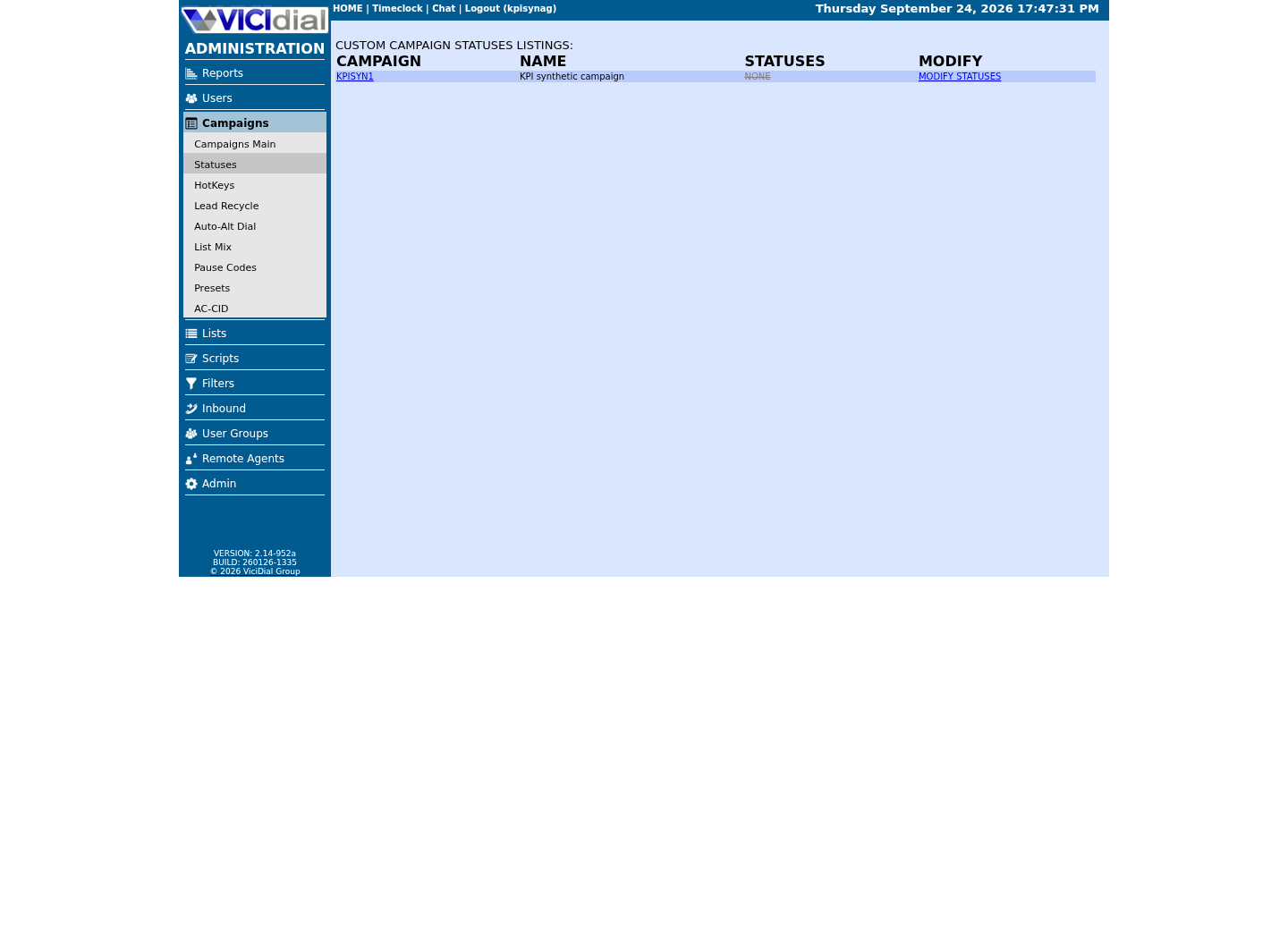
Captured on an isolated VICIdial demo: Administration screens on September 24, 2026, and the idle Agent screen on August 11, 2026. Each caption states its own capture time, and every sanitized image helps you recognize a related screen; none proves that this article's call, command, or result occurred.Start from Campaign Listings
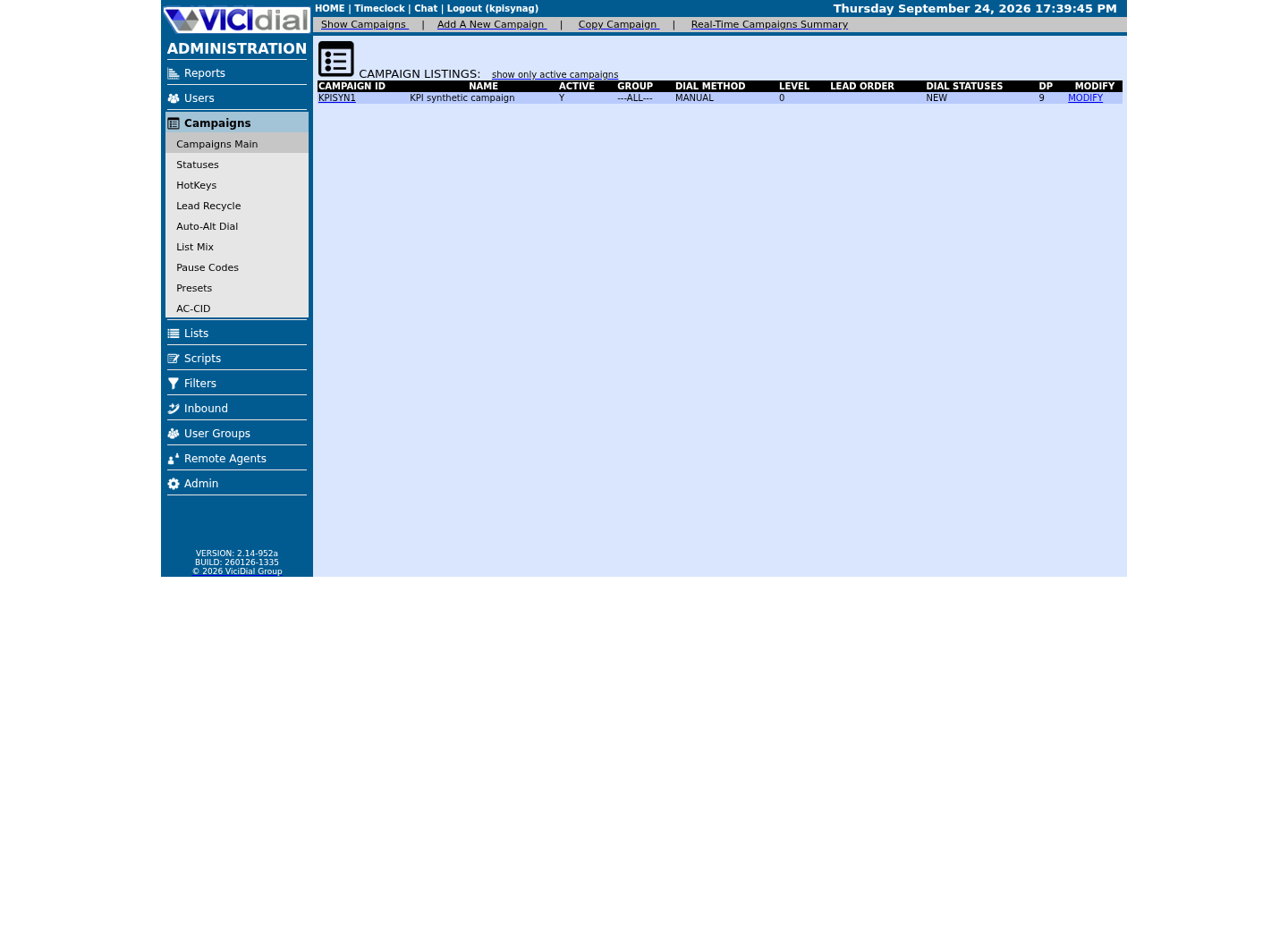
Open the campaign detail page
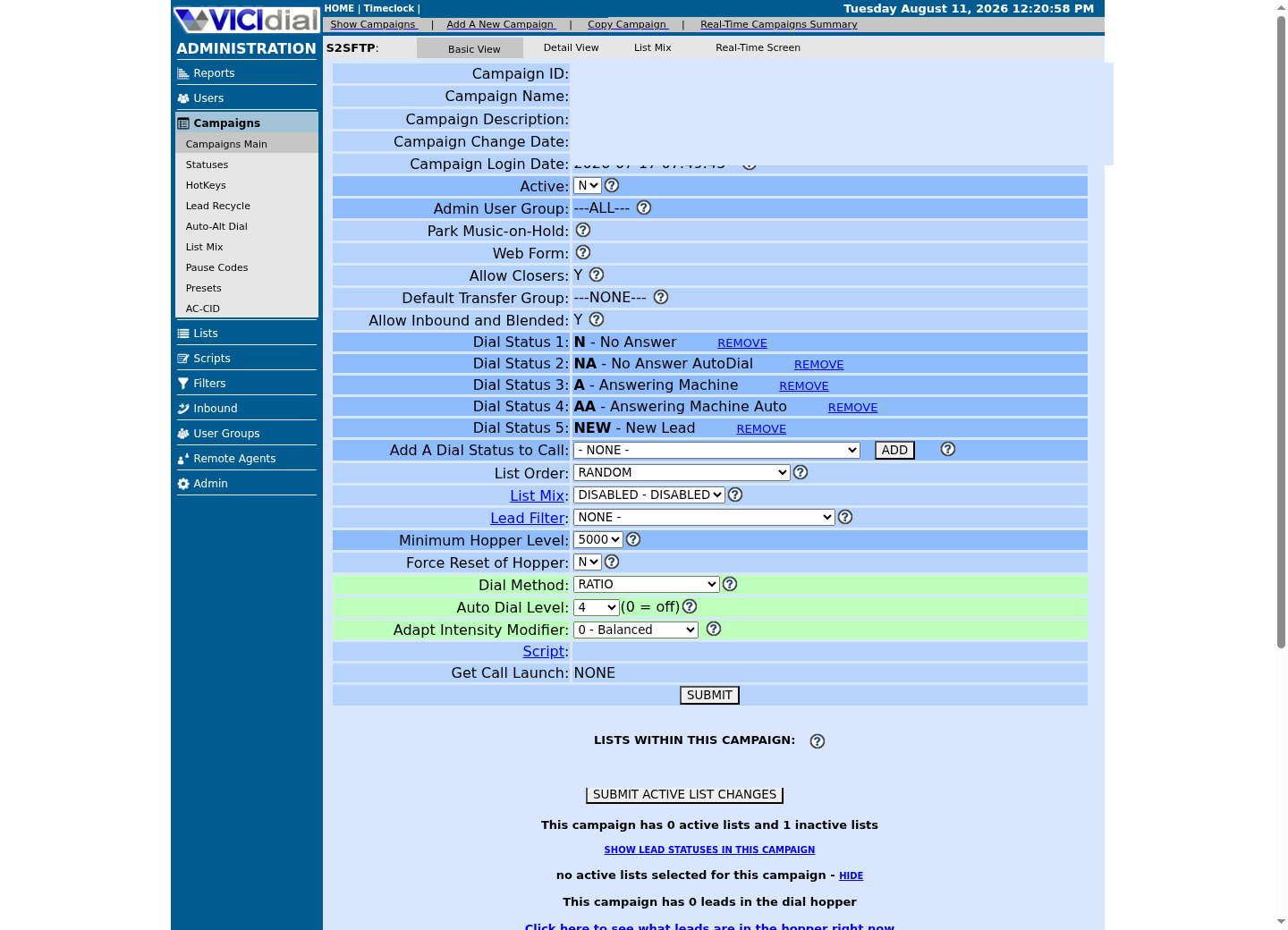
Review statuses allowed for dialing
02 / 09
Connect rate, answer rate, and drop rate are three different numbers
Connect rate is the share of dialed calls where a real human actually picked up and reached an agent; in VICIdial's own data model that is the human_answered flag on vicidial_statuses and vicidial_campaign_statuses, joined against the status recorded on vicidial_log. Answer rate is looser: it is the share of calls where the carrier reported an answer signal at all, human or machine, visible in vicidial_carrier_log as a non-zero answered_time. Drop rate is narrower still: the share of calls that reached DROP, meaning a human connected and then found nobody free to talk to. XDROP is a related status, but it is inbound-only and never appears in an outbound campaign's own log.
Do not average these across dates or campaigns that used different auto_dial_level or AMD settings. Averaging hides exactly the thing you are trying to find: which lever moved the number, and when.
If this campaign defines its own status overrides in vicidial_campaign_statuses, its human_answered value takes priority over the system default in vicidial_statuses for the same status code; check both tables rather than assuming the system default applies everywhere.
03 / 09
Step 1 — Measure your baseline from vicidial_log and vicidial_carrier_log
Run this before you change auto_dial_level, dial_method, or any AMD setting. It pulls total calls, human-answered calls, DROP calls, and AA/AM/AL machine calls for one campaign over a real trailing window, long enough that one bad shift or one slow carrier day does not skew it.
Use at least seven days. A single evening with a short-staffed shift or a carrier outage will make any one-day number look like a pacing or AMD problem when it was neither.
- Run the baseline query before changing dial level or AMD settings
- Use at least seven days so one bad shift does not skew the baseline
- Check vicidial_campaign_statuses for a campaign-specific human_answered override before trusting the join
SELECT vl.campaign_id, COUNT(*) AS total_calls, SUM(COALESCE(vcs.human_answered, vs.human_answered) = 'Y') AS human_answered_calls, SUM(vl.status = 'DROP') AS dropped_calls, SUM(vl.status IN ('AA','AM','AL')) AS machine_calls, ROUND(100 * SUM(COALESCE(vcs.human_answered, vs.human_answered) = 'Y') / COUNT(*), 2) AS connect_rate_percent, ROUND(100 * SUM(vl.status = 'DROP') / COUNT(*), 2) AS drop_rate_percentFROM vicidial_log vlLEFT JOIN vicidial_statuses vs ON vs.status = vl.statusLEFT JOIN vicidial_campaign_statuses vcs ON vcs.status = vl.status AND vcs.campaign_id = vl.campaign_idWHERE vl.campaign_id = '<CAMPAIGN_ID>' AND vl.call_date >= CURDATE() - INTERVAL 7 DAYGROUP BY vl.campaign_id;Captured demo response · 2026-09-24 22:25 UTC. The displayed command is the command that ran; a safe subset label means it was filtered, redacted, or fixture-scoped. Replays only after you select Replay transcript.
- Before you run it
- Point this at a read-only reporting account before changing dial_method, auto_dial_level, or any AMD setting; this is the number every later step gets compared against. The COALESCE prefers this campaign's own vicidial_campaign_statuses override and falls back to the system-wide vicidial_statuses default only when no override row exists.
- Success looks like
- One row returns with connect_rate_percent, drop_rate_percent, and a machine-call count you can trust as this campaign's real starting point.
- Stop if
- Zero rows means the campaign_id or date window is wrong; a connect_rate_percent that does not match what agents remember means a campaign-specific human_answered override in vicidial_campaign_statuses disagrees with the system default — the COALESCE already prefers it, so look there first.
04 / 09
How dial level and AMD interact to create or destroy connected calls
Dial level and AMD pull on the same number from opposite directions, and a falling connect rate can come from either one alone or both at once. Raising auto_dial_level above 1.0, the pacing control covered in VICIdial dialing modes and pacing: manual, ratio and adaptive, deliberately places more outbound calls than you have available agents to answer. The calls that connect and then wait too long become DROP: a human reached the line, and abandonment is what happened next.
AMD, answering-machine detection, works on the other side of the same funnel: it decides, in the first seconds of an answered call, whether to send that call to an agent or away from one. Tune it too aggressively, the exact risk covered in Tune AMD without burning good leads, and it can flag a real human greeting as AA (dialer-classified answering machine) and route it toward this campaign's am_message_exten, amd_send_to_vmx, or cpd_amd_action setting instead of an agent. That lead was answered by a person and still never became a connect, because your own campaign configuration sent it away before an agent heard it.
The two failures look identical in a daily total but leave different evidence. A dial-level drop shows up as DROP with a full ring-and-answer signal already logged in vicidial_carrier_log. An AMD misclassification shows up as AA, AM, or AL with a short answered_time and no DROP status at all. Query both before changing either setting.
05 / 09
Step 2 — Raise dial level in evidenced steps with a stop threshold
Change one lever at a time. Raise auto_dial_level in small increments while leaving every AMD setting untouched, and agree on a numeric stop threshold before the first increment, not after you see a bad number.
The procedure below reuses Step 1's own baseline query after every increment, so you are comparing the same three percentages against the same starting point each time, not eyeballing a report.
- Write the numeric stop threshold down before the first increment
- Change only auto_dial_level in this step, not any AMD setting
- Hold each new level for one full working shift before judging it
1. Run the Step 1 baseline query for the trailing 7 days and record connect_rate_percent, drop_rate_percent, and machine_rate_percent at the current auto_dial_level, before changing anything.2. Raise auto_dial_level by no more than 0.1, for example from 1.0 to 1.1, in Campaigns → Campaign Detail, and leave every AMD setting untouched this step.3. Hold the new level for one full working shift with agents actually logged in and working, not a short test window.4. Re-run the same baseline query for that shift only and compare all three percentages against the original baseline, not against each other.5. Continue to the next 0.1 increment only if connect_rate_percent held steady or improved and drop_rate_percent stayed under your agreed stop threshold.6. Stop immediately and return auto_dial_level to the last good value the moment drop_rate_percent crosses your stop threshold, for example 3 percent, or connect_rate_percent falls below its own baseline.This sample is a template or reading aid, not a terminal command. There is no output to show.
- Before you run it
- Use this only after Step 1's baseline query has run at least once and you and whoever owns your abandonment limits have agreed a numeric stop threshold.
- Success looks like
- Each 0.1 increment is followed by a full shift of real traffic and a fresh Step 1 query before the next increment is even considered.
- Stop if
- You raise the dial level again before remeasuring the previous step, or connect_rate_percent falls even while drop_rate_percent looks fine; either one means stop and return to the last evidenced level.
06 / 09
How AMD misclassification burns good leads
A campaign's am_message_exten, amd_send_to_vmx, and cpd_amd_action settings, verified vicidial_campaigns columns, decide where a call goes the instant AMD, or the CPD/Khomp equivalent selected in amd_type, decides machine. None of them ask an agent first, so a misclassified human never reaches one.
A (agent-defined answering machine) and AA (dialer-defined answering machine) are not the same evidence. A means a human agent listened and decided it was a machine; that is a confirmed machine. AA means AMD decided before any agent heard the call; that is AMD's opinion, not a confirmed outcome. A rising AA share is not proof that more machines answered your calls, it can just as easily be proof that AMD got more aggressive.
The only honest way to tell those apart is to compare AA's own trend against its own history around the exact date any AMD threshold changed. Whether a misclassified lead ever gets tried again depends on this campaign's dial_statuses and auto_alt_dial_statuses settings; if AA is not among the statuses those columns keep eligible for another attempt, a misclassified human becomes a lead you will never call again.
- Confirm the exact date of any AMD threshold or amd_type change before reading this trend
- Treat AA as AMD's classification, not confirmed proof of a machine
SELECT DATE(call_date) AS call_day, COUNT(*) AS total_calls, SUM(status = 'AA') AS dialer_machine_calls, SUM(status = 'A') AS agent_confirmed_machine_calls, ROUND(100 * SUM(status = 'AA') / COUNT(*), 2) AS machine_rate_percentFROM vicidial_logWHERE campaign_id = '<CAMPAIGN_ID>' AND call_date >= CURDATE() - INTERVAL 14 DAYGROUP BY call_dayORDER BY call_day;Captured demo response · 2026-09-24 22:25 UTC. The displayed command is the command that ran; a safe subset label means it was filtered, redacted, or fixture-scoped. Replays only after you select Replay transcript.
- Before you run it
- Run this over at least two weeks so you can see whether machine_rate_percent stepped up sharply on the exact day any AMD setting or amd_type changed.
- Success looks like
- The daily trend is flat, or any step change lines up with a documented AMD or amd_type edit you already knew about. On our ViciBox 12 lab the fixture campaign has placed no calls in the window, so this query prints no rows at all here — zero rows means no calls in the window, not a flat trend to read anything into.
- Stop if
- machine_rate_percent jumps on a day with no recorded AMD change; treat that as an unexplained shift and investigate the carrier or codec before assuming more people started using answering machines. That jump needs daily rows to exist before it can show up, so an empty result like our idle lab fixture's is not this failure either — it is simply nothing dialed yet.
07 / 09
Step 3 — What to change first when connect rate is low
Check drop_rate_percent from Step 1 first. If DROP is the dominant loss, calls are connecting and then stranding, and the fix is dial level: hold or lower auto_dial_level using Step 2's procedure before you touch any AMD setting at all.
If drop rate is flat and low but machine_rate_percent moved recently, check whether an AMD setting or amd_type changed on or near that date. Reverse that AMD change first, the rollback path covered in Tune AMD without burning good leads, remeasure, and only then decide whether a different threshold is worth testing.
Never change auto_dial_level and an AMD setting in the same week if you actually want to know which one moved your numbers. The comparison below makes that visible instead of guessed.
- Check drop_rate_percent before machine_rate_percent, since dial level is the more direct lever
- Confirm the exact date of the last dial-level or AMD change before reading either trend
- Change one lever per week, never both, while you are still isolating the cause
#!/usr/bin/env bashset -euo pipefail mysql --defaults-extra-file=/etc/vicidial-readonly.cnf -e "SELECT IF(call_date >= CURDATE() - INTERVAL 7 DAY, 'this_week', 'last_week') AS period, COUNT(*) AS total_calls, SUM(status = 'DROP') AS dropped_calls, SUM(status = 'AA') AS machine_calls, ROUND(100 * SUM(status = 'DROP') / COUNT(*), 2) AS drop_rate_percent, ROUND(100 * SUM(status = 'AA') / COUNT(*), 2) AS machine_rate_percent FROM vicidial_log WHERE campaign_id = '<CAMPAIGN_ID>' AND call_date >= CURDATE() - INTERVAL 14 DAY GROUP BY period;" Captured demo response · 2026-09-24 22:25 UTC. The displayed command is the command that ran; a safe subset label means it was filtered, redacted, or fixture-scoped. Replays only after you select Replay transcript.
- Before you run it
- Run this before deciding whether to touch dial level or AMD; it puts both weeks side by side instead of relying on memory of last week's numbers.
- Success looks like
- Two rows return, this_week and last_week, once the campaign has placed calls in both windows, and the percentages make it clear which metric actually moved. On our ViciBox 12 lab the fixture campaign has no calls in either window, so this capture prints no rows at all — an empty result means no calls landed in either window yet, not a broken query.
- Stop if
- The command errors on authentication: the read-only defaults file is missing, unreadable, or points at the wrong account; fix the file permissions and credentials before assuming the campaign itself changed.
08 / 09
Weekly metrics to watch
Recheck the same five numbers every week, against your own trailing history, not against a number from somewhere else. There is no universal good connect rate to aim for; there is only whether your own baseline improved or got worse after your last change.
- connect_rate_percent (human_answered share) versus last week, same campaign
- drop_rate_percent (DROP share) versus last week
- machine_rate_percent (AA share) versus last week, flagged against any AMD change date
- average answered_time from vicidial_carrier_log, to separate a carrier-side answer-speed change from a campaign-side one
- campaign_changedate, so every week you can see exactly what changed and when
09 / 09
Troubleshoot, rollback, and know when to stop
Troubleshooting starts with Step 1's own query, rerun immediately, not at the end of the week. A connect rate that fell right after a dial-level change points at drop_rate_percent first; a connect rate that fell a few days after an AMD or amd_type change points at machine_rate_percent first.
Rollback for dial level is simple: Campaigns → Campaign Detail, set auto_dial_level back to the last evidenced value, save, and confirm with a read-only query. Rollback for AMD is exactly the restoration path in Tune AMD without burning good leads: restore the prior AMD arguments or threshold, then remeasure machine_rate_percent to confirm it returns to its earlier trend.
Stop the moment drop_rate_percent crosses the threshold you agreed in Step 2, or machine_rate_percent shows a step change that lines up with an AMD edit and cannot be explained any other way. Confirm the rollback took effect before you consider it closed, the same way you confirmed the baseline in Step 1.
SELECT campaign_id, dial_method, auto_dial_level, amd_type, cpd_amd_action, campaign_changedateFROM vicidial_campaignsWHERE campaign_id = '<CAMPAIGN_ID>';Captured demo response · 2026-09-24 22:25 UTC. The displayed command is the command that ran; a safe subset label means it was filtered, redacted, or fixture-scoped. Replays only after you select Replay transcript.
- Before you run it
- Run this immediately after reverting either auto_dial_level or an AMD setting, while the incident is still fresh.
- Success looks like
- The values shown match the last evidenced configuration, and campaign_changedate shows a timestamp at or after the moment you saved the rollback in Admin. On our ViciBox 12 lab the fixture campaign has never been saved through Admin at all, so campaign_changedate reads NULL here — this idle fixture's baseline, not a completed rollback.
- Stop if
- A value still shows the changed setting; the Admin save did not take effect, so reopen Campaign Detail, confirm the correct campaign, and save again. A NULL campaign_changedate after you believe you saved a rollback is the same signal in disguise: this row was never actually written through Admin, so treat it exactly like a save that did not take effect.
Evidence ledger
Verification basis
- dial_method, auto_dial_level, and available_only_ratio_tally are verified vicidial_campaigns columns confirmed in a working RATIO 1.0 campaign.
- human_answered and answering_machine are verified columns on vicidial_statuses and vicidial_campaign_statuses, the same flags VICIdial itself uses to classify a completed call.
- DROP, A, AA, AM, and AL are official VICIdial statuses recorded on the call log, not agent opinions or invented labels. XDROP is inbound-only and never appears in this article's all-outbound queries.
- vicidial_carrier_log records dial_time and answered_time per call, the verified columns behind any carrier-side answer-speed comparison.
- am_message_exten, amd_send_to_vmx, and cpd_amd_action are verified vicidial_campaigns columns that decide where an AMD-flagged call goes before any agent hears it.
Primary references
Sources
- VICIdial statuses reference (DROP, AM, AA, and related codes)VICIdial · accessed August 5, 2026
- VICIdial Wiki documentationVICIdial Wiki · accessed August 5, 2026