Reader setup
Before you evaluate
- Read access to Campaigns and Admin → Carriers, plus the read-only database account from Create a read-only database account for safe VICIdial queries, since one sample below queries vicidial_campaigns and phones' schema directly
- Familiarity with how a campaign's dial prefix and caller ID reach a carrier, covered in “Connect your first SIP carrier so calls can leave the server”
- A named contact at your carrier who can confirm, in writing, how that trunk handles a 911 call today
- Expected result
- You will have a checklist for asking the provider how this installation routes emergency calls and conveys location; the checks do not establish the result until the actual path is verified.
- Before making changes
- This article is technical guidance, not legal advice. If any agent could be working from a location in the United States, confirm current Kari's Law and RAY BAUM'S Act obligations with qualified counsel before relying on anything here. Never place a live call to 911 to check how it routes — coordinate any verification with your carrier and use a test number they provide, never the emergency number itself.
Start by checking the actual emergency-calling path
List the locations from which agents place calls and ask the carrier how emergency calls and location information are handled at each. Record the carrier’s answer and test procedure before relying on the service.
A search for selected emergency-calling terms did not establish how every VICIdial installation handles a call. The Asterisk dialplan, carrier routing, caller identity and any location service can differ by installation. Do not assume either that a feature is absent or that a number will reach emergency services.
New to campaigns, carriers or trunks? “VICIdial terminology for complete beginners: users, phones, campaigns and leads” explains these terms.
The sections below show the limits of source searches and read-only checks, then list questions for your provider and counsel. None of the examples places an emergency call or proves the destination or location delivered.
Reference screenshots 3 images
Reference capture
Reference screens from the demo
Captured on an isolated VICIdial demo: Administration screens on September 24, 2026, and the idle Agent screen on August 11, 2026. Each caption states its own capture time, and every sanitized image helps you recognize a related screen; none proves that this article's call, command, or result occurred.Find carrier administration
Open to enlarge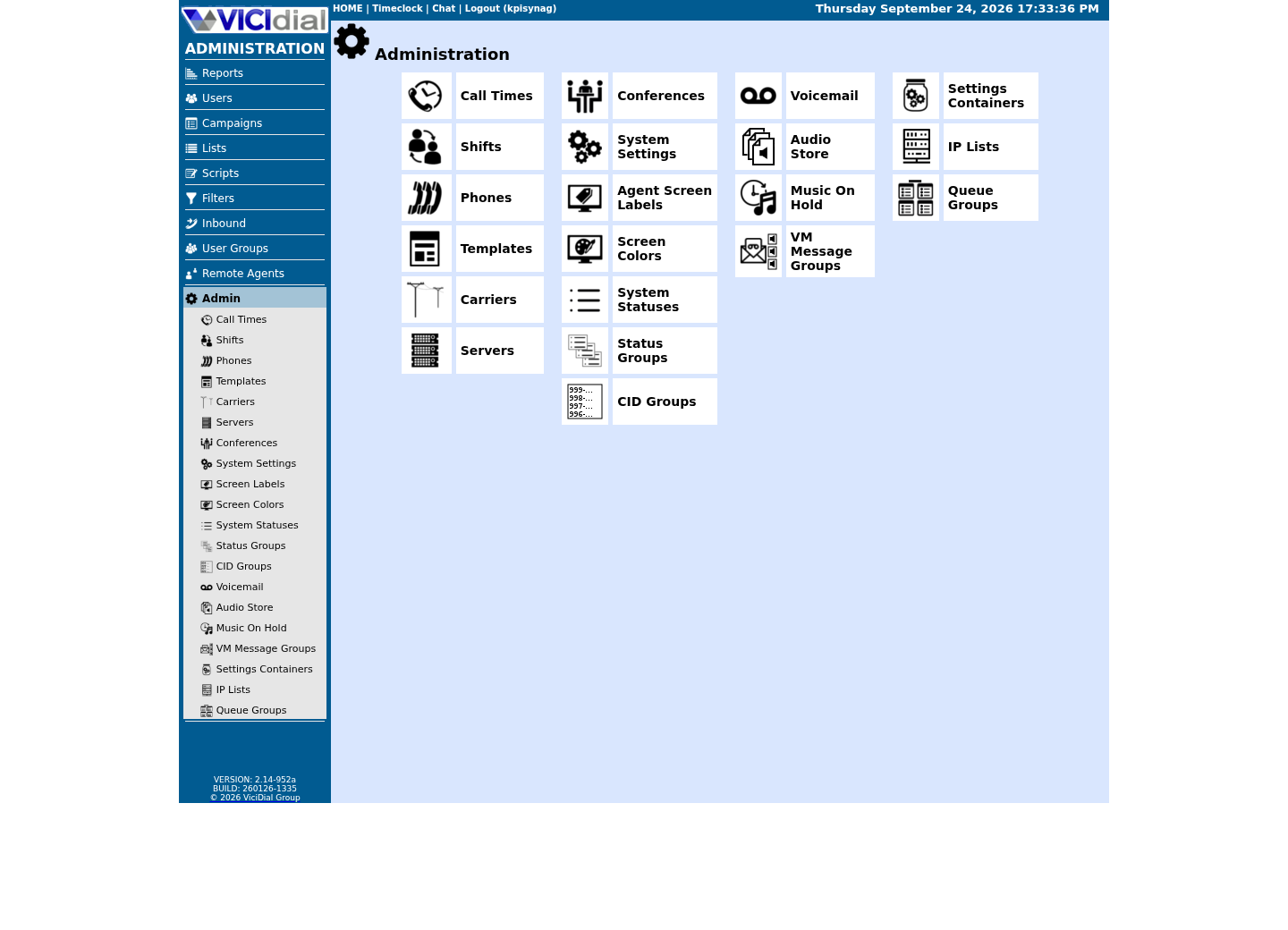
Capture details
This menu is a navigation map only; it does not show that any system-wide setting was changed or verified.Open Carrier Listings
Open to enlarge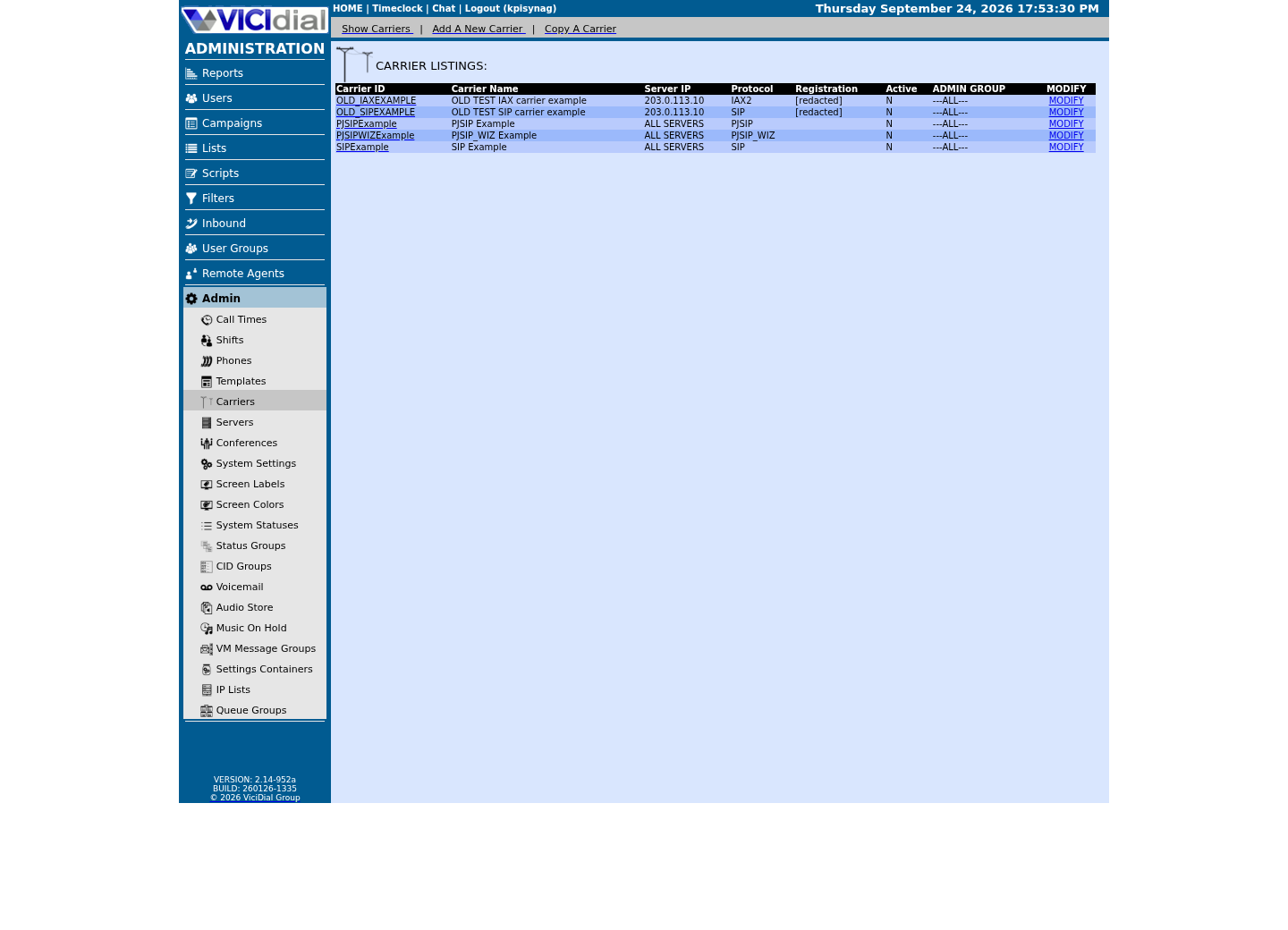
Capture details
Only stock example carrier rows are shown, with addresses replaced and registration values redacted; no real carrier is present. This does not prove registration, routing, audio quality, or a completed call.Check the allowed SIP-stack setting
Open to enlarge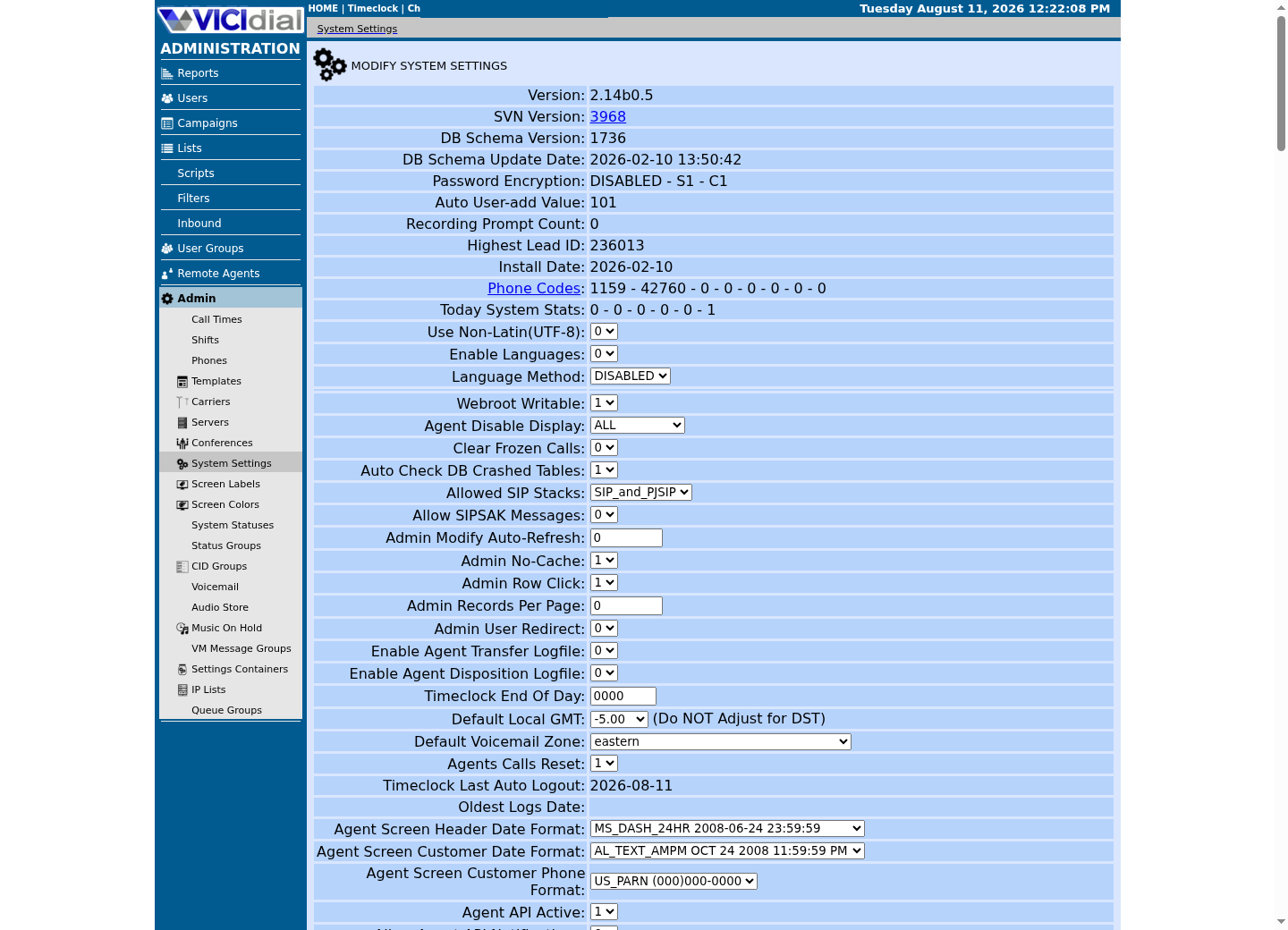
Capture details
This is a read-only view of system-wide settings with no credentials or addresses; it does not prove that a setting was changed or that an API request succeeded.What a full search of the VICIdial corpus for 911 handling actually found
The reviewed schema, installer and documentation did not return matches for the selected words e911 and dispatchable. This search does not establish the absence of all emergency-related code or external services.
A text match can appear in an unrelated file, and a missing match can reflect different names or locations. Read matching code and configuration in context; check the installed dialplan and carrier separately.
The inspected emergency-labeled administration features concerned agent-session recovery. They do not establish how an emergency call is routed.
- Before you use it
- This read-only example searches selected paths for two words. Adjust paths to the installation; it does not search every possible integration or prove how calls route.
grep -rIn -w -e 'e911' -e 'dispatchable' /etc/asterisk /usr/share/astguiclient /srv/www/htdocs 2>/dev/nullThis example has no recorded result here. Follow its preparation, expected result and stop conditions before using it.
- Success looks like
- Matches identify lines to inspect. No matches mean only that those words were not found in the readable searched files.
- Stop if
- Missing directories, restricted access or other wording can hide relevant configuration. Check the actual installed paths and provider configuration.
Where a dialed 911 call actually goes
A call’s route depends on the actual dialplan, selected campaign and station, carrier configuration and any custom or external emergency-calling integration. Inspect the installed path and obtain the carrier’s written description instead of assuming a particular context or carrier.
Campaign settings can include campaign_cid and dial_prefix. Their values are useful starting points, but a carrier or another dialplan rule may change the final identity or route.
The inspected phones table has fields for extension and context. A limited column-name search cannot prove that an external service, custom integration or another configuration has no location information.
- Before you use it
- Use the approved sudo context from Create a read-only database account for safe VICIdial queries: its client file is root-owned 0600. First run sudo mysql --defaults-file=/etc/vicidial-readonly.cnf -e "SELECT CURRENT_USER(), DATABASE();" and confirm the SELECT-only identity and actual database. Replace the synthetic campaign ID; these selected settings do not establish an emergency route or delivered location.
sudo mysql --defaults-file=/etc/vicidial-readonly.cnf --execute="SELECT campaign_id, campaign_name, campaign_cid, dial_prefix FROM vicidial_campaigns WHERE campaign_id = '<CAMPAIGN_ID>';" sudo mysql --defaults-file=/etc/vicidial-readonly.cnf --execute="SHOW COLUMNS FROM phones LIKE '%address%'; SHOW COLUMNS FROM phones LIKE '%location%';"This example has no recorded result here. Follow its preparation, expected result and stop conditions before using it.
- Success looks like
- The first query shows stored campaign fields; the second lists phone columns matching the two patterns, if any. Neither proves what the carrier receives.
- Stop if
- If a query fails, check account permissions, database selection and the installed schema. Do not infer emergency-call handling from an empty result.
Document the provider’s emergency-calling arrangement
List every location and calling device, including remote workstations. Identify which provider and route the actual installation uses for each.
Ask the carrier how direct emergency dialing, notification and location information work for each device and location. Record the answers and the procedure for updating a moved station.
Ask qualified counsel which obligations apply before altering emergency access. An alternative phone or an internal policy does not by itself establish that blocking emergency dialing is permitted.
Document how people can reach emergency services during an outage and how they will be informed of any limitation. Verify these arrangements with the provider and counsel.
- Before you use it
- Complete this worksheet with the provider’s written answers and counsel’s review; do not test by dialing 911.
For each device or work location, record: calling route and emergency-service provider provider-confirmed emergency dialing behavior location information and update procedure notification behavior and applicable requirements provider-approved verification procedure outage and alternative-access instructionsThis sample is a template or reading aid, not a terminal command. There is no output to show.
- Success looks like
- Each location has a documented route, location-update procedure and provider-approved verification method.
- Stop if
- If the route, location or update process is unknown, do not assume it works; obtain an answer from the provider before relying on it.
Remote and hybrid agents make dispatchable location harder, not easier
A softphone or a WebRTC agent registers from wherever it happens to be plugged in or logged in that day, and a carrier that accepts a registered location for an endpoint can only know the location it was actually given at registration time, not where the person using it is currently sitting.
An agent working from a home office today and a different address next month, or a hybrid worker alternating between an office desk and a laptop on a kitchen table, changes the true physical location far more often than most operators update anything in a carrier's records. A location entered once, correctly, at initial setup and never revisited afterward is not a dispatchable location by the time it matters; it is a stale one.
When a user moves, ask the provider how to update and verify that device’s emergency location, and document any limitations before relying on the service at the new location.
The regulatory backdrop: Kari's Law and RAY BAUM'S Act (United States only)
U.S. requirements depend on the system, participants, device and installation date. The FCC order linked below discusses direct dialing, notifications and location; consult its current rules and qualified counsel for your installation.
The FCC order describes direct 911 dialing and notification requirements for covered multi-line telephone systems. Whether and how they apply depends on the installation and the applicable rules.
The order describes dispatchable location and different treatment for fixed, non-fixed and off-premises devices. It includes feasibility conditions for some situations; do not assume one location method applies to every device.
Other jurisdictions can have different rules. Ask qualified counsel and your emergency-service provider to assess the actual deployment and any subsequent changes.
- Check whether direct dialing and notification requirements apply to this installation.
- Ask how location is conveyed for fixed, non-fixed and remote devices.
- Review current FCC rules and implementation dates with qualified counsel.
- Document the provider’s test procedure; do not place a live emergency call for a routine test.
Verify with your carrier, never with a live call
Read the relevant dialplan and ask the provider how the actual path handles emergency calls and location. Neither a text search nor the read-only commands below prove end-to-end behavior.
Identify the context and dialed digits actually used by the station or campaign, then inspect the matching dialplan. A result for one example context does not establish the path used by every station.
Ask the provider which route and location apply to each device and request its designated non-emergency test procedure. Do not dial 911 as a routine test.
- Before you use it
- This read-only example inspects the default context only. First identify the context actually used by the test station; output can expose configuration details.
asterisk -rx 'dialplan show 911@default'This example has no recorded result here. Follow its preparation, expected result and stop conditions before using it.
- Success looks like
- Asterisk displays matching dialplan information or reports no match in the specified context. Either result needs further interpretation against the actual call path.
- Stop if
- No match in this context does not prove the call is blocked, falls through, or reaches a carrier. Inspect the actual context and ask the provider.
Checks and sources
What was checked
- A search for selected terms in the schema, installer and documentation did not identify a dedicated E911 or dispatchable-location feature; that search alone cannot rule out other code or integrations.
- No emergency call or carrier location-delivery test was performed for this article.
- Some emergency-labeled administration features concern agent recovery; their presence does not establish emergency-calling behavior.
- The inspected phones schema contained ext_context, phone_context, server_ip and local_gmt fields. It does not establish which external location service a deployment uses.
- The inspected campaigns schema included campaign_cid and dial_prefix; these values alone cannot establish the final dialed route, caller ID or location delivered.
- The FCC order linked below was consulted on November 3, 2026; its application depends on the deployment and current rules.
Primary references
Sources
- FCC order on multi-line telephone system emergency callingFederal Communications Commission · accessed November 3, 2026
- Multi-line Telephone Systems – Kari’s Law and RAY BAUM’S Act 911 RequirementsFederal Communications Commission · accessed blocked (HTTP 403), August 5, 2026; reconfirmed blocked, September 24, 2026
- Kari's Law and RAY BAUM's Act911.gov (U.S. Department of Transportation) · accessed blocked (HTTP 403), August 5, 2026; reconfirmed blocked, September 24, 2026
- Implementing Kari's Law and RAY BAUM'S Act; Inquiry Concerning 911 Access, Routing, and Location in Enterprise Communications SystemsFederal Register · accessed blocked (HTTP 403), August 5, 2026; inconsistent on recheck — resolves with a full browser user agent (confirmed again September 24, 2026) but diverts an automated fetch to a bot-verification page; confirm by hand before citing as directly read
- PJSIP support (official VICIdial documentation)VICIdial.org · accessed August 5, 2026
- VICIdial wikiVICIdial Wiki · accessed August 5, 2026