Reader setup
Before you evaluate
- A permitted traffic sample or approved load-test plan with fixed campaign, time window and destination class.
- The account’s actual configured termination CPS/concurrency limits and relevant business-profile restrictions.
- Read-only access to the intended Asterisk/network observations; use Create a read-only database account for safe VICIdial queries for optional SQL.
- Expected result
- A completed capacity worksheet identifying a demonstrated limit, an inconclusive boundary or a specific next measurement.
- Before making changes
- Do not increase dialing or widen a firewall based on this article’s fictional figures. Agree a stop condition and owner before any load test.
A limit must be measured in its own unit
CPS counts new attempts per second; concurrent calls count overlapping calls; Asterisk channels and media allocations are different objects again. Compare each observation with a limit expressed in the same unit and time scope.
The useful answer is the first demonstrated constraint for this workload. It may be the account, a destination, an application worker, media handling, CPU or network. A low monthly average cannot exclude a one-second burst.
You should seeYour worksheet names the workload and the interval before it names a bottleneck.
Reference screenshots 3 images
Reference capture
Reference screens from the demo
Captured on an isolated VICIdial demo: Administration screens on September 24, 2026, and the idle Agent screen on August 11, 2026. Each caption states its own capture time, and every sanitized image helps you recognize a related screen; none proves that this article's call, command, or result occurred.Find carrier administration
Open to enlarge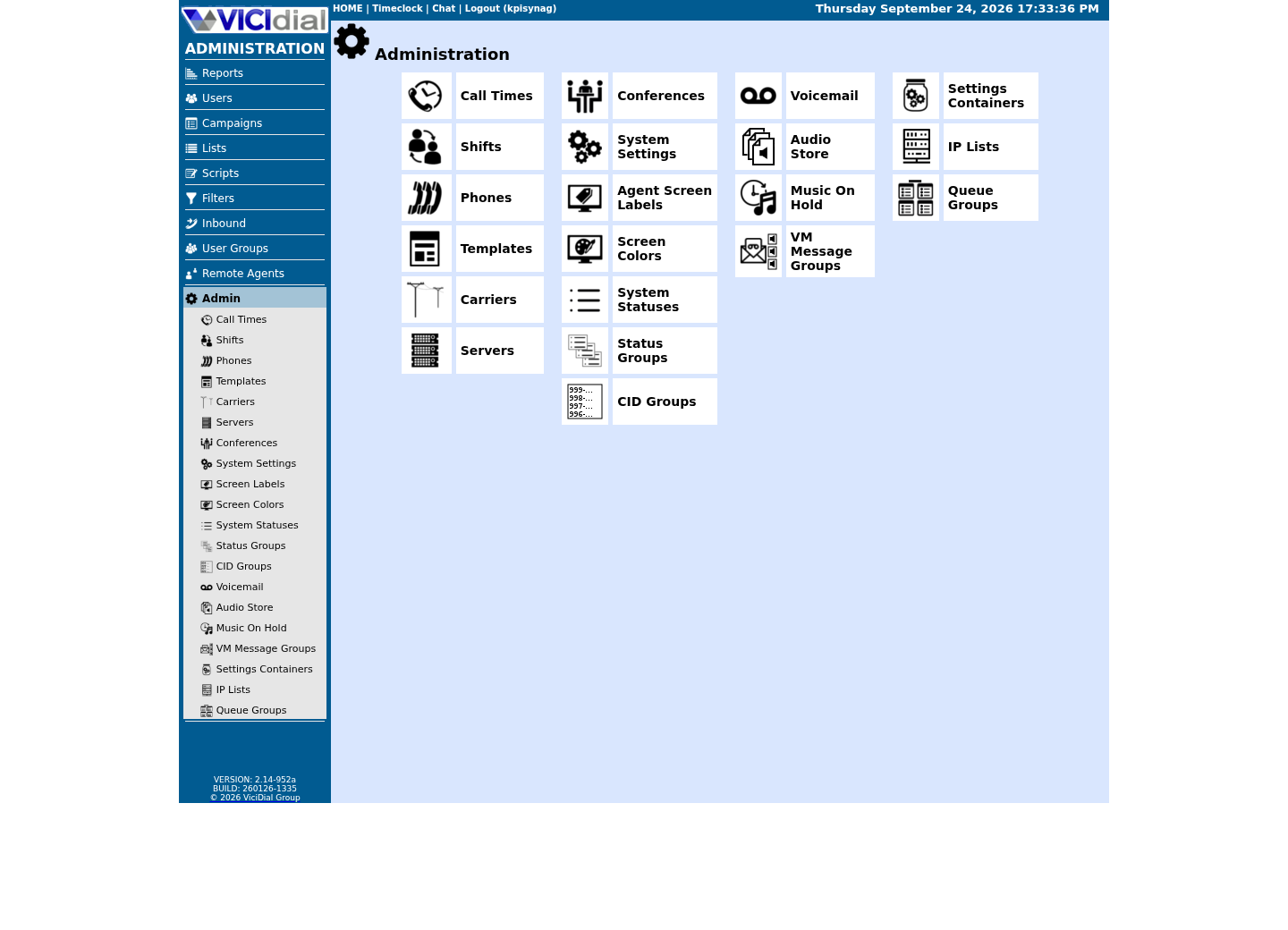
Capture details
This menu is a navigation map only; it does not show that any system-wide setting was changed or verified.Open Carrier Listings
Open to enlarge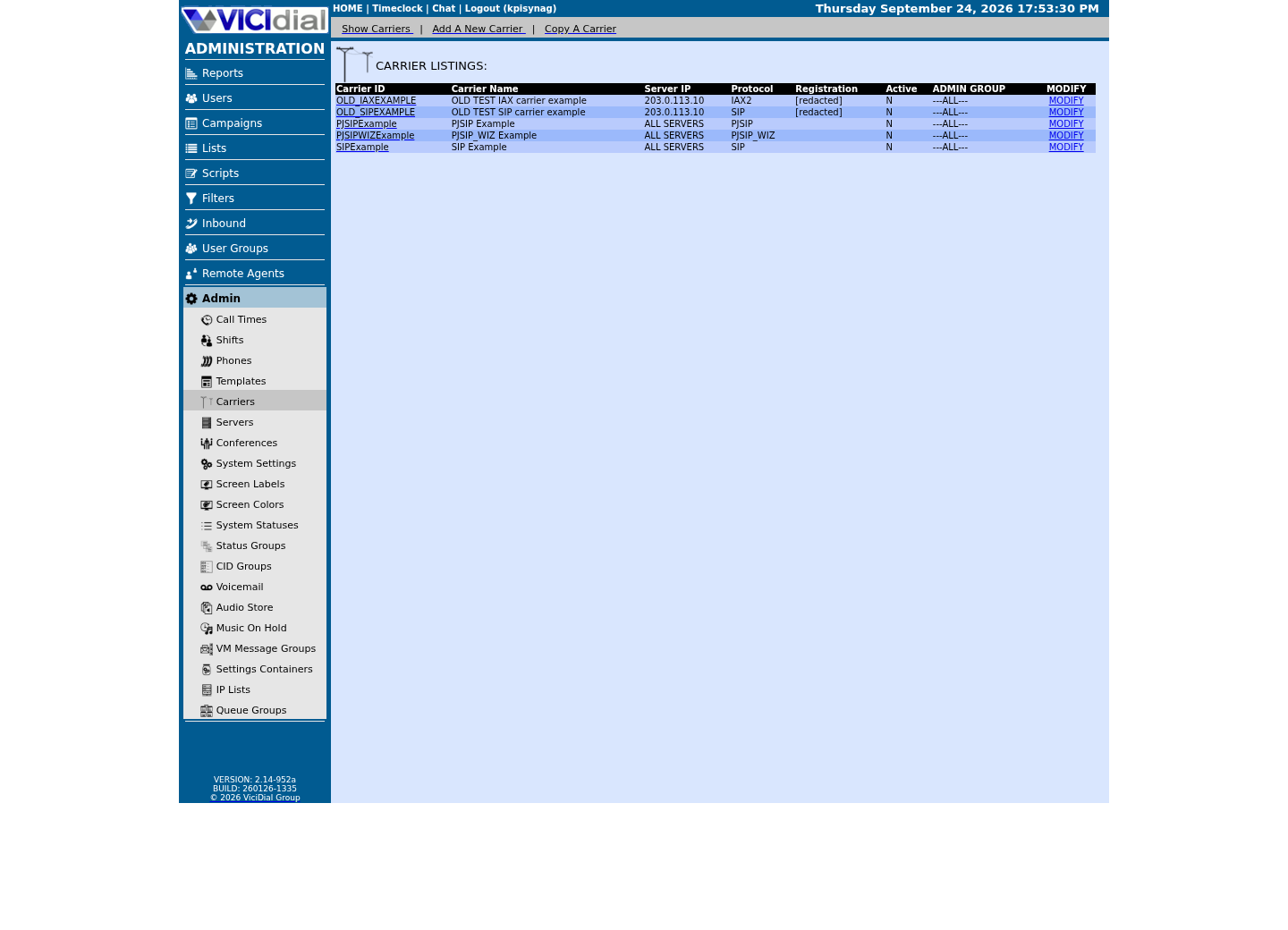
Capture details
Only stock example carrier rows are shown, with addresses replaced and registration values redacted; no real carrier is present. This does not prove registration, routing, audio quality, or a completed call.Check the allowed SIP-stack setting
Open to enlarge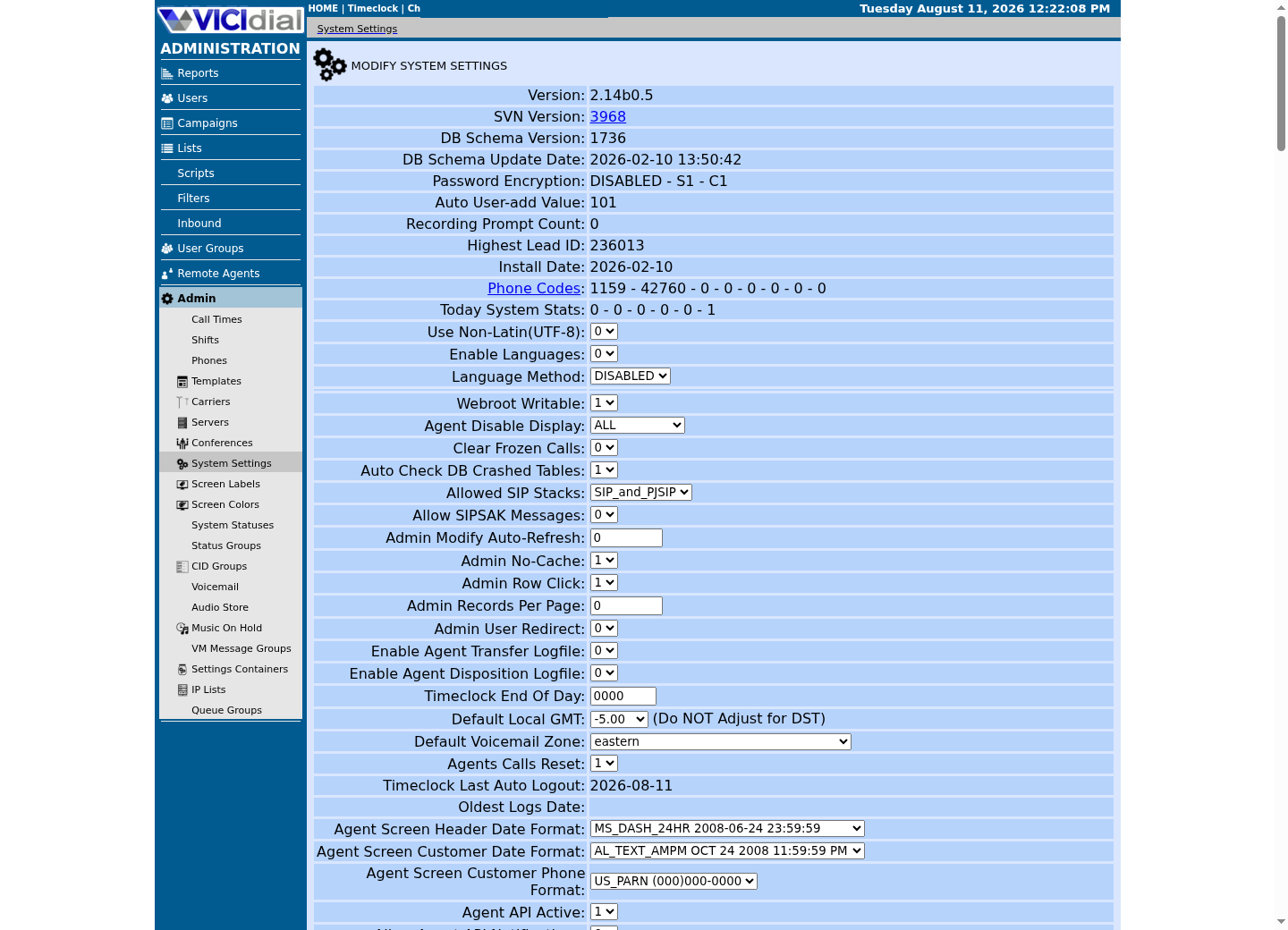
Capture details
This is a read-only view of system-wide settings with no credentials or addresses; it does not prove that a setting was changed or that an API request succeeded.Read the configured account limits, not an unlimited label
As checked November 6, 2026, Twilio documents an initial termination allowance of 1 CPS and Console increases up to 5 CPS. It describes origination CPS and concurrency as unlimited subject to carrier support, and flags concurrency/self-service restrictions for new accounts without an approved Business Profile. Read the actual account before planning traffic.
For any second provider, obtain the equivalent outbound account/profile limits and enabled destinations. Compare the same direction and account state. An inbound routing feature is not an outbound CPS allowance.
Sources for this section
- SIP Trunking scale and limitsTwilio · Checked November 6, 2026
Keep attempts, calls, channels and media separate
Count attempts in the provider’s relevant time buckets and measure overlapping call intervals separately. Retrying the same destination creates another attempt; it is not another person contacted. A call can use multiple local legs and may change its media topology during hold, transfer or recording.
Use actual allocation/traffic telemetry for media. Agent count multiplied by dial level is a planning input, not a count of active RTP streams. Keep rejected attempts and abandoned calls visible when interpreting throughput.
- Before you use it
- These are fictional values illustrating separate units, not a recommendation or a provider benchmark.
Account termination limit: 2 new attempts/secondObserved attempted calls in the busiest second: 4Observed overlapping calls: 52 of an approved limit of 80Observed allocated media sockets: 104 of a reviewed pool of 2000CPU and packet-loss checks: inside the agreed test thresholdsConclusion: this example exceeds the CPS limit; it does not demonstrate media exhaustion.This sample is a template or reading aid, not a terminal command. There is no output to show.
- Success looks like
- 4 exceeds 2 in the same one-second scope; 52/80 and 104/2000 describe separate observations.
- Stop if
- If the limit window, call overlap or allocation measure is unknown, mark that row inconclusive rather than invent a conversion.
Read the configured RTP range without calling it capacity
Inspect the selected RTP configuration and any includes on the actual media host. The following reads a file; it does not prove which values the running process loaded or how many sockets are occupied. Check the installed module/configuration and effective network policy separately.
If a hypothetical policy reserves two ports per stream, 101 available ports permit 50 complete reservations with one spare. That arithmetic assumes the policy; RTCP multiplexing, multiple legs and other media arrangements can change allocation. Do not divide a range and label the result simultaneous calls.
- Before you use it
- Authorized shell on the media host. This reads the named file only; no reload or firewall change.
if test -r /etc/asterisk/rtp.conf; then grep -nE '^[[:space:]]*(rtpstart|rtpend)[[:space:]]*=' /etc/asterisk/rtp.confelse printf '%s\n' 'Cannot read RTP configuration; ask its owner.' >&2fiThis example has no recorded result here. Follow its preparation, expected result and stop conditions before using it.
- Success looks like
- You can record the declared start/end values and their source. Verify includes and loaded configuration before using them operationally.
- Stop if
- No match, an include-only file or a permission error is incomplete evidence; do not assume defaults.
You should seeConfigured range, effective allowed range and observed allocation occupy three separate fields in the worksheet.
Complete the worked worksheet, then replace its evidence
Download the fictional example and blank worksheet. The example isolates a CPS mismatch while leaving other observations within explicitly fictional limits. Its next action is to lower the approved test attempt rate or seek a documented account change, then repeat the same workload.
For your workload, include both media directions, codec/transcoding, transfer/hold/recording behavior, CPU saturation and network loss. A test that omitted one of those behaviors cannot establish its capacity.
- Record the approved workload, sample interval, destination class and stop conditions.
- Fill every limit row with units and evidence date. Mark unmeasured rows Unknown.
- Compare synchronized observations with the limits; retain the first failed and unknown boundaries.
- Agree one bounded change and repeat the same test before widening the workload.
You should seeThe conclusion names a particular constraint and a repeatable next test, not an agent-count-to-stream assumption.
Use call outcomes to correlate, not to infer the resource
Retain response classes and per-interval attempt counts alongside overlapping calls, actual media allocations, CPU and network observations. Correlate their timestamps. A status distribution alone cannot tell whether a rejection came from a provider limit or a local resource.
The optional query below counts rows by VICIdial status in one campaign and a defined time interval. It is neither a live-human answer rate nor a statutory abandonment calculation.
- Before you use it
- Use the approved read-only database session from Create a read-only database account for safe VICIdial queries. Replace all placeholders, use the database/report timezone and the same half-open interval as your test.
SELECT status, COUNT(*) AS logged_rowsFROM vicidial_logWHERE campaign_id = '<CAMPAIGN_ID>' AND call_date >= '<START_LOCAL_TIME>' AND call_date < '<END_LOCAL_TIME>'GROUP BY statusORDER BY logged_rows DESC;This example has no recorded result here. Follow its preparation, expected result and stop conditions before using it.
- Success looks like
- Each row is a count of matching log records for one status; totals can be reconciled with the selected log population.
- Stop if
- An unknown timezone, duplicate attempt model or missing campaign makes the comparison incomplete. Do not label every logged row a person or connected conversation.
Decide what can change and what remains unproven
An account adjustment, a resource change and a workload change solve different problems. Choose only the one supported by the observation. Re-run answer, audio, hold/transfer, hangup and outcome reconciliation after a relevant change.
If the system did not reach an agreed workload or a needed metric was unavailable, record that limit of the exercise. A provider’s elasticity and a larger port range cannot substitute for this evidence.
You should seeThe team has a scoped capacity decision and the evidence needed to revisit it.
- The limiting row uses matching units and a measured interval.
- No unmeasured stream count or peak was inferred from agents, dial level or daily totals.
- The proposed change has an owner, stop condition and reversal plan.
Checks and sources
What was checked
- Twilio scale-and-limits documentation was reviewed November 6, 2026. Published defaults are not proof of this reader’s actual account entitlements.
- The worked numbers are original fictional teaching data; no provider load, media-capacity or production benchmark was executed. Port-pair arithmetic is a stated reservation model, not a measured Asterisk limit.
Primary references
Sources
- SIP Trunking scale and limitsTwilio · accessed November 6, 2026
- SIP Trunking IP addressesTwilio · accessed November 6, 2026
- VICIdial PJSIP SupportVICIdial · accessed November 6, 2026
- Asterisk RTP configuration sampleAsterisk · accessed November 6, 2026