Reader setup
Before you evaluate
Use this to set expectations, limits and implementation boundaries before changing anything.
- A running VICIdial install with report data, plus one defined business question
- A constrained report role
- A stated timezone
- What you will prove
- A governed report or wallboard specification.
- Safety boundary
- Do not expose report rows or assume source inventory means feature enablement.
Reader path
How to use this article
- Use it when: You are designing a change and want reliable limits before implementation.
- Expected result: Separate what is known, unknown, and unsafe before you execute.
- Start here: Use it as an evidence review before changing architecture, security, or reporting behavior.
Treat report inventory as scope, not a dashboard promise
Fast answer: VICIdial ships a large report menu across several families, including a VERM (VICIdial's report-module framework) analysis set — a useful map of installed code, not proof any one report is enabled, permitted, populated or right for your metric.
A wallboard is a display for operational decisions. Start every report or wallboard with the decision it supports, source tables, timezone, as-of time, permissions, current/archive boundary and refresh behavior. A real-time tile and a historical export should not be expected to reconcile without those definitions.
Terms are defined in vicidial-terminology-for-complete-beginners.
- Prerequisite: define one business decision, a constrained report role and a stated timezone.
- Non-goal: do not expose report rows or assume inventory equals enablement.
- Record revision, environment and report URL/function.
- Label live, delayed, historical and archive-inclusive views distinctly.
Visual walkthrough
Follow three real demo screens
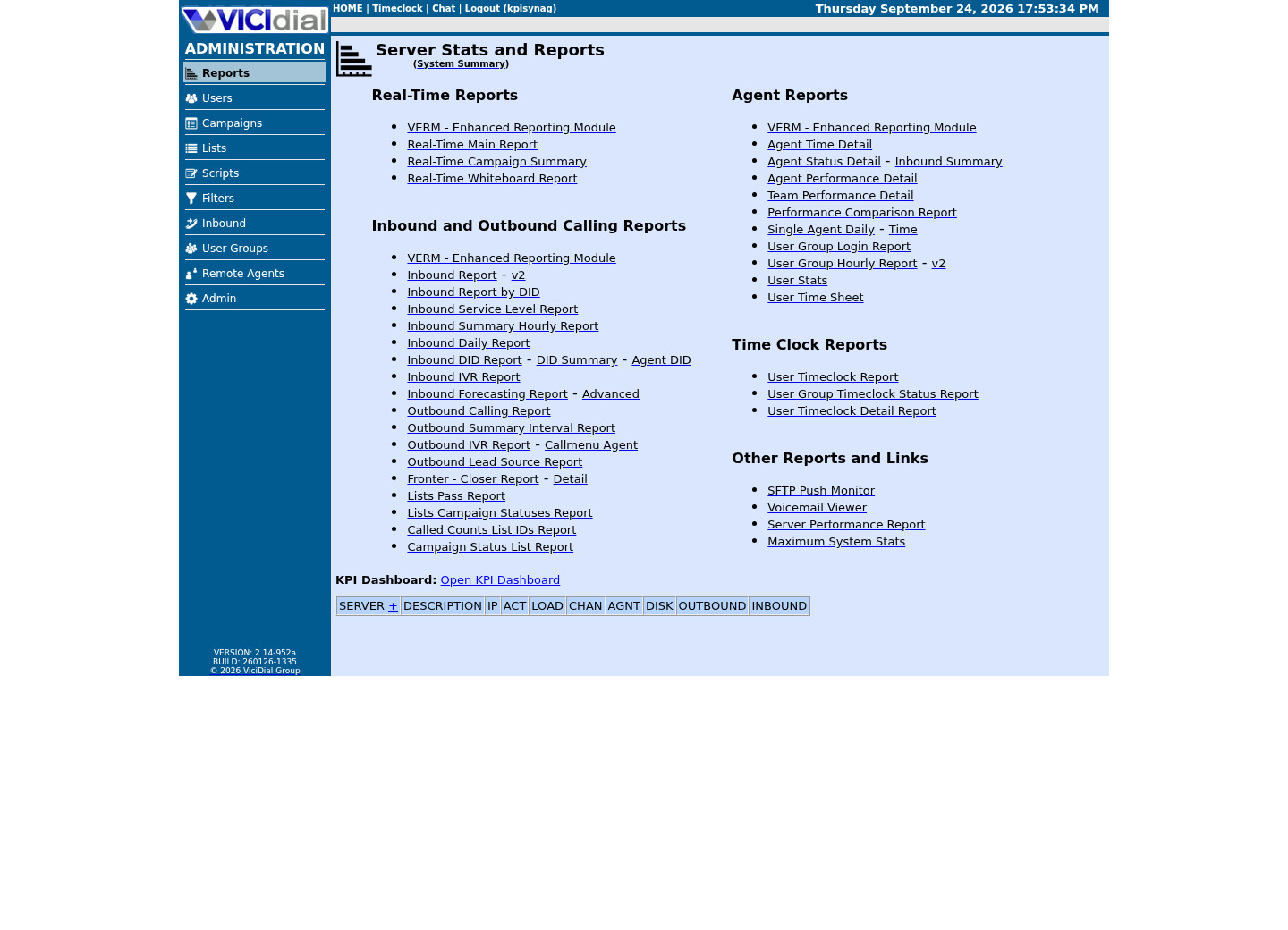
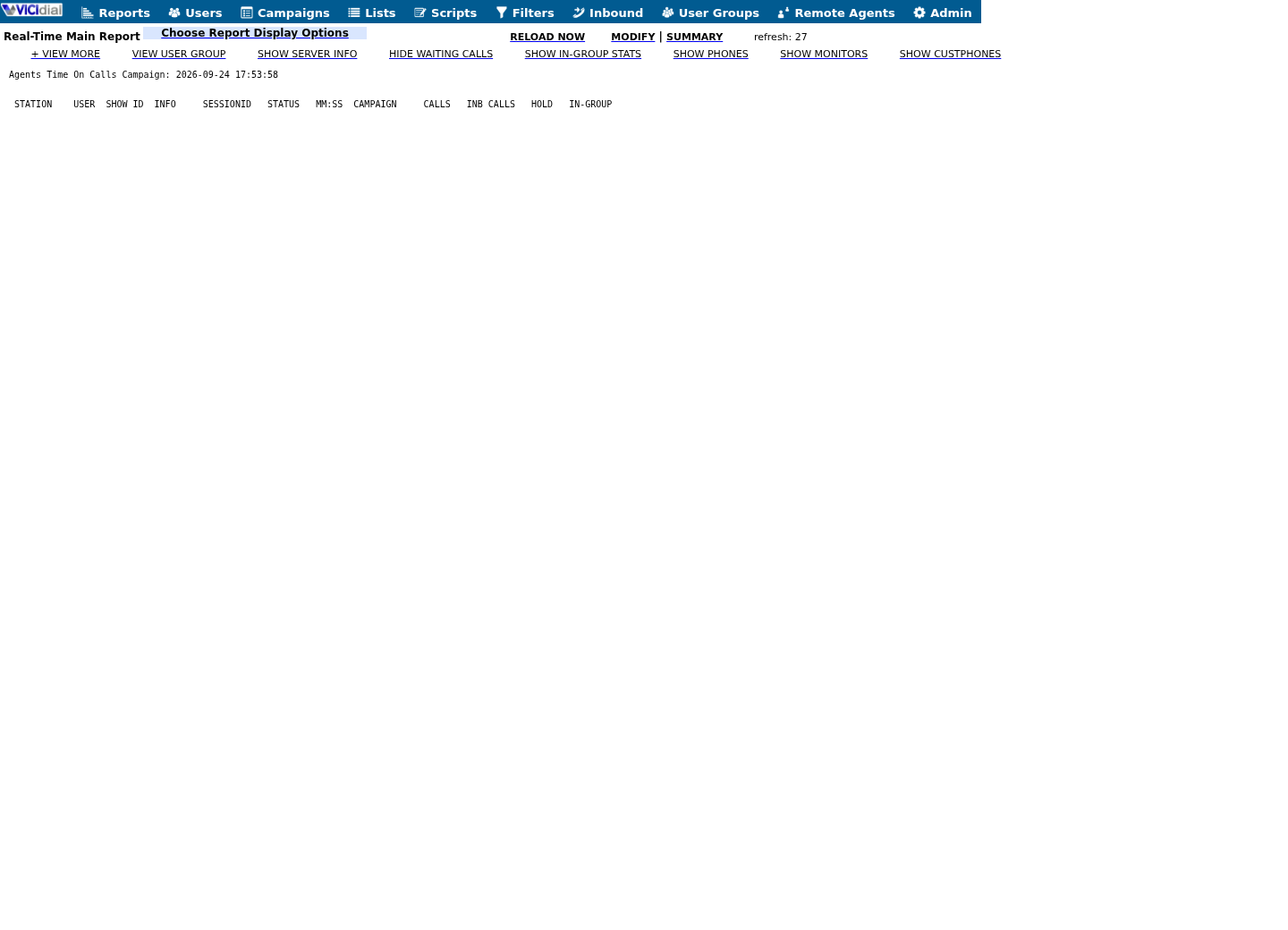
Captured on an isolated VICIdial demo: Administration screens on September 24, 2026, and the idle Agent screen on August 11, 2026. Each caption states its own capture time, and every sanitized image helps you recognize a related screen; none proves that this article's call, command, or result occurred.Treat home-page counts as orientation
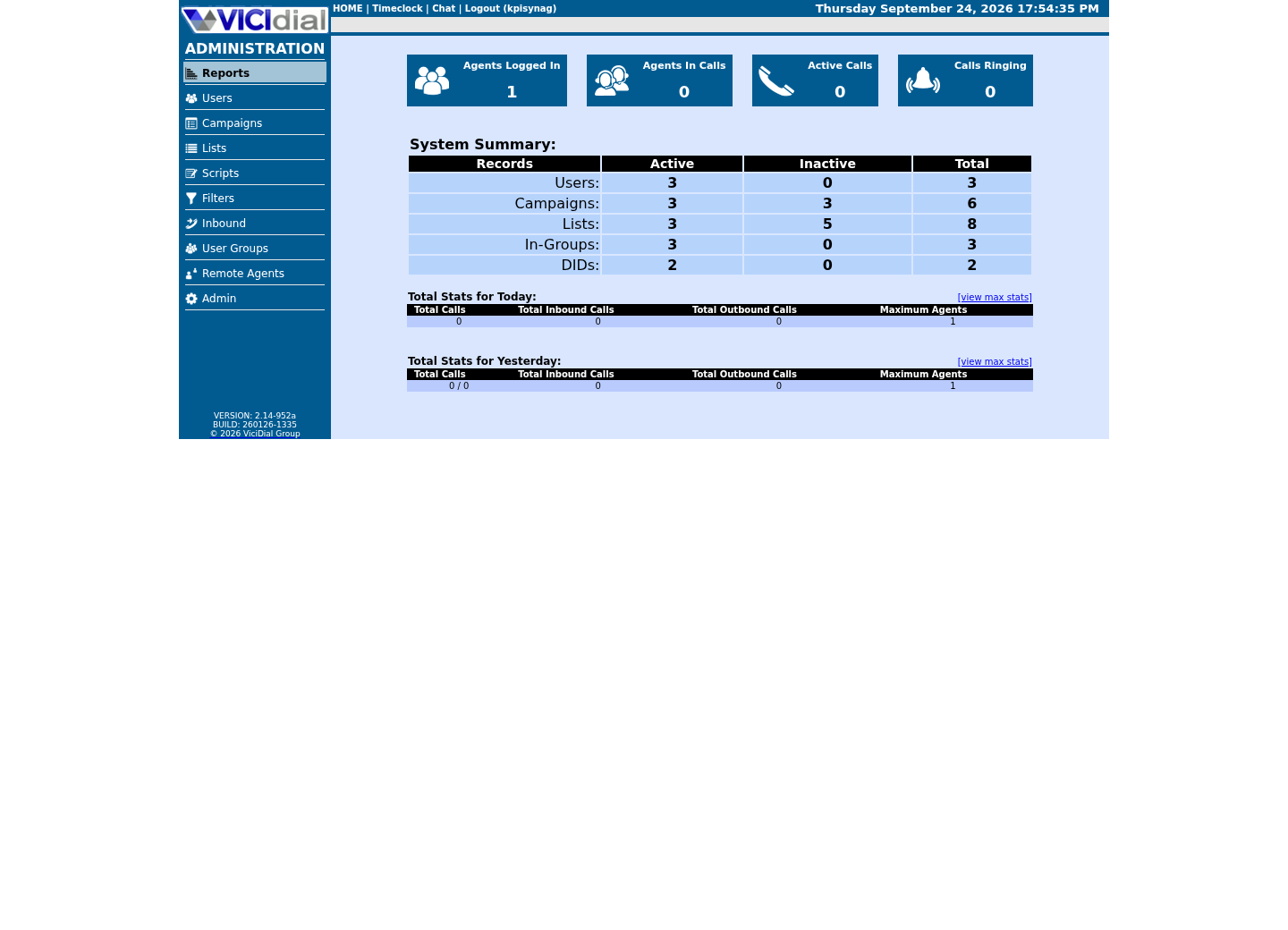
Use the Reports index
See the Real-Time report layout
Choose the right report family
VICIdial's report menu spans real-time operations boards, agent performance, campaign/outbound, inbound/queue, leads/lists, call/disposition, recording/media, integration, infrastructure, workforce and a VERM analysis set. VERM's modules cover analysis views such as calls, outcomes, agents, answered/unanswered detail and time/area-oriented breakdowns; treat that list as a starting map for your own build, not a fixed count you should expect to match, since enabled reports and module versions both vary by revision and configuration.
Use the specification card before publishing a tile. POPULATION says which records are counted, REFRESH says how often it updates, and AUDIENCE is the permitted role—not a personal name. A blank boundary means the tile is not ready.
- Use real-time boards for immediate operational action.
- Use historical reports for reconciled trend and outcome analysis.
- Document report permissions and audience for each display.
DECISION: queue staffingMETRIC: defined queue countPOPULATION: stated current scopeTIMEZONE: stated zoneREFRESH: stated intervalAUDIENCE: approved roleSTOP: any field unknownThis sample is a template or reading aid, not a terminal command. There is no output to show.
- Before you run it
- Copy for one proposed tile; fill only policy-approved aggregate labels.
- Success looks like
- Every displayed metric has a decision, scope, time basis and audience.
- Stop if
- Stop publication if any definition or audience is unknown.
Normalize time, state and archive boundaries
Define the timezone of input filters, stored timestamps, browser display and any external warehouse before comparing a shift, day or interval. Daylight-saving transitions, late-arriving updates and polling intervals need an explicit handling rule.
Use this card for one reconciliation. INCLUSIVE/EXCLUSIVE tells the reader whether the end instant is counted; CURRENT and ARCHIVE describe the data boundary, not a product setting. Separate live runtime tables from historical logs and archives/cold storage; raw-table counts are not automatically the application metric.
- State inclusive/exclusive time-window edges.
- Reconcile with the production report's joins and filters.
- Mark archive overlap and report-slave status where relevant, a report slave being a read-only copy of the database that heavy reports run against so they do not slow the dialer.
TIMEZONE: stated zoneSTART: stated instant inclusiveEND: stated instant exclusiveSOURCE: current | archive | bothREFRESH: stated delayRESULT: reconciled | explained difference | stopThis sample is a template or reading aid, not a terminal command. There is no output to show.
- Before you run it
- Complete with a synthetic or approved aggregate interval; do not insert report rows or identifiers.
- Success looks like
- The interval, source boundary and any difference are documented.
- Stop if
- Stop when timezone, edge rule or archive coverage cannot be established.
Account for access and export side effects
Reports commonly combine authentication, permission scope, SQL, rendering and vicidial_report_log writes. Treat report access, exports and scheduled delivery as auditable activities and minimize the accounts and destinations that can receive sensitive output.
Review exports, email/FTP/SFTP destinations, retention and access logging with the data owner. A wallboard should use the least data necessary; reporting convenience never authorizes broad recording, lead or agent-data exposure.
Name the exact routes and destinations, not just the concept of an export. A scheduled report emailed to a distribution list, a wallboard fed from a cron job, and an ad-hoc CSV download from a browser are three different audit and retention problems even when they compute the same metric. Give each recurring export an owner, a retention limit and a periodic access review, and remove a destination once its business justification ends rather than leaving it to expire on its own.
- Test permissions with a constrained report user.
- Verify audit entries using sanitized observations.
- Keep destination credentials and report rows out of source and logs.
Use external analytics only when its boundary is governed
External analytics is justified when cross-system modeling, durable semantic definitions, governed access, long-horizon retention or workload isolation cannot be met by the operational report path. It is not automatically better: replication delay, schema drift, deletion propagation, cost and a second authorization surface create new risks.
Decide with a small equivalence test: reconcile one defined metric over an agreed interval, verify access controls and retention/deletion behavior, then test a source outage and recovery. Stop if freshness or authorization cannot meet the stated use case; roll back by withdrawing the external dataset/view, not by altering source history.
Write the equivalence test down before the first row ships externally: name the source query, the destination table or dashboard, the refresh cadence and the field-by-field mapping, then have someone who did not build the pipeline reproduce one number from both sides independently. Revisit the same test after any schema change on either side, because a silently broken mapping that still returns a number is harder to catch than one that errors outright.
- Maintain a data contract and owner for every exported dataset.
- Independently verify one metric and one access-denial case.
- Revalidate after report, schema, archive or timezone changes.
Evidence ledger
Verification basis
- In this lab, automated reports were disabled and no report slave was configured at the time of writing.
- No report rows, wallboard screenshots, benchmark, external-analytics implementation or review history was used.
Primary references
Sources
- VICIdial DocumentationVICIdial · accessed September 23, 2026
- VICIdial Non-Agent APIVICIdial · accessed September 23, 2026