01 / 04
1. Prepare the test
- Ask the supervisor for the approved test recipient and verify that Transfers is enabled for the test user.
- Sign into the station and test campaign. Place or receive the authorized synthetic test call and confirm both parties can hear.
- Explain to the test caller that you will consult another participant.
Idle Agent screen with call controls and blank lead details.
Open to enlarge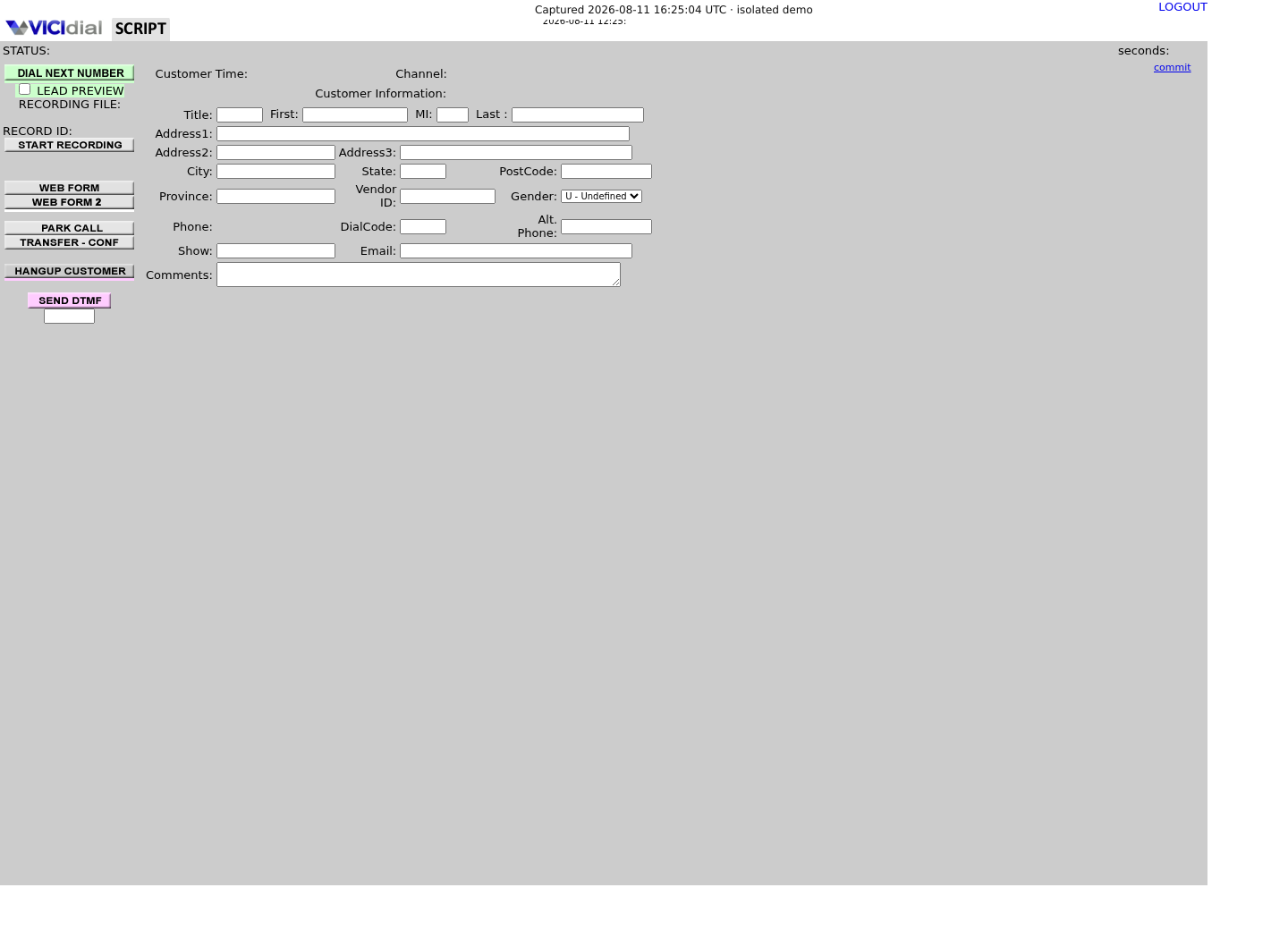
You should seeA connected test call and reachable recipient are needed before transfer; the idle image does not show a call.
02 / 04
2. Consult the recipient
- Open Transfer-Conf on the active Agent screen and choose the approved preset or enter the approved destination if the campaign permits it.
- Use the campaign's consult or three-way option. The exact labels and whether the customer is parked or hears the consult depend on the configuration; confirm the expected behavior with the supervisor before selecting it.
- When the recipient answers, identify the test and confirm they are ready to receive it.
You should seeA ringing destination or button click does not prove the recipient answered or received the customer.
03 / 04
3. Complete and verify the handoff
- Use the displayed control prescribed by the supervisor to connect the customer and recipient and leave the conversation when appropriate.
- Have the recipient confirm directly that they can hear the correct test caller, and let both participants end the test.
- Complete the disposition offered to the originating agent according to the campaign policy.
You should seeThe transfer is established only when the recipient confirms the intended call. The Agent API documents transfer and conference actions, but does not certify this installation's button labels.
04 / 04
4. Recover if the recipient is unavailable
- If the recipient does not answer or the wrong destination rings, use the configured control to stop that leg and return to the customer.
- Explain the delay and follow the local fallback, such as a scheduled follow-up or supervisor handoff.
- If controls differ from training or the customer cannot be retrieved, contact the supervisor immediately and record the time and displayed state.
You should seeConfirm the customer is connected before proceeding; do not repeatedly place transfer attempts without knowing the call state.
Checks and sources
What was checked
- Instructions are based on the linked project documentation and sanitized interface captures. The captures do not prove registration, a completed call, a transfer, callback or audio quality.
- The lab runs VICIdial SVN 4037, database schema 1748 and Asterisk 18.26.4-vici. Labels, enabled features and provider requirements can differ on another installation.
Primary references
Sources
- VICIdial Agent API referenceVICIdial Group · accessed November 4, 2026
- VICIdial quality control manualVICIdial Group · accessed November 4, 2026