01 / 04
First: identify the phone
The first login identifies your phone station. Keep its password private.
- Open the agent address supplied by your lab administrator.
- Enter the phone login and its login password, then select SUBMIT.
- Phone Login
- 8001
- Phone Password
- The phone login password supplied for 8001This differs from the phone registration password and the agent user password.
First: sign in to the phone station
Open image to zoom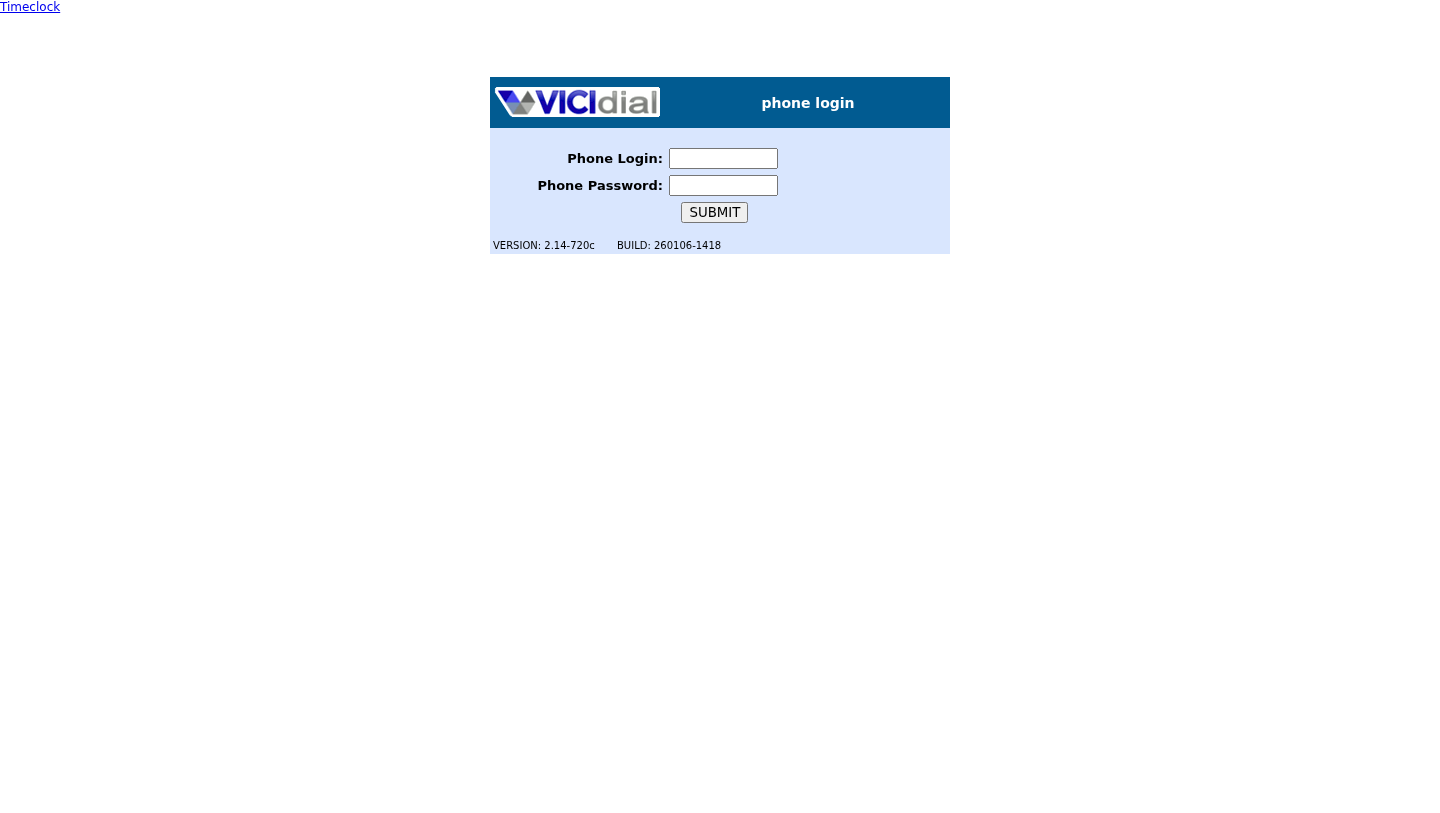
You should seeThe Campaign Login screen appears.
02 / 04
Next: identify the agent and campaign
This second login identifies you and the campaign you will work in.
- Enter your agent user login and password.
- Select LAB01 under Campaign and choose SUBMIT.
- User Login
- learner1
- User Password
- Your learner1 user password
- Campaign
- LAB01
Then: sign in as the agent
Open image to zoom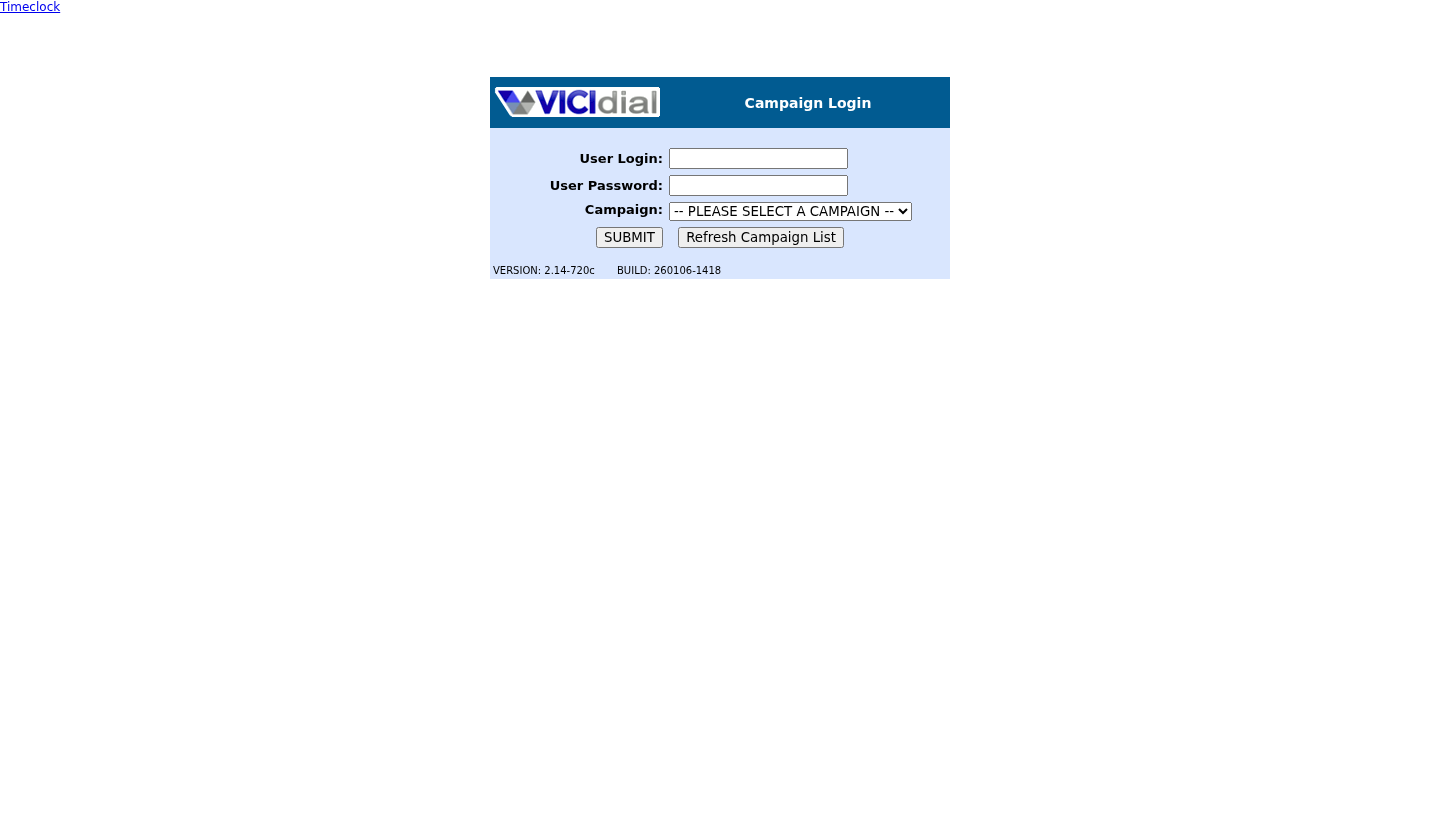
You should seeThe agent workspace opens. Stay PAUSED while you connect the phone.
03 / 04
Join the phone session
The phone carries the audio; the Agent page controls the call. The way you open and join the webphone depends on the lab. If you were not given these connection steps, get them before trying to dial.
- Open the webphone using the address and connection steps supplied with your lab in lesson 3. Keep the Agent page open.
- Allow microphone access and select your headset and microphone.
- Follow the lab’s instructions to answer or join the agent conference. Check its documented connected indicator and make sure you are not muted.
You should seelearner1 is PAUSED in LAB01 and the phone has joined the conference. The next lesson checks actual audio with Echo.
04 / 04
If login or audio readiness fails
If phone login fails, check 8001 and its phone login password. If the second login fails, check learner1, its password and access to LAB01. If the phone cannot join, check browser permission, headset and mute; stay paused and ask the administrator for help.
Primary references
Sources
- VICIdial official source snapshotsVICIdial Group · accessed November 3, 2026
- VICIdial official demoVICIdial Group · accessed November 3, 2026