Reader setup
Before you evaluate
Use this to set expectations, limits and implementation boundaries before changing anything.
- A running VICIdial deployment worth backing up, plus approved storage kept separate from it
- Isolated restore environment
- Incident authority
- What you will prove
- A scoped recovery-drill design and evidence record.
- Safety boundary
- Never restore over production during a drill.
Reader path
How to use this article
- Use it when: You are designing a change and want reliable limits before implementation.
- Expected result: Separate what is known, unknown, and unsafe before you execute.
- Start here: Use it as an evidence review before changing architecture, security, or reporting behavior.
A backup is not a recovery until an isolated restore meets the objective
Fast answer: define the recovery-point objective (RPO, the maximum acceptable data loss) and recovery-time objective (RTO, the maximum acceptable outage), protect configuration, database and media as separate but correlated assets, and run an isolated restoration drill that measures them. Do not claim a restore result unless its scope, timestamp and verification are recorded.
This design assumes a lawful authorized environment and an approved retention policy. It does not give a universal retention period, encryption key hierarchy, or a restore claim for the local VICIdial lab.
Recovery planning here uses VICIdial's own words for Asterisk, agent and carrier without redefining them; a first-time reader should start with the companion article “VICIdial terminology for complete beginners: users, phones, campaigns and leads.”
- Prerequisites: approved backup storage, isolated restore environment and named incident authority.
- Non-goal: do not restore over production or claim this design has already recovered a system.
- Classify recordings and exports as sensitive data.
Visual walkthrough
Follow three real demo screens
Captured on an isolated VICIdial demo: Administration screens on September 24, 2026, and the idle Agent screen on August 11, 2026. Each caption states its own capture time, and every sanitized image helps you recognize a related screen; none proves that this article's call, command, or result occurred.Use the Administration map
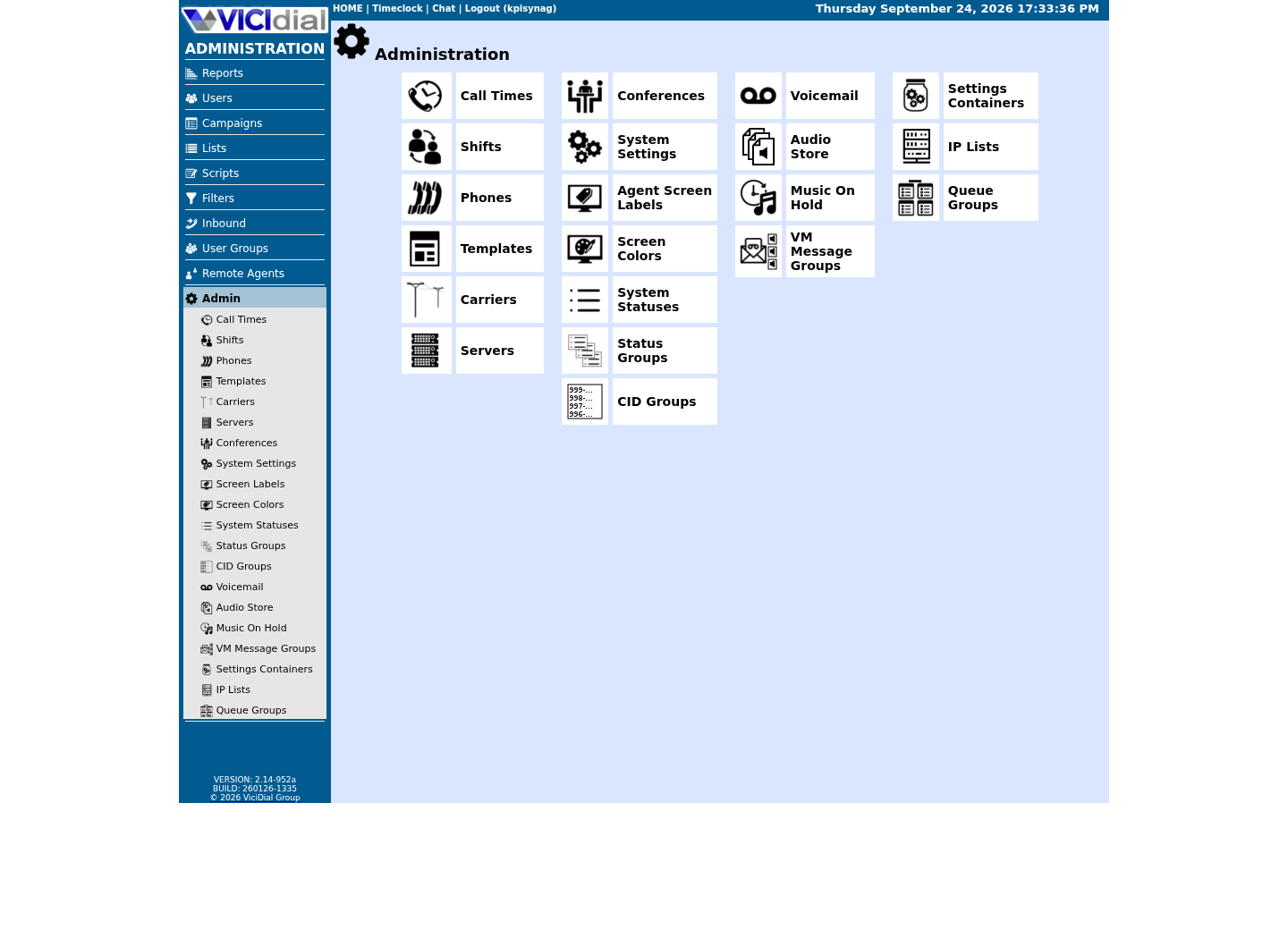
Review user-group boundaries
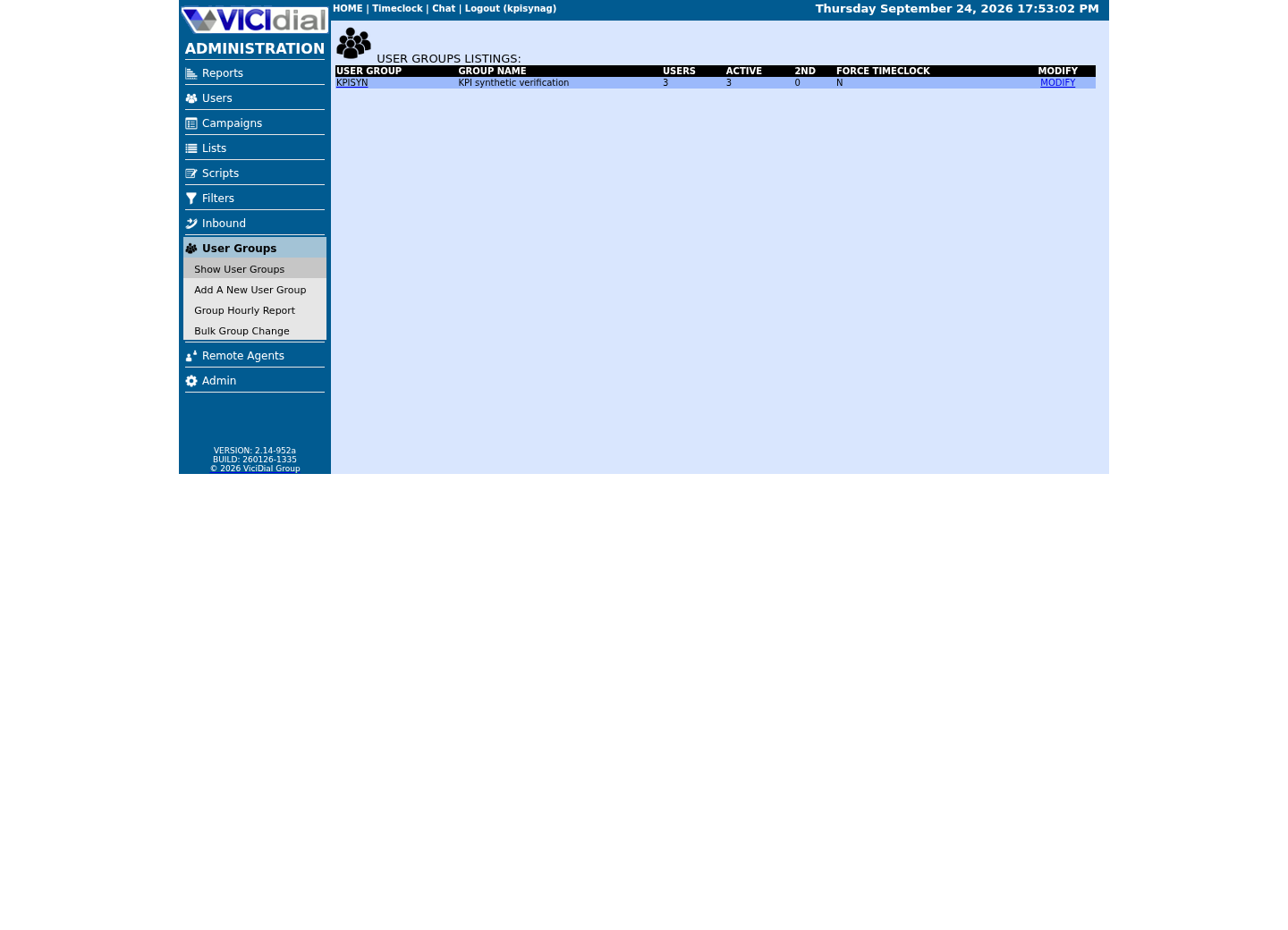
Inspect system-wide security and API context
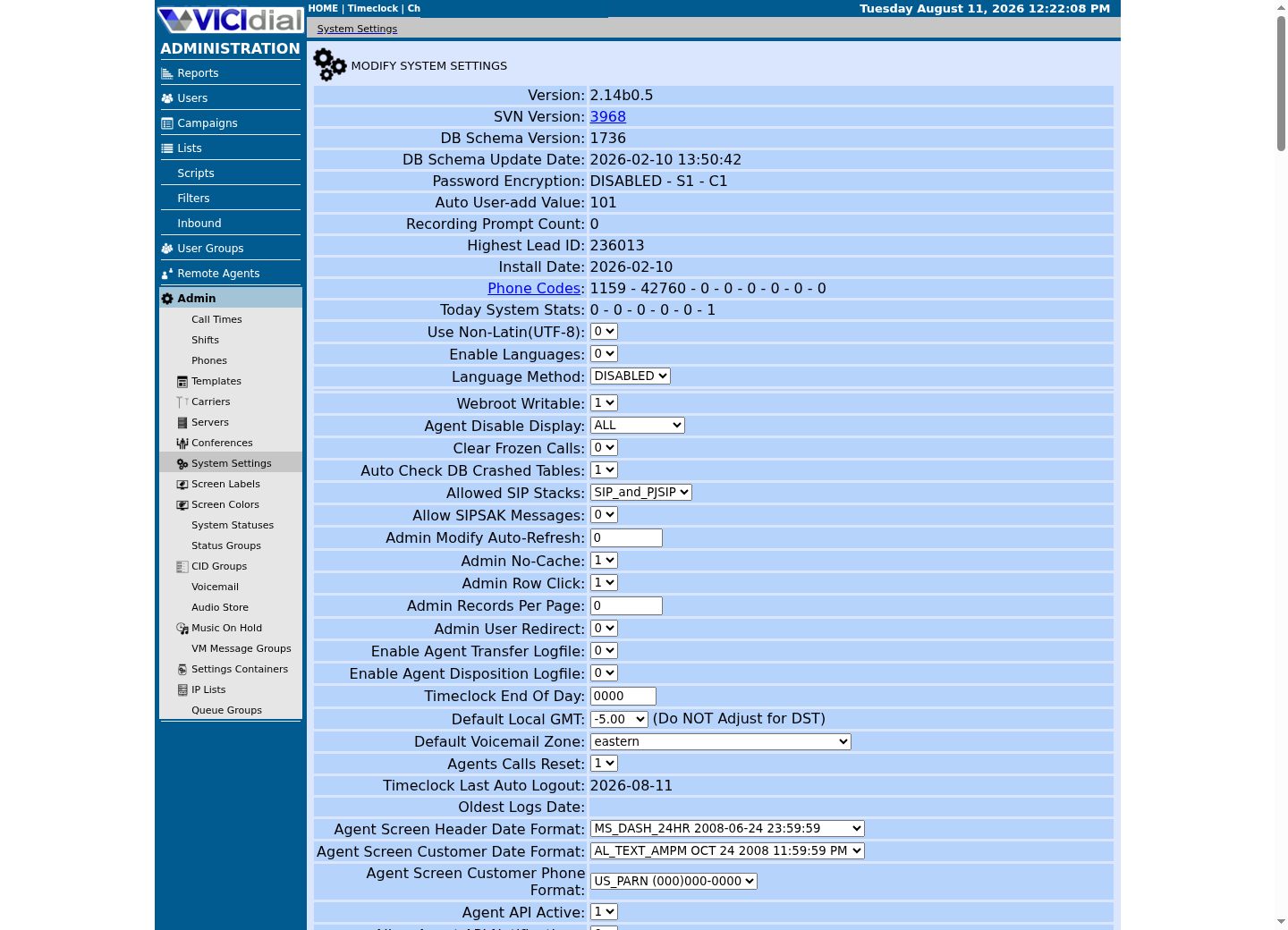
Inventory the assets required to make calls again
Capture VICIdial database state, generated and source-controlled configuration, custom code, certificates and their recovery process, Asterisk/VICIdial version pins, package/OS baseline, media/recordings, integration configuration, monitoring and DNS/firewall dependencies. A database dump alone may restore rows without a usable call path.
Document dependencies and consistency points: database snapshot time, media manifest time, configuration revision and external provider state. Never place secrets, report rows, recording identifiers or caller data in the manifest.
Two of those dependencies are simple to verify directly: which web root this install actually serves, and which database host and name it actually points at. Both live in `/etc/astguiclient.conf` as `key=value` pairs — read only the keys you need, since the same file also holds the database password (`VARDB_pass`).
Two more checks belong in the same pass. MariaDB is a systemd service on this build, so `systemctl is-active mariadb` reporting `active` is a meaningful pre-flight check — unlike Asterisk, which runs inside a screen session and never registers as active to systemd, so it needs a different kind of check entirely. And recordings do not sit still: Monitor writes separate in/out files, one periodic job joins and moves them, and another compresses them, so a single call's recording can legitimately be mid-transit through more than one stage folder under `/var/spool/asterisk/monitorDONE` at the moment a backup runs. List only the stage-folder names, never the recording filenames inside them, and treat a manifest taken mid-pipeline as an in-progress batch, not a stable snapshot.
- Assign an owner and retention rule to each asset class.
- Encrypt backups and restrict restore operators.
- Test that backup monitoring alerts on missing or failed jobs.
systemctl is-active mariadbgrep -E '^(PATHweb|VARDB_database|VARDB_server)=' /etc/astguiclient.conffind /var/spool/asterisk/monitorDONE -mindepth 1 -maxdepth 1 -type d -printf '%f\n' | sortCaptured demo response · 2026-09-24 22:25 UTC. The displayed command is the command that ran; a safe subset label means it was filtered, redacted, or fixture-scoped. Replays only after you select Replay transcript.
- Before you run it
- Run as root; this checks one service's status, greps three named keys and lists only directory names — it never prints astguiclient.conf's password field or any recording filename.
- Success looks like
- You see whether MariaDB reports active, this install's web root and database host/name, and the stage-folder names under monitorDONE — all three your backup manifest and restore runbook must match.
- Stop if
- A MariaDB status other than active means the database backup step has nothing to read from; start there. A missing astguiclient.conf key or an empty monitorDONE listing means this build's layout differs from the ViciBox 12 demo — confirm the equivalent paths on your own install before writing a restore runbook against them.
Use layered copies with integrity and separation
VICIdial ships its own backup tool, `/usr/share/astguiclient/ADMIN_backup.pl` — this repository's reference-docs/vicibox-backup-restore-guide.md calls it “Method 1” and documents flags for a full backup, a database-only run, a database-without-logs run, a settings-only run and an optional FTP transfer. That guide predates ViciBox 12 — its newest documented path branch is labelled “ViciBox 10+” and it still carries an older-ViciBox/CentOS fallback alongside it — but its `/etc/asterisk/`, `/usr/share/astguiclient/` and `/srv/www/htdocs/` paths (from that “ViciBox 10+” branch) match this ViciBox 12 build; confirm the same on yours, and confirm which flags your installed version actually supports, before relying on any of them. A settings-only run is the right choice before a configuration migration; a full run with an FTP transfer is the right choice for an unattended nightly job that ships a copy off-host automatically — pick the flag that matches the recovery point you actually need, not the one with the most output.
Use at least a local operational recovery copy plus an access-separated, immutable or otherwise protected copy appropriate to your threat model, whichever tool produces it. Validate backup completion with manifests, sizes, hashes and controlled restore reads—not only a job exit status.
Keep encryption keys, credentials and backup administration on a distinct access path, so a compromised dialer administrator cannot silently erase every recovery copy. Confirm the backup tool itself is present and unmodified before you schedule it as a recurring job.
- Set backup job timeouts and bounded retention.
- Protect database and media bandwidth from peak calling.
- Review restoration permissions periodically.
ls -l /usr/share/astguiclient/ADMIN_backup.plCaptured demo response · 2026-09-23 21:35 UTC. The displayed command is the command that ran; a safe subset label means it was filtered, redacted, or fixture-scoped. Replays only after you select Replay transcript.
- Before you run it
- Run as root; this only lists one file's owner, permissions, size and modification time — it does not execute the script.
- Success looks like
- The listing confirms the shipped tool exists at the path this article assumes, owned as your install's other astguiclient scripts are.
- Stop if
- If the path does not exist, your astguiclient version or install layout differs from this ViciBox 12 build — locate the installed backup tooling before following the rest of this article.
Run an isolated, scoped recovery drill
Provision an isolated target, restore a selected recovery point, apply the documented configuration revision, and test service start, authenticated administrative access, a synthetic agent path and a harmless exact call route. Do not reconnect a drill environment to production carriers or customer integrations by default.
Measure elapsed time from declared recovery point through independently verified function. Reconcile aggregate counts and configuration hashes without exposing live rows. Record failures, manual steps and assumptions so the RTO/RPO can be revised honestly. “Independently verified” means someone other than the person who ran the restore confirms the result — logging into the restored Admin screen, placing one synthetic call, and reading the database directly, rather than trusting the restore job's own exit code.
recovery_point_timestamprestore_start_and_endconfiguration_revisionaggregate_integrity_checkssynthetic_call_resultobserved_rtoobserved_data_gapexceptions_and_followupsThis sample is a template or reading aid, not a terminal command. There is no output to show.
- Before you run it
- Copy into the isolated drill record and use aggregate or synthetic results only.
- Success looks like
- The record shows scope, timing, checks and exceptions for independent review.
- Stop if
- Stop any production cutover if a required field or verification result is missing.
Use stop conditions and an evidence-preserving rollback
Stop a restore if identity, region, target isolation, backup integrity, decryption authority or configuration compatibility is uncertain. Do not overwrite the damaged source system as a first reaction; preserve evidence and follow the organization’s incident process.
A failed drill is useful information. Roll back the drill by destroying only its approved isolated resources, preserve the non-sensitive drill record, and fix the recovery procedure before treating the design as ready. Write down what each drill assumed and what it skipped, in the same place the next drill will be planned from, so successive drills narrow the gap between the tested design and the live system it protects instead of repeating the same untested assumptions.
Treat a manifest check as a stop condition, not a formality. Run it on the isolated restore target before starting any service, exactly as shown below, and stop entirely on a missing file or a hash mismatch.
- Declare who can authorize production cutover.
- Keep carrier and integration cutover actions explicit.
- Schedule drills after upgrades and at a defined cadence.
sha256sum --check backup-manifest.sha256find restore-staging -maxdepth 2 -type f -printf '%f\n' | sortThis sample changes a system, contacts an outside service, needs a live call, or would print real data from a shared server, so it was not run on the demo. Run it only where you are authorized, and compare the result with the success and stop guidance.
- Before you run it
- Run only in the approved isolated restore directory; `backup-manifest.sha256` and `restore-staging` are local placeholders to replace with approved paths.
- Success looks like
- All listed checks return OK and expected asset names appear.
- Stop if
- Stop the drill on a missing file or hash mismatch; do not start restored services.
Evidence ledger
Verification basis
- No successful backup or restore outcome has been recorded in this lab.
- Source/configuration evidence exists for a single-node lab stack and recording paths, but it is not a DR qualification.
- All RTO/RPO values in this article are targets to set and measure, not achieved claims.
- This article's backup mechanism follows this repository's reference-docs/vicibox-backup-restore-guide.md, which predates ViciBox 12 (its newest documented branch is labelled “ViciBox 10+”); its Asterisk, astguiclient and web-root paths still match this ViciBox 12 build.
Primary references
Sources
- NIST contingency planning guideNIST · accessed August 4, 2026
- MariaDB backup and restore overviewMariaDB · accessed September 23, 2026
- CISA ransomware guideCISA · accessed August 4, 2026