Reader setup
Before you diagnose
Start with one observed symptom, then isolate one layer at a time.
- Root or sudo on the Asterisk server, since confirming both SIP listeners and the live firewalld state both need it.
- Read access to whichever log your build actually writes SIP authentication failures to; confirm the exact path and verbosity before trusting an empty grep result.
- The name of the firewalld zone your public interface actually sits in; the second check below discovers it if you do not already know it.
- What you will prove
- You can confirm which SIP stacks are actually listening, read the real firewalld state instead of assuming it, and tell a working-as-designed blacklist apart from a genuinely misconfigured rule before writing a new one.
- Safety boundary
- Every check here only reads current state; do not add, remove, or reload a firewall rule from this guide without your security or network owner's sign-off, since a wrong rule on a live SIP server can cut off real calls immediately.
Reader path
How to use this article
- Use it when: You are investigating a live symptom and need to narrow the failure quickly.
- Expected result: Pinpoint the first failing layer, then repair only that layer.
- Start here: Use the sections as a diagnostic sequence: prove scope, then isolate and validate.
Name what is actually expected before calling it broken
SIP, the signalling protocol Asterisk uses to set up a call, normally runs over UDP, a connectionless transport with no built-in handshake — which is exactly why an internet-facing SIP port draws constant scanning traffic from across the internet, on any server, not only a VICIdial one. That exposure alone is not a sign of compromise; it is the ordinary condition of running SIP in the open.
The specific pattern worth naming is: "I blocked one address, and the same kind of traffic keeps arriving." On its own, that is exactly what a rotating or distributed source hitting a single-address block looks like, not proof the firewall itself failed.
A VICIdial forum thread reports this same pattern: traffic reaching Asterisk despite an active firewall block — a starting point for the checks below, not evidence by itself of which layer actually failed.
Before doing anything else, write down what you can already see without guessing: the approximate time the traffic was noticed, which port or ports it hit, and whether it was one address repeating or many different ones. Keep raw source addresses out of any shared ticket or chat message until your security owner has actually reviewed them; this guide's own checks below stay read-only for the same reason.
Visual walkthrough
Follow three real demo screens
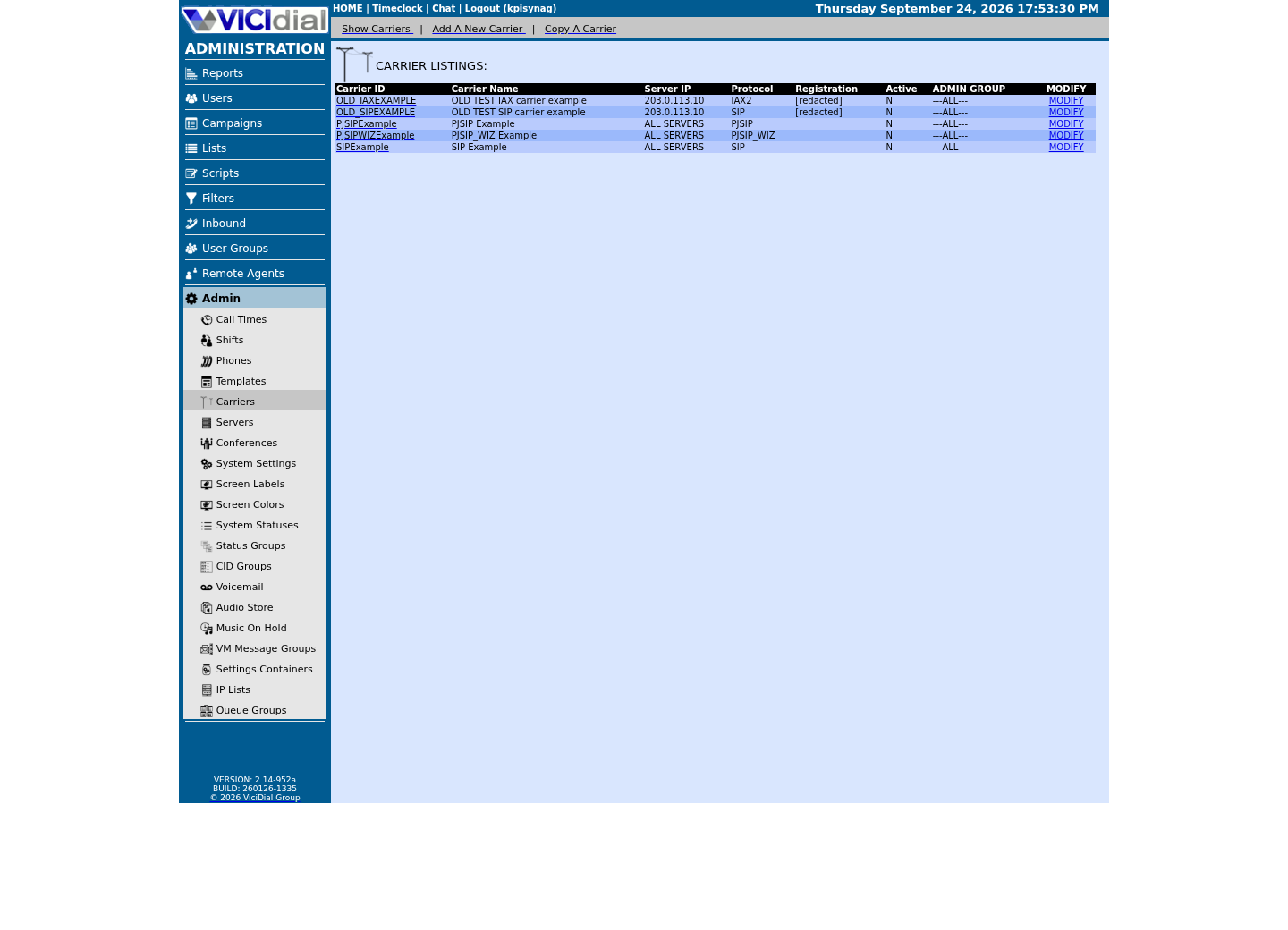
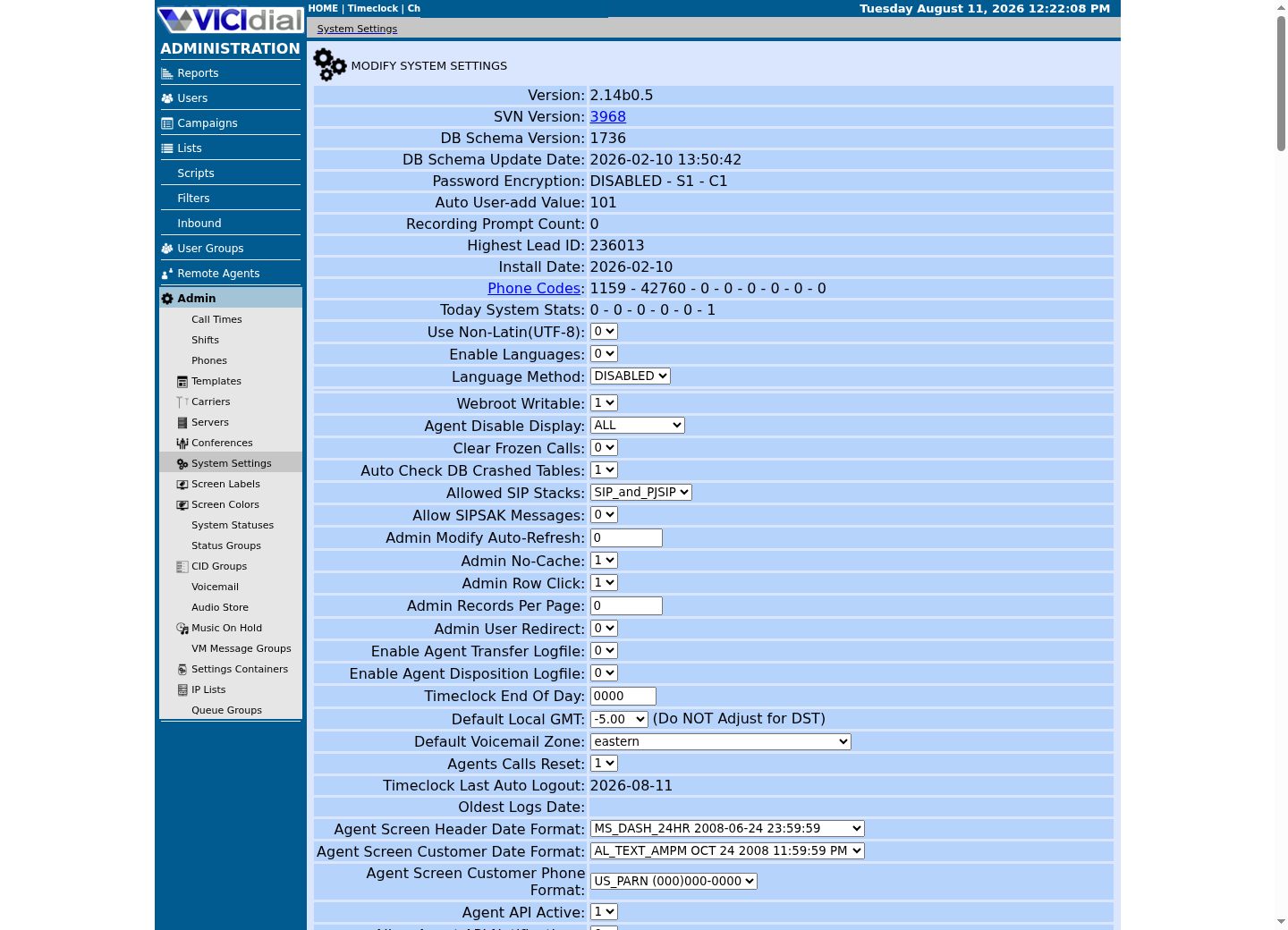
Captured on an isolated VICIdial demo: Administration screens on September 24, 2026, and the idle Agent screen on August 11, 2026. Each caption states its own capture time, and every sanitized image helps you recognize a related screen; none proves that this article's call, command, or result occurred.Find carrier administration
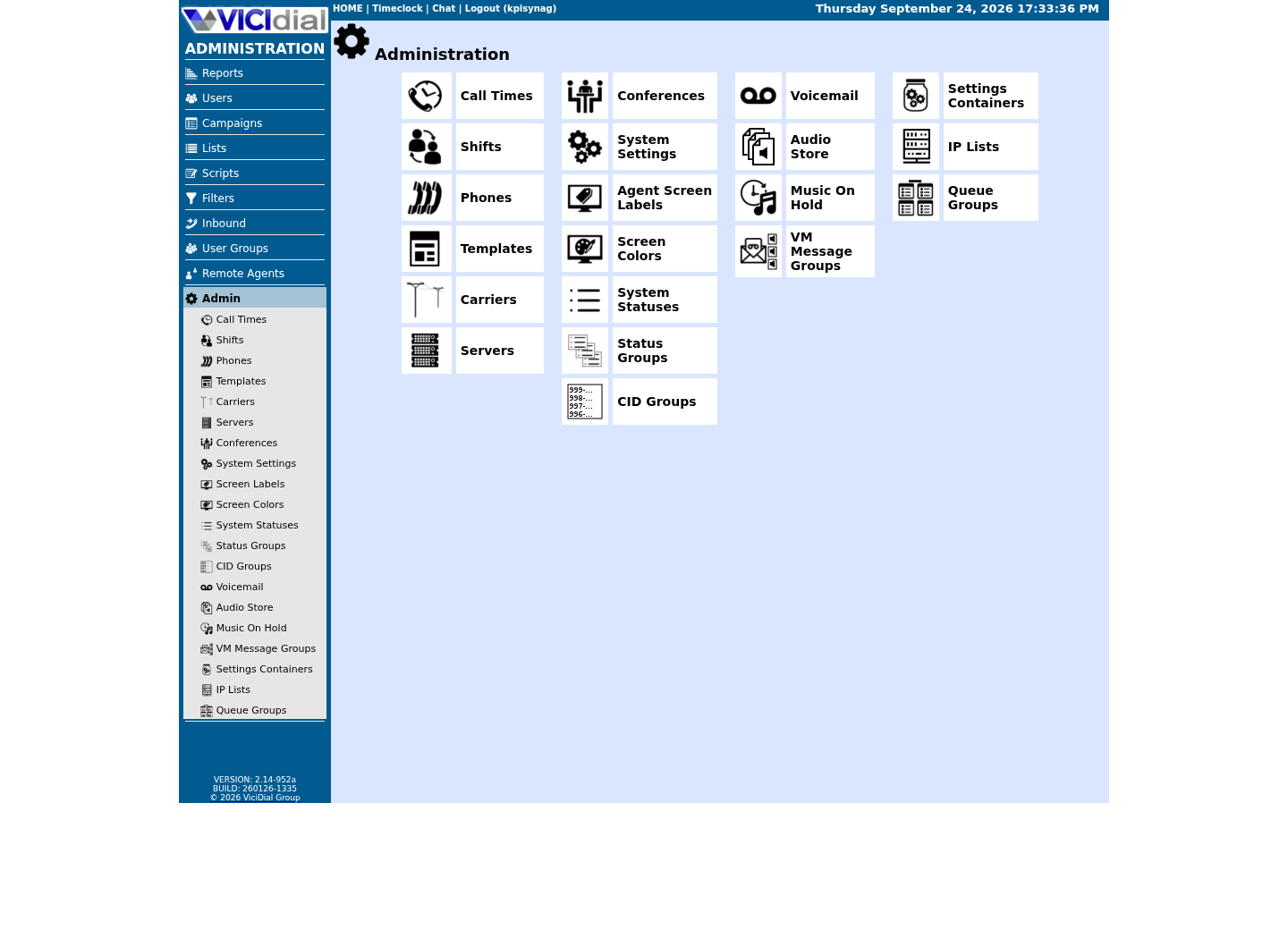
Open Carrier Listings
Check the allowed SIP-stack setting
Two independent listeners, one blacklist habit
This build loads both of Asterisk's SIP channel drivers at once, chan_sip and PJSIP, and each keeps its own independent UDP listener on its own port. Reacting to unwanted traffic on one without checking the other leaves the second exposed by definition, whether or not anyone is currently probing it.
A single-IP blacklist rule only ever answers the last address a source used; a rotating or distributed source simply presents a new one on its next attempt. Traffic continuing after one block is the normal failure mode of that strategy, not evidence the firewall failed to apply the rule you added.
This build has both firewalld and ViciBox's own VB-firewall helper present. Exactly how the two divide responsibility for a given rule is worth confirming on your own host with the checks below rather than assumed; this guide does not assert a specific rule set either one has already installed on your build.
Rank the likely causes before writing another rule
Work through these before adding a fourth or fifth individual IP block.
- Most likely: the strategy itself is blacklist-only against a rotating or distributed source, which will always look like it is failing no matter how many individual addresses you add to it.
- Second: the rule you added is scoped to the wrong port or the wrong SIP stack — a rule against chan_sip's port does nothing for traffic reaching PJSIP's separate listener, or the reverse.
- Third: the rule was added but firewalld was never told to reload, or it landed in a zone the public interface is not actually in.
- Fourth: a separate, overly broad allow rule is already open on the same port, which no amount of blacklisting the first rule will ever fix.
Read the evidence in order, not by instinct
Resist the urge to add a block before finishing all three checks below. The order matters: confirming the listeners first tells you which ports are even in scope, confirming the firewall state second tells you whether a rule already exists and is simply misplaced, and the log check last tells you whether this is scanning or something more urgent — doing them out of order tends to produce a rule aimed at the wrong port or the wrong stack.
Confirm both SIP stacks before touching the firewall
Never assert a fixed PJSIP port in your own notes or rules. On this build PJSIP's transport happens to sit on 5061 and chan_sip on 5060, but that is this build's current value, not a VICIdial constant — the only way to know your own is to ask Asterisk and the kernel directly, in that order.
asterisk -rx 'pjsip show transports'ss -lnup | grep asteriskCaptured demo response · 2026-09-23 21:35 UTC. The displayed command is the command that ran; a safe subset label means it was filtered, redacted, or fixture-scoped. Replays only after you select Replay transcript.
- Before you run it
- Run both together; the first confirms what PJSIP itself believes it is bound to, and the second confirms what is actually listening at the kernel level — they should agree.
- Success looks like
- Two independent UDP listeners appear, one per loaded SIP stack, each on the port the first command reported.
- Stop if
- Expect one Asterisk SIP listener per loaded stack. Investigate a listener you cannot account for, on any port.
Read the firewall's real state instead of assuming it
This build runs firewalld alongside VB-firewall, ViciBox's own helper layered on top of it. Confirm the active zone before listing rules for it, since a rule sitting in the wrong zone behaves exactly like no rule at all.
firewall-cmd --statefirewall-cmd --get-active-zonesZONE='<ZONE>'firewall-cmd --zone="$ZONE" --list-allCaptured demo response · 2026-09-23 21:35 UTC. The displayed command is the command that ran; a safe subset label means it was filtered, redacted, or fixture-scoped. Replays only after you select Replay transcript.
- Before you run it
- Take the zone name for `<ZONE>` from whichever zone `--get-active-zones` lists against your actual public interface, not a zone assumed by name alone.
- Success looks like
- firewalld reports running, the active zone matches your public interface, and `--list-all` shows the rule you expected, actually present and actually scoped to the ports both listeners use.
- Stop if
- The rule you added does not appear under the active zone at all — it was likely added to a different zone or never reloaded, which explains continued traffic far more often than a genuinely broken firewall does.
Check whether traffic is scanning or actually authenticating
A targeted log check tells you whether traffic is merely knocking or actually attempting authentication, which changes how urgently to treat it.
grep -E 'chan_sip|res_pjsip' /var/log/asterisk/messages | grep -iE 'failed to authenticate|no matching endpoint|wrong password' | tail -n 50Captured demo response · 2026-09-24 21:55 UTC. The displayed command is the command that ran; a safe subset label means it was filtered, redacted, or fixture-scoped. Replays only after you select Replay transcript.
- Before you run it
- Confirm this is actually the log your build writes SIP events to, at a verbosity that captures them, before reading an empty result as good news.
- Success looks like
- Any lines shown are rejected SIP attempts against endpoints that do not exist, with no successful authentication among them. No lines at all means the current log holds no SIP-layer rejections; manager.c lines about Manager Interface logins are a separate matter this filter deliberately leaves out.
- Stop if
- Any line shows a successful authentication rather than a rejected attempt — that is a materially more urgent finding than blocked scanning, and the escalation step below applies immediately.
Replace one-off blocking with a scoped allowlist
Replace single-IP blacklisting with a default-deny allowlist scoped to the exact port or ports the checks above actually found, rather than adding one more individual block. An ipset manages a whole allowed range as one named set instead of one firewalld rule per address, so adding or removing a legitimate carrier later is one ipset edit, not a firewalld rule rewrite.
This trades a list that only ever grows, one blocked attacker at a time, for a list of who is actually allowed to reach your SIP ports — smaller, easier to audit, and unaffected by how many different addresses the next scan uses.
For broader server hardening beyond this one incident, see Secure your VICIdial server: SSH, firewall and access control; this guide stays scoped to triaging a single active SIP traffic incident.
ZONE='<ZONE>'ALLOWLIST_IPSET='<ALLOWLIST_IPSET>'# On ViciBox, add trusted addresses to the ViciWhite IP List (Admin -> IP Lists) and run: VB-firewall --white --dynamic --quiet# On plain firewalld, apply the source live and permanently; a --reload would empty VB-firewall's runtime ipsets:firewall-cmd --zone="$ZONE" --add-source="ipset:$ALLOWLIST_IPSET"firewall-cmd --permanent --zone="$ZONE" --add-source="ipset:$ALLOWLIST_IPSET"This sample changes a system, contacts an outside service, needs a live call, or would print real data from a shared server, so it was not run on the demo. Run it only where you are authorized, and compare the result with the success and stop guidance.
- Before you run it
- Confirm the ipset already exists and actually contains the ranges you mean to allow before pointing a zone at it; this command does not create the set. It only behaves as an allowlist if the SIP ports are open in this zone and closed in the default zone — confirm both before reloading.
- Success looks like
- The reload completes without error, and a repeat of `--list-all` shows the new source rule attached to the zone you targeted.
- Stop if
- firewalld rejects the rule citing an unknown ipset — create or correct the named set first rather than falling back to a broader allow rule just to clear the error.
Verify the block and a real call together
Re-capture both the listener and firewall checks after the change, and confirm a real test call still connects — a security fix that also blocks legitimate traffic is not a fix.
- `ss` and `pjsip show transports` still show exactly the listeners expected, unchanged by the firewall edit.
- `firewall-cmd --list-all` shows the new allowlist rule attached to the correct zone.
- Unwanted authentication attempts in the log stop or drop sharply, while a real test call from an allowed address still connects.
When to stop and hand this to someone else
Escalate to your security or network owner immediately, rather than continuing to adjust rules alone, for sustained high-volume traffic, any successful authentication rather than routine scanning, or genuine uncertainty about which addresses are legitimate — guessing at an allowlist under any of those conditions risks locking out real traffic or leaving a working exploit in place.
Evidence ledger
Verification basis
- PJSIP_SUPPORT.txt's own activation steps confirm that this build's PJSIP and chan_sip ports are a site-specific configuration choice, not a fixed VICIdial default, which is why this guide never asserts a port number without a check next to it.
Primary references
Sources
- SIP attack still reaching Asterisk despite firewall blockVICIdial forum · accessed September 23, 2026
- VICIdial PJSIP SupportVICIdial · accessed September 23, 2026