Reader setup
Before you apply
Use the lab result as evidence scope, not a universal recipe.
- A completed ViciBox Express lab, powered on and reachable
- Root or sudo access on that lab host to read the paths in this lesson
- Agreement not to list or paste filenames from the completed-recordings folder
- What you will prove
- You can locate astguiclient's scripts and logs, read the non-secret half of its configuration file, and confirm the recordings folder and web root exist without exposing a customer's phone number.
- Safety boundary
- Filenames under monitorDONE can encode a real phone number or lead ID. This lesson lists directories only, and so should every lesson after it.
Reader path
How to use this article
- Use it when: You need a bounded proof before changing a live environment.
- Expected result: This helps you decide whether a specific migration or test path is ready for production.
- Start here: Read the purpose and scope section first, then treat every command as an evidence collector—not a universal recipe.
Why this map matters
The previous lesson toured the lab's running processes. This one tours the same lab through its files: where the software lives, where it writes evidence of what it did, and which configuration values are safe to look at in a shared terminal.
Knowing this map in advance means that when you eventually need to investigate a real problem, you already know where to look — and, just as importantly, where not to look without a specific reason. A filesystem map is also quieter than a process tour: nothing here changes because you looked at it, so it is a safe way to get oriented on any VICIdial host, including one you did not build yourself.
The five stops in this tour are ordered from least to most sensitive: the software itself, then its logs, then a slice of its configuration, then recordings, then the web root. Notice how the caution in the guidance grows as the tour proceeds — that ordering is deliberate, not incidental.
None of the five stops requires anything beyond ordinary read access. If any command here reports a permission error where this lesson expects success, that itself is useful evidence — it means the account you are using has narrower access than a typical administrator account on this host, worth understanding before you continue.
- Where the dialer software itself lives, separate from its logs
- Which configuration keys are safe to read in a shared terminal, and which are not
- Where completed call recordings land, and why this tour never lists their filenames
Visual walkthrough
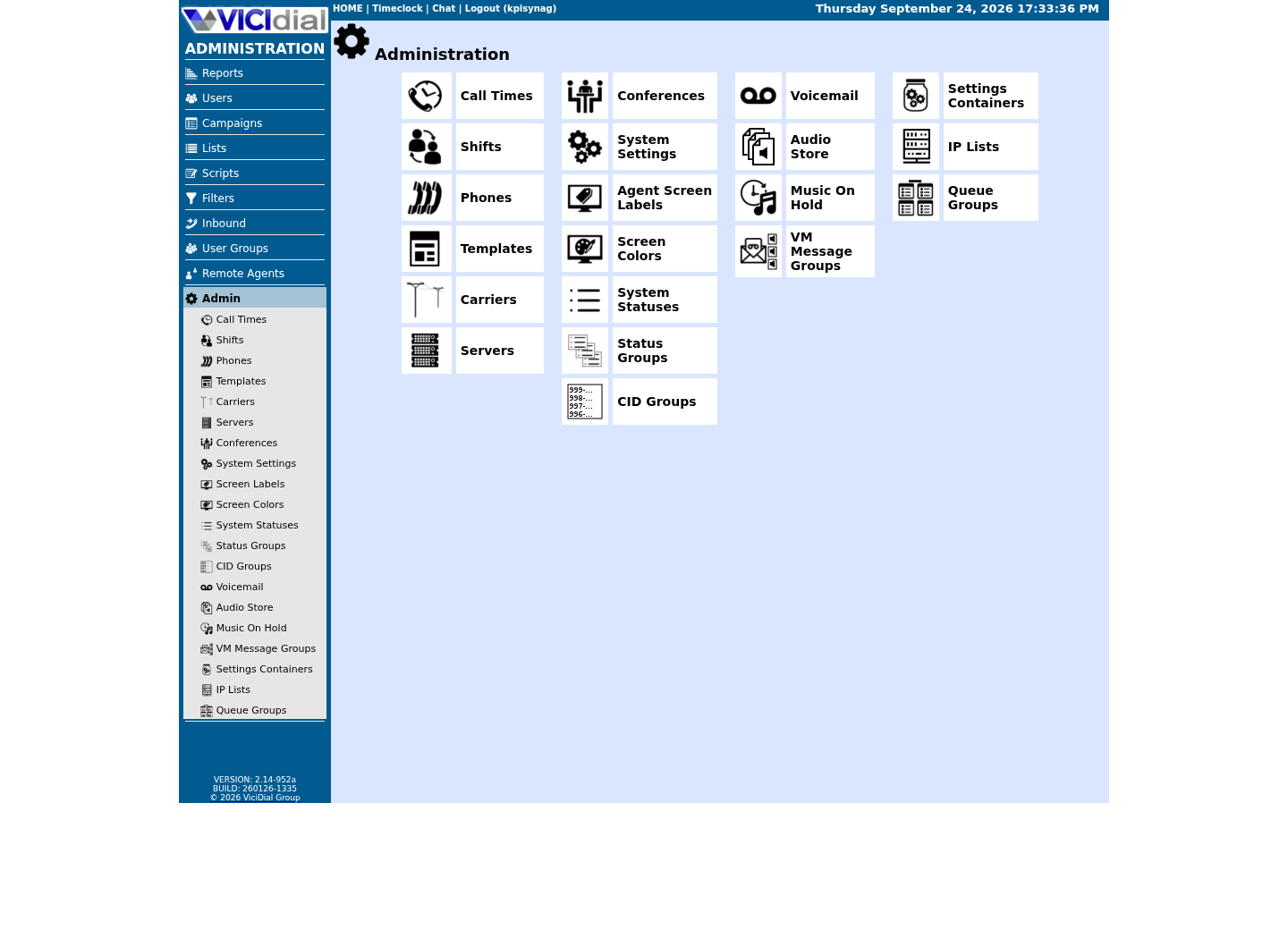
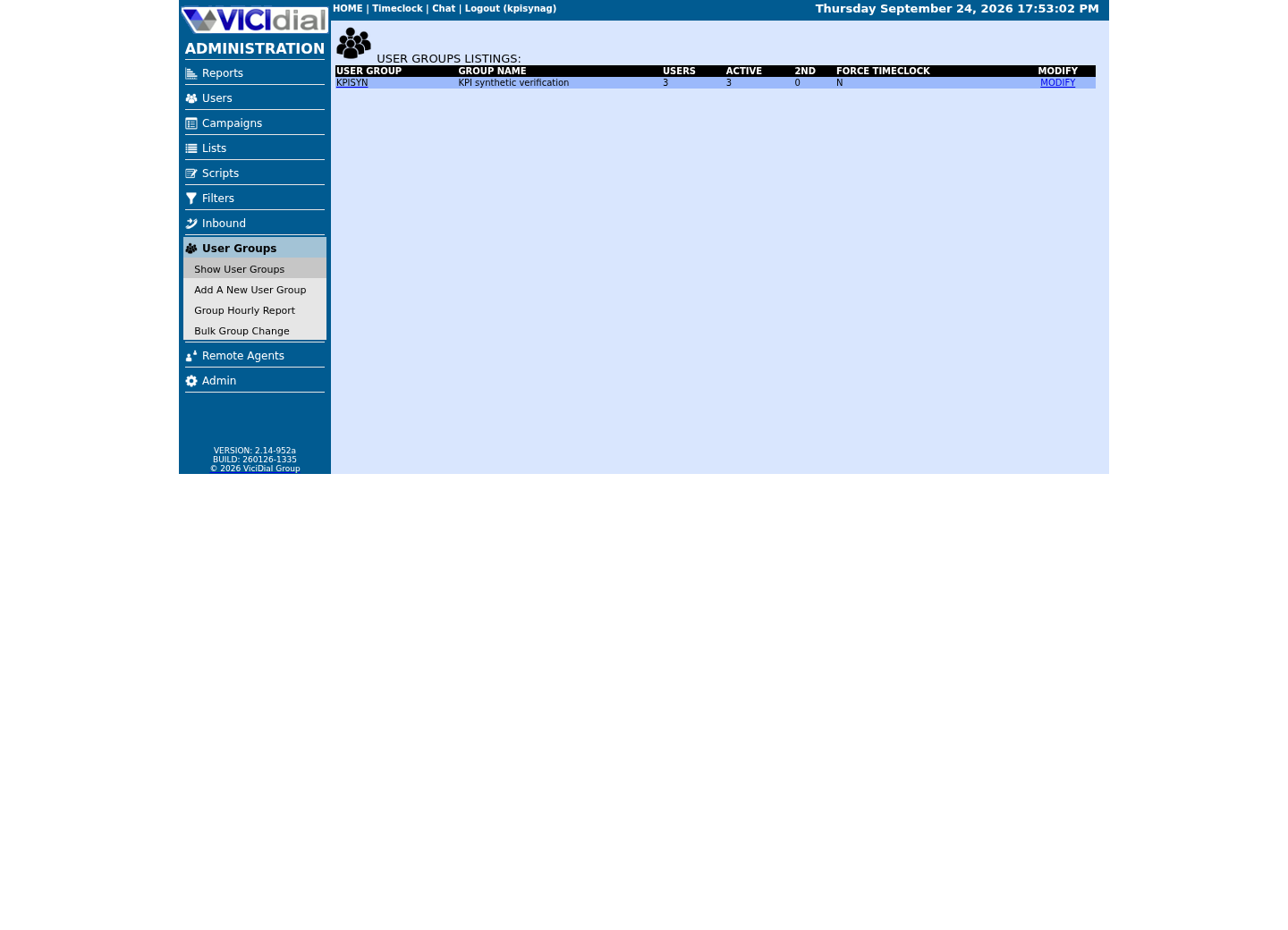
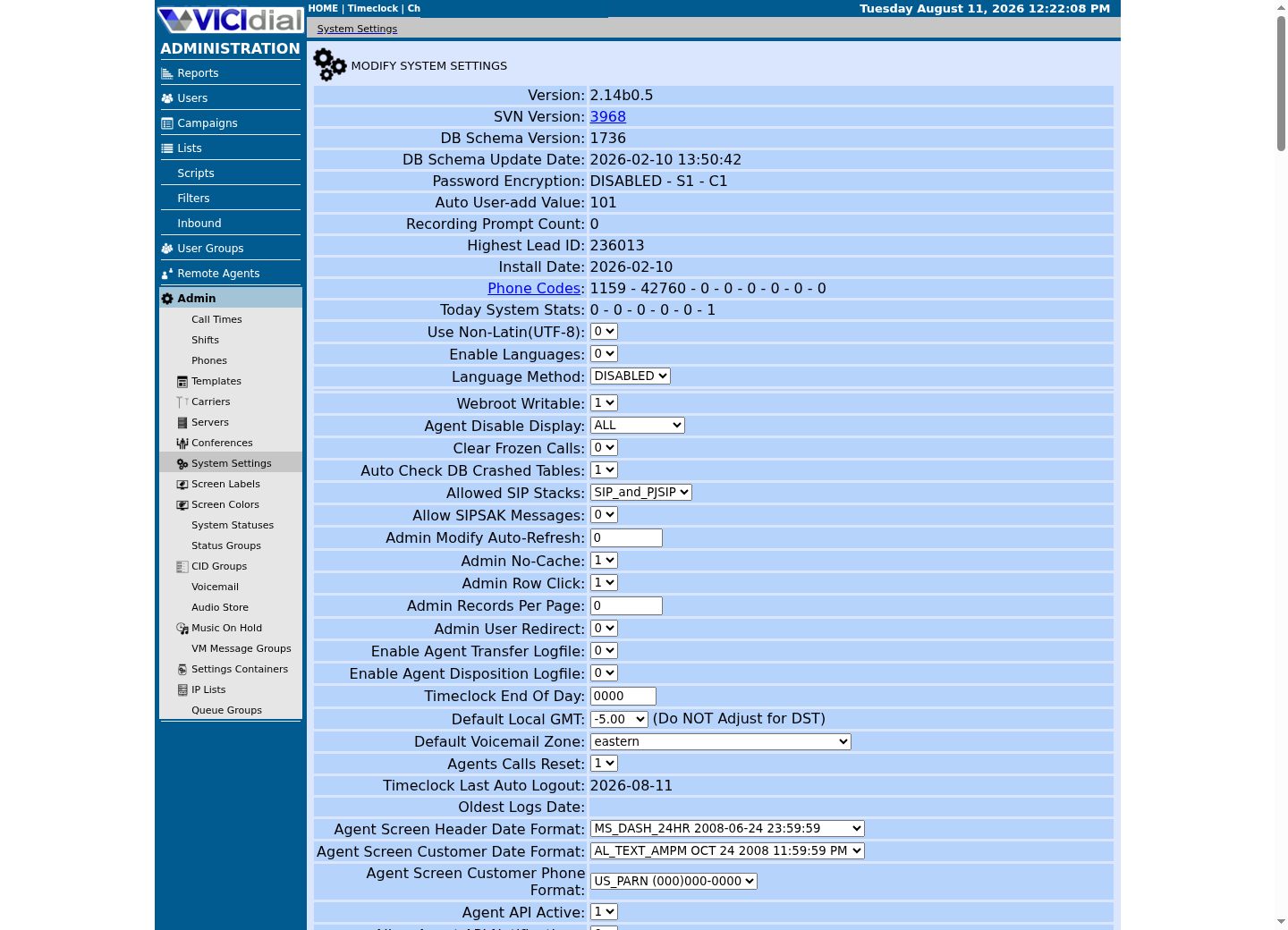
Follow three real demo screens
Captured on an isolated VICIdial demo: Administration screens on September 24, 2026, and the idle Agent screen on August 11, 2026. Each caption states its own capture time, and every sanitized image helps you recognize a related screen; none proves that this article's call, command, or result occurred.Use the Administration map
Review user-group boundaries
Inspect system-wide security and API context
Where the Perl scripts live
astguiclient's daemons — the same processes the previous lesson found running inside detached screen sessions — are Perl scripts installed under one shared directory. Listing that directory shows you the software itself, not any data it produced.
ls -la /usr/share/astguiclient | head -20Captured demo response · 2026-09-23 21:35 UTC. The displayed command is the command that ran; a safe subset label means it was filtered, redacted, or fixture-scoped. Replays only after you select Replay transcript.
- Before you run it
- Run this on the lab host. Listing a directory changes nothing on disk.
- Success looks like
- You see a list of `.pl` files and supporting scripts, each one a component of the dialer-control system the previous lesson's screen sessions were running.
- Stop if
- An empty or missing directory on a host that otherwise reports Asterisk and MariaDB as active would be unusual — treat it as a sign the installation is incomplete rather than something to work around.
Where each process writes its own log
Each astguiclient daemon keeps a log of what it has been doing, separate from Asterisk's own logs and separate from the system journal. That separation matters: Asterisk's logs describe call signaling and media, while astguiclient's logs describe dialer-control decisions such as pacing adjustments — the same symptom can show up in one log and not the other, depending on which layer is actually responsible.
- Whether a log file's timestamp is recent, given how long the lab has been running
- Which daemon a given log filename corresponds to, from the previous lesson's process tour
ls -la /var/log/astguiclient | head -20Captured demo response · 2026-09-23 21:35 UTC. The displayed command is the command that ran; a safe subset label means it was filtered, redacted, or fixture-scoped. Replays only after you select Replay transcript.
- Before you run it
- Run this on the lab host. This lists filenames and sizes only; it does not open or print any log's contents.
- Success looks like
- You see one or more log files, generally named after the daemon that writes them, with recent modification times if the lab has been running.
- Stop if
- Log files with very old timestamps on a lab you believe is active suggest the corresponding daemon stopped writing — cross-check against the process tour's screen-session count before concluding anything is broken.
Read the non-secret half of astguiclient.conf
`/etc/astguiclient.conf` holds both operational settings and the database credentials astguiclient itself uses to connect. It stores every setting as a plain key=value pair, one per line — no section headers, no quoting, just a key, an equals sign, and a value. Grep for the specific keys you need instead of opening the whole file, and never grep for the credential keys in a shared terminal or paste them into a ticket.
A word-boundary grep such as the one below matters here for a small but real reason: without it, a pattern like `VARDB_server` would also match a longer key that happens to start the same way. Anchoring the pattern to the start of the line and a word boundary keeps the match limited to exactly the keys you intended.
- The database server address key, without ever printing the credential keys alongside it
- The database name, to compare against what the read-only-database-account lesson has you configure
- The configured port, in case your build does not use the default
grep -E '^(VARDB_server|VARDB_database|VARDB_port)\b' /etc/astguiclient.confCaptured demo response · 2026-09-23 21:35 UTC. The displayed command is the command that ran; a safe subset label means it was filtered, redacted, or fixture-scoped. Replays only after you select Replay transcript.
- Before you run it
- Run this on the lab host. This grep deliberately excludes VARDB_user and VARDB_pass — those two hold astguiclient's own database login, and the read-only-database-account lesson earlier in this stage explains why you should never capture or paste them, even into a private note.
- Success looks like
- Each matching line prints in key=value form, for example `VARDB_database=<your database's name>`; record the database name for later SQL lessons, but do not paste the whole file.
- Stop if
- If none of the three keys appear, confirm you are reading the file on the ViciBox lab host and not a copy or a different server — the key names themselves are stable across VICIdial installs.
Look at the completed-recordings folder without listing its files
Finished call recordings land under `/var/spool/asterisk/monitorDONE`, organized into subdirectories — but not one per day or per campaign. On this build the subdirectories are format and transfer stages that VICIdial's own audio-processing scripts move a recording through: FTP, FTP2, GPG, GSM, GSW, MP3, OGG and ORIG. A cron job compresses finished recordings to MP3 on a schedule, which is part of why a recording's exact location can shift over time even though the recording itself never moves anywhere outside this tree. This is the one place on the host where you should look but never list in full.
The distinction this section teaches is between confirming a folder exists and reading what is inside it. The `-d` flag on `ls` is what makes that distinction possible: it asks for information about a directory itself — its own ownership, permissions and name — rather than the directory's contents, which is what a plain `ls` without `-d` would print instead.
ls -ld /var/spool/asterisk/monitorDONE /var/spool/asterisk/monitorDONE/*/Captured demo response · 2026-09-23 21:35 UTC. The displayed command is the command that ran; a safe subset label means it was filtered, redacted, or fixture-scoped. Replays only after you select Replay transcript.
- Before you run it
- Run exactly this command, with the -d flag, on the lab host. -d prints information about each directory itself rather than listing what is inside it.
- Success looks like
- You see ownership and permission details for the top-level folder and its date or campaign subdirectories — confirmation that the recording pipeline is writing somewhere, without exposing a single filename.
- Stop if
- Do not follow this command with a plain `ls` or `find` on the same path. Filenames inside monitorDONE routinely encode phone numbers and lead IDs, so never list, paste, or screenshot them outside an approved, authorized audience.
Find the web root
VICIdial's Admin and Agent screens are PHP scripts served from one directory on ViciBox. Knowing where that directory is matters later, when a lesson talks about the Call URL feature, a custom script placed alongside the application, or simply where a certificate or virtual-host configuration expects the application's files to live.
This path is specific to how ViciBox lays out its own installation; a from-scratch install on a different distribution can and often does choose a different location for the same files, which is one more reason this curriculum treats ViciBox's own paths as this build's values rather than a universal VICIdial convention.
ls -ld /srv/www/htdocsCaptured demo response · 2026-09-23 21:35 UTC. The displayed command is the command that ran; a safe subset label means it was filtered, redacted, or fixture-scoped. Replays only after you select Replay transcript.
- Before you run it
- Run this on the lab host. This reads one directory's metadata and changes nothing.
- Success looks like
- The directory exists and is owned by the web server's user; this is where the Admin and Agent PHP scripts are served from on this build.
- Stop if
- If the path does not exist, confirm you are on the ViciBox host and not a generic Linux install — a stock ViciBox appliance creates this path as part of its own installation.
Ready for the next lesson
You have now toured this lab from both its processes and its filesystem. Continue to the VICIdial terminology lesson before opening the Admin screen and creating anything — the two tours together give you a mental map of the host, and the terminology lesson gives you the words for what that map's software actually does once you start configuring it.
Keep the database name you read from astguiclient.conf in this lesson. The read-only-database-account lesson two stops back asked you to record the same value, and the admin-pathway lesson shortly after this one will ask you to query the database by name for the first time.
Evidence ledger
Verification basis
- Every sample lists a directory's metadata or greps a named, non-secret configuration key; none of them opens a recording, a lead export, or a credential.