Reader setup
Before you choose
List your constraints, required evidence and stop rules before you score options.
- An approved synthetic VICIdial campaign with one synthetic lead and a safe test disposition
- A company-controlled test mailbox and an approved authenticated SMTP submission provider
- A written, approved email template with a clear sender and reply path
- What you will prove
- One test disposition produces at most one reviewable email to the team mailbox, with an audit trail and no exposed credential.
- Safety boundary
- Do not send real customer email from a lab, do not place passwords in scripts or forms, and do not configure unauthenticated SMTP relay access.
Reader path
How to use this article
- Use it when: You are comparing options and need decision evidence before approval.
- Expected result: Turn options into explicit acceptance criteria and documented stop conditions.
- Start here: Score what is mandatory, keep unknowns visible, then decide only when risks are understood.
Start with VICIdial's own Dispo Call URL, not a mail server you build
VICIdial already ships a way to fire an action when a call ends. CALL_URL_FEATURES.txt documents the Dispo Call URL: a web address that is “called every time a call is dispositioned by an agent if it is populated,” carrying the agent's disposition (a disposition is the outcome code an agent selects when finishing a call, such as SALE or CALLBK), the talk time in seconds, the agent's call notes, and—for a scheduled callback—the callback status and callback date and time, plus how the call ended. Read that field's variable list before writing a single line of a custom mailer.
The same document names two more triggers built for this exact job: the Dead Call Trigger URL fires when the Dead Call Seconds Trigger is met while an agent is on a call and the customer hangs up, and the Pause Max URL fires when an agent's pause runs long; both, in the document's own words, “can use the agc/dispo_call_url.php script … to send an email upon its triggering.” Its only two worked examples of that pattern instead call a different script, agc/dispo_send_email.php, with no explanation for the mismatch—both names are quoted directly from the same shipped file, and this article does not guess which one is correct on your install. On our ViciBox 12 lab only agc/dispo_send_email.php ships; agc/dispo_call_url.php is absent.
Settle it with a read-only check, not a guess: list both filenames on the webserver and use whichever one actually exists. Reach for the custom mail-submission service the rest of this article designs only for what neither Call URL field can do—server-side template rendering, attachments, or a guaranteed delivery-status log distinguishing submitted from bounced. That gap, not convenience, is the reason for a fallback; treat it as one.
This article is a Decision framework, not a How-to guide, because the right choice among Dispo Call URL, Dead Call Trigger URL, Pause Max URL and a custom mail service depends on what your organization needs from the message, not on a fixed sequence of screens. A one-line internal notification and a templated customer-facing receipt are different problems even though both start from the same disposed call.
- Read the Dispo Call URL's variable list before designing any payload.
- Confirm which script name exists on your build before configuring either URL.
- Build a custom mail service only for what the shipped URL cannot do.
- Use the Dispo Call URL's own ALT option to restrict firing to specific statuses or lists, instead of every disposition, if that is what the design needs.
ls -l /srv/www/htdocs/agc/dispo_call_url.php /srv/www/htdocs/agc/dispo_send_email.phpCaptured demo response · 2026-09-24 22:25 UTC. The displayed command is the command that ran; a safe subset label means it was filtered, redacted, or fixture-scoped. Replays only after you select Replay transcript.
- Before you run it
- Run this after your read-only access is approved; it only lists two filenames and changes nothing.
- Success looks like
- One or both paths print a real file listing—configure the Dispo Call URL, Dead Call Trigger URL or Pause Max URL to call whichever script actually exists on this build.
- Stop if
- If both report “No such file or directory”, the feature may be relocated or disabled on this build; confirm the web root with your administrator before configuring either URL.
Visual walkthrough
Follow three real demo screens
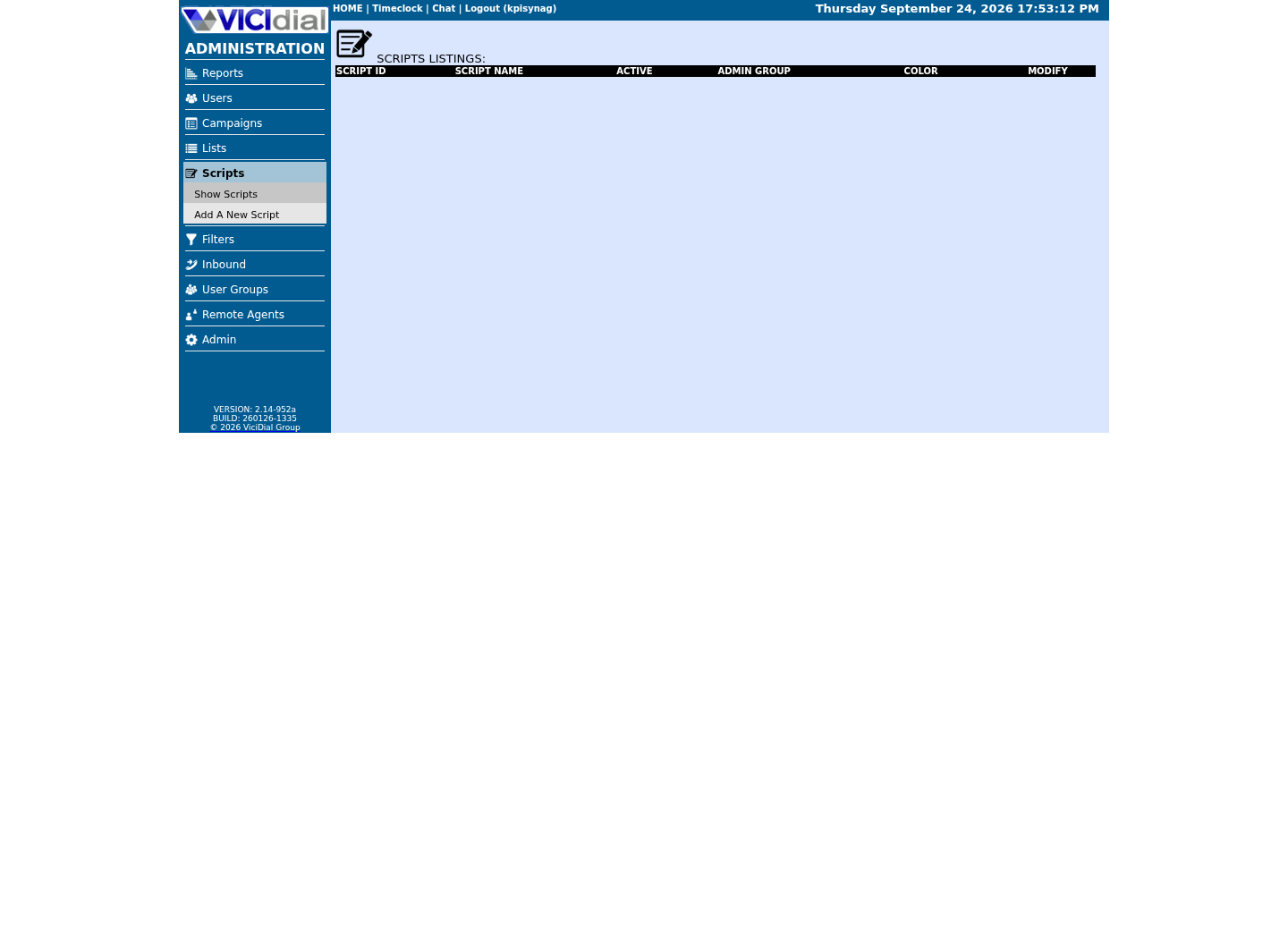
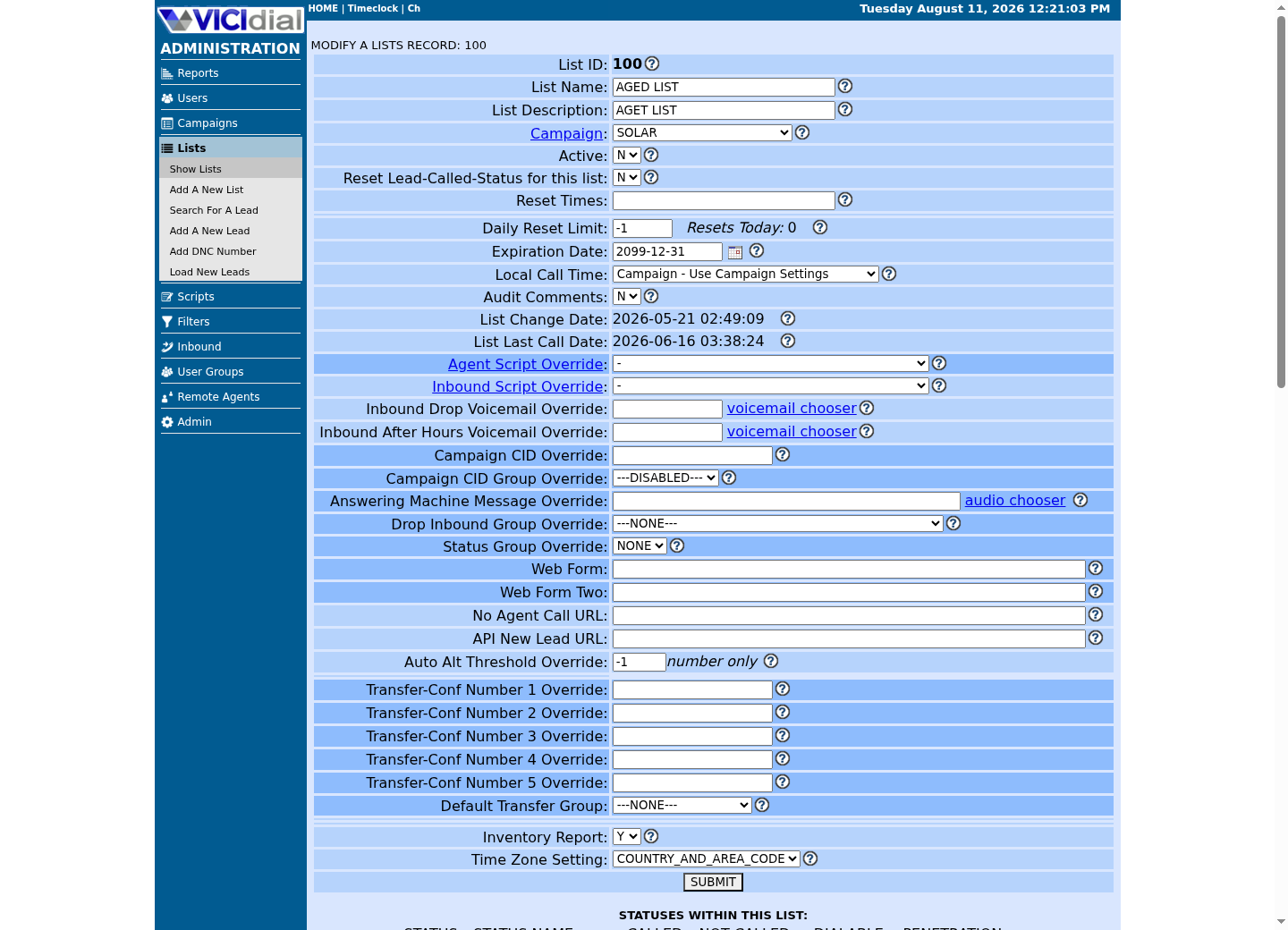
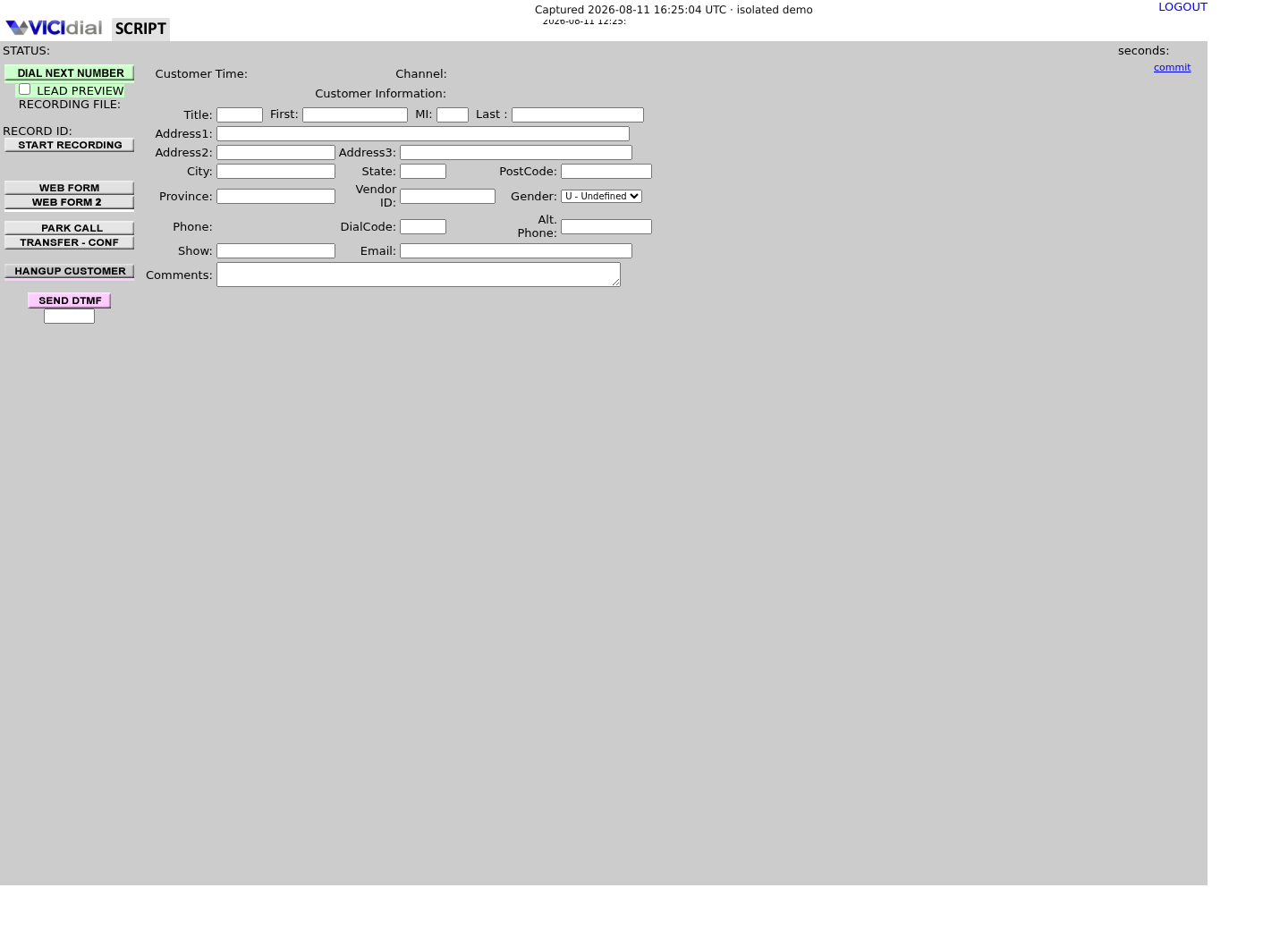
Captured on an isolated VICIdial demo: Administration screens on September 24, 2026, and the idle Agent screen on August 11, 2026. Each caption states its own capture time, and every sanitized image helps you recognize a related screen; none proves that this article's call, command, or result occurred.Open the script workspace
Check list-level form and URL fields
Recognize where the agent sees the workflow
Use authenticated, encrypted message submission
In plain language: SMTP is the Internet protocol used to submit and relay mail, and an open relay is a mail server that accepts and forwards mail for arbitrary senders or recipients—the exact misconfiguration authenticated submission exists to prevent. RFC 6409 reserves port 587 for mail submission and distinguishes it from ordinary server-to-server relay. Use the provider’s current authenticated submission settings and TLS guidance; do not expose port 25 or create a broad relay rule just to make an application send mail.
The integration should read a credential from an approved secret manager or protected service configuration, not from a VICIdial script field, browser URL, source repository or command history. Give the sender the smallest permission possible and define rotation and revocation before testing.
Decide whether a hosted transactional email provider or a self-run mail transfer agent fits your team before building either. A hosted provider removes most of the deliverability and abuse-prevention work RFC 6409's submission model assumes, at the cost of one more external dependency and its own credential to rotate; a self-run mail server keeps everything in-house at the cost of owning IP reputation, retry queues and spam-complaint handling yourself. Neither option is the unsafe one—skipping authentication on either is.
Name one owner for the credential's rotation schedule before the first test send. A shared secret with no named owner is how a mail integration keeps running for years on a password nobody remembers setting or agreed to rotate.
HOST: provider-approved submission hostPORT: 587AUTH: dedicated least-privilege accountTLS: required by providerSENDER: approved mailboxSECRET: managed outside sourceSTOP: relay is unauthenticatedThis sample is a template or reading aid, not a terminal command. There is no output to show.
- Before you run it
- Fill from your mail provider’s current documentation; never paste the password into the card.
- Success looks like
- The test account can send only through authenticated, encrypted submission.
- Stop if
- Stop and revoke/review if testing works without authentication or reveals a secret.
Make the call event idempotent
A browser retry, integration retry or agent correction can produce the same event more than once. Use a stable event key—such as a generated integration event ID tied to the approved disposition—and record it before sending. If the key already completed, do not send again unless a supervised resend action explicitly authorizes it.
Keep the workflow outside a fragile browser-only button where possible. A small service can validate the event, check the test/production boundary and consent, render the approved template, submit mail, and store a sanitized status.
Generate the event key before the disposition is saved, not after—deriving it from something the agent can resubmit, like clicking Save twice, defeats the idempotency it is meant to provide. Decide up front whether a failed send is retried automatically a bounded number of times or always escalated to a person; an unbounded automatic retry against a real mailbox is how one provider hiccup becomes five identical emails.
Log every suppressed duplicate the same way you log a sent message, with the same event ID visible in both. A quiet integration and a broken one should look different in the audit trail, not identical because the duplicate was silently dropped.
event_id: generated stable IDsource: approved dispositionrecipient: test mailbox referencetemplate: follow_up_v1state: queued | submitted | failed | suppressedRESEND: supervisor-reviewed onlyThis sample is a template or reading aid, not a terminal command. There is no output to show.
- Before you run it
- Use this model only with synthetic records in the first test.
- Success looks like
- A repeated event ID is suppressed and one new event produces one submission attempt.
- Stop if
- Stop automation if duplicate events can send duplicate mail.
Keep the email useful and data-minimal
Use a tested template with a plain subject, clear organization name, reply route and only the details needed for the follow-up. Do not automatically include recordings, full call notes, payment details, IDs or internal agent notes. Links should go to a protected, expiring destination when sensitive information is involved.
Test rendering in the team mailbox and inspect headers and links. A delivery acceptance from the submission server is not proof of inbox placement, so distinguish submitted, provider-accepted, bounced and recipient-confirmed states.
Decide the templating approach the same way you decided the transport. A small, fixed set of versioned templates is auditable and slow to change; a templating engine that drops the Dispo Call URL's own call_notes variable into the message verbatim is flexible and one unescaped field away from a broken or spoofed-looking email. Sanitize and length-limit any agent-entered field before it reaches the template, the same way you would any other agent-entered text reaching an external system.
Route any template change through the same reviewer who approved the original wording. An edited subject line or a newly added field is a new decision about what leaves the building, not a typo fix that skips review.
- Use a template ID/version in the audit record.
- Avoid sensitive data in subject lines.
- Create a documented bounce and reply owner.
Run a reversible test before real follow-up
Place one synthetic test call, choose only the approved test disposition, and confirm one message goes to the team mailbox. Repeat the same event to prove duplicate suppression; then simulate a provider failure and confirm the system records failure without exposing the payload or retrying forever.
Before production, have policy owners review consent, retention, sender identity, template, opt-out requirements and regional rules. Rehearse disabling the integration by removing the send permission or feature flag—not by deleting call history.
Roll out in stages: one synthetic disposition end-to-end, then one real approved disposition to the team mailbox for a day, then a small group of agents for a week with someone actively reading bounces, then everyone. Decide before launch what makes you turn it off—a spike in bounces, a report of an email nobody expected, or a credential surfacing somewhere it should not—and confirm that switch is a permission or feature-flag change, not a deploy.
Name the specific person who can flip that switch before an incident happens, not just the team responsible in general. A rollback with no named owner takes longer than it should, precisely when it needs to be fast.
- Verify zero email for every other disposition.
- Verify secrets are absent from logs and screenshots.
- Verify a disabled workflow cannot submit mail.
Evidence ledger
Verification basis
- CALL_URL_FEATURES.txt documents the Dispo Call URL firing on every dispositioned call, with dispo, talk_time, call_notes, callback_lead_status, callback_datetime and term_reason available to it.
- The same file names agc/dispo_call_url.php for the Dead Call Trigger and Pause Max email use case, but its own two worked examples instead call agc/dispo_send_email.php—this article quotes both rather than resolving the mismatch by guessing.
- RFC 6409 specifies port 587 for message submission and describes submission authorization.
Primary references
Sources
- VICIdial Call URL FeaturesVICIdial · accessed September 23, 2026
- RFC 6409: Message Submission for MailIETF · accessed September 23, 2026