Reader setup
Before you evaluate
Use this to set expectations, limits and implementation boundaries before changing anything.
- Export an approved synthetic or minimized callback input and keep an immutable copy outside the working directory.
- Obtain a documented old-agent to new-agent mapping plus a read-only database or supported report path.
- Use an inactive test campaign first and obtain separate approval before any supported API write.
- What you will prove
- You will produce a row-by-row dry-run ledger, built on update_lead's own no_update flag, that separates unique, ambiguous, already-correct and rejected callback records before any mutation.
- Safety boundary
- The examples only normalize and read. They do not move callbacks; production changes must use the installed supported API and an approved rollback ledger.
Reader path
How to use this article
- Use it when: You are designing a change and want reliable limits before implementation.
- Expected result: Separate what is known, unknown, and unsafe before you execute.
- Start here: Use it as an evidence review before changing architecture, security, or reporting behavior.
Build one normalized identity set
Fast answer: callbacks are usually tied to lead records, while imported files are often keyed by phone number. Normalize country code and punctuation once, then resolve each phone to the intended lead before planning a write.
A phone number that looks identical to a human can still fail to match: a leading country code, a stray extension digit, or punctuation left over from a spreadsheet export all change the literal string VICIdial's own search compares against. Decide and document one normalized shape for every input before the first lookup, and apply it identically to both the migration input and whatever VICIdial's own phone_number field actually stores, rather than normalizing only one side.
Ambiguous numbers belong in a review queue. Never let a last-row-wins rule silently choose between duplicate leads.
See vicidial-terminology-for-complete-beginners for the rest of this glossary.
- Country code, spacing and punctuation are normalized identically on both the input file and the field VICIdial's own search compares against.
- Every ambiguous phone number is quarantined in a review queue, not resolved by a default rule.
- The normalized shape you chose is written down once, so a second engineer applying the same migration months later reproduces it exactly.
SELECT phone_number, COUNT(*) AS lead_rowsFROM vicidial_listWHERE phone_number IN ('<PHONE_A>','<PHONE_B>')GROUP BY phone_numberHAVING COUNT(*) > 1;ViciGeek does not predict command output. This read-only sample has not been captured on the demo yet; run it only in your approved environment and compare the result with the success and stop guidance.
- Before you run it
- Run through the approved read-only database account. Replace <PHONE_A> and <PHONE_B> with normalized synthetic input values only; keep the parentheses and quotes, and never remove the WHERE clause for a first pass.
- Success looks like
- No rows means those two inputs are unique in the inspected lead population; returned rows identify ambiguous numbers that must be quarantined rather than auto-selected.
- Stop if
- Stop if the account can write, the population scope is unclear, returned data is not synthetic/authorized, or a number maps to more than one lead.
Visual walkthrough
Follow three real demo screens
Captured on an isolated VICIdial demo: Administration screens on September 24, 2026, and the idle Agent screen on August 11, 2026. Each caption states its own capture time, and every sanitized image helps you recognize a related screen; none proves that this article's call, command, or result occurred.Read system status definitions
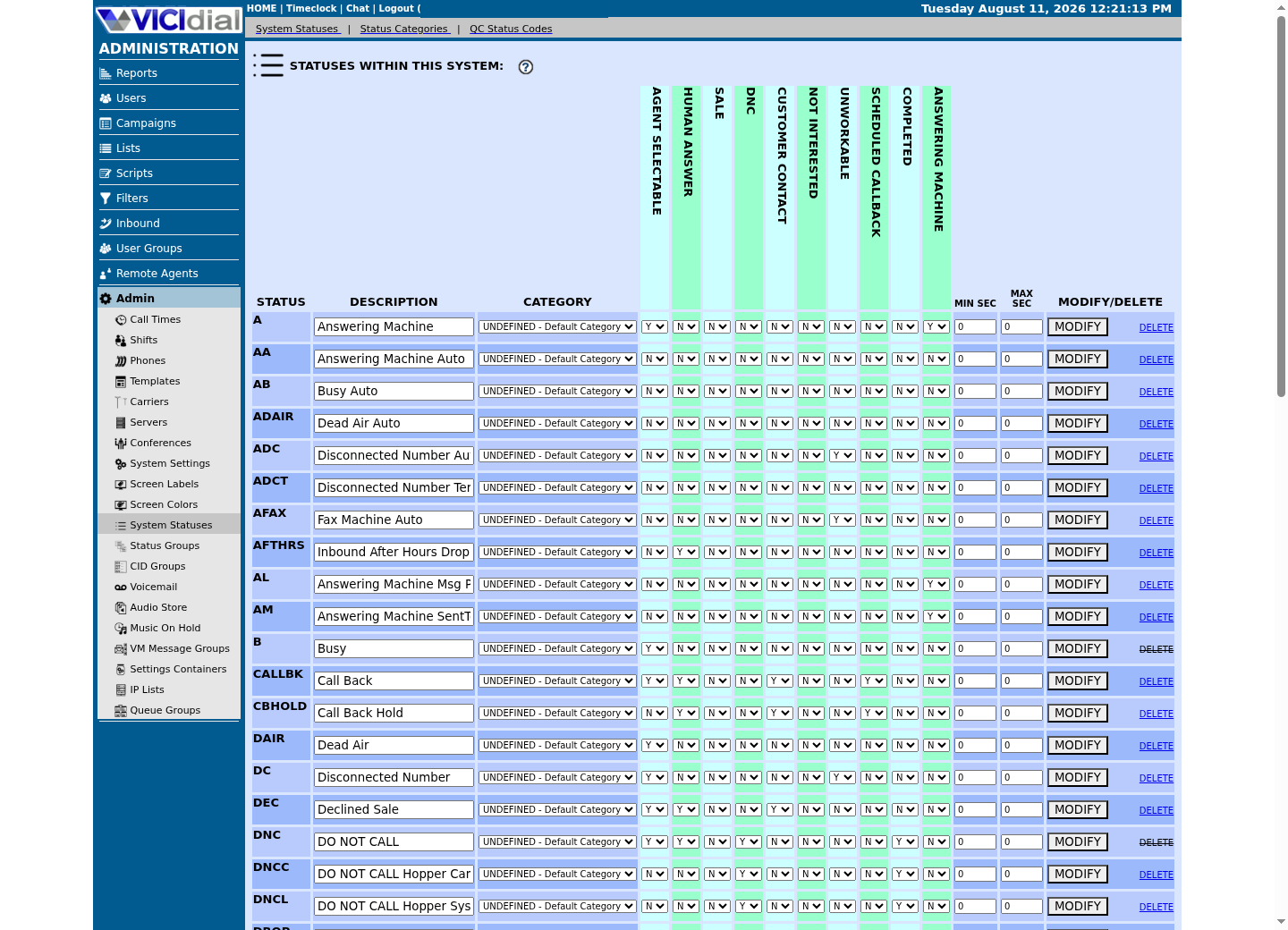
Compare campaign dial statuses
See where an agent works with status
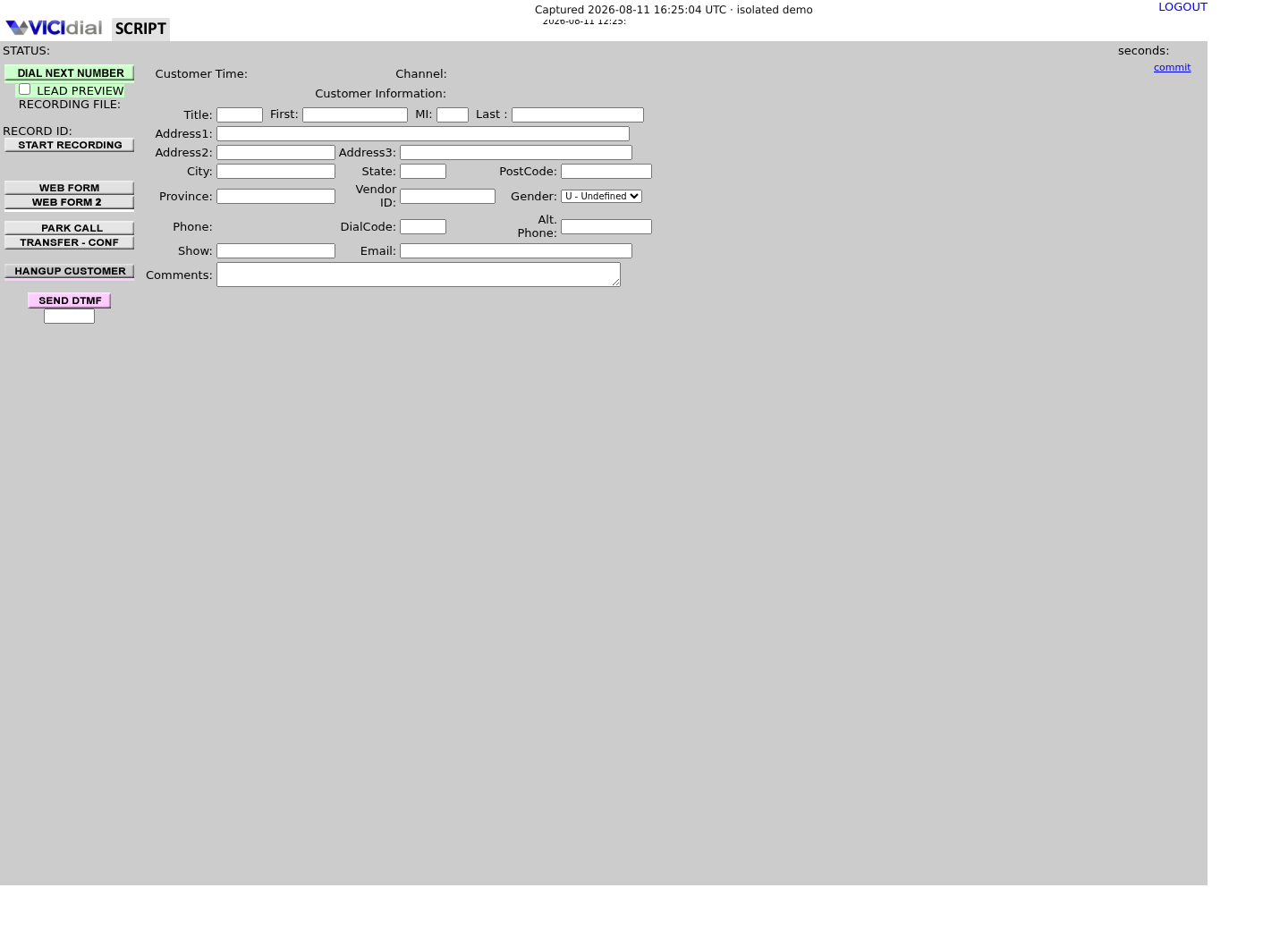
Prepare a tiny input before a large migration
Start with three synthetic cases: one unique callback needing a move, one already owned by the target agent and one deliberately ambiguous phone. This small set proves the reject and no-op branches as well as the happy path.
A fourth case is worth adding once the first three pass: the same phone number, but represented differently between your input file and VICIdial's own stored value — an extra leading digit, or punctuation the export tool left in. That case exercises your normalization step specifically, separately from the identity-resolution logic the other three already cover, and it is the case most migrations skip until it causes a real mismatch.
Use opaque fixture labels in the public worksheet. The example values explain the columns; they are not real agent IDs, lead IDs or phone numbers.
input_ref,normalized_phone,lead_match,current_owner,proposed_owner,planfixture-01,PHONE_A,unique,AGENT_OLD,AGENT_NEW,updatefixture-02,PHONE_B,unique,AGENT_NEW,AGENT_NEW,no-opfixture-03,PHONE_C,ambiguous,unknown,AGENT_NEW,rejectThis sample is a template or reading aid, not a terminal command. There is no output to show.
- Before you run it
- Create this ledger offline with synthetic identifiers, then substitute only authorized input references in the protected working copy. unique, ambiguous, update, no-op and reject are decision labels, not VICIdial status values.
- Success looks like
- Every input has exactly one plan, ambiguous data is rejected, and an already-correct callback is recorded as a no-op rather than written again.
- Stop if
- Stop if an input lacks an owner mapping, resolves to multiple leads, contains unapproved personal data, or cannot be assigned one deterministic plan.
Run VICIdial's own dry run before building anything custom
VICIdial already ships the dry run this article used to reconstruct by hand: update_lead's own no_update flag. Setting no_update=Y performs no write at all — it only reports whether a lead matching your search criteria exists, using the same search_method and search_location logic a real update would use. Run every input through this flag first, and build a custom ledger only for whatever it reports as ambiguous, not for the whole migration.
The write itself, once you are ready, moves through the same function's callback_type and callback_user fields: USERONLY assigns the callback to one specific agent named in callback_user, and ANYONE — the function's own documented default — leaves it open to whichever agent reaches it first. A last-row-wins mistake is not hypothetical here: update_lead's own records field documents that when a search matches more than one lead, the call updates only one of them, defaulting to '1', the most recently loaded lead. Treat more than one match from no_update as a hard stop, not as that default quietly choosing for you.
The search itself has two documented dimensions worth setting deliberately rather than leaving at their defaults: search_method can combine LEAD_ID, VENDOR_LEAD_CODE and PHONE_NUMBER matching in one call, and search_location narrows where VICIdial looks for a match — LIST for the one list a lead was loaded under, CAMPAIGN for every list under that list's campaign, or SYSTEM, the default, for the entire installation. A phone-only search with no search_location narrows nothing, which is exactly why an ambiguous-match rate that looks too high is often a search_location left at its widest setting, not a genuinely dirty input file.
function=update_lead &phone_number=<PHONE_NUMBER> &search_method=PHONE_NUMBER &no_update=Y &callback_type=USERONLY &callback_user=<AGENT_USER>This sample is a template or reading aid, not a terminal command. There is no output to show.
- Before you run it
- This is the request shape, not a runnable call — update_lead is a write function even when no_update=Y asks for a dry run only. Illustrate it here, then place the real call through /etc/vicidial-api/writer.cfg only after independent review.
- Success looks like
- The response names exactly one matching lead for this search, the only case safe to proceed on without narrowing the search further.
- Stop if
- The response names more than one matching lead, or none at all — treat either as a stop, not as records' own most-recently-loaded default deciding it for you.
Verify with an independent read path
Do not count a 200 response as proof. Re-read the callback records by normalized phone and confirm the owner, date, status and duplicate count.
A clean migration ends with input count, planned count, changed count, no-op count, rejected count and independently verified count reconciling exactly.
Read this back through a separate, read-only credential from whatever wrote the change, not the same writer account a second time — the same separation-of-duties reason a scripted read after a scripted write only proves something if the two paths cannot share a mistake. A verification query that quietly reused the writer's own cached assumption about which lead it just touched would not catch a records-defaulted-to-1 mistake at all.
SHOW COLUMNS FROM vicidial_callbacks; SELECT status, recipient, COUNT(*) AS callbacksFROM vicidial_callbacksWHERE campaign_id = '<CAMPAIGN_ID>'GROUP BY status, recipient;Captured demo response · 2026-09-25 06:55 UTC. The displayed command is the command that ran; a safe subset label means it was filtered, redacted, or fixture-scoped. Replays only after you select Replay transcript.
- Before you run it
- Run both through the read-only database account, replacing <CAMPAIGN_ID> with the approved synthetic campaign. The first confirms this build's real column names; the second is an aggregate count only, scoped to that one campaign, with no per-callback detail — never drop the WHERE clause to widen it.
- Success looks like
- A scoped campaign with nothing scheduled yet returns zero rows; that is the expected baseline, not a fault. Once callbacks exist, recipient's actual values here are what update_lead's callback_type field is meant to map to (USERONLY/ANYONE) — confirm that mapping from this build's own output rather than assuming it, since naming can drift by schema revision — and the aggregate reconciles with what you expect for the campaign you tested.
- Stop if
- Stop if recipient's values do not resemble USERONLY/ANYONE at all once rows exist; that means this build maps the field differently than this article assumes, and the mapping needs re-confirming before you rely on it. Removing the WHERE clause is never the fix — this table also holds real campaigns' callbacks, not just the fixture's.
Stop cleanly and reverse only proved changes
Stop the worker on authentication errors, ambiguous responses, count mismatch or a duplicate discovered after a write. Do not continue from the next row until an independent read has classified the prior operation.
Rollback from the immutable ledger in reverse operation order using the same supported, idempotent path. Re-read each callback after reversal and retain only sanitized reconciliation totals in the incident record.
Rollback is itself a write, so run the same no_update=Y dry run against every row you intend to reverse before you reverse it. A row already touched by someone else since the original migration — a fresh disposition, a new callback scheduled by an agent — is exactly the case a blind reversal would clobber, and it is the same class of mistake this whole article exists to prevent in the forward direction.
- Changed plus no-op plus rejected must equal the input count.
- Every reversed item must match its recorded original owner and schedule state.
- Unknown outcomes block dependent work until independently resolved.
Evidence ledger
Verification basis
- update_lead's own records field documents that a multi-match search updates exactly one lead, defaulting to '1' — the most recently loaded lead — which is the exact silent-selection risk this article is written to prevent.
- no_update=Y is update_lead's own documented dry-run flag: it performs no write and only reports whether a matching lead exists, using the same search_method and search_location logic the real update would use.
Primary references
Sources
- VICIdial Non-Agent APIVICIdial · accessed September 23, 2026
- VICIdial status and disposition reference (VICIDIAL_statuses.txt)VICIdial · accessed September 23, 2026