Reader setup
Before you evaluate
Use this to set expectations, limits and implementation boundaries before changing anything.
- A running VICIdial deployment plus an allowlisted HTTPS receiver you control
- Synthetic event data
- Integration rollback owner
- What you will prove
- A bounded, idempotent integration design.
- Safety boundary
- Do not expose secrets in URLs or use a wildcard CORS origin.
Reader path
How to use this article
- Use it when: You are designing a change and want reliable limits before implementation.
- Expected result: Separate what is known, unknown, and unsafe before you execute.
- Start here: Use it as an evidence review before changing architecture, security, or reporting behavior.
Use the right extension point and design for imperfect delivery
Fast answer: Call URLs are call-triggered URL integrations, Agent Events Push is browser-side event delivery that often needs a reviewed relay, Cross-Origin Resource Sharing (CORS) is a browser permission boundary, and custom WebSocket hooks are in-app code extension points—not a managed durable message bus. Server-sent events (SSE) are not documented here as a native VICIdial event transport.
Assume events can be duplicated, delayed, reordered or missing, especially around browser close. This article assumes an allowlisted HTTPS receiver and synthetic test data; it does not promise exactly-once delivery, endorse a relay product or claim a deployed integration.
This article assumes the reader already knows “agent” as VICIdial uses it; the companion article “VICIdial terminology for complete beginners: users, phones, campaigns and leads” covers that and the rest of the platform's vocabulary.
- Prerequisites: allowlisted HTTPS receiver, synthetic data and integration rollback owner.
- Non-goal: do not treat browser events as a complete audit trail or native SSE stream.
- Define a reconciliation path for missed terminal events.
Visual walkthrough
Follow three real demo screens
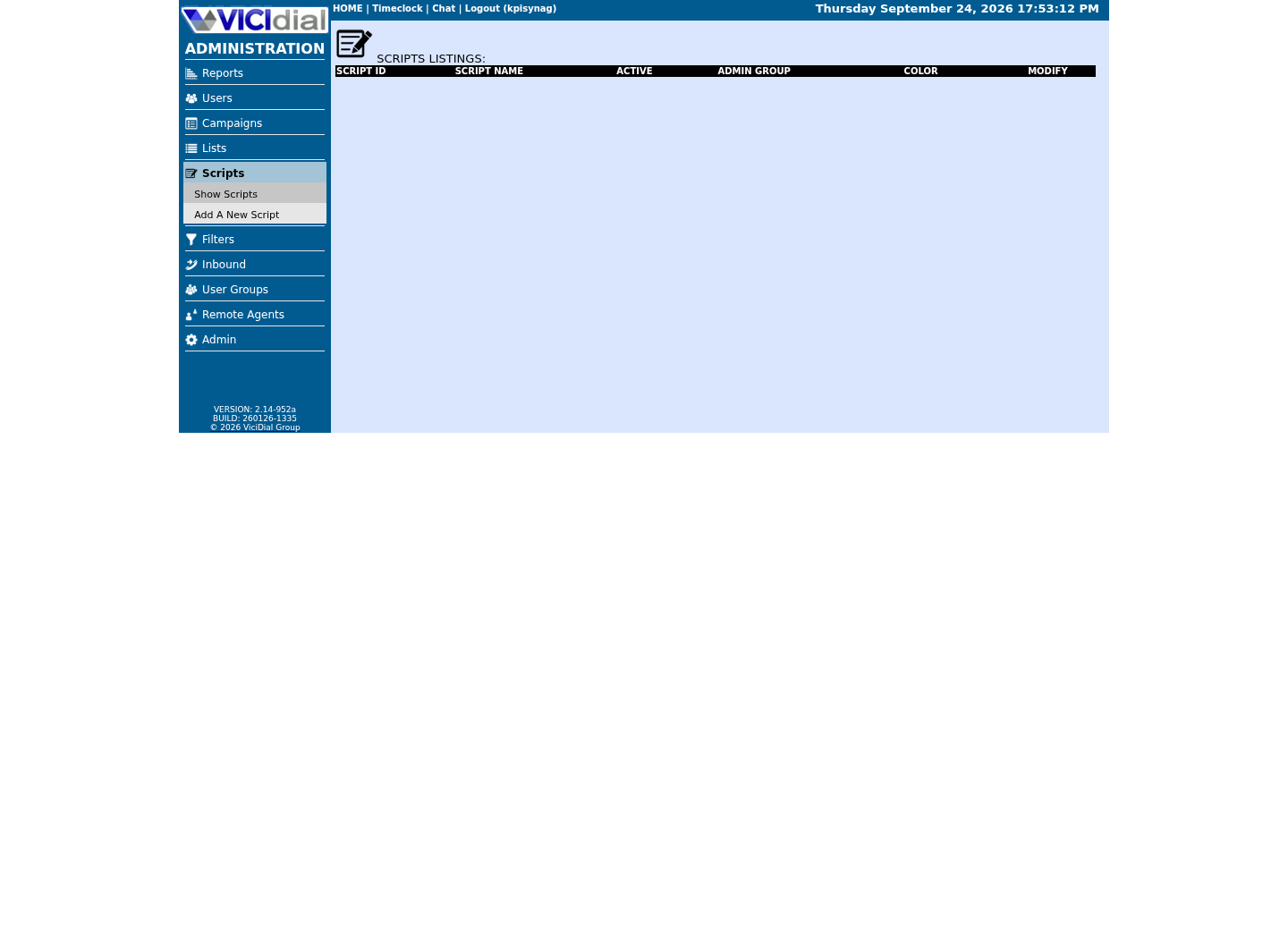
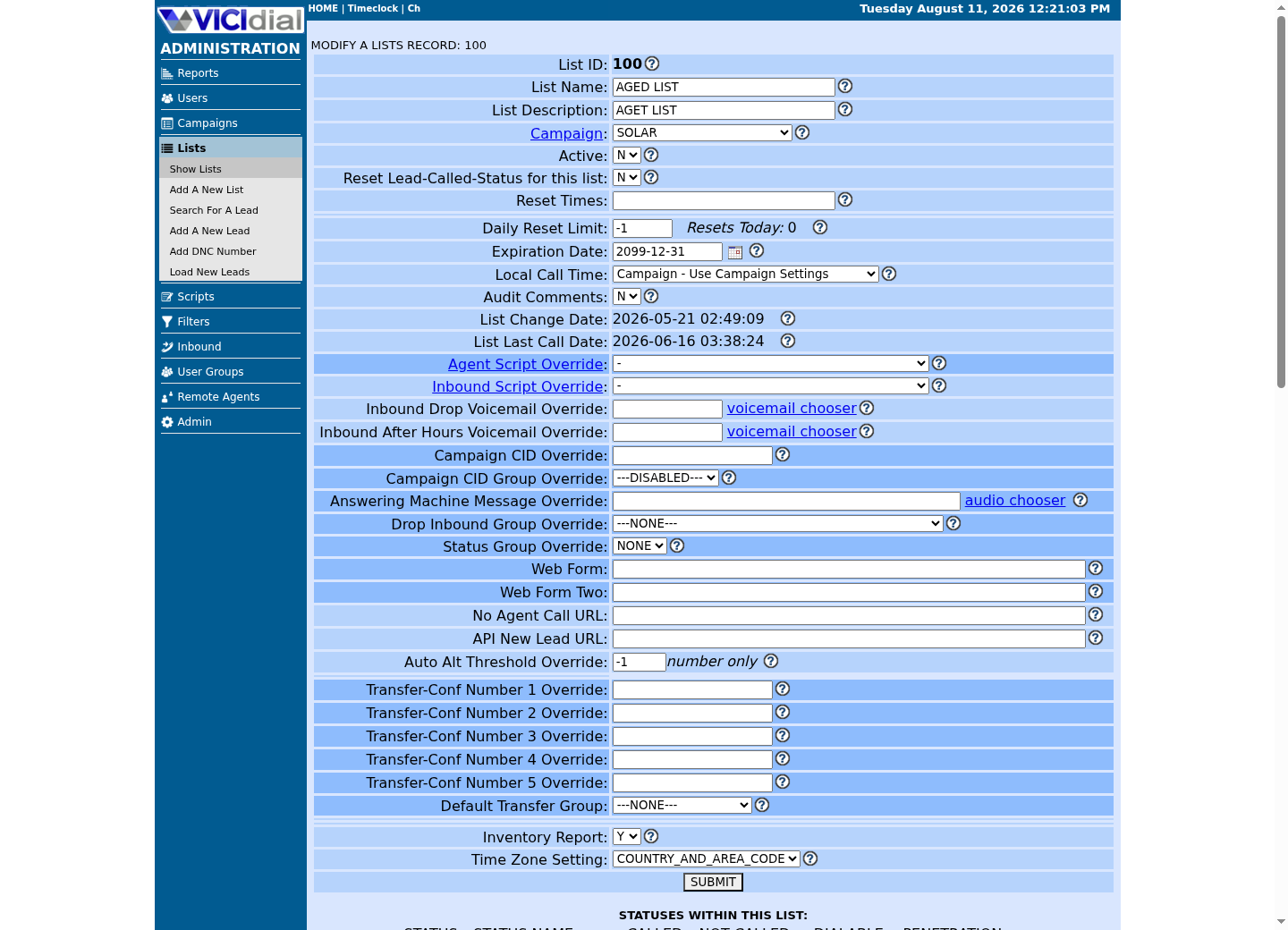
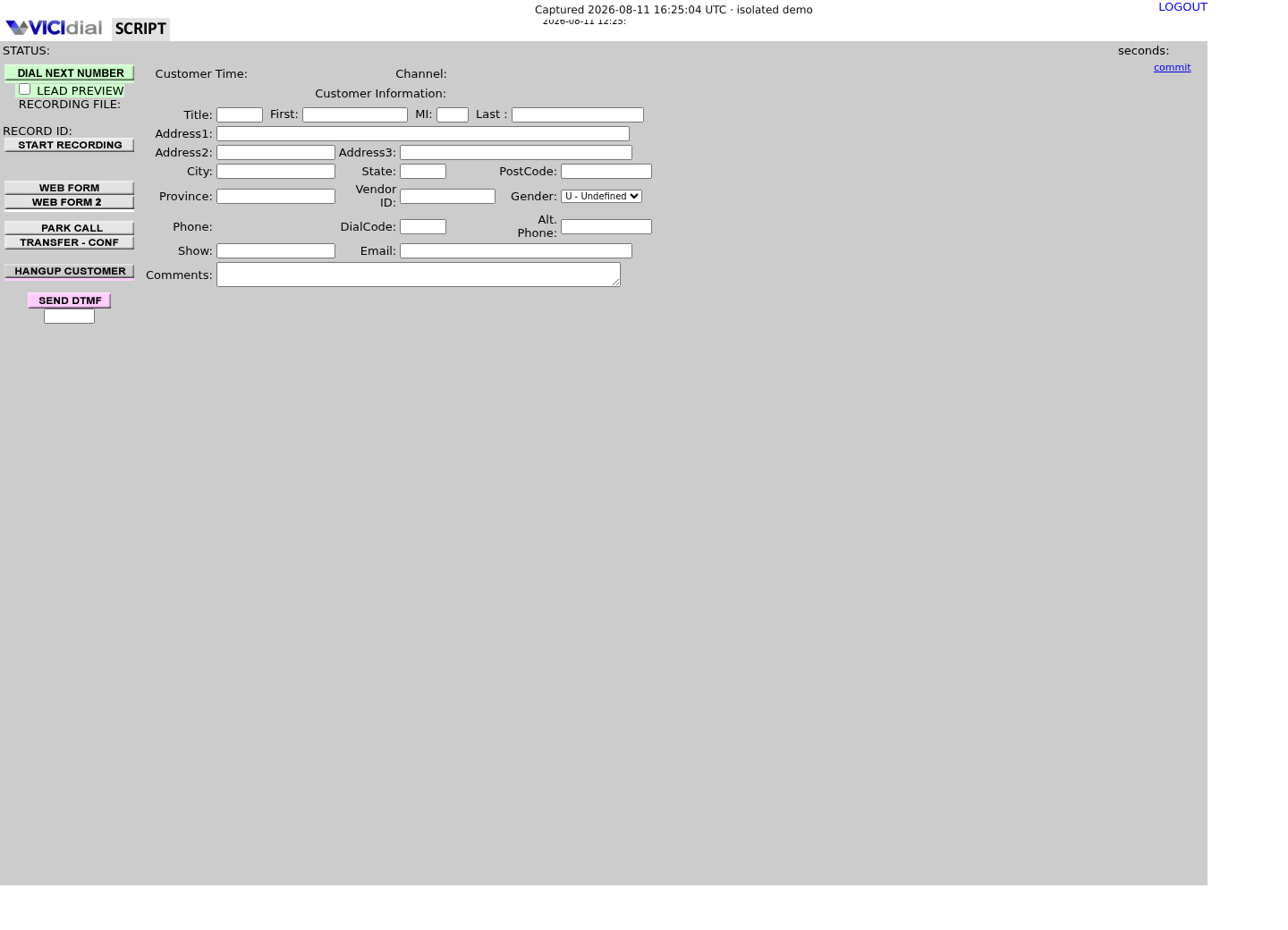
Captured on an isolated VICIdial demo: Administration screens on September 24, 2026, and the idle Agent screen on August 11, 2026. Each caption states its own capture time, and every sanitized image helps you recognize a related screen; none proves that this article's call, command, or result occurred.Open the script workspace
Check list-level form and URL fields
Recognize where the agent sees the workflow
Call URLs: explicit destination, encoding and data minimization
VICIdial's Call URL features are covered in full in the companion article “VICIdial Call URLs: trigger an external system on call events,” including the `VAR` prefix and the `--A--field--B--` substitution syntax; this section only places Call URLs among the other extension points below. Confirm which trigger applies to inbound, outbound or manual calls, and whether the request is browser- or server-originated, before relying on it.
Allowlist the HTTPS receiver, encode every inserted value, avoid reusable secrets in a URL, and authenticate using a reviewed scheme. The receiver should validate schema and treat repeats as safe no-ops.
- Test with a sanitized synthetic record.
- Do not place customer data in URL logs.
- Document timeout and receiver-failure behavior.
Agent Events Push: browser-originated, not an audit log
Two System Settings control this feature: Agent Push Events enables it system-wide and defaults to 0 (disabled), and Agent Push URL is where enabled events are sent, built from `--A--user--B--`, `--A--event--B--`, `--A--message--B--`, `--A--lead_id--B--` and `--A--counter--B--`. Because the request fires from the Agent screen's own browser-side AJAX, the target must be local to the web server — reach an external receiver through the shipped `get2post.php` relay, never by pointing Agent Push URL at another host directly. Browser shutdown can also prevent a final logout event, so consumer state must be reconciled against an authoritative read path rather than inferred from event order.
Use stable event/call/agent correlation fields where available, timestamp receipt and source separately, deduplicate within a bounded window, and queue retries without turning a transient receiver outage into a browser reconnect storm.
Agent Push Events = 0 # System Settings; 0 disabled (default), 1 enabledAgent Push URL = <AGC_SCRIPT>?user=--A--user--B--&event=--A--event--B--&message=--A--message--B--&lead_id=--A--lead_id--B--&counter=--A--counter--B-- Event names actually documented (partial list):logged_instate_readycall_deaddispo_setlogged_out_complete # may not trigger reliably; agent can close the browser firstThis sample is a template or reading aid, not a terminal command. There is no output to show.
- Before you run it
- This mirrors AGENT_EVENTS_PUSH.txt's own System Settings names and variable list; it is not a live configuration.
- Success looks like
- You can name both settings, list the five URL variables, and can point to at least one event your integration must reconcile rather than trust blindly (`logged_out_complete`).
- Stop if
- If your build's System Settings uses different labels, confirm the installed version's Agent Events Push documentation before wiring a receiver.
CORS is a narrow browser allowlist
CORS support adds seven configurable variables to `agc/options.php` for Agent scripts, and the same seven to `vicidial/options.php` for four Admin scripts only — `non_agent_api.php`, `vdremote.php`, `AST_timeonVDADall.php` and `nanpa_type.php`: `$CORS_allowed_origin`, `$CORS_allowed_methods`, `$CORS_affected_scripts`, `$CORS_allowed_headers`, `$CORS_allowed_credentials`, `$Xframe_options` and `$CORS_debug`.
CORS_SUPPORT.txt itself warns against setting `$CORS_allowed_origin` to a wildcard, because that lets any website use your webserver's resources from any browser window, iframe or hidden span. Permit explicit HTTPS origins and the minimal methods and headers your integration actually needs, and enable `$CORS_allowed_credentials` only when strictly required.
Test preflight, authenticated and same-origin requests after changing any CORS option, and turn `$CORS_debug` back off once satisfied — CORS_SUPPORT.txt notes it can generate a large `CORSdebug_log.txt`.
- List exact origins; do not use *.
- Verify credentialed cross-origin behavior deliberately.
- Re-test after updates or reverse-proxy changes.
ls -l /srv/www/htdocs/agc/options*.phpCaptured demo response · 2026-09-23 21:35 UTC. The displayed command is the command that ran; a safe subset label means it was filtered, redacted, or fixture-scoped. Replays only after you select Replay transcript.
- Before you run it
- Run as root; this only lists filenames and permissions under the agent web directory.
- Success looks like
- Seeing only `options-example.php` means CORS and the WebSocket `$INSERT_*` hooks are still at their shipped, inactive defaults on this build; an `options.php` alongside it means someone has already configured one or both.
- Stop if
- If neither file exists, this build's `agc` directory differs from a stock install — locate the actual options file before changing CORS or WebSocket settings.
Keep WebSocket hooks and SSE in their proper boundary
WEBSOCKETS_SUPPORT.txt documents five insertion points in the same `agc/options.php` file: `$INSERT_head_script` (loaded just above the agent screen's main script tag), `$INSERT_head_js` (after the first JavaScript function), `$INSERT_first_onload` and `$INSERT_window_onload` (the start and end of the page's onload handler), and `$INSERT_agent_events` (inside the function that also drives Agent Events Push). Review whatever you insert there as application code: content security, dependency pinning, authentication, reconnect backoff, browser compatibility and failure isolation all belong in the release plan.
The doc's own worked example passes a WebSocket application's connection details to the agent screen through a custom login-URL variable — a pattern that, in that same example, sits next to the agent's login password in the query string. Treat that as a cautionary illustration, not a template: never place a phone-login password, an agent password, or any other secret in a URL, a browser history entry, or a bookmark, no matter which VICIdial screen it targets.
SSE may be a useful downstream delivery choice for your own relay-to-dashboard path, but it is not evidence of a native VICIdial SSE event feed. Keep it behind a service that authenticates subscribers, redacts sensitive fields and can replay from an owned durable store.
- Do not expose agent credentials to custom JavaScript.
- Cap reconnects and persistent-connection resource use.
- Revalidate insertions after every VICIdial update.
grep -n 'CORS_\|INSERT_' /srv/www/htdocs/agc/options-example.phpCaptured demo response · 2026-09-23 21:35 UTC. The displayed command is the command that ran; a safe subset label means it was filtered, redacted, or fixture-scoped. Replays only after you select Replay transcript.
- Before you run it
- Run as root; `options-example.php` is the shipped template, never the active config, so this is read-only regardless of whether CORS or WebSockets are enabled on this build.
- Success looks like
- You see every `$CORS_*` and `$INSERT_*` variable name at its default, commented-out value — the same list this article names above.
- Stop if
- If the file is missing, this build's `agc` directory differs from a stock install; locate the actual shipped template before copying it to `options.php`.
Release with negative tests and reconciliation
Test receiver timeout, duplicate event, reordered event, missing logout, unauthorized origin, expired certificate and relay restart. Verify the agent screen remains usable when the integration is down; an integration must not block call handling unless that is a consciously designed and tested policy.
Stop deployment if the destination is not allowlisted, secrets appear in URLs/logs, CORS is broad, replay/deduplication is absent, or a browser outage causes uncontrolled retries. Roll back the scoped URL/insert/CORS configuration through normal change control, then independently verify normal Agent behavior. Complete the CORS review below before any of those variables go live.
- Keep an integration kill switch.
- Monitor receiver latency, failures and queue depth with no PII payloads.
- Reconcile aggregate event counts with an authorized source of truth.
CORS_allowed_origin = https://portal.example.testCORS_allowed_methods = [minimum required]CORS_affected_scripts = [minimum required, or --ALL-- for Agent scripts only]CORS_allowed_headers = [minimum required]CORS_allowed_credentials = NXframe_options = [N | SAMEORIGIN | DENY]CORS_debug = 0preflight_test = [pass or fail]This sample is a template or reading aid, not a terminal command. There is no output to show.
- Before you run it
- Replace only the example.test placeholder with an approved HTTPS origin, in a private review record, before a reviewer applies these as `$CORS_*` variables in `options.php`.
- Success looks like
- One explicit origin and minimum access rules are independently tested, `CORS_debug` is off, and `CORS_allowed_credentials` is `N` unless a specific integration requires `Y`.
- Stop if
- Stop if the origin is wildcarded, untrusted, or preflight/authentication fails.
Evidence ledger
Verification basis
- Source present: CALL_URL_FEATURES.txt, AGENT_EVENTS_PUSH.txt, CORS_SUPPORT.txt and WEBSOCKETS_SUPPORT.txt — VICIdial's own shipped documentation — define these extension points' settings, variables and events.
- Configured/enabled/functionally verified: no external receiver, CORS origin or persistent connection is asserted as deployed or tested here.
- AGENT_EVENTS_PUSH.txt states plainly that Agent Events Push is browser-driven and that consumers must tolerate loss, duplication and reordering; this article treats that as a design constraint, not a defect to route around.
Primary references
Sources
- VICIdial Call URL featuresVICIdial · accessed August 4, 2026
- VICIdial Agent Events PushVICIdial · accessed August 4, 2026
- VICIdial CORS supportVICIdial · accessed August 4, 2026
- VICIdial WebSockets supportVICIdial · accessed August 4, 2026