Reader setup
Before you choose
List your constraints, required evidence and stop rules before you score options.
- A Meta WhatsApp Business Platform account and one test phone number that belongs to your team
- An approved inactive VICIdial test list containing one synthetic lead
- A developer who can run a small HTTPS webhook service and keep tokens out of source code
- What you will prove
- A written, testable design that records consent, receives one test message, matches it safely to one synthetic VICIdial lead, and lets an agent see the result.
- Safety boundary
- Use only company-owned test numbers and synthetic lead data. Do not upload a calling list, send marketing messages, scrape WhatsApp, or use an unofficial WhatsApp client.
Reader path
How to use this article
- Use it when: You are comparing options and need decision evidence before approval.
- Expected result: Turn options into explicit acceptance criteria and documented stop conditions.
- Start here: Score what is mandatory, keep unknowns visible, then decide only when risks are understood.
Start with the boundary, not a bulk-message button
WhatsApp Business Platform and VICIdial solve different jobs. WhatsApp receives and sends business messages; VICIdial manages phone agents, leads, campaigns and call outcomes. A safe integration joins them through a small service that records consent, validates webhooks, and writes only reviewed, minimum data to the lead workflow.
Meta says business-initiated WhatsApp messages use pre-approved templates and that people control whether they receive business messages. Treat opt-in, message purpose, timestamp, source and opt-out as records your integration must preserve—not a checkbox an agent can guess.
In plain language: a webhook is an HTTPS request a service sends your app when something happens; an API is a controlled way for software to exchange data; a lead is one contact record; a template is a pre-approved message layout with permitted placeholders.
This article is a Decision framework, not a How-to guide, because VICIdial has no built-in WhatsApp screen to click through: WhatsApp Business Platform access, template approval and webhook hosting are choices made in Meta's developer tools and your own infrastructure, not in the VICIdial admin menu. The sequence that fits a five-agent team sending appointment reminders is not the sequence that fits a large floor connecting a shared CRM—read this to decide the shape of the integration before assigning anyone to build it.
- Choose one support or appointment use case before building.
- Keep WhatsApp message storage separate from call recordings and unrestricted exports.
- Write who may send, read, export and delete each data type.
- Confirm current WhatsApp Business Platform pricing and quality-rating rules with Meta or your provider before scaling past the pilot.
Visual walkthrough
Follow three real demo screens
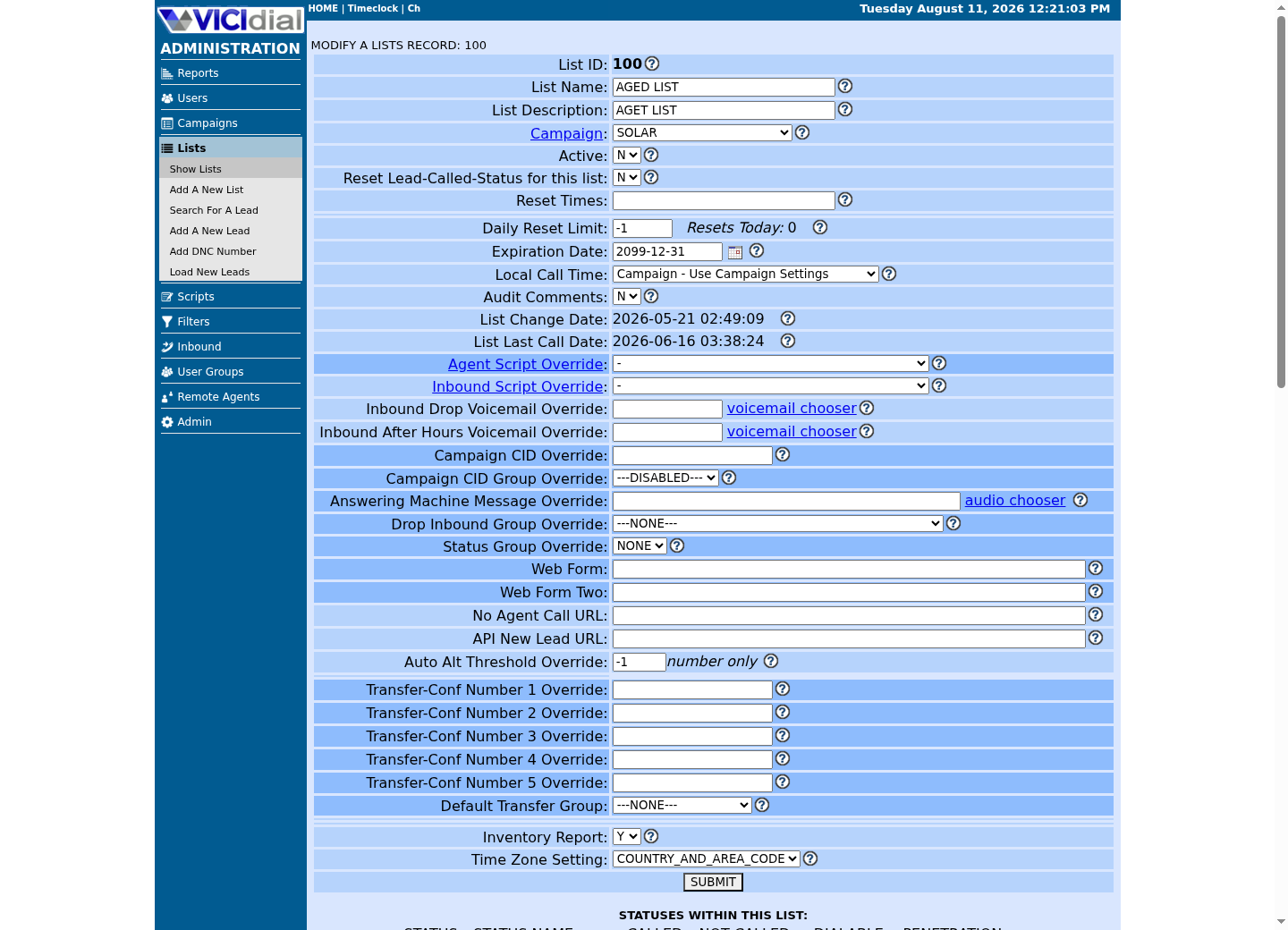
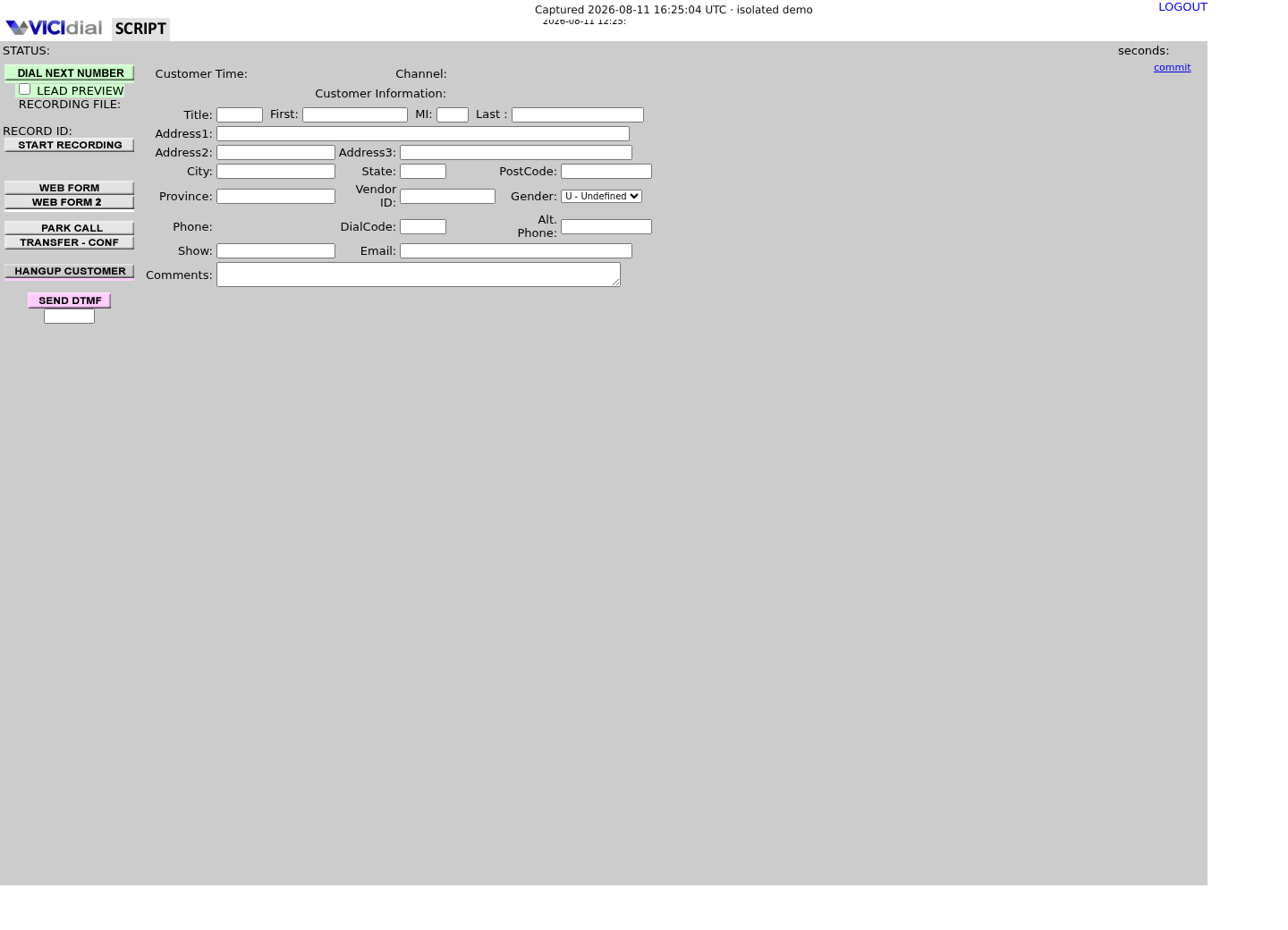
Captured on an isolated VICIdial demo: Administration screens on September 24, 2026, and the idle Agent screen on August 11, 2026. Each caption states its own capture time, and every sanitized image helps you recognize a related screen; none proves that this article's call, command, or result occurred.Open the script workspace

Check list-level form and URL fields
Recognize where the agent sees the workflow
Make consent and opt-out first-class data
Record how the person agreed to receive messages, what they agreed to receive, when, and which number they used. A web form, QR code or customer-started conversation can be a consent source only if the wording and evidence are retained under your organization’s policy.
An opt-out is immediate operational work: stop future sends for that number, retain only the evidence your policy requires, and do not rely on an agent’s memory. Legal requirements vary by place and message type; obtain compliance review before any production campaign.
Decide single or double opt-in once, as policy, rather than letting whichever engineer builds the sign-up form choose by default. A single recorded action—submitting a form, sending the first message—is faster to launch and weaker as evidence; a second confirmation step is slower and holds up better if a customer later disputes receiving messages. Whichever you pick, set a retention period for the consent record itself, separate from how long you keep the messages it authorizes.
Assign a single owner for the consent record's schema and retention rule—compliance or legal, not whoever wrote the webhook handler—so a policy change updates one definition instead of every service that reads it.
- Decide single vs. double opt-in once, in policy, not per engineer.
- Set a retention period for the consent record itself, separate from message retention.
- Name who can look up, export or revoke a consent record on request.
phone_e164: +15555550199source: test QR pagepurpose: appointment reminderrecorded_at: 2026-08-11T14:00:00Zstatus: opted_inSTOP: no evidence or opt-out receivedThis sample is a template or reading aid, not a terminal command. There is no output to show.
- Before you run it
- Create this only for the team-owned test number, in the integration’s test store.
- Success looks like
- The record has a purpose, source, timestamp and reversible status.
- Stop if
- Stop sending when any consent field is missing or status is opted_out.
Receive webhooks as untrusted Internet input
Meta’s webhook documentation describes HTTPS notifications to the URL configured for the app. Verify the platform challenge and request signature according to the current Meta documentation, acknowledge valid events quickly, then process them asynchronously with idempotency so retries do not create duplicate notes or sends.
Store the provider message ID, event type, received timestamp and a minimal correlation key. Do not put a VICIdial username, database password, access token, or raw message body in logs. Reject events that fail verification and alert the integration owner.
Decide who runs the webhook receiver before deciding how it verifies requests. Hosting the endpoint yourself keeps data handling and cost in your control, at the price of owning uptime, retries and Meta’s own verification changes over time. Routing through a Business Solution Provider—a Meta-authorized platform that resells Cloud API access with a hosted webhook layer and dashboard—trades that operational load for a recurring fee and one more vendor in the data path. Neither choice is safe by default; both still need the verification, deduplication and minimal logging described above.
- Decide build-vs-buy for the webhook layer before writing a verification handler.
- Put that decision and its owner in writing, not in a chat message.
- Re-test signature verification whenever Meta changes its verification requirements.
- Log webhook failures somewhere a human actually watches, not only to a file no one reads.
VERIFY: Meta challenge and request signatureDEDUPLICATE: provider message IDACK: successful validated eventQUEUE: background processingLOG: event type + correlation ID onlySTOP: signature missing or invalidThis sample is a template or reading aid, not a terminal command. There is no output to show.
- Before you run it
- Apply this checklist to a staging endpoint before subscribing a production number.
- Success looks like
- One test inbound message creates one queued event and one sanitized audit record.
- Stop if
- Disable the endpoint from the app and investigate if invalid requests are accepted or one event is processed twice.
Match a message to a lead without creating a data leak
Normalize the phone number to the format your approved lead process uses, then search only the permitted test list or an explicitly approved lookup boundary. A phone-number match is not proof that the sender is the correct person, and it is not permission to expose every historical call note to every messaging agent.
For the first release, write an integration note or a reviewed custom field reference rather than directly changing dial status, callback state or campaign membership. Those changes affect live calling and should have a separate approved workflow.
Set a match-confidence policy before the first real message arrives. An exact match on a normalized E.164 number—the international format that starts with a country code, such as +15555550199—against one approved list is a safe default; a fuzzy match, or a match against several lists at once, is not. Decide in advance what an agent sees for an unmatched or ambiguous number: an empty result is safer than a guess, and only a named owner should be able to widen the lookup boundary later.
Decide, too, who owns cross-channel visibility. A phone agent who can suddenly see a customer's WhatsApp history—or vice versa—is a bigger permission change than it looks, especially when the two channels used different consent language to begin with. Scope that visibility narrowly at first, and widen it only for a specific, documented reason.
- Show agents a link or small summary, not a raw integration database.
- Use least-privilege service credentials and rotate them through the approved secret store.
- Return an unmatched result for ambiguous numbers; do not guess.
Prove one inbound and one approved outbound test
Test inbound first: from the team-owned WhatsApp number, send a simple message to the business test number; verify signature handling, one stored event, correct synthetic-lead match and a constrained agent view. Then test one approved template to the opted-in test number and observe provider delivery status through the webhook.
Do not call a successful lab message a production launch. Production requires current Meta policy review, template approval, a privacy/compliance review, monitoring, rate/error handling, ownership and a tested opt-out path.
Treat the move from lab to production as a staged decision, not a single switch: one synthetic lead end-to-end, then one real opted-in volunteer, then a small cohort with a named owner watching delivery and opt-out rates daily, then general availability. Require an explicit sign-off from whoever owns consent policy at each stage, not only from the engineer who built the webhook receiver—the larger risk in this integration is organizational, not technical.
Budget for the ongoing cost of the channel, not just the build. WhatsApp Business Platform's pricing and quality-rating rules are set by Meta and change over time, so confirm the current terms directly with Meta or your Business Solution Provider before assuming a pipeline that reopens conversations on a schedule is otherwise free to run once built.
- Test duplicate delivery and invalid signature cases.
- Test opt-out before any non-test send.
- Document the current provider policy and template version on release day.
Evidence ledger
Verification basis
- Meta states that Business Platform API users can initiate messages only using pre-approved templates and describes customer message controls.
- VICIdial’s Non-Agent API is a version-dependent interface; this article intentionally does not prescribe an unreviewed write command.
Primary references
Sources
- Ways to manage business chats on WhatsAppMeta · accessed September 23, 2026
- Webhooks - WhatsApp Cloud APIMeta · accessed September 23, 2026
- VICIdial Non-Agent APIVICIdial · accessed September 23, 2026