Reader setup
Before you evaluate
Use this to set expectations, limits and implementation boundaries before changing anything.
- Read the terminal, networking and VoIP foundations
- No system access needed
- Use this alongside the ViciBox lab lessons later in this curriculum
- What you will prove
- You can follow an end-to-end VICIdial guide without treating call-path terms as interchangeable, and you know where admin-screen object names are defined.
- Safety boundary
- Definitions describe concepts, not authorization. A word such as admin or trunk does not grant permission to alter it.
Reader path
How to use this article
- Use it when: You are designing a change and want reliable limits before implementation.
- Expected result: Separate what is known, unknown, and unsafe before you execute.
- Start here: Use it as an evidence review before changing architecture, security, or reporting behavior.
Start with the call path
A simple outbound path runs lead → campaign rules → hopper (the eligible work queue) → Asterisk → carrier trunk → customer, with an agent connected through an Asterisk conference or a SIP endpoint once the call is up. A disposition is the outcome an agent records once the contact ends, and it is what feeds every report built on top of this path.
Every noun in that sentence reappears constantly once you are inside VICIdial's Admin screens, and mixing up two of them is the single most common way a beginner misreads an otherwise correct setup. Fix the path in your head first, in the order a real contact actually travels it, and the screens that configure each stage will make far more sense the first time you open them.
This lesson owns that path end to end — what a lead becomes on its way to a live call, and back. It deliberately does not redefine every noun VICIdial's Admin screens use for that path's building blocks: user accounts, phone records, campaigns as configuration objects and similar admin-UI vocabulary already have one home, in "VICIdial terminology for complete beginners: users, phones, campaigns and leads." Read that lesson for those object names; read this one for how a contact actually moves.
Visual walkthrough
Follow three real demo screens
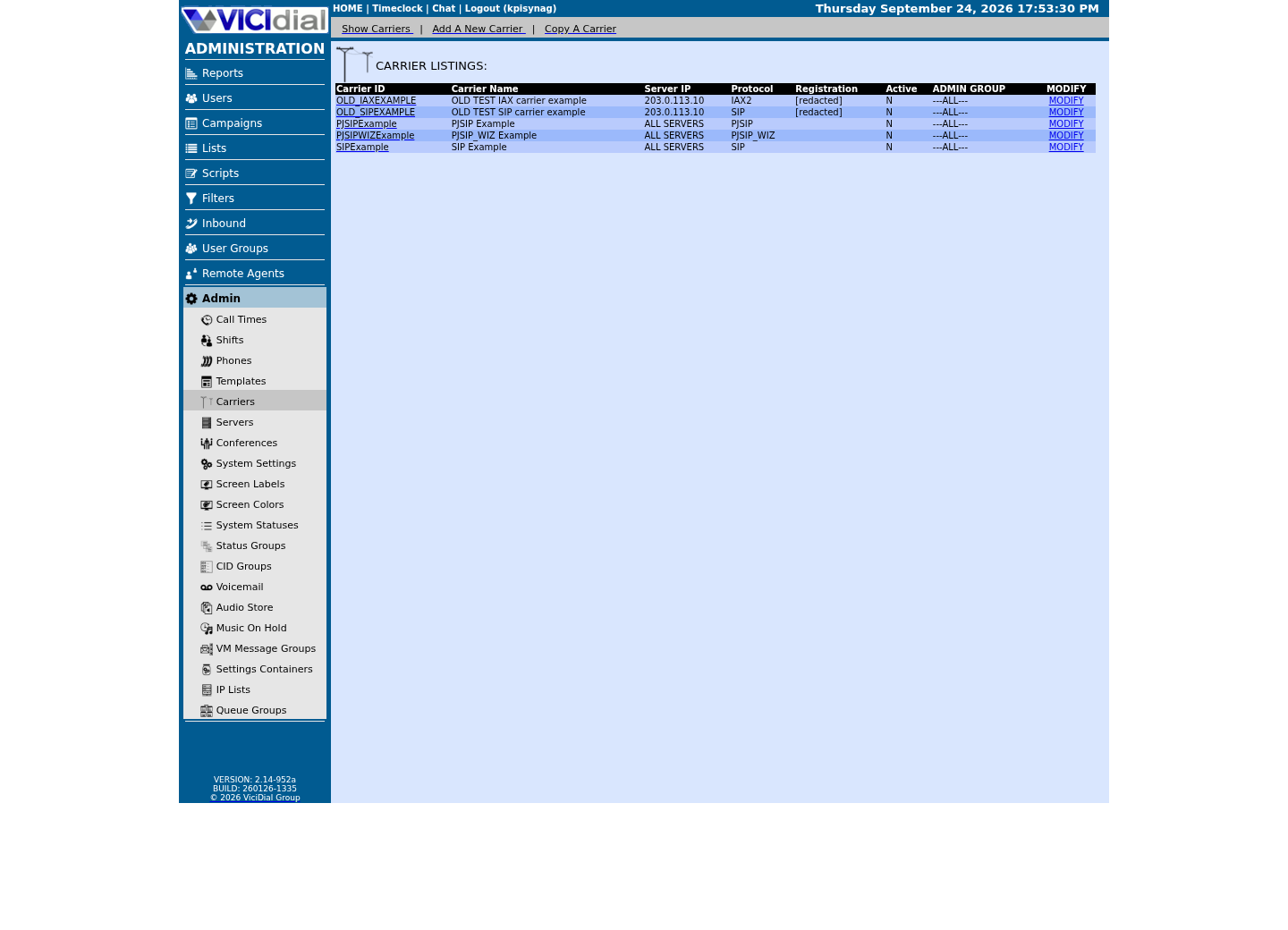
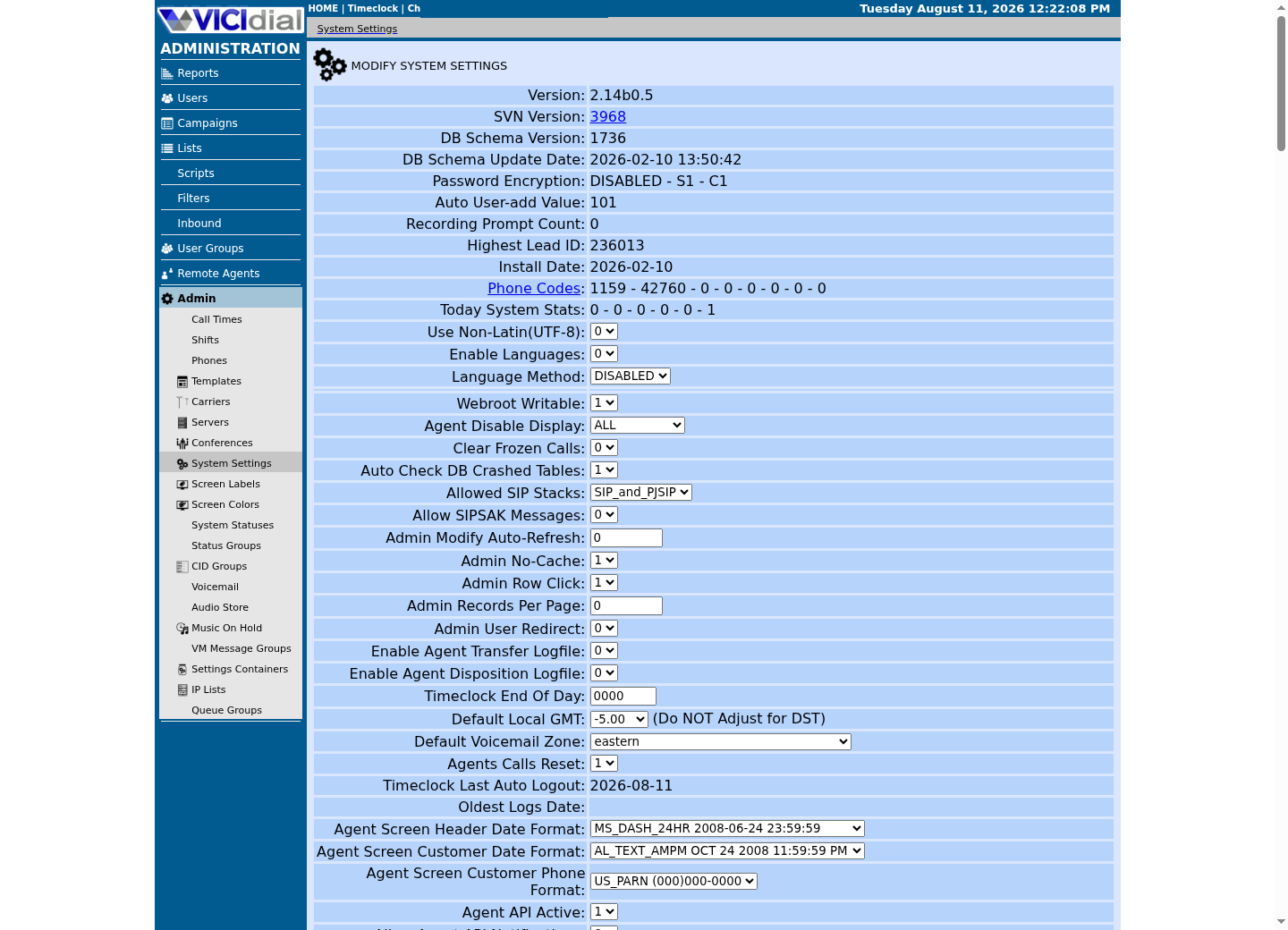
Captured on an isolated VICIdial demo: Administration screens on September 24, 2026, and the idle Agent screen on August 11, 2026. Each caption states its own capture time, and every sanitized image helps you recognize a related screen; none proves that this article's call, command, or result occurred.Find carrier administration
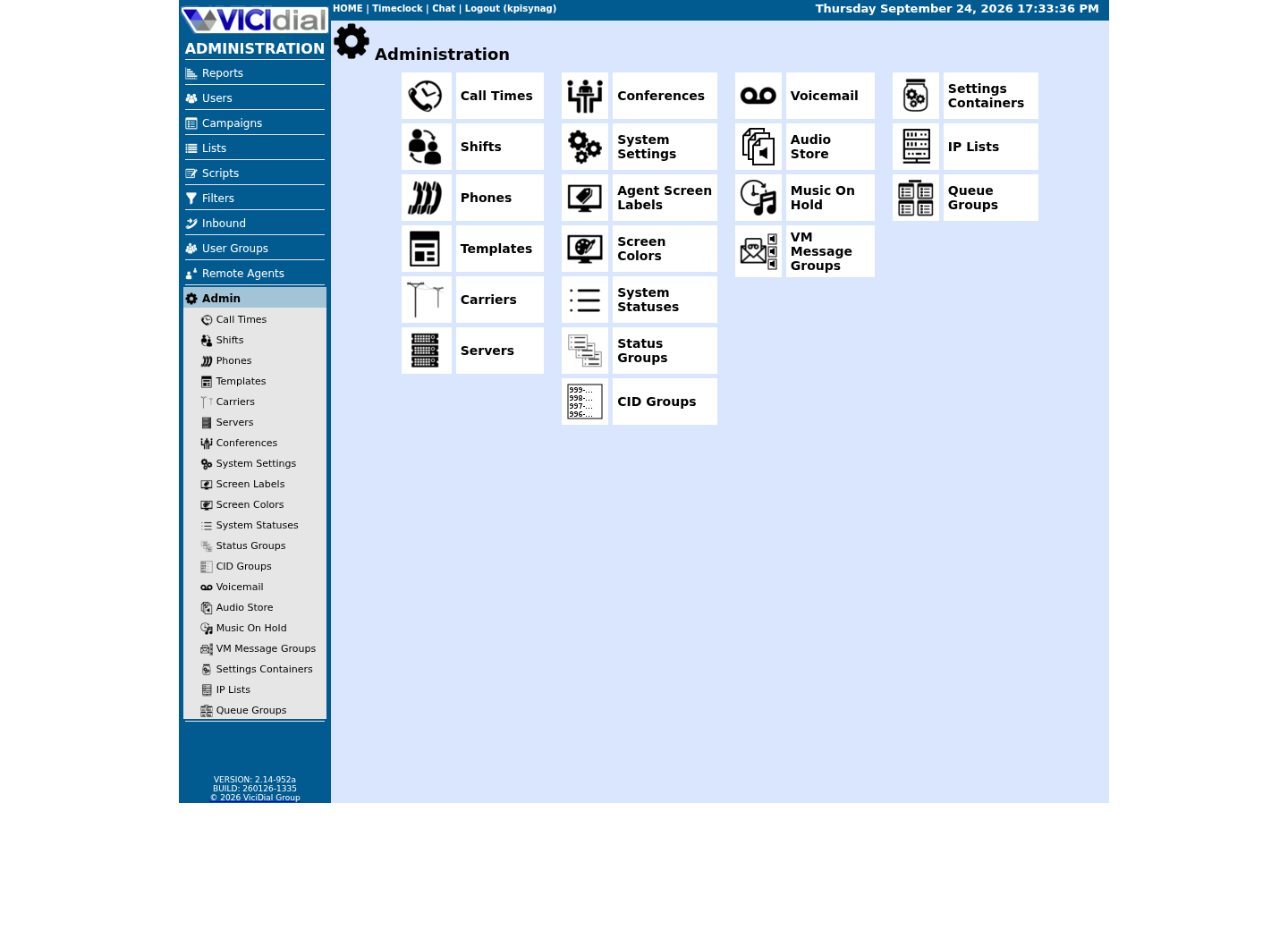
Open Carrier Listings
Check the allowed SIP-stack setting
Hopper and disposition are call-path terms, not admin objects
The hopper is not a screen you click into — it is the live, moving pool of leads a campaign's dialer has already selected as eligible to call right now, filled according to that campaign's own rules, the list's settings, and a target hopper level the dialer works to keep topped up in the background. Which dial method is running then decides how a lead actually leaves the hopper to become a live call — some methods pull one out the moment an agent frees up, others predict ahead of the next free agent — but filling the hopper itself is a continuous background process, not something that happens one lead at a time per agent.
A disposition is likewise best understood as a step in this path, not a fixed vocabulary list: whatever code an agent saves becomes that lead's new status, and the lead itself never leaves its list because of it. What changes is whether the campaign's own dialable-status settings still treat that status as eligible for another attempt — a disposition counted as final simply stops the lead from being selected into the hopper again, with nothing moved anywhere; one counted as a callback or a retry leaves the lead exactly where it already was, waiting to become hopper-eligible once more.
Guided sample: map an outbound call
Use this map to distinguish control data from the call itself. Trunk and disposition are both call-path terms defined above; list and campaign appear here only as the two pieces of configuration that decide who lands in the hopper, not as a full description of everything either one can do in Admin.
Copy this into your own note verbatim and add one real example of your own next to each line once you have a lab campaign running — a definition you have restated in your own words sticks far better than one you only read once here.
Lead: contact recordList: named set of leadsCampaign: dialing rules for listsHopper: leads eligible to dial nextTrunk: carrier connectionDisposition: agent's recorded outcomeThis sample is a template or reading aid, not a terminal command. There is no output to show.
- Before you run it
- Read and adapt this only to a private learning note.
- Success looks like
- You can explain each term without using it as a synonym for another.
- Stop if
- Stop if documentation uses a custom local term; ask the system owner for its definition rather than guess.
Guided sample: map an inbound call
Inbound work begins with a DID and a carrier route, reaches a VICIdial inbound group or call menu, then lands with an available agent or in a queue. The DID is the number; the trunk is the underlying provider connection the DID's call actually arrives on — the two are related but are not the same thing, and mixing them up is a common source of confusion the first time you configure inbound routing.
Notice that the inbound path runs in the opposite direction from the outbound one: outbound starts inside VICIdial with a lead and ends at a carrier, while inbound starts at a carrier and ends inside VICIdial with an agent. A recording can be captured on either path, but it is evidence of the call, not a step the call itself passes through — keep those two ideas separate as well.
DID: public phone numberCarrier: provider connecting to the telephone networkInbound group: VICIdial routing/queue groupingAgent: person handling the contactRecording: captured call media, subject to policyThis sample is a template or reading aid, not a terminal command. There is no output to show.
- Before you run it
- Use this as a conceptual map; it does not configure routing.
- Success looks like
- You can point to the responsible layer for an inbound-call question.
- Stop if
- Stop before recording or routing live calls without the applicable legal, customer and administrator approval.
Glossary readiness before setup
Next, read the ViciBox lab lessons for the hands-on install path this curriculum actually uses, and keep "VICIdial terminology for complete beginners" open in another tab the first time you explore Admin — its object names and this lesson's call-path vocabulary are meant to be read together, not as substitutes for each other.
You do not need a live carrier, a running campaign, or even an installed VICIdial system to finish this lesson — everything above is vocabulary you can learn on paper, and the lab stage of this curriculum is where each of these words turns into a screen you actually click through.
- I can trace lead → hopper → carrier → agent without swapping any two terms.
- I know that admin-screen object names like user, phone and campaign are defined in the terminology lesson, not repeated here.
- I would ask the system owner for a local term's definition rather than guess from a general glossary.
Evidence ledger
Verification basis
- Both samples in this lesson are worksheets: compact vocabulary maps meant to be copied into a private note, with nothing to execute.
Primary references
Sources
- VICIdial open source contact center suite (project homepage)VICIdial Group · accessed September 23, 2026
- Asterisk documentationAsterisk · accessed September 23, 2026
- IETF RFC 3261: SIPIETF · accessed September 23, 2026