Reader setup
Before you start
Run each step in order and move only when the outcome is confirmed.
- Admin access to the VICIdial admin interface with the modify_ingroups permission, so Inbound → In-Groups is visible.
- The group_id of the in-group you are tuning, found on the Inbound → In-Groups list page, plus the read-only database account from Create a read-only database account for safe VICIdial queries for every SELECT in this guide.
- A short greeting recording and a hold-music class already uploaded through Admin → Music On Hold or the built-in audio chooser, ready to attach.
- What you will prove
- One in-group with a real welcome message, dedicated hold music, a hold prompt that fits its own repeat interval, a distinct agent alert, a confirmed next-agent rule, a working overflow action, and an after-hours action that can actually trigger because a real call time is attached to it.
- Safety boundary
- Change one field, save, and place a real test call before moving to the next field. Several of these settings, especially call_time_id and after_hours_action, only show their effect outside the exact window you just set, so verify each change before stacking another on top of it.
Reader path
How to use this article
- Use it when: You need a fixed sequence to make a deployment or configuration change now.
- Expected result: Follow each step and verify the outcome before changing the next layer.
- Start here: Start at the first section and complete every checkpoint before moving to the next.
01 / 09
What a Stock In-Group Actually Does to Callers
Fast answer: open Inbound → In-Groups, pick the in-group's group_id, and set welcome_message_filename, moh_context, onhold_prompt_filename with prompt_interval, agent_alert_exten with agent_alert_delay, next_agent_call, drop_call_seconds with drop_action and drop_exten, and call_time_id with after_hours_action. Every one of those ships with a default that either plays nothing or never fires.
In plain language: this guide assumes you already know what an in-group, a DID, an agent and a campaign are — see Make a phone number ring an agent: inbound DIDs and in-groups for those definitions. The one new term here: abandonment is a caller who hangs up, or gets dropped by the system, before an agent answers, which is exactly the event drop_call_seconds and drop_action are built to manage.
A freshly created in-group in vicidial_inbound_groups is silent by default, not by accident. welcome_message_filename starts at ---NONE---, so nothing plays when the call routes in. moh_context, the Music On Hold (MOH) context, starts at default, which is whatever the generic Asterisk musiconhold.conf class does on your server, often nothing built for this queue specifically. onhold_prompt_filename starts at generic_hold, VICIdial's own please-hold recording, repeating every prompt_interval seconds, which defaults to 60. agent_alert_exten defaults to ding and agent_alert_delay to 1000 milliseconds, so an agent gets one generic beep a second after a call routes to them. next_agent_call defaults to longest_wait_time, a reasonable Automatic Call Distributor (ACD) rule, but one worth confirming on purpose rather than trusting by accident. drop_call_seconds defaults to 360, six minutes, before drop_action, defaulted to MESSAGE, does anything at all. And call_time_id defaults to 24hours, a call time record with ct_default_start of 0 and ct_default_stop of 2400, meaning the queue considers itself open every second of every day, so after_hours_action, defaulted to MESSAGE with after_hours_message_filename vm-goodbye, can never trigger until a real schedule is attached.
- Welcome message, and whether it always plays or only when there is a wait
- Hold music context and the on-hold prompt, plus how often that prompt repeats
- The agent alert tone and the delay before it plays
- The rule the queue uses to pick the next agent
- Overflow: how long a caller waits before drop_action fires
- Business hours, via call_time_id, and what the after-hours action does
Visual walkthrough
Follow three real demo screens
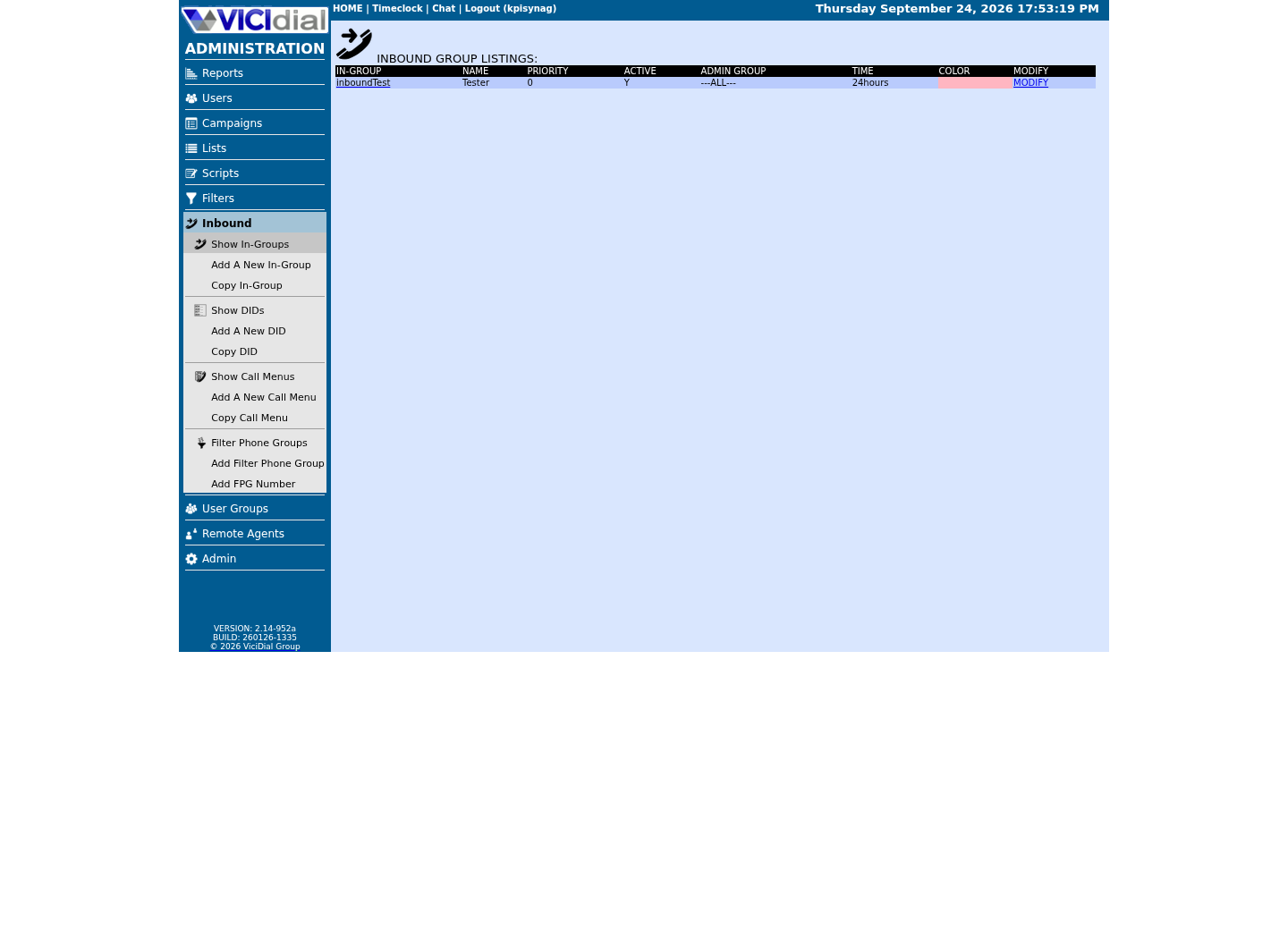
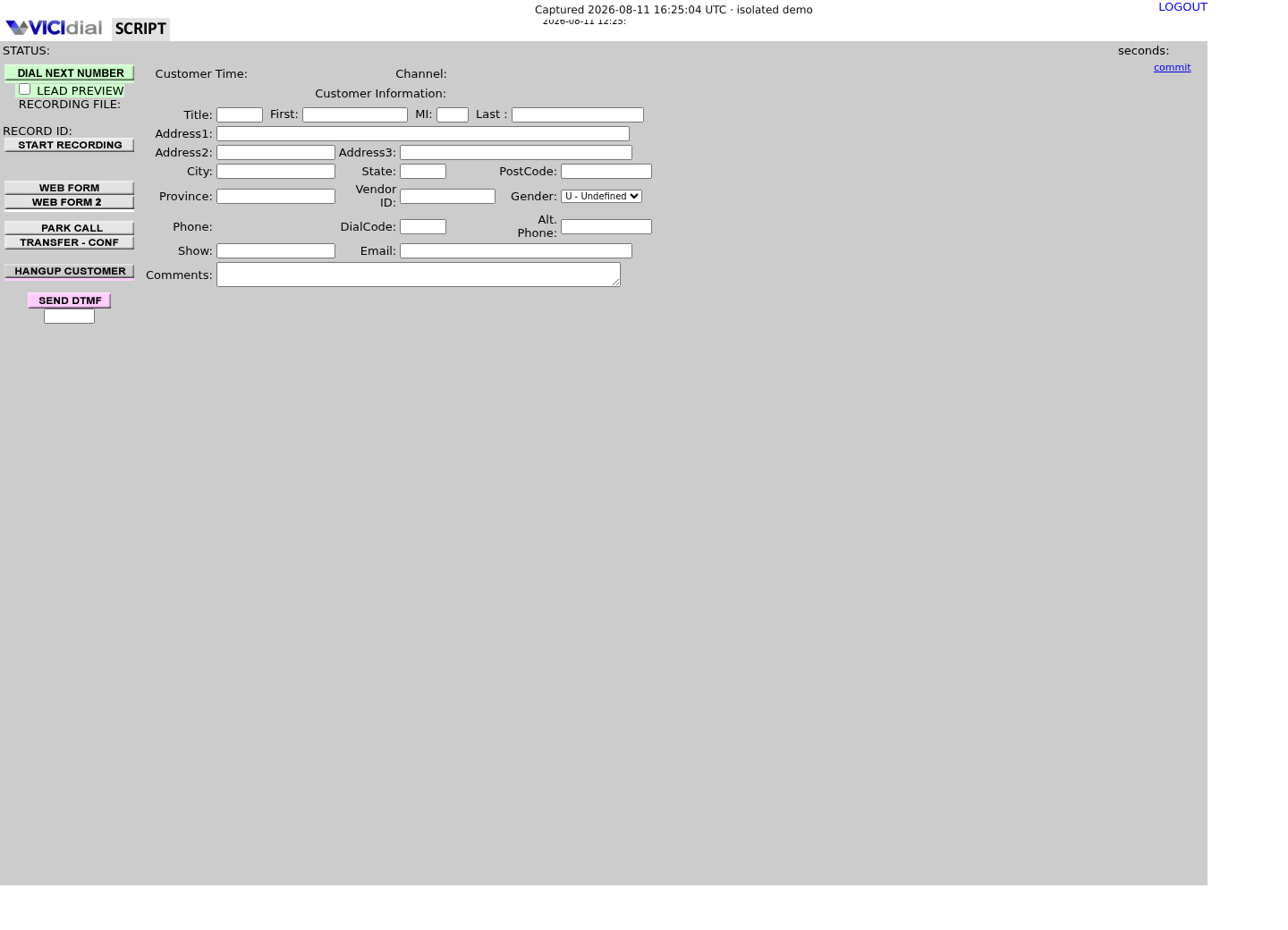
Captured on an isolated VICIdial demo: Administration screens on September 24, 2026, and the idle Agent screen on August 11, 2026. Each caption states its own capture time, and every sanitized image helps you recognize a related screen; none proves that this article's call, command, or result occurred.Start from DID routing
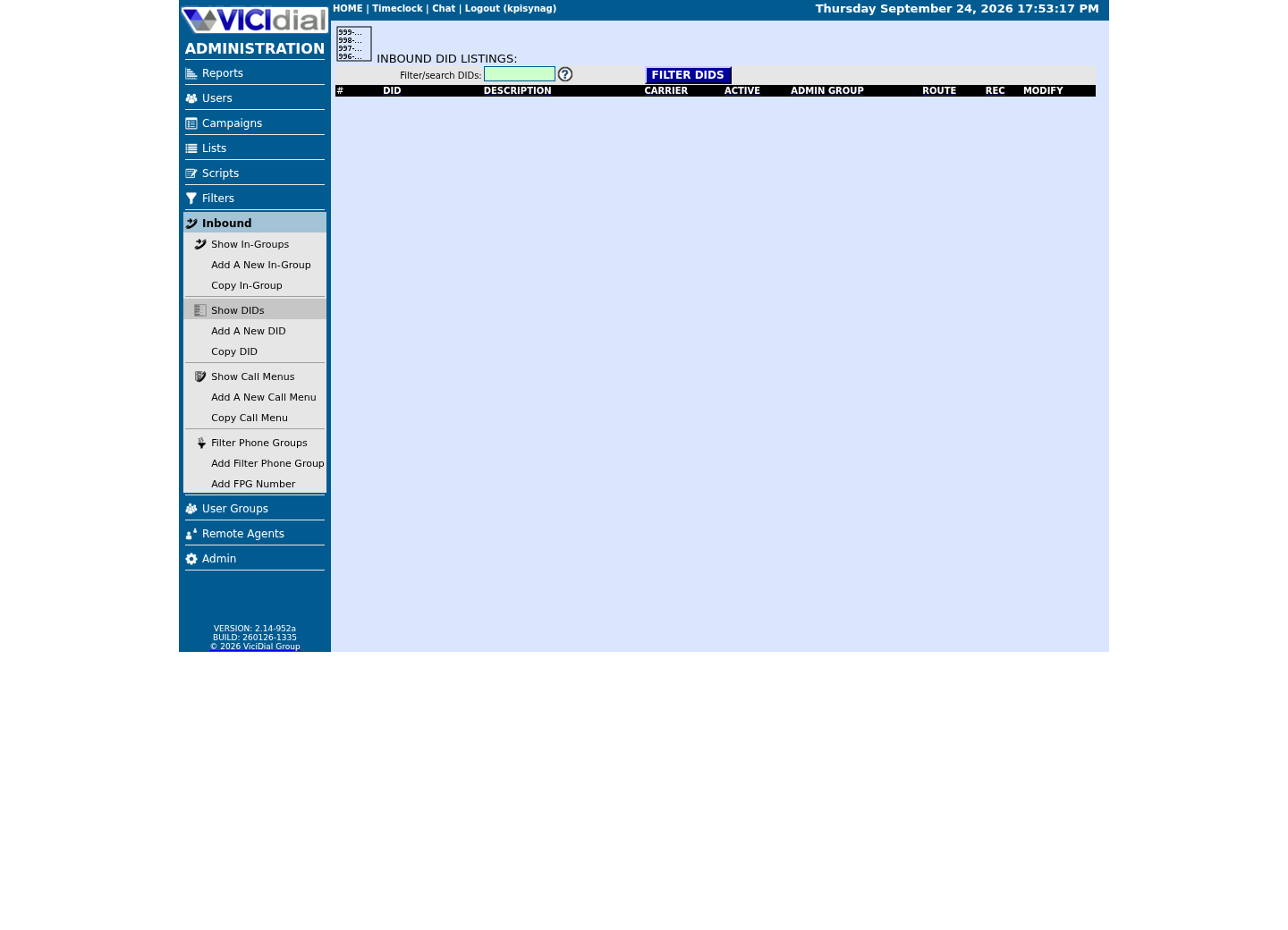
Review the receiving In-Group
See the idle Agent destination
02 / 09
Defaults vs. Recommended, Field by Field
Every field below has a defensible default for a demo box and a bad one for a queue that real customers call. Change each one once, per in-group, and the caller experience stops being an accident.
Two fields deserve attention before anything else. onhold_prompt_filename and onhold_prompt_seconds have to agree, and nothing checks that for you: this build's help.php says onhold_prompt_seconds "needs to be set to the number of seconds that the On Hold Prompt Filename plays for," default 9 — there is no admin-form warning if your recording runs longer, just a prompt that cuts off mid-word or a queue that goes quiet before the next repeat. And call_time_id is the one field that makes after_hours_action mean anything at all; leave it on 24hours and the after-hours branch of the in-group is permanently unreachable.
Field Default Recommended Whywelcome_message_filename ---NONE--- Short recording naming the queue Confirms the caller reached the right queue before hold music startsplay_welcome_message ALWAYS IF_WAIT_ONLY on a fast-answer sales line Skips the greeting when an agent is already freemoh_context default A queue-specific MOH class Lets each in-group sound different while callers waitonhold_prompt_filename generic_hold A short, queue-specific prompt Reassures the caller they are still in a real queueonhold_prompt_seconds 9 Set to match the prompt's real length, exactly Nothing validates this against the file; a mismatch is what causes cutoff or dead air, not a length limit on the fileprompt_interval 60 45 to 90 Repeats often enough to reassure, not so often it annoysagent_alert_exten ding A distinct tone per in-group Lets an agent on several queues tell them apart by earagent_alert_delay 1000 1000 to 1500 Gives the softphone time to connect before the tone playsnext_agent_call longest_wait_time Confirm it, do not assume it Only fair if it was chosen on purpose, not left overdrop_call_seconds 360 90 to 180 for sales, higher for support Six minutes of silence is too long for most queuesdrop_action MESSAGE MESSAGE or VOICEMAIL, never HANGUP A silent hangup reads as a dropped call, not a busy queuecall_time_id 24hours A call time record with real per-day hours Without this, after_hours_action can never fireafter_hours_action MESSAGE MESSAGE, VOICEMAIL, or CALLMENU Tells callers you are closed instead of ringing an empty queueThis sample is a template or reading aid, not a terminal command. There is no output to show.
- Before you run it
- You have not changed a single field yet; this table is what you compare each in-group against as you work through it.
- Success looks like
- For a given in-group, every row either lands in the recommended column or you have a documented reason it does not.
- Stop if
- A queue that matches the default column on every row during business hours has never been tuned; treat that as a gap, not a coincidence.
03 / 09
Step 1 — Pull the In-Group's Current Settings Before You Change Anything
Before opening Inbound → In-Groups, read back what the in-group is already set to. That tells you which fields are still at the factory default and which a previous admin already touched on purpose, so you do not overwrite a deliberate choice.
Run the SELECT from a read-only account so the session cannot accidentally write to vicidial_inbound_groups. Swap in the real group_id for the queue you are tuning.
SELECT group_id, group_name, welcome_message_filename, moh_context, onhold_prompt_filename, prompt_interval, agent_alert_exten, agent_alert_delay, next_agent_call, drop_call_seconds, drop_action, drop_exten, call_time_id, after_hours_action, after_hours_message_filename, after_hours_extenFROM vicidial_inbound_groupsWHERE group_id = '<INGROUP_ID>';Captured demo response · 2026-09-23 21:35 UTC. The displayed command is the command that ran; a safe subset label means it was filtered, redacted, or fixture-scoped. Replays only after you select Replay transcript.
- Before you run it
- You know the group_id from Inbound → In-Groups but have not looked at its stored column values yet.
- Success looks like
- The row comes back with one value per column; anything showing ---NONE---, generic_hold, ding, 360, MESSAGE, or 24hours is still the factory default.
- Stop if
- An empty result means that group_id does not exist. List the valid ones with a plain SELECT group_id FROM vicidial_inbound_groups first, then retry.
04 / 09
Step 2 — Turn on the Welcome Message, Hold Music, and the On-Hold Prompt
In Inbound → In-Groups → your group_id, set welcome_message_filename to a real recording instead of ---NONE---; a ten-second greeting that names the queue is enough. Leave play_welcome_message on ALWAYS for a support line where every caller should hear it, or switch it to IF_WAIT_ONLY for a sales line where you would rather an agent pick up cold than delay a caller who has a free agent already waiting.
Set moh_context to a music-on-hold class you actually built in Admin → Music On Hold, not the default context every in-group starts on. A dedicated class per in-group means your support queue and your sales queue do not have to sound identical while a caller waits.
Set onhold_prompt_filename to a short recording of your own, and set onhold_prompt_seconds to that recording's real length in seconds — the admin form does not measure the file or warn you if the two disagree, it just stores whatever number you type. The default of 9 matches nothing but generic_hold; get it wrong for your own recording and the prompt cuts off mid-word or the queue sits quiet before the next repeat. Set prompt_interval to how often that prompt repeats: 60 seconds is the default, 45 is tighter for an impatient queue, 90 is calmer for a queue that already sets expectations up front. The check below measures generic_hold, VICIdial's own shipped prompt, to show how to find a recording's real length before you type it into onhold_prompt_seconds.
#!/usr/bin/env bashset -euo pipefail MAX_SECONDS=9CANDIDATE=""for DIR in /usr/share/asterisk/sounds /var/lib/asterisk/sounds; do FOUND=$(find "$DIR" -iname 'generic_hold.*' 2>/dev/null | head -1) if [ -n "$FOUND" ]; then CANDIDATE="$FOUND" break fidone if [ -z "$CANDIDATE" ]; then echo 'generic_hold not found under /usr/share/asterisk/sounds or /var/lib/asterisk/sounds on this build' >&2 exit 1fi case "$CANDIDATE" in *.gsm) # Raw GSM 06.10 is 33-byte frames every 20ms = 1650 bytes/second. # soxi reports 0.000000 for this format on this build, so measure by file size instead. LENGTH=$(( $(stat -c %s "$CANDIDATE") / 1650 )) ;; *.wav) if ! command -v soxi >/dev/null 2>&1; then echo 'soxi not found, install sox first' >&2 exit 1 fi RAW=$(soxi -D "$CANDIDATE") LENGTH=${RAW%.*} ;; *) echo "unrecognized format for $CANDIDATE" >&2 exit 1 ;;esac if [ "$LENGTH" -gt "$MAX_SECONDS" ]; then echo "recording is about ${LENGTH}s -- set onhold_prompt_seconds to that, not the default $MAX_SECONDS" >&2 exit 1fi echo "recording is about $LENGTH seconds -- set onhold_prompt_seconds to $LENGTH once you point CANDIDATE at your own file" Captured demo response · 2026-09-23 21:35 UTC. The displayed command is the command that ran; a safe subset label means it was filtered, redacted, or fixture-scoped. Replays only after you select Replay transcript.
- Before you run it
- Run this on the VICIdial server to see how to measure the shipped hold prompt's real length, before you point the same script at your own recording.
- Success looks like
- The script finds generic_hold under /usr/share/asterisk/sounds (this build ships it only as .gsm) and prints its length in seconds by file size, since soxi reports 0.000000 for .gsm here -- that is the number to type into onhold_prompt_seconds.
- Stop if
- If generic_hold is not found under either sounds directory, this build uses a different path -- check it before assuming the script itself is broken.
05 / 09
Step 3 — Fix the Agent Alert and Confirm How the Queue Picks the Next Agent
agent_alert_exten defaults to ding, a single generic tone, and agent_alert_delay defaults to 1000 milliseconds. If an agent works two or three in-groups at once, one shared ding does not tell them which queue just handed them a call. Set a distinct agent_alert_exten recording per in-group, even a one-word clip naming the queue, so the agent's ear does the sorting instead of their eyes.
agent_alert_delay exists because a softphone needs a moment to finish connecting audio before a tone plays into it; 1000 to 1500 milliseconds is the practical range. Set it lower than the default and the start of the tone tends to get clipped, with no upside.
next_agent_call is the Automatic Call Distributor (ACD) rule VICIdial uses to decide which idle, eligible agent gets the next call. The default, longest_wait_time, sends the call to whichever qualifying agent has been idle longest, a fair, defensible rule for most queues. The field also accepts values like random, oldest_call_start, fewest_calls, campaign_rank, and ring_all, plus several _wait_time variants that blend agent rank with idle time. The point is not that one value is universally correct, it is that you should know which one is set instead of trusting whatever was there when the in-group was created.
- random — picks any eligible idle agent with no ordering at all
- longest_wait_time — the default; sends the call to whichever eligible agent has been idle longest
- fewest_calls — favors agents who have taken the fewest calls so far
- campaign_rank — favors agents with a higher rank value set in their campaign
- ring_all — offers the call to every eligible idle agent at once
06 / 09
Step 4 — Turn on Overflow, Business Hours, and the After-Hours Action
drop_call_seconds, default 360, six minutes, is how long a caller sits in queue with no agent answering before drop_action fires. Six minutes of hold music with no resolution in sight is too long for almost any queue; 90 to 180 seconds is a more common ceiling for a sales line, and even a support line rarely justifies leaving the default untouched.
drop_action decides what happens at that point. The default, MESSAGE, routes the caller to the extension named in drop_exten, default 8307, a built-in VICIdial dialplan extension you can point at a custom one instead. The other options are HANGUP, no explanation at all, which should not be used on a customer-facing queue, VOICEMAIL and VMAIL_NO_INST to send the caller to a mailbox, IN_GROUP to reroute to a different, presumably less busy in-group, and CALLMENU to offer the caller a choice such as leaving a callback number.
call_time_id, default 24hours, is what tells the in-group when it is open. The stock 24hours record has ct_default_start at 0 and ct_default_stop at 2400, midnight to midnight, every day, which means the queue is always open and after_hours_action can never run. Build a real call time record in Admin → Call Times with actual per-day start and stop values, attach it to the in-group's call_time_id, and only then does after_hours_action mean anything.
after_hours_action defaults to MESSAGE, playing after_hours_message_filename, default vm-goodbye, and then, depending on the action, routing to after_hours_exten, default 8300. Once a real call time is attached, choose deliberately between MESSAGE for a closing announcement, EXTENSION to send the call somewhere else such as an on-call line, VOICEMAIL to take a message, and CALLMENU to offer choices. The caller experience outside business hours should be a decision, not whatever was left over from setup.
Where drop and after-hours handling carries real weight is abandonment: how long a caller waits before being dropped, and how that drop gets logged, is the kind of thing call center regulations care about, so treat drop_call_seconds and drop_action as a business decision to document, not just a technical default to tweak.
SELECT g.group_id, g.call_time_id, g.after_hours_action, g.after_hours_message_filename, g.after_hours_exten, t.call_time_name, t.ct_default_start, t.ct_default_stop, t.ct_monday_start, t.ct_monday_stopFROM vicidial_inbound_groups gJOIN vicidial_call_times t ON t.call_time_id = g.call_time_idWHERE g.group_id = '<INGROUP_ID>';Captured demo response · 2026-09-23 21:35 UTC. The displayed command is the command that ran; a safe subset label means it was filtered, redacted, or fixture-scoped. Replays only after you select Replay transcript.
- Before you run it
- You have not confirmed whether call_time_id points at a real schedule or the stock 24hours record.
- Success looks like
- ct_default_start and ct_default_stop, or the day-specific columns, show real business hours instead of 0 and 2400.
- Stop if
- If call_time_id still comes back 24hours with ct_default_start 0 and ct_default_stop 2400, after_hours_action is configured but unreachable until a real schedule is attached.
07 / 09
Verify From the Command Line Instead of the Browser
If you would rather script a check across every in-group than click through Inbound → In-Groups one at a time, query the database directly with a read-only account. This is a read, never a write; do not point automation with write access at a live in-group table.
The flags below assume a MySQL client config file scoped to a SELECT-only user. If /etc/vicidial-readonly.cnf does not exist on your box yet, ask whoever manages the database to create one — see Create a read-only database account for safe VICIdial queries — before wiring this into a script.
#!/usr/bin/env bashset -euo pipefail mysql --defaults-extra-file=/etc/vicidial-readonly.cnf -e "SELECT group_id, drop_call_seconds, drop_action, call_time_id, after_hours_actionFROM vicidial_inbound_groupsWHERE group_id = '<INGROUP_ID>';"Captured demo response · 2026-09-24 21:55 UTC. The displayed command is the command that ran; a safe subset label means it was filtered, redacted, or fixture-scoped. Replays only after you select Replay transcript.
- Before you run it
- You want to check several in-groups at once instead of opening each one in Inbound → In-Groups.
- Success looks like
- The command returns the row for your in-group; check drop_call_seconds and call_time_id for anything still sitting on 360 and 24hours.
- Stop if
- If the command errors out on connecting, the read-only credentials file is missing or wrong; fix that before pointing any script at production, and never widen its grants just to clear a connection error.
08 / 09
Troubleshoot, Rollback, and Know When to Stop
If calls stop routing to agents right after you save changes in Inbound → In-Groups, check next_agent_call first. Reselect a valid value from the dropdown and save again rather than assuming the field itself is broken.
If the on-hold prompt cuts off or repeats mid-word, onhold_prompt_seconds and prompt_interval are fighting each other: the prompt file is longer than the seconds value declares, or the interval is shorter than the file's actual runtime. Fix one value at a time so you can tell which change actually worked.
Roll back a bad change by reopening Inbound → In-Groups → your group_id and resetting the field to the value you captured in Step 1's SELECT. This is exactly why you read the current settings before changing them; there is no undo button in the admin form.
Stop and do not push further changes if you cannot explain, in one sentence, what a field's new value will do the next time a real caller hits the queue. Every field on this page has a caller-facing effect. Treat any unexplained failure as a reason to stop and roll back, not as a reason to try a second change on top of the first.
09 / 09
What's Next: Blending Inbound and Outbound Agents
Everything above tunes one in-group in isolation. The next question most teams ask is what happens when the same agent who takes inbound calls off this queue is also expected to make outbound calls between them; that is a campaign and hopper-level configuration question, not an in-group one.
The next article, Blended VICIdial campaigns: the same agents inbound and outbound, covers exactly that: how a single agent session can be eligible for both an in-group's queued calls and an outbound campaign's dialed calls without the two stepping on each other.
Evidence ledger
Verification basis
- Column defaults for welcome_message_filename, moh_context, onhold_prompt_filename, prompt_interval, agent_alert_exten, agent_alert_delay, next_agent_call, drop_call_seconds, drop_action, drop_exten, call_time_id, after_hours_action, after_hours_message_filename, and after_hours_exten — read back with SHOW CREATE TABLE vicidial_inbound_groups on this lab build.
- The shipped 24hours call-time row, which sets ct_default_start to 0 and ct_default_stop to 2400 — read back with SHOW CREATE TABLE vicidial_call_times and a SELECT on this lab build.
- Field labels and the next_agent_call, drop_action, and after_hours_action dropdown values were read from this lab build's Inbound → In-Groups edit screen — confirm against your own version.