Reader setup
Before you start
Run each step in order and move only when the outcome is confirmed.
- A working outbound VICIdial install with at least one campaign and one agent who can already log in and go READY
- A DID (Direct Inward Dial number) from your carrier, already trunked into your Asterisk server so calls to it reach the box at all
- Admin access to the VICIdial web admin with modify_ingroups and modify_inbound_dids permissions, plus the read-only database account from Create a read-only database account for safe VICIdial queries — every verification query in this guide uses it
- What you will prove
- Dialing the DID from an outside phone rings a specific logged-in agent, instead of dead air, a fast busy signal, or a hold queue that never ends.
- Safety boundary
- The moment you set a DID's Active to Y and its Route to IN_GROUP, every real caller who dials that number is routed by whatever you just configured — do the first pass on a number you can test off-peak, not your main published line during business hours.
Reader path
How to use this article
- Use it when: You need a fixed sequence to make a deployment or configuration change now.
- Expected result: Follow each step and verify the outcome before changing the next layer.
- Start here: Start at the first section and complete every checkpoint before moving to the next.
01 / 10
What You Actually Need To Wire Up
Fast answer: create the in-group first (Inbound → In-Groups → Add New In-Group), then point your DID at it by setting DID Route to IN_GROUP and choosing that Group ID, then — the step almost everyone forgets — open the in-group's detail screen and check SELECTED next to every agent who should take these calls, and make sure that agent's campaign has Allow Inbound and Blended set to Y. Skip that last step and the DID will route correctly, the call will sit in queue, and nobody's phone will ever ring.
In plain language: a DID (Direct Inward Dial number) is the phone number your carrier hands callers — it is not a physical line, just an address your carrier's trunk delivers to your Asterisk server. An in-group is VICIdial's inbound queue, the object that holds a waiting call and decides which agent gets it next. An agent is a person logged into the Agent screen under a campaign. A campaign is the container that holds the agent's login, its allowed in-groups, and its dialing rules. A carrier is the phone company or SIP trunk provider that hands you the call in the first place. A channel is one live phone connection inside Asterisk — one ringing or connected call.
Three separate objects have to agree before a caller reaches a human: the DID record, the in-group, and the agent's permission to sit in that in-group's queue. Almost every abandoned-inbound-call ticket traces back to the third one being half-done — the in-group exists, the DID points at it, and not a single agent was ever granted access to it.
Visual walkthrough
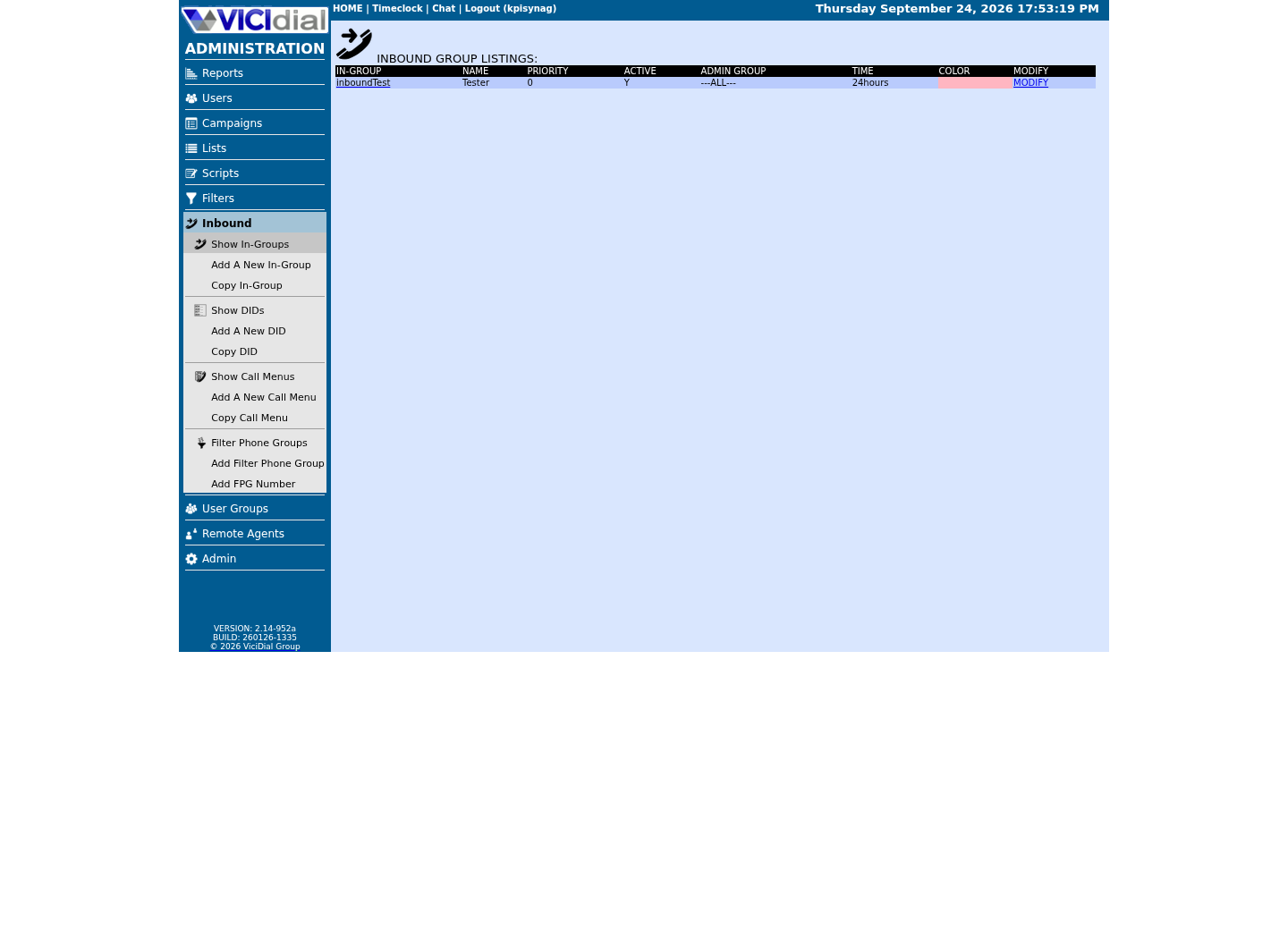
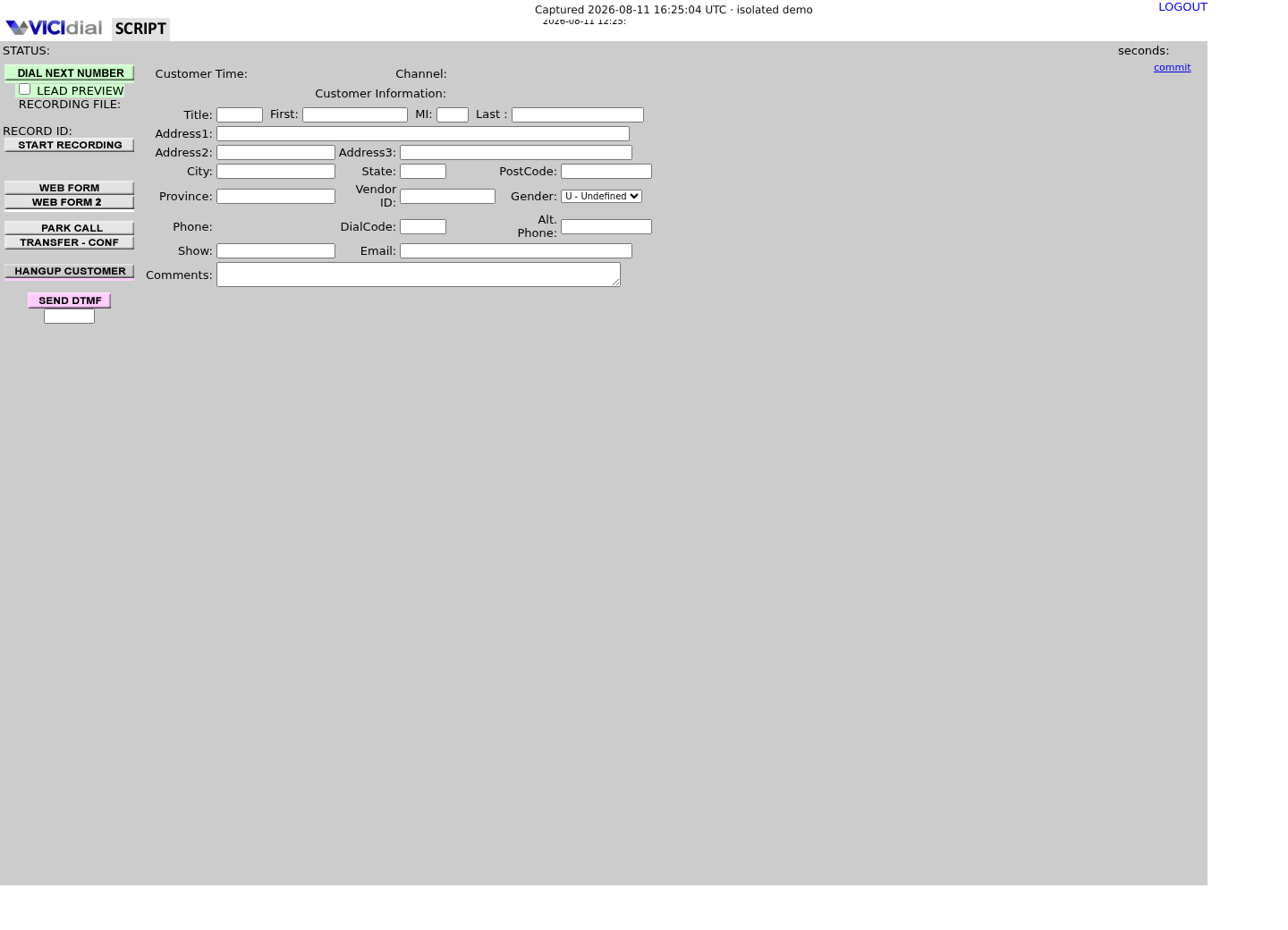
Follow three real demo screens
Captured on an isolated VICIdial demo: Administration screens on September 24, 2026, and the idle Agent screen on August 11, 2026. Each caption states its own capture time, and every sanitized image helps you recognize a related screen; none proves that this article's call, command, or result occurred.Start from DID routing
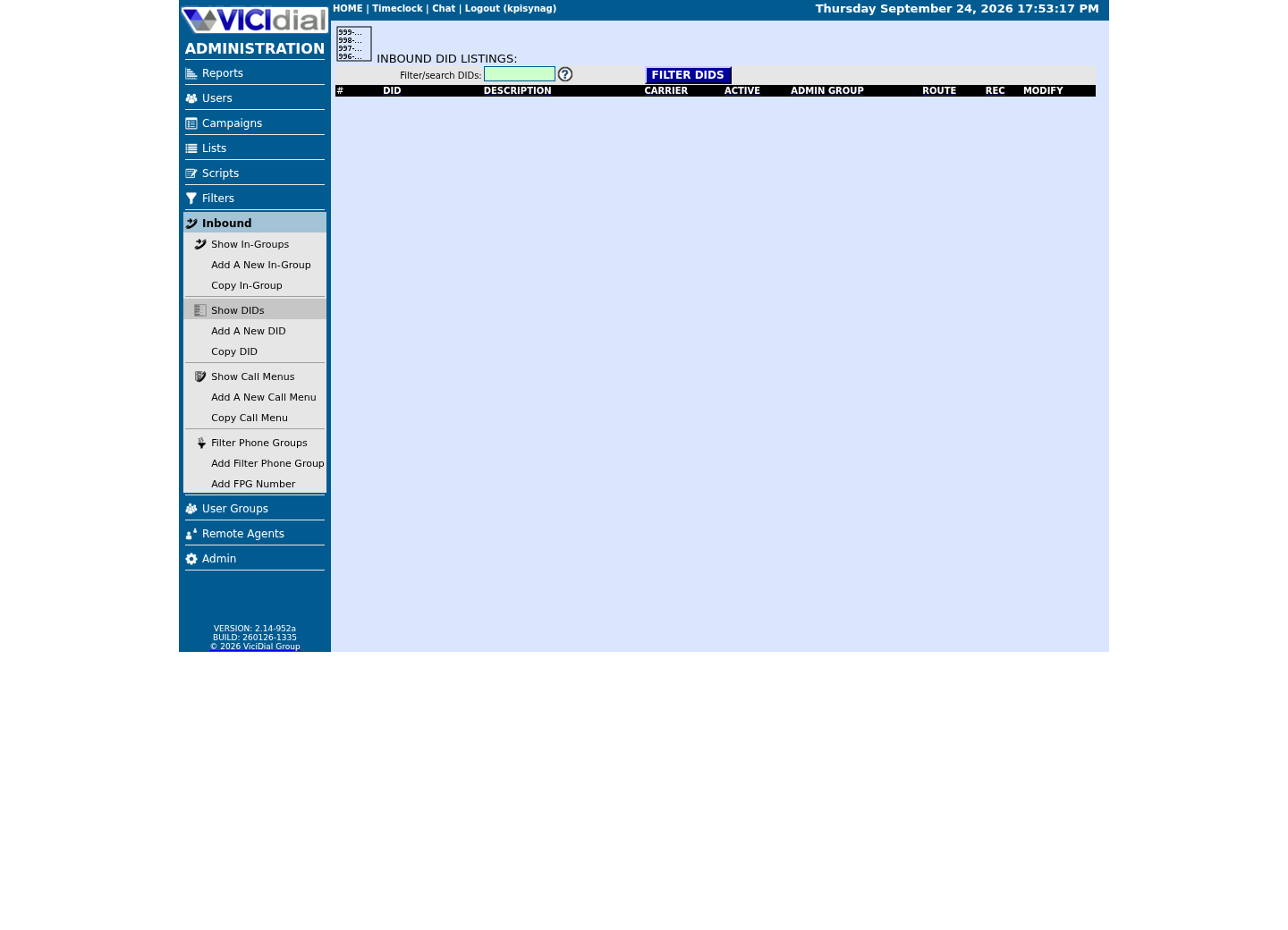
Review the receiving In-Group
See the idle Agent destination
02 / 10
How an Inbound Call Actually Finds an Agent
Your carrier's trunk delivers the call into Asterisk, which hands it to agi-DID_route.agi. That script looks up the dialed number in vicidial_inbound_dids by did_pattern, reads did_route, and — when it is IN_GROUP — passes the call to the in-group named in that DID's group_id.
The in-group itself (table vicidial_inbound_groups) does not ring anybody directly. It applies call time rules, plays hold music, and waits for an eligible agent. An agent becomes eligible the instant they log into a campaign whose Allow Inbound and Blended is Y, register for that in-group through the Agent screen's closer registration (regCLOSER), and sit in status READY instead of PAUSED.
Nothing in this chain involves the caller pressing digits. A touch-tone menu is an IVR (interactive voice response) call menu with DTMF (dual-tone multi-frequency) digit handling, and it lives in a separate table, vicidial_call_menu — you point a DID at CALLMENU instead of IN_GROUP to use one. This guide covers only the direct DID → in-group → agent path, the shortest route a call can take.
Treat an in-group as VICIdial's version of an ACD (automatic call distributor) queue: it holds calls, ranks agents, and decides who is next. The in-group's Next Agent Call setting is that distribution algorithm.
asterisk -rx 'dialplan show trunkinbound'Captured demo response · 2026-09-23 21:35 UTC. The displayed command is the command that ran; a safe subset label means it was filtered, redacted, or fixture-scoped. Replays only after you select Replay transcript.
- Before you run it
- Run this on the Asterisk server before you build anything, just to see the context your carrier's trunk actually dials into on this build.
- Success looks like
- The output lists extensions inside a context. trunkinbound is a common name for this context, but it is site-specific — confirm the real name with your carrier's trunk configuration rather than assuming.
- Stop if
- "No such context" means this build's inbound context has a different name — check your trunk or carrier configuration for the context VICIdial actually dials into before assuming something is broken.
03 / 10
Step 1 — Create the in-group first
Go to Inbound → In-Groups → Add New In-Group. Type a Group ID with no spaces — this guide uses <INGROUP_ID> as a stand-in for whatever short name you choose — and a Group Name like Sales Inbound. group_id is what the DID and the campaign will both reference later, so settle on it before you touch the DID screen.
Set Active to Y. Set Next Agent Call to longest_wait_time — that is what vicidial_inbound_groups.next_agent_call defaults to in the schema, and it sends the next call to whichever eligible agent has waited longest, the sane choice for a first queue. Leave Fronter Display on Y so agents see caller information on their screen.
Leave Call Time Id on 24hours for now. Switch it to a business-hours schedule before you have made a single successful test call, and a test placed outside those hours will hit After Hours Action instead of ringing anyone — you will spend twenty minutes debugging a queue that was never broken.
Click SUBMIT. The group now exists, but it is empty: no DID points at it yet, and no agent can take a call from it. Both of those come next.
group_id: <INGROUP_ID>group_name: Sales Inboundactive: Ynext_agent_call: longest_wait_timefronter_display: Ycall_time_id: 24hoursdrop_call_seconds: 360drop_action: MESSAGEno_agent_no_queue: Nno_agent_action: MESSAGEqueue_priority: 0This sample is a template or reading aid, not a terminal command. There is no output to show.
- Before you run it
- You are about to click SUBMIT on the Add New In-Group form for the first time.
- Success looks like
- The In-Groups list shows <INGROUP_ID> with Active = Y, and clicking its Group ID reopens this same detail screen for editing.
- Stop if
- If SUBMIT just redisplays a blank form, Group ID contains a space or a character outside letters, numbers, and underscore — vicidial_inbound_groups.group_id is a plain VARCHAR(20) with no spaces allowed.
04 / 10
Step 2 — Point the DID at the in-group
Go to Inbound → DIDs → Add A New DID. Type the DID Extension exactly as your carrier will send it — no spaces or dashes. VICIdial matches did_pattern as a literal string against the number the carrier hands over, so a mismatch here — an extra leading 1, a missing country code — is a silent non-match, not an error you will see anywhere.
Set DID Route to IN_GROUP. An In-Group ID field appears — set it to the Group ID from Step 1, <INGROUP_ID>. Leave In-Group Call Handle Method on CID; that is the schema default and it is fine for a first setup.
Leave Active on Y — did_active defaults to Y on a new row, so the DID is already live the instant you click SUBMIT. If this is a real, already-published number, do this first pass off-peak: from the moment you submit, every call to that number is routed by whatever you just configured.
Type a DID Description, something like Sales Line, so the next person looking at the DID list knows what it does without opening it.
SELECT group_id, active, next_agent_call FROM vicidial_inbound_groups WHERE group_id = '<INGROUP_ID>';SELECT did_pattern, did_description, did_active, did_route, group_id, call_handle_method FROM vicidial_inbound_dids WHERE did_pattern = '<DID_PATTERN>';This sample changes a system, contacts an outside service, needs a live call, or would print real data from a shared server, so it was not run on the demo. Run it only where you are authorized, and compare the result with the success and stop guidance.
- Before you run it
- Run this from a read-only session right after saving the DID, before placing any test call.
- Success looks like
- The first query returns one row with active = Y. The second returns one row with did_active = Y, did_route = IN_GROUP, and group_id matching <INGROUP_ID> exactly, including case.
- Stop if
- If did_route still shows EXTEN, the dropdown change on the DID form did not save — reopen the DID, change it, and submit again. If group_id is blank, you submitted before the In-Group ID dropdown had a value selected.
05 / 10
Step 3 — Grant agents access to the in-group
This is the step that creating a DID and an in-group does not do for you, and it is the single most common reason no call ever reaches anybody. Access has two layers, and both must be set.
Layer one, the campaign: go to Campaigns → open the agent's campaign → Detail. Set Allow Inbound and Blended to Y — a fresh campaign has campaign_allow_inbound set to N, so this is never optional. Once it is Y, an Allowed Inbound Groups checklist appears; check the box next to <INGROUP_ID> and click SUBMIT. Allow Closers is a different switch — see Blended VICIdial campaigns: the same agents inbound and outbound for what it actually governs.
Layer two, the in-group itself: go to Inbound → In-Groups → click the Group ID <INGROUP_ID> to reopen its detail screen, and scroll to Agent Ranks For This Inbound Group. Check SELECTED next to every agent who should take these calls, leave Rank and Grade at their defaults, and click SUBMIT.
Checking that box does two things at once: on this build, it is expected to add <INGROUP_ID> to that agent's closer_campaigns field in vicidial_users, and it writes a row for that agent into vicidial_inbound_group_agents with daily_limit set to -1, meaning unlimited — the query below confirms the second write directly. See Blended VICIdial campaigns: the same agents inbound and outbound for exactly which tables this grant touches and when it reaches an agent already logged in. If the vicidial_inbound_group_agents write is missing, the agent is invisible to this queue no matter how the DID and in-group are configured.
If you skip this step, nothing errors and nothing logs a failure. The call routes into the in-group correctly, sits on hold music, and eventually hits Drop Action after drop_call_seconds — the caller just never reaches a person, and there is no red flag anywhere in the admin screens telling you why.
SELECT campaign_id, allow_closers, campaign_allow_inbound, closer_campaigns FROM vicidial_campaigns WHERE campaign_id = '<CAMPAIGN_ID>';SELECT user, group_id, group_rank, group_grade, daily_limit FROM vicidial_inbound_group_agents WHERE group_id = '<INGROUP_ID>' AND user = '<AGENT_USER>';Captured demo response · 2026-09-23 21:35 UTC. The displayed command is the command that ran; a safe subset label means it was filtered, redacted, or fixture-scoped. Replays only after you select Replay transcript.
- Before you run it
- Run this after checking SELECTED on the in-group screen and submitting the campaign's Allowed Inbound Groups form.
- Success looks like
- The first query returns one row with campaign_allow_inbound = Y and <INGROUP_ID> somewhere in closer_campaigns. The second query returns a row for the agent with daily_limit = -1.
- Stop if
- If the second query returns zero rows, the SELECTED checkbox was never checked and saved for that agent — reopen the in-group's detail screen and check it. If closer_campaigns on the campaign is empty, Allow Inbound and Blended is still N; the checklist that adds groups to it only appears once that field is Y.
06 / 10
Settings That Decide Whether the Queue Behaves Sanely
Everything below lives on the in-group's detail screen. The defaults are workable for a first test, but you should know what each one does before a real caller hits them.
None of these settings affect whether the call can reach an agent at all — that is entirely Steps 1 through 3. These decide what happens to a caller while they wait, and what happens if nobody is available.
- drop_call_seconds defaults to 360 — the caller hears Drop Action after six minutes of nobody answering.
- drop_action defaults to MESSAGE — switch it to VOICEMAIL if you would rather capture an abandoned caller than just play an announcement.
- no_agent_no_queue defaults to N — calls keep queuing even with zero agents logged in, silently, until drop_call_seconds runs out.
- no_agent_action defaults to MESSAGE with filename nbdy-avail-to-take-call — that is what plays when the queue genuinely has no eligible agent.
- call_time_id defaults to 24hours — leave it there until your first test call succeeds, then narrow it to real business hours.
- after_hours_action defaults to MESSAGE — callers outside the call time window hear this instead of ringing anyone, even if agents are logged in and READY.
- queue_priority defaults to 0 — raise it only when this in-group must jump ahead of others competing for the same pool of agents.
07 / 10
Test With One Real Call
Log an agent into the campaign whose Allow Inbound and Blended is Y and whose Allowed Inbound Groups includes <INGROUP_ID>. On the Agent screen, confirm status shows READY, not PAUSED — a paused agent is invisible to the queue no matter how many boxes you checked in Step 3.
From a phone outside your own network, dial the DID exactly as your carrier expects it. Within a second or two the agent's screen should show an inbound call arriving, and the agent's phone or softphone should ring.
If the agent's screen shows the call arriving but the phone never rings, the routing worked and agent eligibility did not — go back to Step 3. If the caller never even reaches hold music, the DID or the in-group is misconfigured — go back to Step 2.
Make this one call before you touch anything else, such as call menus or business-hours schedules. A queue that has never successfully connected one live call is the wrong place to start layering on complexity.
#!/bin/bashset -euo pipefail DID_PATTERN='<DID_PATTERN>' # Run this while the test call is ringing. grep exits non-zero on no match,# so || echo keeps the script going into the SQL check below.asterisk -rx 'core show channels concise' | grep -i "$DID_PATTERN" || echo "no channel matched $DID_PATTERN yet" # Confirm the carrier's call actually reached this DID.mysql --defaults-extra-file=/etc/vicidial-readonly.cnf -e 'SELECT call_date, extension, did_route FROM vicidial_did_log ORDER BY call_date DESC LIMIT 3;' This sample changes a system, contacts an outside service, needs a live call, or would print real data from a shared server, so it was not run on the demo. Run it only where you are authorized, and compare the result with the success and stop guidance.
- Before you run it
- Have this ready in a second terminal before you dial the DID from the outside phone.
- Success looks like
- The channel grep line shows an active channel referencing your DID as soon as the phone starts ringing, and the did_route column in the query's most recent row reads IN_GROUP.
- Stop if
- If the channel check keeps printing "no channel matched" every time you try, the carrier never delivered the call to this server — check the trunk registration and the carrier's dial-plan for this DID before touching VICIdial again.
08 / 10
Troubleshoot: Why No Call Reaches Anybody
This is the failure mode behind most inbound support tickets: the DID looks right, the in-group looks right, and the phone still never rings. Work through these in order instead of guessing.
Stop and check closer_campaigns for the agent you expect to take the call before changing anything else — on this build that grant is expected on vicidial_users, and the live-session copy the third query below reads is on vicidial_live_agents. If the in-group's ID is missing from either, the SELECTED checkbox on the in-group's detail screen was never checked, or was checked once and later unchecked.
Check the campaign next. If campaign_allow_inbound reads N, the campaign cannot receive in-group calls at all, and any boxes checked under Allowed Inbound Groups have no effect.
Check the agent's live status. vicidial_live_agents.status must read READY at the moment the call arrives — PAUSED, INCALL, and CLOSER-without-being-idle all make an otherwise correctly configured agent invisible to this queue.
If the call never reaches the in-group at all — no hold music, straight to a fast busy or an Asterisk error — the carrier's number format does not match did_pattern exactly. Compare vicidial_did_log.extension and caller_id_number against what you typed into DID Extension, character for character.
- closer_campaigns on vicidial_users — and its live copy on vicidial_live_agents — contains this in-group's Group ID for the agent (confirm both exist on this build with SHOW COLUMNS).
- vicidial_campaigns.campaign_allow_inbound is Y for the agent's logged-in campaign.
- vicidial_live_agents.status shows READY, not PAUSED, at the moment the call arrives.
- vicidial_inbound_dids.did_pattern matches the carrier's number exactly, with no extra or missing digits.
- The agent logged out and back in after you granted access — registration (regCLOSER) happens at login; see Blended VICIdial campaigns: the same agents inbound and outbound.
SELECT call_date, caller_id_number, extension, did_route FROM vicidial_did_log WHERE did_id = (SELECT did_id FROM vicidial_inbound_dids WHERE did_pattern = '<DID_PATTERN>') ORDER BY call_date DESC LIMIT 5;SELECT user, status, campaign_id, closer_campaigns FROM vicidial_live_agents WHERE user = '<AGENT_USER>';SELECT user, group_id FROM vicidial_live_inbound_agents WHERE user = '<AGENT_USER>' AND group_id = '<INGROUP_ID>';This sample changes a system, contacts an outside service, needs a live call, or would print real data from a shared server, so it was not run on the demo. Run it only where you are authorized, and compare the result with the success and stop guidance.
- Before you run it
- Run this immediately after a test call that did not reach the agent.
- Success looks like
- The first query shows a row with did_route = IN_GROUP timestamped at the moment you called. The second shows the agent's status as READY with <INGROUP_ID> present in closer_campaigns. The third returns one row — if it returns none, the agent's live session was never registered for this in-group, most often because they logged in before the grant was saved.
- Stop if
- If the first query returns no rows at all, the carrier never reached this DID — this is a trunking problem, not a VICIdial configuration problem. If it returns a row but the second query's closer_campaigns is empty, or the third query returns nothing, log the agent out and back in, then go back to Step 3 if it still fails.
09 / 10
Rollback: Stop Routing Fast Without Touching the DID or the Agent
If a change here goes wrong while real calls are landing, you do not need to undo Steps 1 through 3 in reverse. Two Active flags stop new calls immediately, from the same screens you already used to build this.
To stop this DID from routing calls at all, open it under Inbound → DIDs and set Active to N. The number stops accepting new calls the moment you submit; it does not hang up a call already in progress.
To stop new calls from entering this in-group specifically, without touching the DID that points at it, open Inbound → In-Groups and set the in-group's Active to N instead. Existing queued callers still follow whatever drop_action is configured; nobody new joins the queue behind them.
Neither switch is destructive and both are one field to reverse — flip Active back to Y on the same screen once the underlying problem is fixed.
SELECT did_pattern, did_route, did_active FROM vicidial_inbound_dids WHERE did_pattern = '<DID_PATTERN>';SELECT group_id, active FROM vicidial_inbound_groups WHERE group_id = '<INGROUP_ID>';This sample changes a system, contacts an outside service, needs a live call, or would print real data from a shared server, so it was not run on the demo. Run it only where you are authorized, and compare the result with the success and stop guidance.
- Before you run it
- Run this right after flipping either Active flag to N, to confirm the write took before you walk away.
- Success looks like
- did_active or active reads N on whichever row you just changed — the DID or the in-group is no longer accepting new calls.
- Stop if
- If the flag you just set still shows Y, the admin form did not save — reopen the screen and submit again rather than assuming the rollback worked.
010 / 10
What's Next: Give Callers a Menu
Right now every caller to this DID drops into one queue with no choice. The next article, Build a VICIdial IVR call menu, covers routing calls through a touch-tone menu — press 1 for sales, press 2 for support — before they ever reach an in-group, using the same DID Route field you just set to IN_GROUP, pointed at CALLMENU instead.