Reader setup
Before you start
Run each step in order and move only when the outcome is confirmed.
- A read-only database account for the SQL samples below — see vicidial-read-only-database-account if you do not have one yet — or an admin account for the Lists → DNC screens
- One inactive test campaign and an isolated test list, so you are not reconfiguring a live campaign to learn this
- The named jurisdiction your calls fall under, since TCPA is U.S. federal law and state, provincial, and other countries' rules differ
- What you will prove
- You will configure system- and campaign-level DNC scope, wire up the optional DNC.com batch and inbound scrubs, and produce a verifiable record that one specific number is blocked.
- Safety boundary
- This is technical configuration guidance, not legal advice; completing it does not by itself establish that calling any number is lawful in your jurisdiction.
Reader path
How to use this article
- Use it when: You need a fixed sequence to make a deployment or configuration change now.
- Expected result: Follow each step and verify the outcome before changing the next layer.
- Start here: Start at the first section and complete every checkpoint before moving to the next.
01 / 08
Separate internal filtering from external scrubbing
Fast answer: VICIdial has two different suppression mechanisms, and mixing them up is the most common configuration mistake. An internal do-not-call (DNC) list lives in your own database and is enforced only if the campaign is configured to check it. The optional DNC.com integration is a paid third-party service that batch-scrubs a list of leads after they are loaded, plus a separate real-time check for inbound calls landing on a DID. Neither exists automatically just because the tables and scripts ship with the install.
This is configuration guidance, not legal advice, and it does not establish that any call is lawful. The Telephone Consumer Protection Act (TCPA) is United States federal law; state, provincial, and other countries' do-not-call and telemarketing rules differ and can be stricter. For the legal-boundary and carrier-signaling material — what a DNC check or STIR/SHAKEN attestation does and does not prove, and how far a technical control actually reaches — see the companion article “VICIdial DNC and STIR/SHAKEN: controls, limits and legal review”; this guide is the hands-on counterpart and does not repeat that legal-review discussion.
In plain language: a lead is one contact record, a phone number plus its call history; a list is a named batch of leads you load and dial as a unit; a campaign is one calling project, meaning which leads get dialed, by which agents, under which dialing settings; a DID (direct inward dial number) is a phone number that routes an inbound call into VICIdial; a carrier is the phone company that carries your calls to the public telephone network; a disposition is the outcome code an agent saves after a call, such as SALE or DNC; a hopper is the queue of leads VICIdial has already decided are eligible to dial next.
- Name the jurisdiction (TCPA plus any state, provincial, or other country rule) that applies to this campaign before you configure anything.
- Decide whether you need system-wide suppression, campaign-only suppression, or both.
- Confirm whether DNC.com is even in use; it requires its own paid account and is entirely optional.
Visual walkthrough
Follow three real demo screens
Captured on an isolated VICIdial demo: Administration screens on September 24, 2026, and the idle Agent screen on August 11, 2026. Each caption states its own capture time, and every sanitized image helps you recognize a related screen; none proves that this article's call, command, or result occurred.Open the Filters workspace
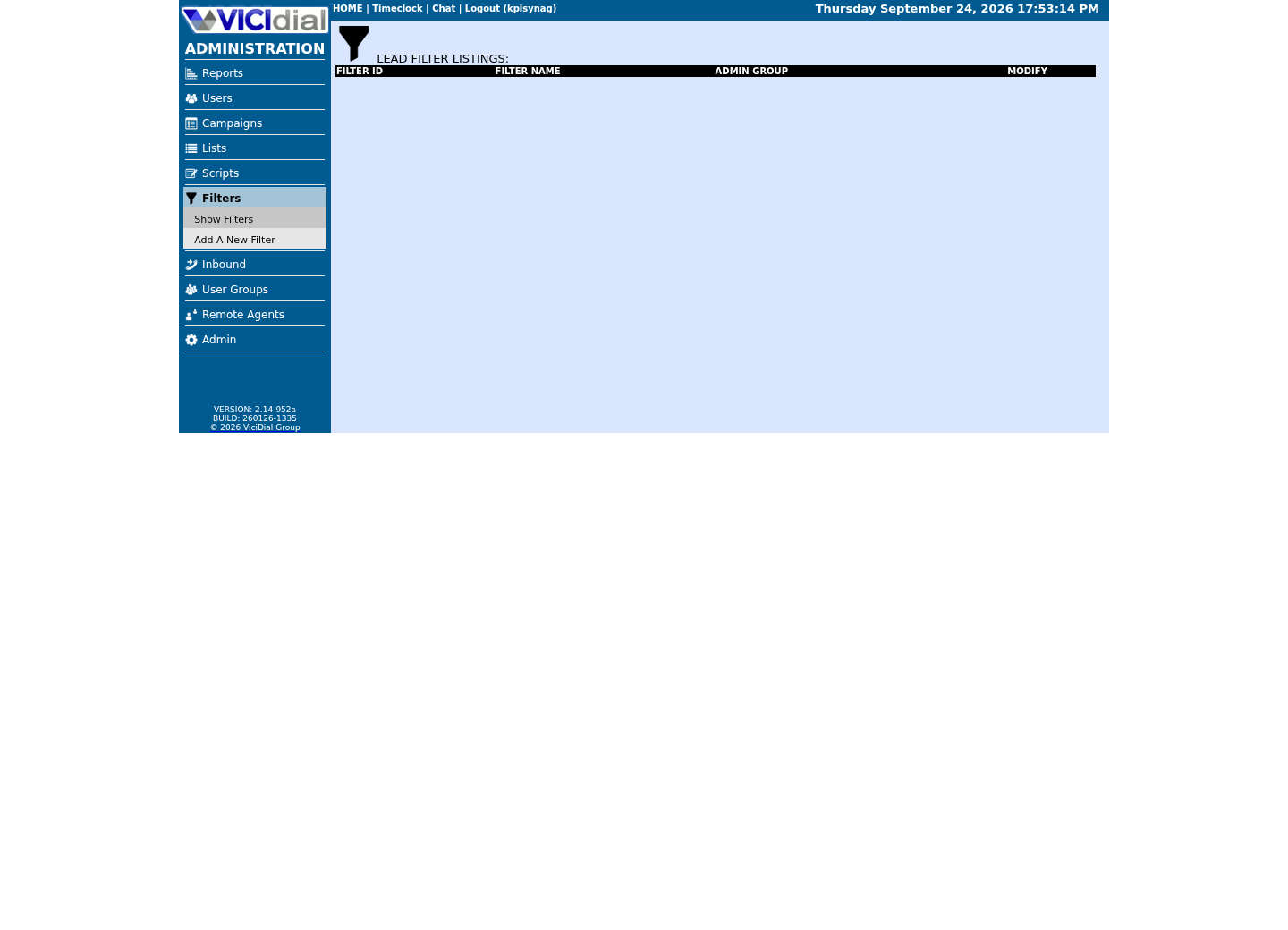
Read the shared DNC status definitions
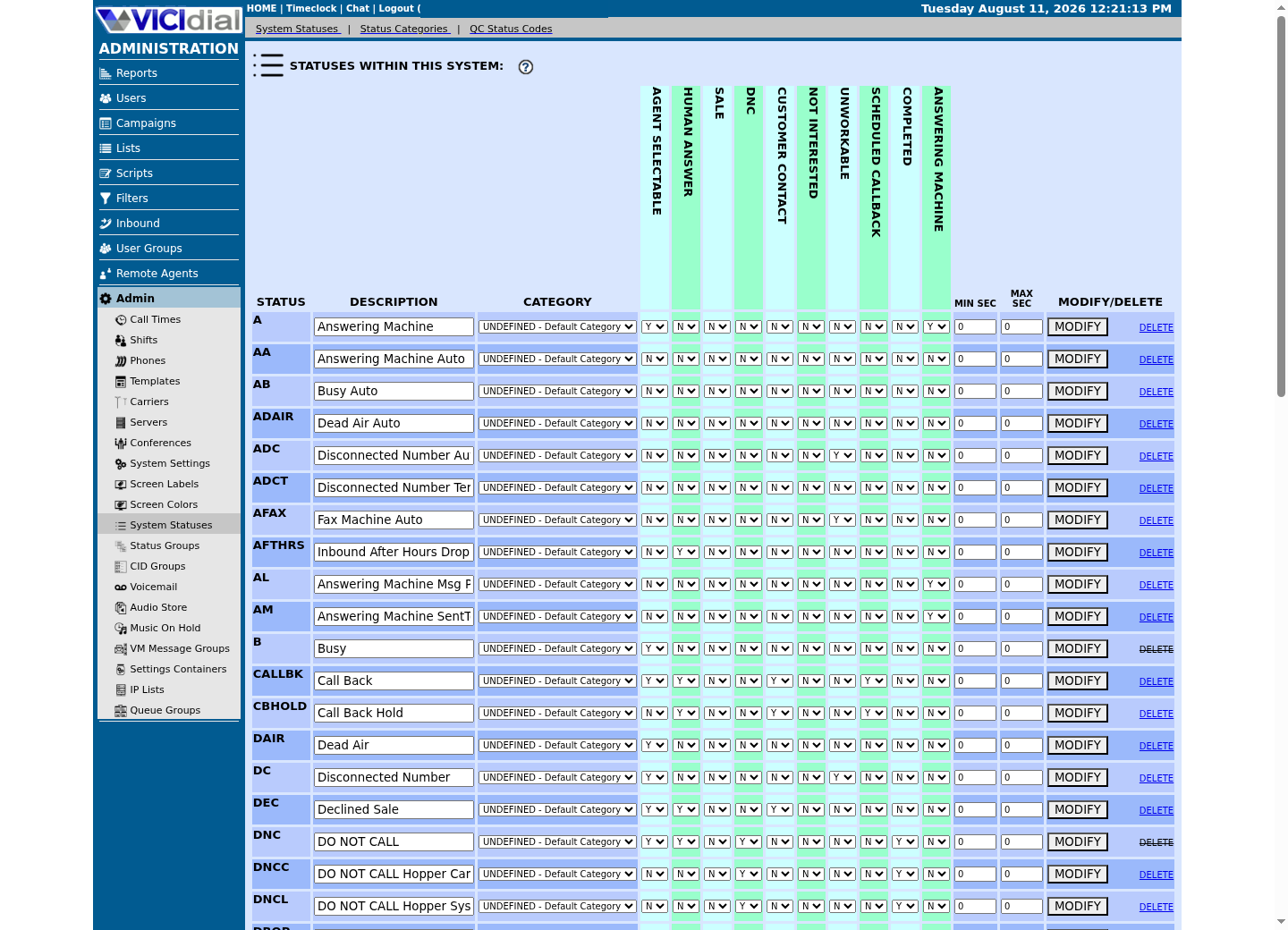
Find the campaign's Lead Filter field
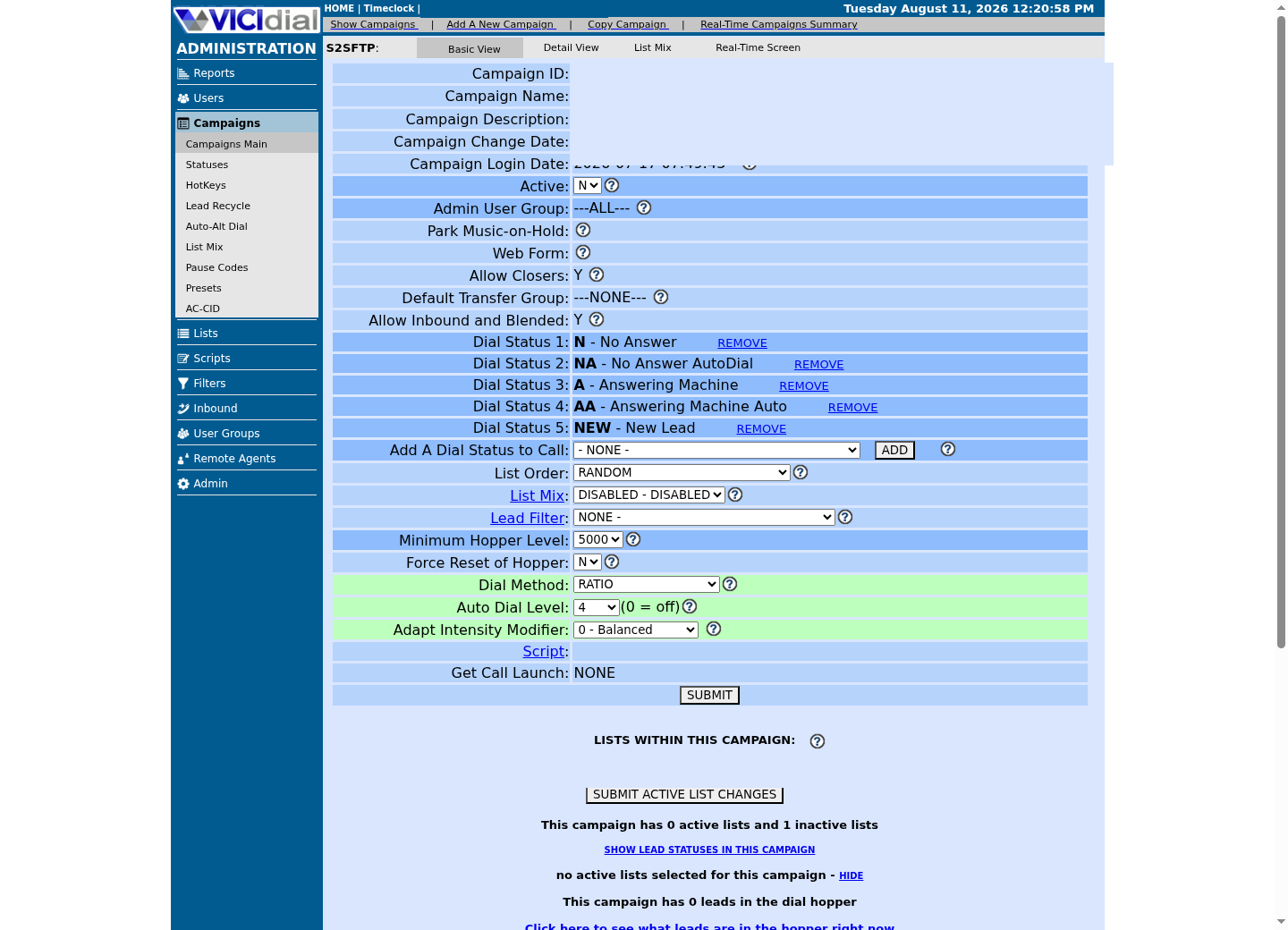
02 / 08
Step 1 — Load and manage the internal DNC list
VICIdial keeps a system-wide internal list in the vicidial_dnc table, one row per phone number, checked across every campaign that turns the check on. A separate table, vicidial_campaign_dnc, pairs a phone number with one campaign_id, so a number can be blocked only for a single campaign without ever touching the system-wide list.
Load and remove entries through Lists → the DNC add/delete screen, or through the add_dnc_phone and delete_dnc_phone Non-Agent API functions. Do not write to either table directly: both supported paths write a matching row to vicidial_dnc_log, which is what lets you prove later who suppressed a number and when.
The admin screen accepts more than one campaign at a time. SYSTEM_INTERNAL targets the global list; ALL_CAMPAIGNS, ALL_ACTIVE_CAMPAIGNS, ALL_DNC_CAMPAIGNS, and ALL_ACTIVE_DNC_CAMPAIGNS apply the same add or delete across every campaign that matches that description, which is convenient but also the fastest way to touch far more campaigns than you intended. Read the target value twice before submitting a delete.
Removing a number is the riskier direction of the two. The delete_from_dnc permission on a user account is what actually allows a deletion to go through; review who holds that permission the same way you would review any other destructive-action grant.
- Confirm whether the number belongs on the system-wide list, a single campaign's list, or both.
- Use the admin screen or the API, never a direct table write.
- Review delete_from_dnc grants on a regular schedule.
SHOW CREATE TABLE vicidial_dnc;SHOW CREATE TABLE vicidial_campaign_dnc;SELECT COUNT(*) AS system_dnc_rows FROM vicidial_dnc;SELECT COUNT(*) AS campaign_dnc_rows FROM vicidial_campaign_dnc WHERE campaign_id='<CAMPAIGN_ID>';Captured demo response · 2026-09-24 22:25 UTC. The displayed command is the command that ran; a safe subset label means it was filtered, redacted, or fixture-scoped. Replays only after you select Replay transcript.
- Before you run it
- Run through an authorized read-only database session, mysql --defaults-extra-file=/etc/vicidial-readonly.cnf. Replace <CAMPAIGN_ID> with one real campaign_id you are allowed to inspect; this only reads structure and counts.
- Success looks like
- Both tables match the documented single-column and two-column-unique-index design, and the counts are plausible for what you expect to be loaded.
- Stop if
- Stop if the account can write, either table has been altered from the documented structure, or the campaign_dnc_rows count is far higher or lower than expected for that campaign.
03 / 08
Step 2 — Choose system-level vs. campaign-level scope
Two campaign settings decide whether either list is even consulted: use_internal_dnc controls the system-wide vicidial_dnc table, and use_campaign_dnc controls that campaign's own vicidial_campaign_dnc entries. Each accepts Y, N, or AREACODE — AREACODE blocks every number sharing the same area code as a listed entry, not just an exact match, which is useful when an entire region has opted out of a campaign rather than one number.
A third setting, use_other_campaign_dnc, lets one campaign also honor a second, named campaign's list without merging or duplicating the underlying rows. A fourth, callback_dnc, decides whether a scheduled callback re-checks DNC before it redials; leaving it DISABLED means a callback can still reach a number that was added to DNC after the callback was scheduled.
This is the gotcha that catches most new installs: a number sitting in vicidial_dnc or vicidial_campaign_dnc proves nothing about enforcement on its own. If the campaign's flag is N, the row is simply never read. Always check the list and the flag together, never one on its own.
- Read use_internal_dnc and use_campaign_dnc together with the DNC tables, not instead of them.
- Decide the AREACODE behavior deliberately; it blocks an entire area code, not one number.
- Set callback_dnc to ENABLED unless you have a specific, documented reason not to.
SELECT campaign_id, use_internal_dnc, use_campaign_dnc, use_other_campaign_dnc, callback_dncFROM vicidial_campaignsWHERE campaign_id='<CAMPAIGN_ID>';Captured demo response · 2026-09-24 22:25 UTC. The displayed command is the command that ran; a safe subset label means it was filtered, redacted, or fixture-scoped. Replays only after you select Replay transcript.
- Before you run it
- Run through the same read-only session, substituting one <CAMPAIGN_ID> you are authorized to inspect.
- Success looks like
- You can state, for that exact campaign, whether the system list, the campaign list, another campaign's list, and callback re-checks are each active.
- Stop if
- Stop if any of the four values is unexpected, unset, or cannot be reconciled with what the campaign owner believes is configured.
04 / 08
Step 3 — Configure the optional DNC.com integration
DNC.com is a separate paid service, configured through a settings container with the ID DNCDOTCOM, a row in vicidial_settings_containers. That container holds your DNC.com API login, which list IDs to scrub, which statuses to skip, and — this is the part worth reading twice — a mapping from every one of DNC.com's single-letter result codes to a status you choose in vicidial_list.
The result codes cover more than a plain do-not-call match. C is clean, D is a do-not-call database match, and P is an internal project DNC or do-not-fax match. W and Y flag a wireless or VoIP number that is not on any DNC list but still cannot be called from a predictive dialer. E, O, and R describe established-business-relationship (EBR) exemptions — currently valid, overriding an otherwise-DNC number, or expired — while X is a distinct Industry eXemption applied to an otherwise do-not-call number, not an EBR. G and H add a valid EBR on top of a wireless or VoIP number, and that EBR still does not lift the predictive-dialer restriction those numbers carry. Only F, L, and V name a state that bans even a manually dialed wireless call — L alone, F combined with a valid EBR, and V combined with an EBR that overrides an otherwise-DNC number. I and M flag an invalid or malformed number, B flags a number blocked by area-code coverage or campaign configuration, S flags a disconnected-number match, and T flags a costlier Tier-C carrier route rather than any data-quality problem. Map each code to its own status so a report can tell them apart later.
Outbound scrubbing runs strictly in batch: the AST_DNCcom_filter.pl script scrubs the list IDs you name, typically from cron, and is documented as something you should run after hours or only against inactive lists — it does not look up a number at the moment you dial it. Inbound filtering is the opposite: set a DID's Filter Inbound Number option to URL, point its Filter URL at DNCcom_inbound_filter.php, and every inbound call to that DID is checked in real time against the USADNC, PROJDNC, LITIGATOR, and INVALID categories you choose. Set that DID's Clean CID Number option to R10 so ten-digit North American numbers are looked up consistently.
- Confirm which list IDs are actually included in VICI_LISTS before the first run.
- Set VICI_STATUS_SKIP to exclude already-worked statuses such as SALE, so a rescrub cannot overwrite a completed disposition.
- Schedule the outbound batch job on inactive lists or after hours, since it is documented as batch-only.
#!/usr/bin/env bashset -euo pipefailLIST_RANGE='<LIST_ID_A>-<LIST_ID_B>'/usr/share/astguiclient/AST_DNCcom_filter.pl --lists=$LIST_RANGE# Inbound DID Filter Inbound Number = URL; Filter URL points at the same account, e.g.:# https://203.0.113.10/vicidial/DNCcom_inbound_filter.php?phone=--A--phone_number--B--This sample changes a system, contacts an outside service, needs a live call, or would print real data from a shared server, so it was not run on the demo. Run it only where you are authorized, and compare the result with the success and stop guidance.
- Before you run it
- Run from the dialer's crontab or an interactive shell with the DNCDOTCOM settings container already configured. Replace <LIST_ID_A> and <LIST_ID_B> with the exact list IDs the container is scoped to scrub; the inbound URL line is a reference for the DID's Filter URL field, not something this script executes.
- Success looks like
- The script exits cleanly, vicidial_dnccom_filter_log gains one row per scrubbed lead, and each lead's status matches the code you mapped it to in the settings container.
- Stop if
- Stop if the script errors against the DNC.com account, an active list is scrubbed during calling hours by mistake, or a status change appears for a lead outside the named list range.
05 / 08
Where a lead actually gets blocked in the call path
Suppression is checked at more than one point, and knowing which one fired matters when a call gets through that should not have. A batch worker, AST_DB_DNC_filter.pl, can pre-scrub a freshly loaded list against the system and campaign DNC tables and flip a matching lead's status to DNCL for a system match or DNCC for a campaign match, before that lead is ever eligible to dial.
Hopper fill is the next gate: AST_VDhopper.pl applies status, list, time, DNC, and rank rules when it selects leads into vicidial_hopper, the queue of leads eligible to dial next. A lead that never enters the hopper cannot be dialed by that campaign, regardless of what an agent sees on screen.
Manual, ratio, and adaptive dialing all draw from the same hopper, so they share that check. A scheduled callback is the exception: it only re-checks DNC before redialing when the campaign's callback_dnc setting is ENABLED, so a callback created before a number was added to DNC can still go out if that setting is off. Inbound calls take a completely separate path, evaluated per call rather than per lead, through the inbound DNC/CID lookup AGI or the DNC.com inbound filter on the receiving DID.
The DNC disposition status itself — the one an agent or an API sets after a live contact asks to be removed — is a different thing again. That status records a request going forward; it does not retroactively prove the earlier call should have been blocked.
- Trace a suspect call through the batch pre-scrub, hopper fill, and callback flag in that order.
- Check inbound DIDs separately; they do not share the outbound hopper path.
- Do not treat a DNC disposition on one call record as proof the number was suppressed beforehand.
06 / 08
Prove a specific number is actually suppressed
A claim that a number 'is on the DNC list' is not enough on its own. Read three things together for the exact number and campaign in question: whether the number is present in the system or campaign table, whether that campaign's flag actually consults that table, and what status the lead currently carries in vicidial_list.
The read-only session below runs all three checks for one number using the placeholder <PHONE_NUMBER> in place of a real subscriber's number. Run the same three queries against your own test number before you trust any dashboard count.
#!/usr/bin/env bashset -euo pipefailREADONLY_CNF=/etc/vicidial-readonly.cnfPHONE='<PHONE_NUMBER>'mysql --defaults-extra-file=$READONLY_CNF -e "SELECT phone_number FROM vicidial_dnc WHERE phone_number='$PHONE';"mysql --defaults-extra-file=$READONLY_CNF -e "SELECT phone_number, campaign_id FROM vicidial_campaign_dnc WHERE phone_number='$PHONE';"mysql --defaults-extra-file=$READONLY_CNF -e "SELECT lead_id, list_id, status FROM vicidial_list WHERE phone_number='$PHONE';"ViciGeek does not predict command output. This read-only sample has not been captured on the demo yet; run it only in your approved environment and compare the result with the success and stop guidance.
- Before you run it
- Run on a host with a working read-only credentials file at /etc/vicidial-readonly.cnf. Replace <PHONE_NUMBER> with the number you are authorized to check — this lab's own capture maps it to the fictional 5555550199, since its synthetic leads carry no real phone numbers; every statement here only reads.
- Success looks like
- The number appears in the table matching its intended scope, the matching campaign flag from step 2 is not N, and the lead's status in vicidial_list reflects that suppression (for example DNC, DNCL, DNCC, or a mapped DNC.com status).
- Stop if
- Stop and re-check step 2 if the number is present in a DNC table but the campaign's flag is N — that combination means the number is not actually protected on that campaign, no matter what the table says.
07 / 08
Keep an auditable record of every suppression
vicidial_dnc_log records every add and delete against either DNC table with the acting user, an add-or-delete action, a campaign_id (or -SYSINT- for the system list), and a timestamp. Read it by phone number to answer who suppressed this number, when, and through which list.
The admin screen additionally writes a matching vicidial_admin_log row with the section, the exact action, and the SQL that ran, which is useful when you need to show an administrative action rather than just the resulting row. For DNC.com, vicidial_dnccom_filter_log records each outbound batch result per lead (old status, new status, and the raw response), and vicidial_dnccom_scrub_log records each inbound real-time result per phone number with separate invalid, DNC, project-DNC, and litigator flags.
Together these four sources are the record you keep: the two DNC tables say what is currently suppressed, and these logs say how it got that way. Retain them at least as long as your compliance owner requires, and never let a bulk cleanup delete log rows just to shrink a table.
SELECT campaign_id, action, action_date, userFROM vicidial_dnc_logWHERE phone_number='<PHONE_NUMBER>'ORDER BY action_date DESCLIMIT 1000;ViciGeek does not predict command output. This read-only sample has not been captured on the demo yet; run it only in your approved environment and compare the result with the success and stop guidance.
- Before you run it
- Run through the same read-only session, substituting the number you are authorized to review for <PHONE_NUMBER> — this lab's own capture maps it to the fictional 5555550199; the query only reads history.
- Success looks like
- You get a complete add/delete timeline for that number, including which campaign_id each action applied to and which user performed it.
- Stop if
- Stop if the log is missing entries you expected from step 1, or if an action's user field is blank — either means the audit trail has a gap worth investigating before you rely on it.
08 / 08
Troubleshoot a bad scrub, stop it, and roll back safely
Three symptoms cover most real incidents. A huge, unexpected share of a list changing to one DNC.com status overnight usually means VICI_STATUS_SKIP did not exclude an active work status the way you intended. A campaign that keeps dialing a number you added to vicidial_dnc usually means use_internal_dnc or use_campaign_dnc is N on that specific campaign, not that the add failed. Inbound calls that are not being screened at all usually mean a DID's Filter Inbound Number was left DISABLED instead of set to URL.
If a batch run mis-set statuses, stop the cron job first, then use vicidial_dnccom_filter_log to find exactly which lead_id and list_id rows changed and what their old_status was. Restore only those rows through the admin lead screen or the update_lead API function, never a bulk update statement.
If you need to reverse an internal DNC add, use the Admin delete screen or the delete_dnc_phone API function, gated by the delete_from_dnc permission from step 1, rather than a direct delete against the table. That path writes the same audit row that later proves the reversal happened. Rollback here means a documented reversal through the same supported interface that made the original change, not a manual SQL fix applied under pressure.
Whatever you changed, re-run the proof from the earlier section against the exact number and campaign involved before you consider the incident closed. A fix you cannot re-verify is not a fix yet.
- Stop the batch job before investigating, not after.
- Restore only the specific rows a log identifies, never with a bulk statement.
- Close the incident only after re-running the suppression proof on the affected number.
Evidence ledger
Verification basis
- The DNC.com batch scrub (AST_DNCcom_filter.pl) and the DNC.com inbound DID filter (DNCcom_inbound_filter.php) are documented as optional add-ons requiring a separate DNC.com account; neither is enabled by a default install.
- Table names, columns, enum values, and defaults referenced above (vicidial_dnc, vicidial_campaign_dnc, vicidial_dnc_log, vicidial_dnccom_filter_log, vicidial_dnccom_scrub_log, use_internal_dnc, use_campaign_dnc, use_other_campaign_dnc, callback_dnc, delete_from_dnc) come from the installed schema; no production suppression data was read to write this article.
Primary references
Sources
- VICIdial DNC.com integrationVICIdial · accessed August 5, 2026
- VICIdial Non-Agent APIVICIdial · accessed August 5, 2026
- Complying with the Telemarketing Sales RuleFederal Trade Commission · accessed August 5, 2026