Reader setup
Before you diagnose
Start with one observed symptom, then isolate one layer at a time.
- Choose one synthetic agent session and record the report timezone, interval start and interval end.
- Obtain authorized read-only event/login data with personal identifiers replaced by an opaque fixture label.
- Keep the existing report query and expected login duration so every proposed formula can be compared and reversed.
- What you will prove
- You will confirm what VICIdial's own agent_stats_export already computes, then turn state-change timestamps into clipped, non-overlapping visible intervals that reconcile with the selected login window.
- Safety boundary
- Work on synthetic or approved aggregated data. Do not rewrite raw history or change access filters merely to force totals to match.
Reader path
How to use this article
- Use it when: You are investigating a live symptom and need to narrow the failure quickly.
- Expected result: Pinpoint the first failing layer, then repair only that layer.
- Start here: Use the sections as a diagnostic sequence: prove scope, then isolate and validate.
Confirm what VICIdial already computes before you rebuild it
Fast answer: before reconstructing agent time by hand, check whether NON-AGENT_API.txt's agent_stats_export function already answers the question. For a datetime_start/datetime_end window you choose, it returns pre-computed columns per agent, among them login_time, total_talk_time, avg_talk_time, avg_wait_time, pause_time, wait_time, talk_time, dispo_time and dead_time. If its numbers already match what you expected, there is no report to rebuild; if they do not, the manual work below is how you find out why, not a replacement for the export.
The function documents two more settings worth knowing before you reach for a manual query instead: time_format controls whether the returned durations print as H:MM:SS, minutes, or raw seconds, and group_by_campaign, when set to YES, splits one agent's totals across every campaign they logged into during the window rather than collapsing them into one row. A mismatch between what you expected and what agent_stats_export returned is sometimes nothing more than one of these two settings left at a default that does not match the report you are trying to reproduce.
The raw event source behind any such report is vicidial_agent_log, the same table this library's operator guide already reads for pause_type and pause_sec. This article adds sub_status to that same read. Query it and record whatever values sub_status actually holds on your build before assuming what they mean — the exact semantics vary enough by revision that this article will not assert them for you.
Prefer the export whenever a report only needs the totals it already computes. Reach for the raw table instead only when you need per-event detail the export does not expose at all — the exact sequence and timing of individual pause and status changes within a session, not just their sums.
SHOW COLUMNS FROM vicidial_agent_log; SELECT event_time, sub_status, pause_type, pause_secFROM vicidial_agent_logWHERE user = '<AGENT_USER>' AND event_time >= CURDATE() - INTERVAL 1 DAYORDER BY event_timeLIMIT 200;Captured demo response · 2026-09-24 22:25 UTC. The displayed command is the command that ran; a safe subset label means it was filtered, redacted, or fixture-scoped. Replays only after you select Replay transcript.
- Before you run it
- Run both through the read-only database account; the first confirms your build's real column list, the second reads one day of one synthetic agent's raw events.
- Success looks like
- When the agent worked a session inside the window, rows return in chronological order, pause_type matches the documented UNDEFINED, SYSTEM, AGENT, API or ADMIN set, and you can now see exactly what sub_status actually contains on this build before treating it as a login/logout marker or anything else.
- Stop if
- Stop if the column list differs from what this query assumes, or if event_time ordering does not match what you observed live — reconcile that before building any interval math on top of it. Zero rows by themselves are not this failure: that only means no events fell inside the window for this agent, not a schema problem, and it is exactly what an idle fixture agent should return.
Visual walkthrough
Follow three real demo screens
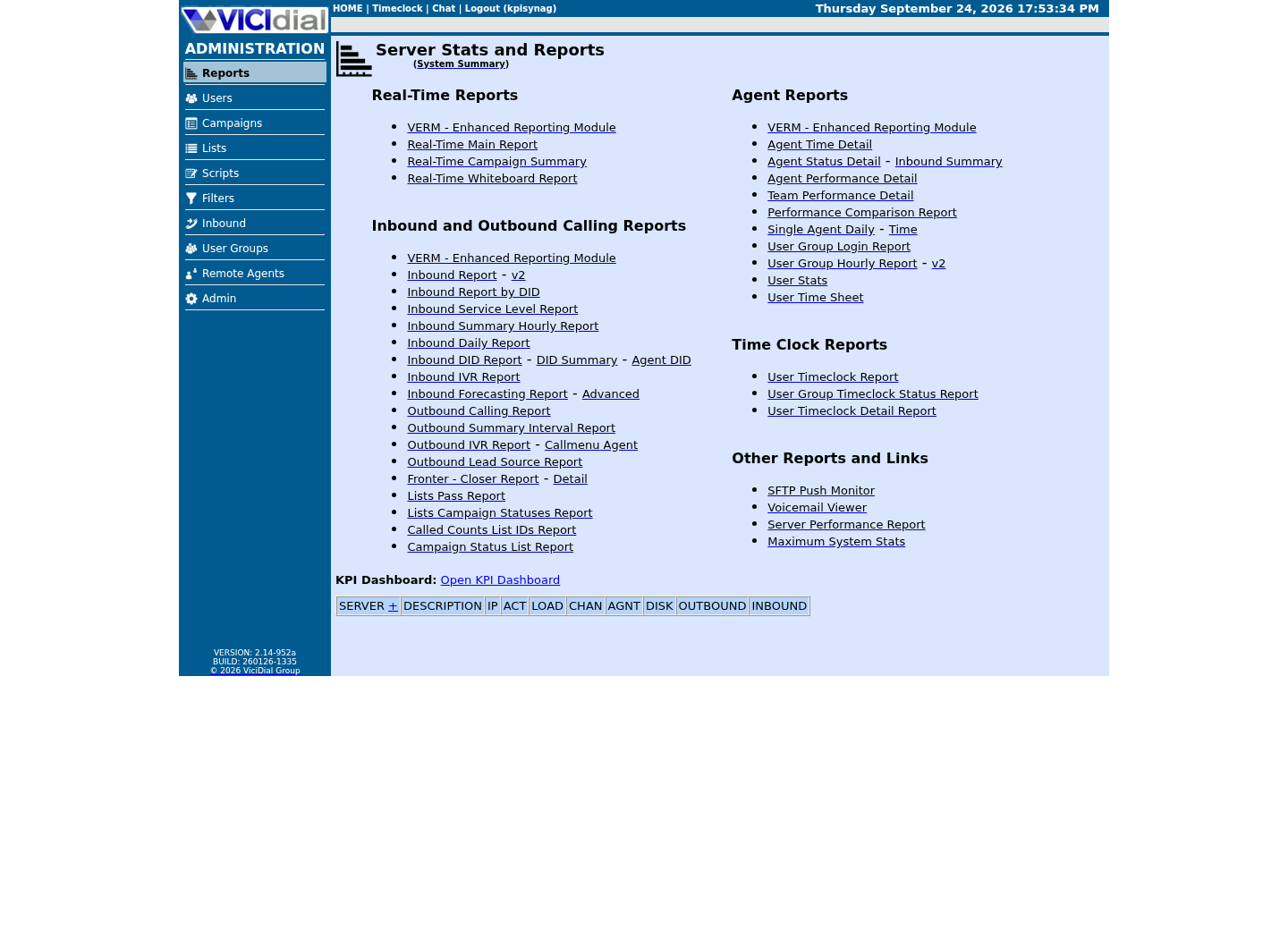
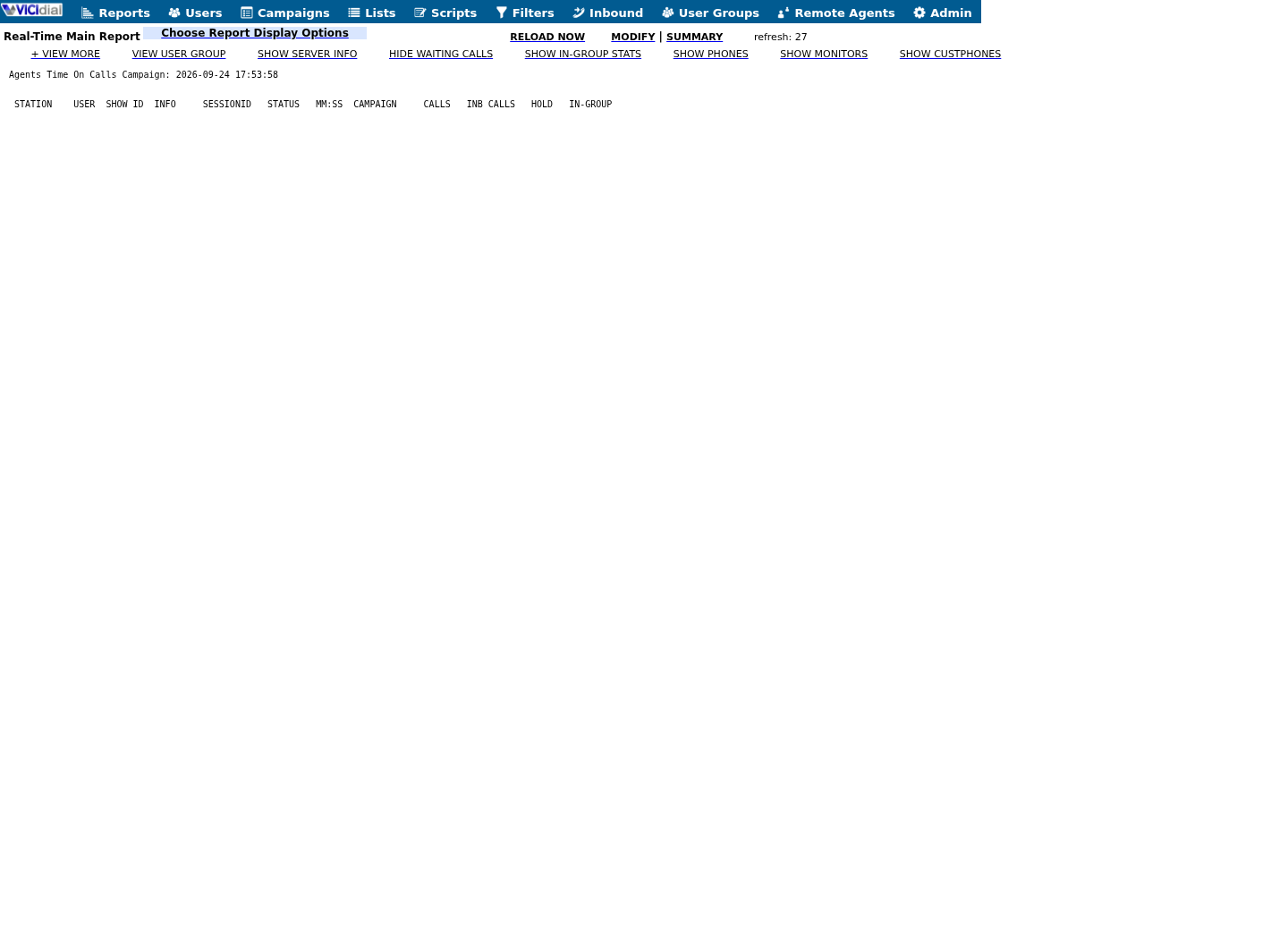
Captured on an isolated VICIdial demo: Administration screens on September 24, 2026, and the idle Agent screen on August 11, 2026. Each caption states its own capture time, and every sanitized image helps you recognize a related screen; none proves that this article's call, command, or result occurred.Treat home-page counts as orientation
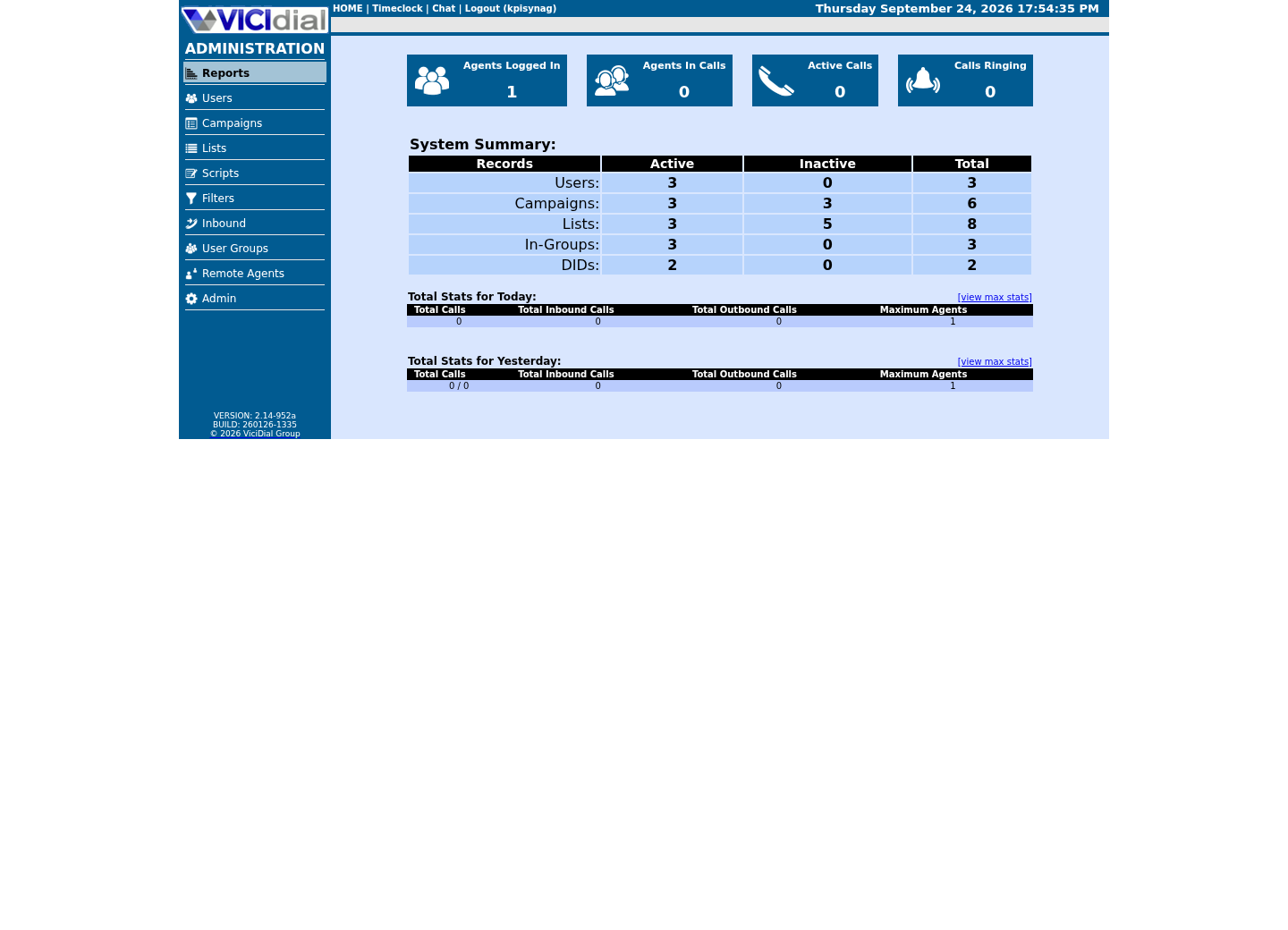
Use the Reports index
See the Real-Time report layout
Treat state as intervals, not labels
Fast answer: this is the same clipping rule agent_stats_export already applies internally. Work it by hand only to explain or rebuild a mismatch against that export, not as your primary report. A state change has a start but often no explicit end; derive its end from the next event, then intersect (clip) that interval with the agent's actual login window and report boundary.
An agent who never logs out cleanly — a crashed browser tab, a lost network connection — leaves a final state change with no next event to derive an end from at all. Treat that last open interval as ending at either the report boundary or a documented forced-logout time, whichever is earlier and actually knowable, and say plainly in the report which one you used; silently picking one without disclosing it is how two people reconciling the same day arrive at two different totals.
Rows outside the window must not become visible simply because their state label matches the current filter.
See vicidial-terminology-for-complete-beginners for the rest of this glossary.
visible_start = max(event_start, login_start, report_start)visible_end = min(next_event_start, logout_time, report_end)visible_secs = max(0, visible_end - visible_start)This sample is a template or reading aid, not a terminal command. There is no output to show.
- Before you run it
- Use this as pseudocode in a worksheet or reviewed query, not as a command. All timestamps must share one named timezone; next_event_start is the following state-change time for the same synthetic session.
- Success looks like
- Every visible interval begins no earlier than login/report start, ends no later than logout/report end, and negative durations become zero.
- Stop if
- Stop if the next event belongs to another session, logout is unknown, timezone conversion is ambiguous, or overlapping login windows have not been separated.
Work one session by hand before writing SQL
A tiny timeline makes the rule visible. In the example, the report starts at 09:00 but login starts at 09:05, so the first five minutes cannot be assigned to the agent; logout at 09:30 clips any later state.
These times are synthetic. Calculate each duration in seconds, then verify the sum equals the 25-minute login window without gaps or overlaps unless the source explicitly documents them.
A second worked case is worth running once you trust the first: two overlapping login windows for the same agent, from a double login the browser tab problem above can produce. The clipping rule handles it the same way it handles the report boundary — max() and min() against both windows at once — but only if your query actually detects the overlap first and treats it as two sessions to reconcile separately, rather than quietly summing both as though they were sequential.
report window: 09:00–10:00login window: 09:05–09:30 READY raw 09:00–09:12 → visible 09:05–09:12 = 420 secPAUSED raw 09:12–09:20 → visible 09:12–09:20 = 480 secREADY raw 09:20–09:40 → visible 09:20–09:30 = 600 secvisible total: 1,500 sec = 25 minThis sample is a template or reading aid, not a terminal command. There is no output to show.
- Before you run it
- Copy the shape into an offline worksheet and substitute one authorized synthetic session. Convert every timestamp to the declared report timezone before subtracting.
- Success looks like
- The clipped durations are non-negative, do not overlap, and sum exactly to the visible login duration or to an explicitly explained subset.
- Stop if
- Stop if totals exceed login time, gaps/overlaps are unexplained, events cross sessions, or daylight-saving/midnight conversion is unresolved.
Reconcile daily totals
For a controlled agent day, sum clipped intervals and compare them with login duration, pause detail and call timestamps. Gaps and overlaps should be explainable.
Test midnight boundaries and an agent with multiple login sessions. Those cases reveal most interval mistakes quickly.
Allow a small, named rounding tolerance rather than demanding an exact match to the second — a few seconds of drift between independently computed totals is normal timestamp-precision noise, not evidence of a bug. State the tolerance you are using explicitly, though: an undisclosed tolerance is indistinguishable from a report that simply does not reconcile.
Stop on an unexplained second and reverse the query change
Do not release a revised report while synthetic interval totals exceed the login window, cross session boundaries or differ between repeated runs at the same as-of time. Record the smallest failing fixture and preserve the old query/version.
Rollback means restoring the prior report calculation or view without altering event history. Fix the interval derivation in a test copy, repeat midnight and multi-login cases, then ask an independent reviewer to reproduce the arithmetic.
- Old and proposed query definitions remain versioned and reversible.
- Synthetic normal, midnight and multiple-login sessions reconcile independently.
- Visible and hidden durations remain separate from raw audit evidence.
Primary references
Sources
- Inconsistency Agent Time DetailVICIdial forum · accessed September 23, 2026
- VICIdial Non-Agent APIVICIdial · accessed September 23, 2026