Reader setup
Before you start
Run each step in order and move only when the outcome is confirmed.
- Root access to the VICIdial server running the push script from `vicidial-sales-recordings-sftp`
- python3 on that server (this lab ships 3.6.15) for validating JSON Lines from the command line
- Permission to add one logrotate policy file
- What you will prove
- A confirmed, read-only way to watch the push script's log for successful phases, permission problems and rotation health, without installing anything new.
- Safety boundary
- This is read-only monitoring only. Never widen the log's file mode to make it easier to view, and never copy a raw JSONL line into a ticket or chat.
Reader path
How to use this article
- Use it when: You need a fixed sequence to make a deployment or configuration change now.
- Expected result: Follow each step and verify the outcome before changing the next layer.
- Start here: Start at the first section and complete every checkpoint before moving to the next.
01 / 07
How this guide watches the push script
Fast answer: confirm the push script's JSONL log exists and is root-owned, learn its one-line-per-phase schema, prove the file can be read but not appended by another account, add a narrow logrotate policy, and prove that reading the log never changes it.
JSONL means JSON Lines: a plain text file where each line is one complete, self-contained JSON record, so a script can append a new event without rewriting the file and you can read it with ordinary line tools. Each line here records one phase of one push attempt: a timestamp, the profile alias, the phase name and its result.
Every command below only reads. Nothing here appends a line, forces a rotation or changes the script that writes the log; a clean pass proves the log is trustworthy to monitor, not that any external recipient received a file.
- Confirm which push script's log you are watching before you begin (see `vicidial-sales-recordings-sftp`).
- Keep aggregate counts and the profile alias non-sensitive; never paste a raw JSONL line into a ticket.
- Grant read access narrowly; never widen the log's mode just to make it easier to view.
- Test a normal read and an attempted write from the same non-root account.
Visual walkthrough
Follow three real demo screens
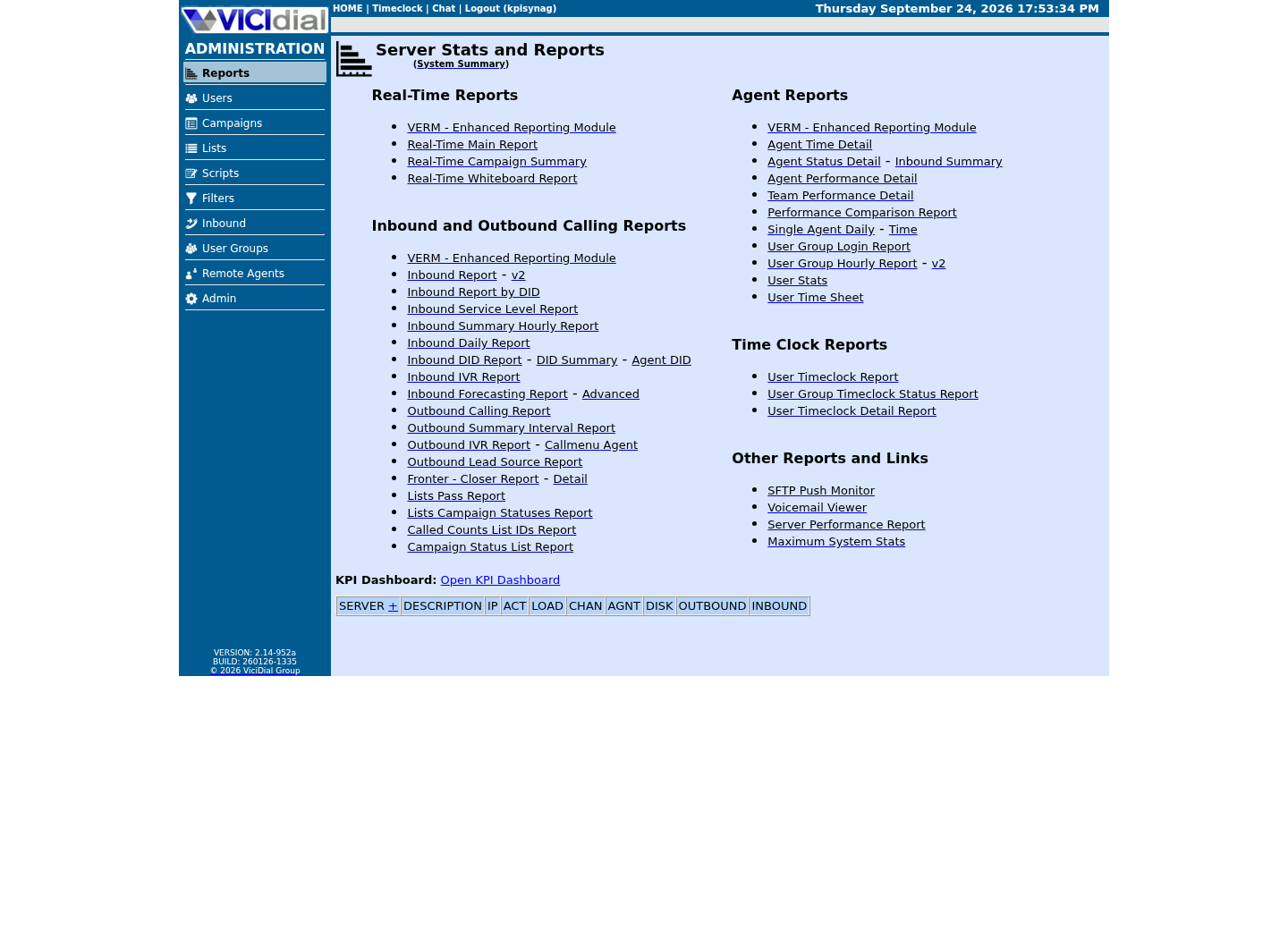
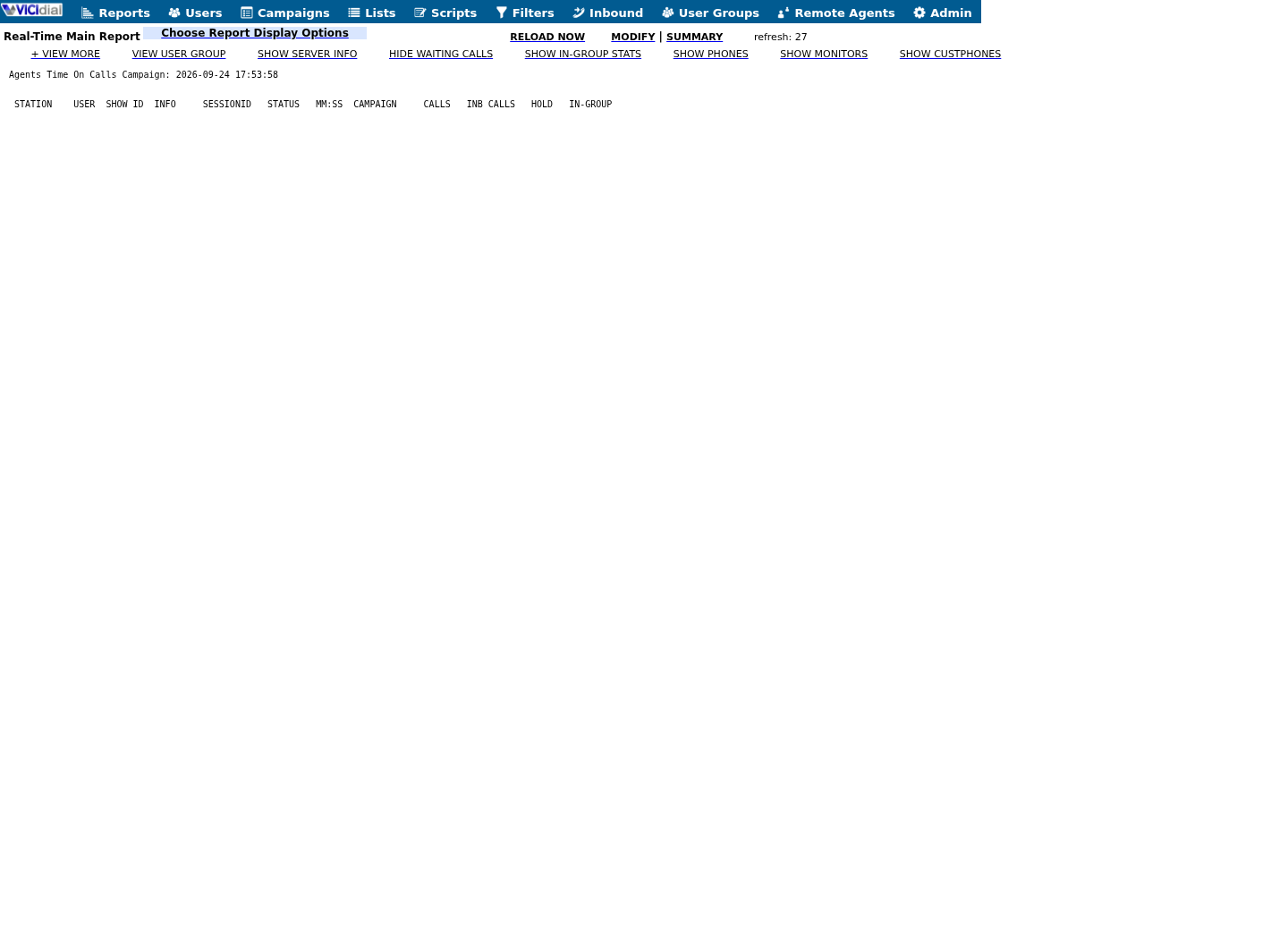
Captured on an isolated VICIdial demo: Administration screens on September 24, 2026, and the idle Agent screen on August 11, 2026. Each caption states its own capture time, and every sanitized image helps you recognize a related screen; none proves that this article's call, command, or result occurred.Treat home-page counts as orientation
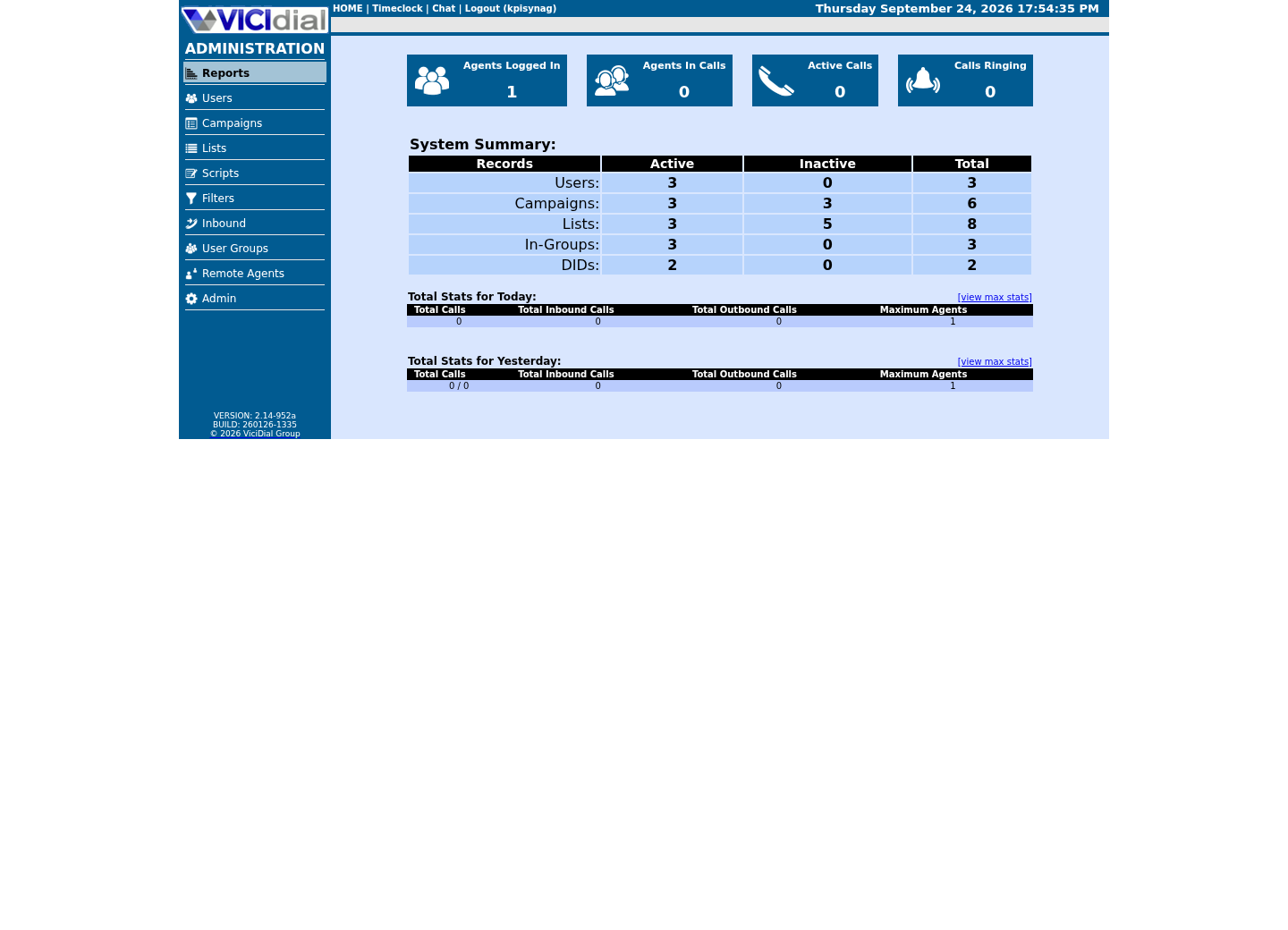
Use the Reports index
See the Real-Time report layout
02 / 07
Step 1 — Confirm the log exists
There is nothing to install here. The log is a side effect of the push script's own `log_event` function in `vicidial-sales-recordings-sftp`, not a separate package; this guide only reads what that script already writes.
A missing log almost always means the script has not completed a phase yet, not that monitoring itself is broken. Confirm the script's CONFIG block and its last check-only run before assuming this path is wrong.
ls -l /var/log/vicidial-sales-sftp/push.jsonl 2>/dev/null || echo 'no runs yet'This sample changes a system, contacts an outside service, needs a live call, or would print real data from a shared server, so it was not run on the demo. Run it only where you are authorized, and compare the result with the success and stop guidance.
- Before you run it
- Run as root on the server that runs the push script. This path is one the push script creates itself, so it does not exist on a stock server that has never run it.
- Success looks like
- Either a file listing appears with a non-zero size, or the command prints 'no runs yet' because no phase has logged.
- Stop if
- This command alone cannot tell 'never installed' from 'never run'; check the push script's own CONFIG and ENABLED value next.
03 / 07
Step 2 — Read the one-line-per-phase schema
Every line is one complete JSON object with exactly four fields: `ts` (an ISO-8601 timestamp), `profile` (the alias set in the push script's CONFIG block), `phase` (`check-only`, `export`, `validate`, `upload-report`, `upload-audio` or `complete`) and `result` (`pass`, `done` or `fail`). Treat any tool or habit that would add a fifth field, such as a filename or a recording ID, as a bug to fix in the script, not a feature to keep.
Because the file is append-only, read it with ordinary line tools instead of opening it in an editor that could resave the whole file.
python3 -c 'import json,sys; print(sum(1 for l in sys.stdin if l.strip() and json.loads(l) is not None), "valid JSON lines")' < /var/log/vicidial-sales-sftp/push.jsonlThis sample changes a system, contacts an outside service, needs a live call, or would print real data from a shared server, so it was not run on the demo. Run it only where you are authorized, and compare the result with the success and stop guidance.
- Before you run it
- This lab's python3 is 3.6.15, which has no `--json-lines` support, so this counts and validates every line directly instead of pretty-printing it. The log is a path the push script creates itself, so it does not exist until that script has logged at least once.
- Success looks like
- Prints a count such as '5 valid JSON lines'; an empty file prints '0 valid JSON lines'.
- Stop if
- A traceback naming the JSON error means the push script wrote a malformed line — fix the script, not this check.
04 / 07
Step 3 — Confirm the log's owner and mode
Prove who can write this file before you trust it as evidence. The push script creates the log itself the first time it logs a phase, inheriting root ownership from the script that runs as root; confirm the result rather than assuming a mode.
If you add a dedicated read-only monitoring account later, test it the same way: confirmed read access, and a confirmed, tested absence of write access. Never solve a failed read by loosening the file's mode.
stat -c '%U %a %n' /var/log/vicidial-sales-sftp/push.jsonl 2>/dev/null || echo 'not created yet'This sample changes a system, contacts an outside service, needs a live call, or would print real data from a shared server, so it was not run on the demo. Run it only where you are authorized, and compare the result with the success and stop guidance.
- Before you run it
- Run as root, or as any account you expect to be able to read the file. This path exists only after the push script has logged at least once, so a stock lab has nothing to stat yet.
- Success looks like
- The file is owned by root, mode 0644 or tighter, and never group- or world-writable.
- Stop if
- Tighten the mode immediately if any account other than the one running the push script can write to it.
05 / 07
Step 4 — Add a narrow log-rotation policy
The push script only appends; nothing trims or rotates the log automatically. Add one logrotate policy scoped to this exact filename, the same tool this build already uses for its other logs, so the file cannot grow without bound.
Match only the current filename and plain numeric `.N` (or `.N.gz`) rotations. A wildcard broad enough to reach another package's log — or a distribution default that adds a date suffix instead — can silently break every read command in this guide.
/var/log/vicidial-sales-sftp/push.jsonl { weekly rotate 12 missingok notifempty compress delaycompress}This sample is a template or reading aid, not a terminal command. There is no output to show.
- Before you run it
- Create the file first with `sudo install -o root -g root -m 0644 /dev/null /etc/logrotate.d/vicidial-sales-sftp`, then save this exact stanza with `sudoedit /etc/logrotate.d/vicidial-sales-sftp`.
- Success looks like
- logrotate owns exactly one path, rotates weekly, keeps 12 generations and never errors on a quiet profile.
- Stop if
- Stop if the path uses a wildcard, a different compression scheme, or reaches beyond this one file.
06 / 07
Step 5 — Prove that reading the log changes nothing
Record the log's hash and line count, read it once with the Step 2 command or any viewer you plan to use, then run the same two commands again. The values must match, because a read never appends a line or changes push-script state.
Hold any future dashboard or scheduled reader to the same standard before trusting it: a view must never be able to write to this file.
sha256sum /var/log/vicidial-sales-sftp/push.jsonl 2>/dev/null || echo 'no log yet'wc -l /var/log/vicidial-sales-sftp/push.jsonl 2>/dev/null || echo 'no log yet' # Read the log with whatever viewer you plan to use, then run both commands again.This sample changes a system, contacts an outside service, needs a live call, or would print real data from a shared server, so it was not run on the demo. Run it only where you are authorized, and compare the result with the success and stop guidance.
- Before you run it
- Run once, read the file, then run the identical commands again. This path is created by the push script, so it will not exist on a server that has never run it.
- Success looks like
- The hash and line count are identical before and after; nothing changed from reading alone.
- Stop if
- Investigate immediately if either value changes from a read alone — something other than the push script is writing to this file.
07 / 07
Step 6 — Dry-run rotation and know the rollback
Dry-run the policy before trusting it, and confirm it reaches only the one path you intended.
To stop watching this log, remove only `/etc/logrotate.d/vicidial-sales-sftp`; that never touches the push script, its cron entry or any already-rotated history. To stop the exports themselves, follow the rollback in `vicidial-sales-recordings-sftp` instead — this guide only ever reads.
logrotate --debug /etc/logrotate.d/vicidial-sales-sftp 2>/dev/null || echo 'policy not created yet'This sample changes a system, contacts an outside service, needs a live call, or would print real data from a shared server, so it was not run on the demo. Run it only where you are authorized, and compare the result with the success and stop guidance.
- Before you run it
- Run after Step 4. Debug mode reports what would happen without rotating anything.
- Success looks like
- Only /var/log/vicidial-sales-sftp/push.jsonl is selected, with the schedule and generation count you set.
- Stop if
- Stop if another stanza claims the same path, or a wildcard reaches beyond this one file.
Evidence ledger
Verification basis
- Guide source: the schema, permission proof, rotation policy and no-write proof here match exactly what the push script in `vicidial-sales-recordings-sftp` writes and nothing more.
- Boundary: a clean read-only pass proves the log is trustworthy to monitor; it does not prove any external recipient received a file.
Primary references
Sources
- OpenSSH sftp manualOpenBSD · accessed August 4, 2026
- OpenSSH client configurationOpenBSD · accessed August 4, 2026
- VICIdial product overviewVICIdial Group · accessed August 4, 2026