Reader setup
Before you start
Run each step in order and move only when the outcome is confirmed.
- Root access to a VICIdial server with the native AST_VDsales_export.pl exporter installed
- An approved destination SFTP account, remote directory and a host-key fingerprint received over a trusted channel
- Willingness to author and review one root-only shell script printed in this guide, rather than install a third-party package
- What you will prove
- One reviewed, disabled-by-default shell script that stages sales recordings with VICIdial's own exporter and delivers them over authenticated SFTP only after a dry run and an external acceptance test pass.
- Safety boundary
- Keep ENABLED=0 inside the script until the destination, host key, staging path and filters have all been confirmed. Never run the exporter with a blank campaign or status filter.
Reader path
How to use this article
- Use it when: You need a fixed sequence to make a deployment or configuration change now.
- Expected result: Follow each step and verify the outcome before changing the next layer.
- Start here: Start at the first section and complete every checkpoint before moving to the next.
01 / 07
What this guide builds
Fast answer: confirm VICIdial's built-in `AST_VDsales_export.pl` exporter and the stock OpenSSH `sftp` client, author one reviewed root-only script from this guide, enter exact campaign and sale-status values, pin the recipient's verified SSH host key, dry-run the script, complete a harmless external acceptance test, and only then enable it and add it to cron.
The script calls VICIdial's own `AST_VDsales_export.pl` only to select rows and stage recordings privately, then hands the staged files to OpenSSH `sftp` for encrypted transport. It never touches the original recordings or `recording_log.location`. The exporter ships its own FTP transport too, but plain FTP sends everything, including its login, unencrypted, so this guide replaces only that last leg.
New to VICIdial's vocabulary? `vicidial-terminology-for-complete-beginners` defines campaign, list, lead and disposition before you start this guide.
- Write down the exact campaign and sale-status values before you open a terminal.
- Give the script one lock, one staging directory and one log file, and never share them across profiles.
- Keep the SSH private key, any password file and staged recordings out of commands, logs and tickets.
- Leave `ENABLED=0` in the script until every acceptance check below has passed.
Visual walkthrough
Follow three real demo screens
Captured on an isolated VICIdial demo: Administration screens on September 24, 2026, and the idle Agent screen on August 11, 2026. Each caption states its own capture time, and every sanitized image helps you recognize a related screen; none proves that this article's call, command, or result occurred.Treat home-page counts as orientation
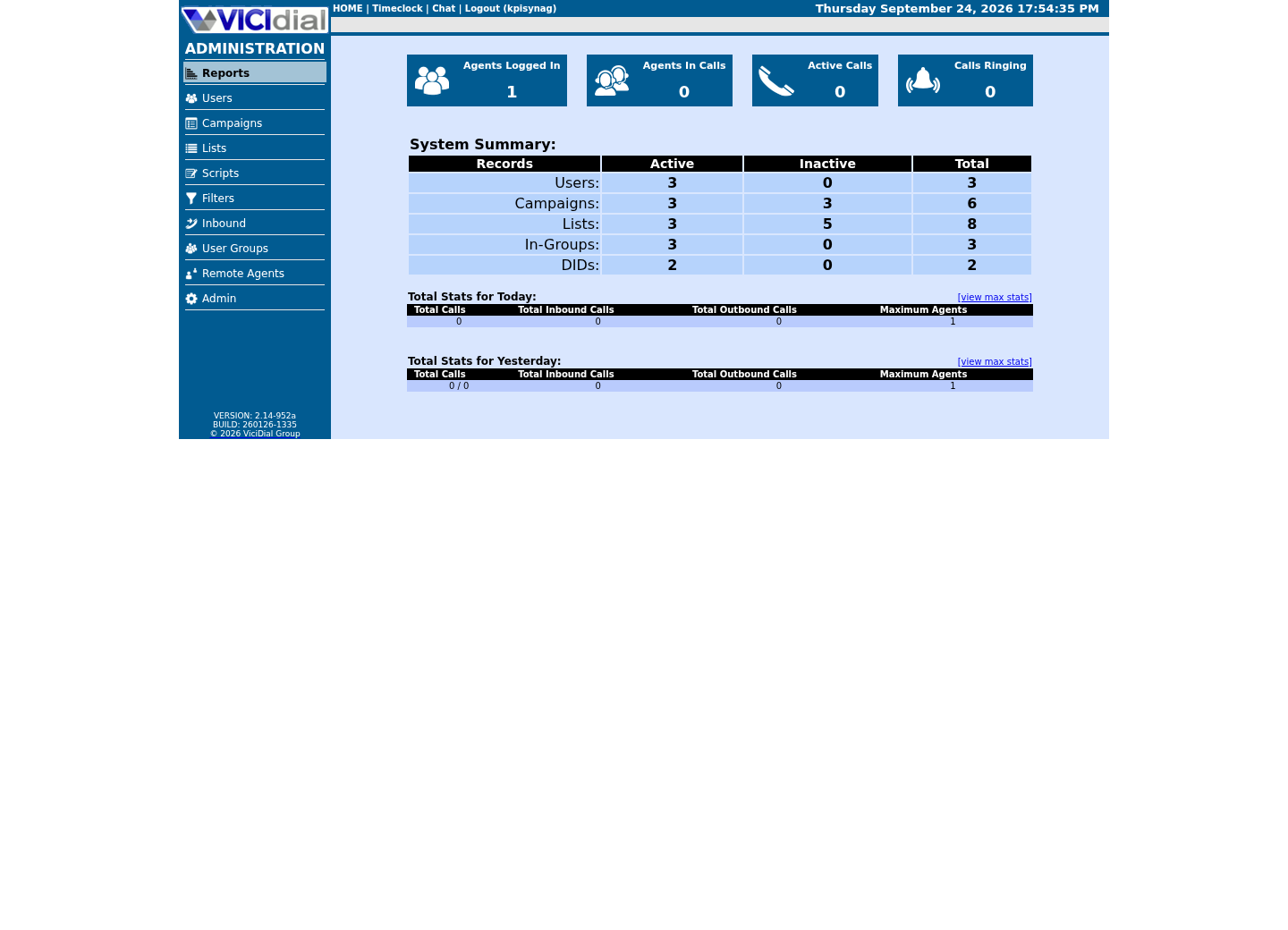
Use the Reports index
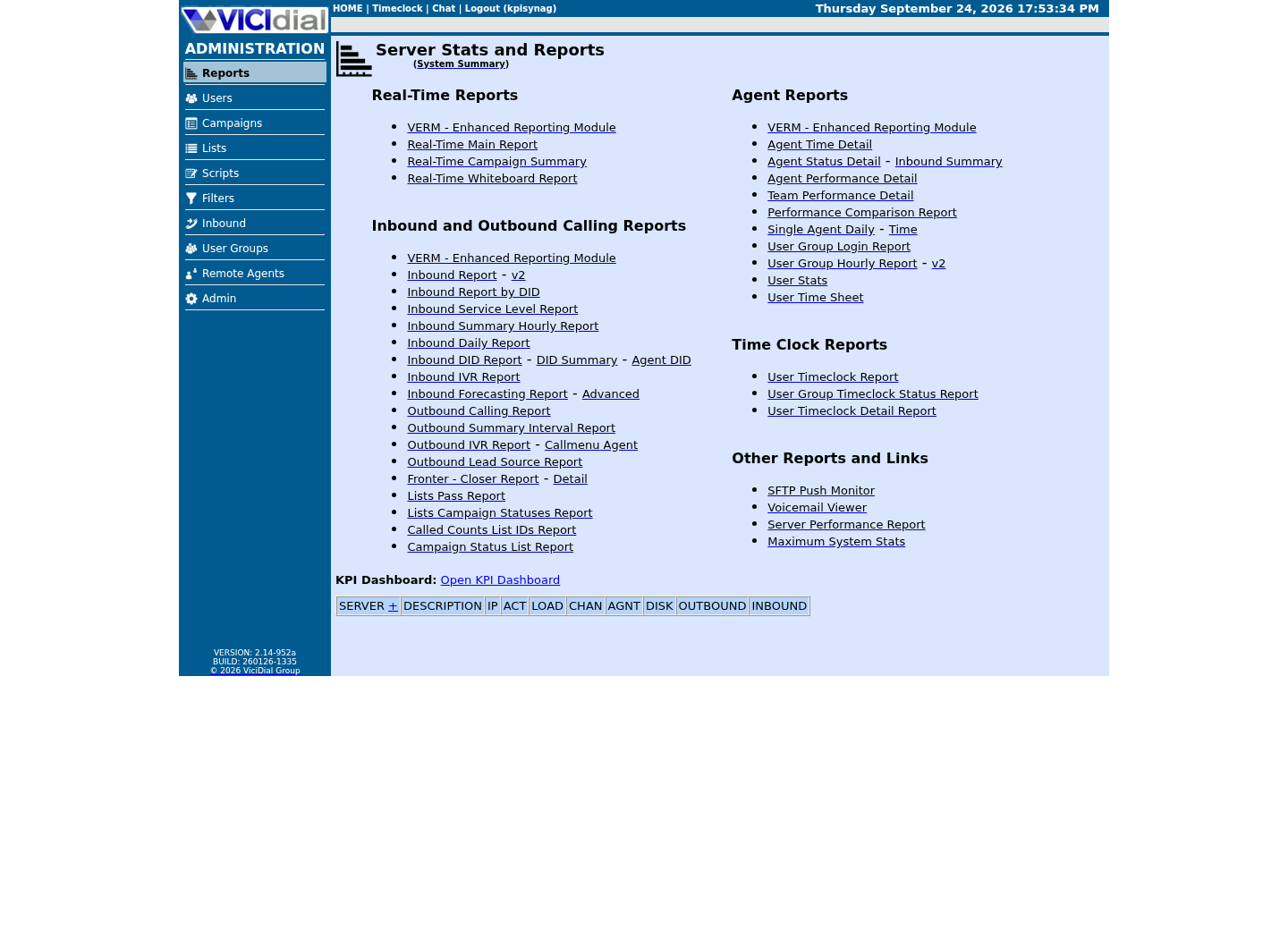
See the Real-Time report layout

02 / 07
Step 1 — Confirm the exporter, stock tools and its real flags
Run this on the VICIdial server before writing anything else. It confirms the native exporter is present and executable, that `sftp` and `flock` exist, and shows the web-report path this build actually uses; this guide never touches the database, so only `PATHweb` is needed here.
The last command reads the exporter's own source for its long-option names instead of asking you to trust a list in this article. Flag names and defaults can differ between VICIdial releases, so treat the script in Step 2 as a starting point and confirm every flag it uses against this output before relying on it on your own build.
test -x /usr/share/astguiclient/AST_VDsales_export.pl && echo presentcommand -v sftp flockgrep -E '^PATHweb=' /etc/astguiclient.confgrep -oE -- '--[a-z][a-z-]*' /usr/share/astguiclient/AST_VDsales_export.pl | sort -uCaptured demo response · 2026-09-24 22:25 UTC. The displayed command is the command that ran; a safe subset label means it was filtered, redacted, or fixture-scoped. Replays only after you select Replay transcript.
- Before you run it
- Run as root on the VICIdial server. This only reads the exporter's presence, the web-report path key and the exporter's own source text; nothing is written or transferred.
- Success looks like
- The exporter path prints `present`, both tools resolve, one `PATHweb` line prints, and the last command lists the exporter's real long-option names.
- Stop if
- Stop if the exporter is missing or not executable, either tool is absent, or `PATHweb` is empty; confirm the equivalent key on your own install before continuing.
03 / 07
Step 2 — Author the reviewed push script
Create the file with the right owner and mode before you put any content in it, so an editor never leaves a world-readable script behind: `sudo install -o root -g root -m 0700 /dev/null /usr/local/sbin/vicidial-sales-sftp-push`, then `sudoedit /usr/local/sbin/vicidial-sales-sftp-push` to open that empty, correctly-permissioned file.
Paste the script below, then edit only the CONFIG block at the top. `<PROFILE>` is a short local alias used only in path names and is never sent anywhere; `<CAMPAIGN_ID>` and `<SALE_STATUSES>` are the exact values you confirmed in VICIdial Admin; `<SFTP_HOST>` and `<SFTP_USER>` are the recipient's endpoint. Leave `ENABLED=0` until Step 4 and Step 5 both pass.
Every path the script touches is declared once near the top: a per-profile staging directory, a per-profile state directory that holds nothing but a completion marker, and one shared JSONL log line per phase. The script creates all three itself; none of them are shared with any other package.
#!/usr/bin/env bash# vicidial-sales-sftp-push -- reviewed, root-only. Edit the CONFIG block below,# save as /usr/local/sbin/vicidial-sales-sftp-push, mode 0700, owner root:root.set -euo pipefail # ---- CONFIG: edit every value before installing this file ----PROFILE='<PROFILE>' # short alias, no spaces; used only in local pathsCAMPAIGN_ID='<CAMPAIGN_ID>' # exact outbound campaign ID, never left blankSALE_STATUSES='<SALE_STATUSES>' # hyphen-delimited exact statuses, e.g. SALE-UPSELLSFTP_HOST='<SFTP_HOST>'SFTP_USER='<SFTP_USER>'REMOTE_BASE='incoming/vicidial'ENABLED=0 # keep 0 until check-only and acceptance both pass# ---- end CONFIG ---- SFTP_KEY="/etc/vicidial-sales-sftp-push/${PROFILE}_ed25519"KNOWN_HOSTS="/etc/vicidial-sales-sftp-push/${PROFILE}_known_hosts"EXPORTER=/usr/share/astguiclient/AST_VDsales_export.plSTAGE="/root/tempaudioexport-${PROFILE}"STATE_DIR="/var/lib/vicidial-sales-sftp-push/${PROFILE}"LOG=/var/log/vicidial-sales-sftp/push.jsonlLOCK="/run/lock/vicidial-sales-sftp-push-${PROFILE}.lock" if [[ "${CAMPAIGN_ID}" == '<CAMPAIGN_ID>' || -z "${CAMPAIGN_ID}" ]]; then echo "set CAMPAIGN_ID before running" >&2 exit 1fiif [[ "${SALE_STATUSES}" == '<SALE_STATUSES>' || -z "${SALE_STATUSES}" ]]; then echo "set SALE_STATUSES before running" >&2 exit 1fi CHECK_ONLY=0if [[ "${1:-}" == "--check-only" ]]; then CHECK_ONLY=1fi install -d -m 0750 "${STATE_DIR}"mkdir -p "$(dirname "${LOG}")" log_event() { # $1=phase $2=result -- aggregate only, never a filename, credential or recording id printf '{"ts":"%s","profile":"%s","phase":"%s","result":"%s"}\n' \ "$(date -Is)" "${PROFILE}" "$1" "$2" >>"${LOG}"} if [[ "${CHECK_ONLY}" -eq 1 ]]; then test -x "${EXPORTER}" command -v sftp flock >/dev/null test -f "${KNOWN_HOSTS}" test -f "${SFTP_KEY}" echo "check-only: exporter, tools, host key and private key are all in place for ${PROFILE}" log_event check-only pass exit 0fi if [[ "${ENABLED}" -ne 1 ]]; then echo "ENABLED=0 -- edit this file only after check-only and the external acceptance test both pass" >&2 exit 1fi exec 9>"${LOCK}"flock -n 9 || { echo "another run is already active for ${PROFILE}" >&2; exit 1; } PATHWEB=$(grep -E '^PATHweb=' /etc/astguiclient.conf | cut -d= -f2-)REPORT_DIR="${PATHWEB}/vicidial/server_reports"DAY=$(date -d yesterday +%Y%m%d)REPORT="${REPORT_DIR}/${PROFILE}_${DAY}_sales.csv" find "${STAGE}" -mindepth 1 -maxdepth 1 -type f -delete 2>/dev/null || trueinstall -d -m 0700 "${STAGE}" "${EXPORTER}" \ --date=yesterday \ --campaign="${CAMPAIGN_ID}" \ --sale-statuses="${SALE_STATUSES}" \ --output-format=csv-standard \ --filename="${PROFILE}_YYYYMMDD_sales.csv" \ --ftp-audio-transfer --ftp-norun \ --temp-dir="-${PROFILE}" --quietlog_event export done FILES=$(find "${STAGE}" -maxdepth 1 -type f | wc -l)NONZERO=$(find "${STAGE}" -maxdepth 1 -type f -size +0c | wc -l)if [[ "${FILES}" -ne "${NONZERO}" ]]; then echo "a staged file is zero bytes -- stopping before transfer" >&2 log_event validate fail exit 1filog_event validate pass sftp -oBatchMode=yes -oIdentitiesOnly=yes -oStrictHostKeyChecking=yes \ -o UserKnownHostsFile="${KNOWN_HOSTS}" \ -i "${SFTP_KEY}" -b - "${SFTP_USER}@${SFTP_HOST}" <<SFTP_REPORT-mkdir ${REMOTE_BASE}cd ${REMOTE_BASE}put ${REPORT}SFTP_REPORTlog_event upload-report done if [[ "${FILES}" -gt 0 ]]; then sftp -oBatchMode=yes -oIdentitiesOnly=yes -oStrictHostKeyChecking=yes \ -o UserKnownHostsFile="${KNOWN_HOSTS}" \ -i "${SFTP_KEY}" -b - "${SFTP_USER}@${SFTP_HOST}" <<SFTP_AUDIOcd ${REMOTE_BASE}-mkdir ${DAY}cd ${DAY}put ${STAGE}/*SFTP_AUDIOfilog_event upload-audio done date -Is >"${STATE_DIR}/${DAY}.complete"find "${STAGE}" -mindepth 1 -maxdepth 1 -type f -deletelog_event complete passThis sample changes a system, contacts an outside service, needs a live call, or would print real data from a shared server, so it was not run on the demo. Run it only where you are authorized, and compare the result with the success and stop guidance.
- Before you run it
- Save this exact file as /usr/local/sbin/vicidial-sales-sftp-push using the install/sudoedit commands above, then edit every CONFIG value before you rely on it.
- Success looks like
- The file is owned root:root, mode 0700, every placeholder in the CONFIG block is replaced with a real value, and ENABLED stays 0 until Step 5.
- Stop if
- Stop if any CONFIG value still reads as a placeholder, if the file is group- or world-readable, or if you cannot explain what every remaining line does before saving it.
04 / 07
Step 3 — Verify the host key, then generate the client key
`ssh-keyscan` retrieves a public key but does not prove who owns it. Compare the displayed fingerprint with the value the recipient supplied through a separate trusted channel; only an exact match is eligible for installation.
Install the approved key into this profile's dedicated known-hosts file, at the path the script already expects. Never use `StrictHostKeyChecking=no`, and do not reuse a general operator known-hosts file whose contents can change independently.
This step also generates the key pair the script authenticates with, at the exact path `SFTP_KEY` already points to. `ssh-keygen` writes a matching `.pub` file alongside it; send only that public half to the recipient, and never the private key itself.
ssh-keyscan -p 22 '<SFTP_HOST>' > '<PROFILE>-known-hosts.candidate'ssh-keygen -lf '<PROFILE>-known-hosts.candidate' # Continue only after the recipient confirms the exact fingerprint:sudo install -d -m 0750 /etc/vicidial-sales-sftp-pushsudo install -o root -g root -m 0600 \ '<PROFILE>-known-hosts.candidate' \ "/etc/vicidial-sales-sftp-push/<PROFILE>_known_hosts" # Generate the key pair the script authenticates with, then send only the .pub half:sudo ssh-keygen -t ed25519 -N '' -C 'vicidial-sales-sftp-push' \ -f "/etc/vicidial-sales-sftp-push/<PROFILE>_ed25519"This sample changes a system, contacts an outside service, needs a live call, or would print real data from a shared server, so it was not run on the demo. Run it only where you are authorized, and compare the result with the success and stop guidance.
- Before you run it
- Replace the placeholders with the approved recipient endpoint and your chosen profile alias. Obtain the expected fingerprint independently before running the final install command.
- Success looks like
- The independently supplied and locally displayed fingerprints match exactly, the dedicated known-hosts file is root-owned mode 0600, and a new private/public key pair exists at the path the script expects.
- Stop if
- Stop on a mismatch, multiple unexplained keys, DNS uncertainty or an unverified fingerprint; do not bypass checking.
05 / 07
Step 4 — Dry-run the script before it can do anything
The script's own `--check-only` flag confirms the exporter, `sftp`, `flock`, the pinned host-key file and the private key all exist, without selecting a row, staging a file or opening a network connection. Run it again after every edit to the CONFIG block.
A clean check-only pass does not prove the recipient will accept a connection. It only means this server's half of the setup is internally consistent. Keep `ENABLED=0` until the separate external acceptance test in Step 5 has also passed.
sudo /usr/local/sbin/vicidial-sales-sftp-push --check-onlyThis sample changes a system, contacts an outside service, needs a live call, or would print real data from a shared server, so it was not run on the demo. Run it only where you are authorized, and compare the result with the success and stop guidance.
- Before you run it
- Confirm the script still has ENABLED=0. Run after every change to the CONFIG block, the host key or the private key.
- Success looks like
- The script prints that the exporter, tools, host key and private key are all in place, and appends one check-only line to the log.
- Stop if
- Stop on a missing exporter, a missing tool, a missing host-key file or a missing private key; fix the CONFIG block or the file itself before retrying.
06 / 07
Step 5 — Complete external acceptance, then enable and schedule
Before setting `ENABLED=1`, prove the recipient side works: non-interactive key authentication, strict host-key verification, directory creation and a harmless upload the recipient can see and delete. Only after that passes should a real synthetic sale be allowed to reach the destination.
Edit the script once more to set `ENABLED=1`, keeping every filter exactly as tested, then add a plain `cron.d` file and run the script by hand for the first accepted delivery. The script's own lock and its per-day completion marker make a second same-day run a safe no-op rather than a duplicate transfer.
sudoedit /usr/local/sbin/vicidial-sales-sftp-push# set ENABLED=1 only after the checks above have passed sudo tee /etc/cron.d/vicidial-sales-sftp-push >/dev/null <<'CRON'15 3 * * * root /usr/local/sbin/vicidial-sales-sftp-pushCRON sudo /usr/local/sbin/vicidial-sales-sftp-pushThis sample changes a system, contacts an outside service, needs a live call, or would print real data from a shared server, so it was not run on the demo. Run it only where you are authorized, and compare the result with the success and stop guidance.
- Before you run it
- Run only after an authorized editor has set ENABLED=1 and the recipient has confirmed the harmless-file test.
- Success looks like
- The manual run selects only the intended scope, uploads successfully, writes a completion marker and appends matching log lines.
- Stop if
- Set ENABLED=0 again immediately on an unknown host key, a selection that looks too broad, or a partial transfer; never edit a completion marker to force success.
07 / 07
Step 6 — Verify operation and know the rollback
Independently confirm what the log claims: ask the recipient to list what arrived, and compare the count against the completion marker for that date. Test a day with no qualifying sale and confirm the script exits cleanly with no upload rather than sending an empty or malformed file.
Treat any zero-byte staged file as a failed run, not an empty one; a download can fail while the export step still exits successfully. Give the script's own staging directory time to clear between runs rather than assuming a directory shared with another profile is always safe to reuse.
To stop future delivery, set `ENABLED=0` in the script and remove `/etc/cron.d/vicidial-sales-sftp-push`. That never touches VICIdial, the original recordings or `recording_log.location`; it only stops this one script from running again.
find /var/lib/vicidial-sales-sftp-push -type f -name '*.complete' -printf '%f\n' 2>/dev/null || echo 'no completed runs yet'wc -l /var/log/vicidial-sales-sftp/push.jsonl 2>/dev/null || echo 'no log yet'This sample changes a system, contacts an outside service, needs a live call, or would print real data from a shared server, so it was not run on the demo. Run it only where you are authorized, and compare the result with the success and stop guidance.
- Before you run it
- Both commands only read and degrade gracefully before the script has ever run, but every path here is one this guide's own script creates, so a stock lab has neither yet.
- Success looks like
- A completion marker exists for every date you expect, and the log line count only grows on days the script actually ran.
- Stop if
- Investigate before scheduling again if a marker is missing for a date the log shows as complete, or if the two disagree.
Evidence ledger
Verification basis
- Guide source: VICIdial's shipped AST_VDsales_export.pl performs the selection and local staging described in Step 1 and Step 2; the script itself is the reader's own file from this guide, not an installed package.
- Implementation: the printed script holds one lock across staging, export, validation, upload and cleanup, and never edits the original recording or `recording_log.location`.
- Boundary: no external client destination is claimed active by this article; activation requires the reader's own accepted endpoint, host key and filter values.
Primary references
Sources
- OpenSSH sftp manualOpenBSD · accessed August 4, 2026
- OpenSSH client configurationOpenBSD · accessed August 4, 2026
- VICIdial product overviewVICIdial Group · accessed August 4, 2026