Reader setup
Before you diagnose
Start with one observed symptom, then isolate one layer at a time.
- An isolated test campaign and test agent
- An approved internal test endpoint
- Permission to view the relevant VICIdial and Asterisk settings
- What you will prove
- You can distinguish an agent alert, music on hold, and a drop/queue prompt before changing any audio asset, and confirm which music-on-hold classes actually exist first.
- Safety boundary
- Do not replace prompts, reload Asterisk, or test dropped-call handling against real callers. Audio and abandonment behavior can have legal and customer-impact consequences.
Reader path
How to use this article
- Use it when: You are investigating a live symptom and need to narrow the failure quickly.
- Expected result: Pinpoint the first failing layer, then repair only that layer.
- Start here: Use the sections as a diagnostic sequence: prove scope, then isolate and validate.
First, name who heard the sound
'The call played music' is not enough to diagnose an audio problem. An agent alert is intended for the agent; music on hold is normally heard by a caller placed on hold or queued; a drop/abandon message can be heard by a customer when no agent is available. Browser notification sounds are separate again, and a ring you hear before answering is different once more — that is the phone or softphone's own ringtone, set locally, not a VICIdial or Asterisk feature at all.
VICIdial's own feature list describes configurable agent alert sounds and custom music on hold. Those features share a telephony system but do not necessarily use the same setting or audio file — list the music-on-hold classes Asterisk actually has configured before assuming one exists. Which class is actually attached to a given campaign or trunk is a separate question from which classes exist at all; this command only answers the second one.
asterisk -rx 'moh show classes'Captured demo response · 2026-09-24 22:25 UTC. The displayed command is the command that ran; a safe subset label means it was filtered, redacted, or fixture-scoped. Replays only after you select Replay transcript.
- Before you run it
- Run this on the Asterisk box at any time; it is read-only and only lists configured classes.
- Success looks like
- You get a named list of MOH classes and how each is configured, showing exactly what 'custom music on hold' means on this build instead of taking the feature list's word for it.
- Stop if
- An empty or default-only list is a normal result if music on hold was never customized here — it means look elsewhere for the sound you heard, not that the command failed.
Visual walkthrough
Follow three real demo screens
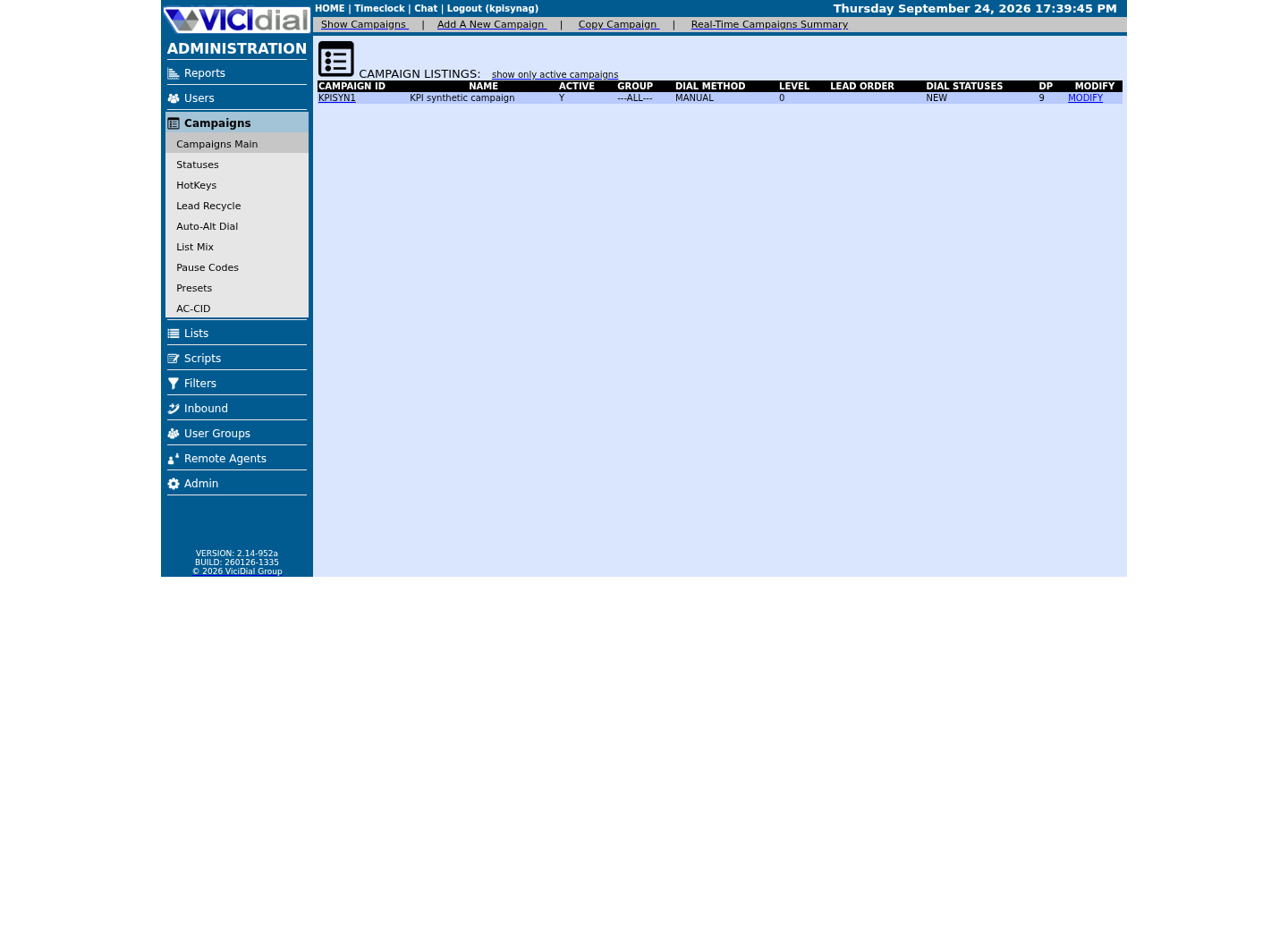
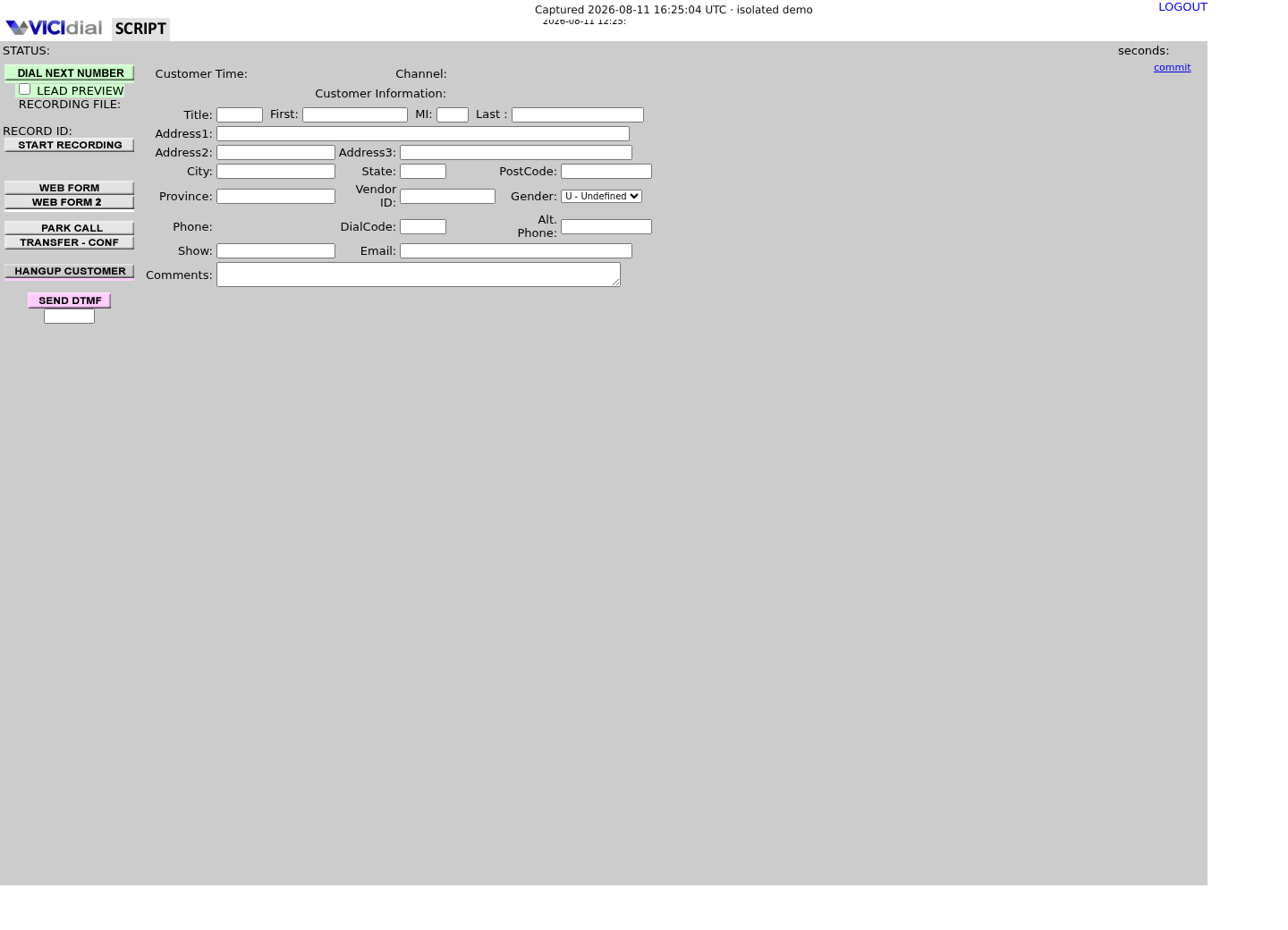
Captured on an isolated VICIdial demo: Administration screens on September 24, 2026, and the idle Agent screen on August 11, 2026. Each caption states its own capture time, and every sanitized image helps you recognize a related screen; none proves that this article's call, command, or result occurred.Keep phones and users separate
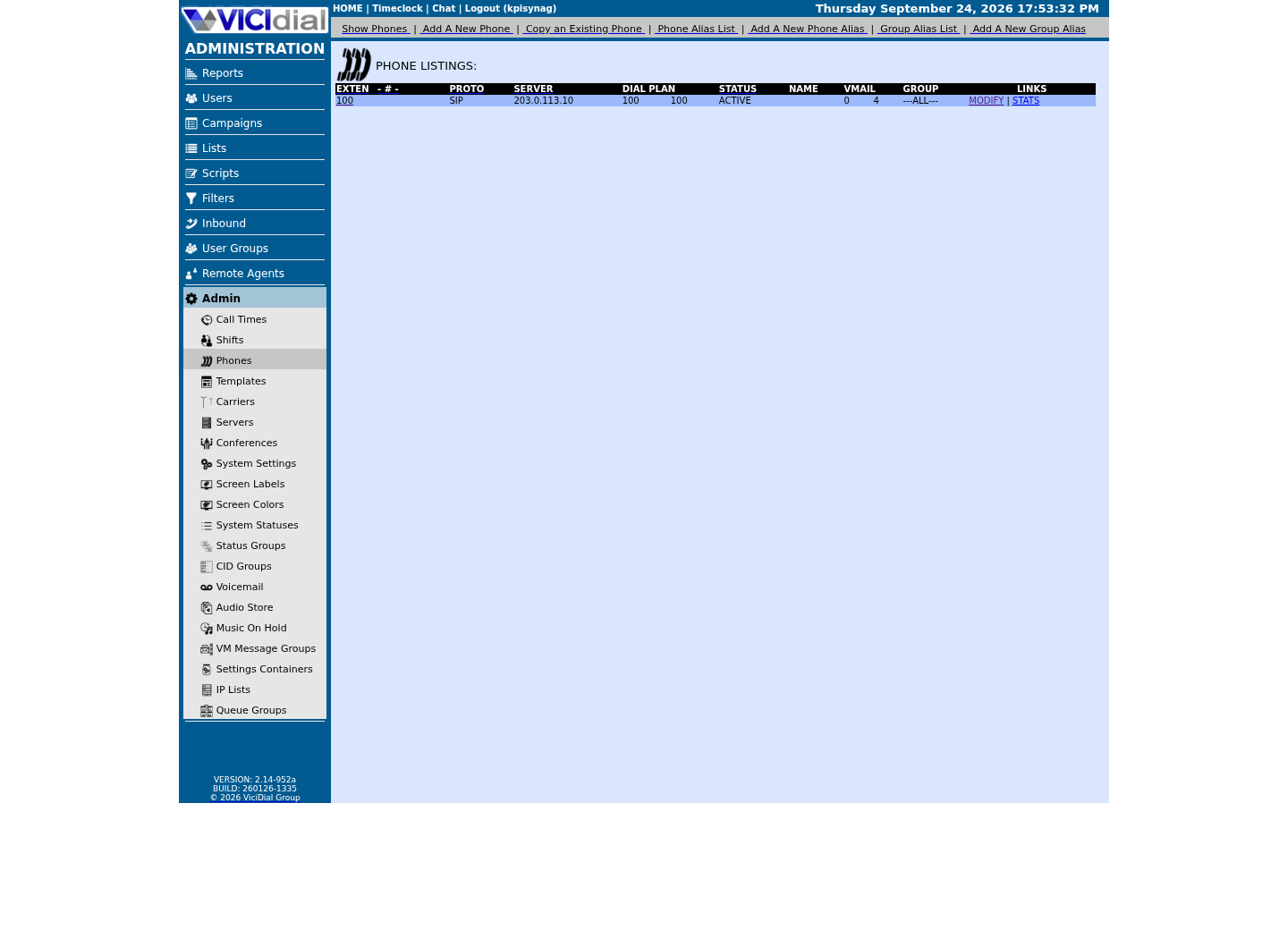
Find the campaign the agent should use
Read the real Agent screen in an idle state
A long alert can look like hold music
A VICIdial forum case is a useful warning: an apparent third-party hold-music problem turned out to be a five-minute default agent-alert clip when an agent joined a conference. Do not assume the audible result proves its source — a conference-join alert plays inside the same audio path a caller's hold music would use, which is exactly why the two are easy to confuse without a timestamp.
Write down the listener, the exact moment it began, the action that preceded it, and whether the call was answered, held, transferred, queued, or dropped. That timeline is safer than changing several prompt settings at once. A simple shared log, even one spreadsheet row per test, beats memory once more than one person is reproducing the same symptom.
Guided example: make a zero-customer audio timeline
Use only the internal test endpoint. Run one ordinary agent login/join test and one authorised inbound or transfer test if your lab supports it. Do not intentionally raise a dial ratio or create a real abandoned call to make an alert happen. If your lab exposes a second internal line, have a colleague call it so 'agent side' and 'far side' can be labeled independently for the same event.
For each sound, capture a local timestamp and label the listener. If the agent hears a sound but the test endpoint does not, that strongly narrows the layer without changing server configuration.
Test: <AGENT_LOGIN | TEST_TRANSFER | TEST_QUEUE>Listener: <AGENT | TEST_ENDPOINT>Time: <YYYY-MM-DD HH:MM:SS>Action immediately before sound: <JOIN | HOLD | TRANSFER | QUEUE>Sound duration: <SECONDS>Customer involved: noThis sample is a template or reading aid, not a terminal command. There is no output to show.
- Before you run it
- Complete one card per test and keep all calls inside the lab.
- Success looks like
- The team can identify the audience and event for each sound before looking for a file.
- Stop if
- Stop if a non-test caller enters the path or you cannot confirm which campaign/endpoint is isolated.
Guided example: inspect the active call evidence
During an approved lab reproduction, an Asterisk owner can collect bounded CLI evidence. The goal is to learn which channels and applications were active at the timestamp, not to edit dialplan or music-on-hold files.
Screenlog output can be useful for a server-generated sound; a VICIdial forum thread points to Asterisk screenlog output specifically when tracing unexpected audio. Redact phone numbers, caller IDs, credentials and customer details before sharing evidence. On a shared lab, seeing a channel for a phone that is not part of your own test is the expected baseline when someone else happens to be logged in at the same time — it is not by itself evidence of anything wrong. The opposite result is just as normal: an idle lab with no live calls in progress at that exact moment can legitimately show zero active channels, which is the correct baseline, not a sign that the command failed or that Asterisk is unreachable.
To look closer at one specific channel, take its exact name from the command below and run core show channel against that name — there is no single fixture channel to hand you here, since which phone is active depends entirely on who is logged in at the time you run it.
asterisk -rx 'core show channels concise'This sample changes a system, contacts an outside service, needs a live call, or would print real data from a shared server, so it was not run on the demo. Run it only where you are authorized, and compare the result with the success and stop guidance.
- Before you run it
- Run only on the authorised lab server during the recorded test.
- Success looks like
- You can correlate the test timestamp with a channel and application without restarting or reloading Asterisk.
- Stop if
- An idle lab with no active calls at that exact moment can legitimately return zero channels — that is the correct baseline, not a failed capture. Only stop if a listed channel cannot be accounted for from your own test, or if the command's output differs on the reviewed Asterisk build.
Change one approved test asset, then repeat
Once the owner has identified the specific setting and audience, use the VICIdial/Asterisk administration path approved for that installation to upload or select one short, reviewed test asset. Confirm format, language, licensing, volume and duration with the system owner; a file existing on disk does not prove the active configuration uses it. Treat the exact administration screen as build-specific and confirm it on your own VICIdial version rather than assuming it matches an older tutorial.
Do not overwrite a production prompt to 'see if it helps'. Keep the previous selection documented, perform the single change in the isolated lab/campaign, repeat the same observation card, and explicitly restore the previous state if the result is wrong. Note the exact filename, format and duration you selected — 'the new file' is not a useful rollback record if two similarly named assets exist.
- I know whether the sound belongs to the agent, caller, or browser.
- I tested one event with no real customer.
- I have evidence and an approved rollback before an audio asset changes.
Treat drop-call audio as a policy path
A dropped call is not merely an audio cue: it is a call-handling and compliance event. VICIdial supports drop timing and safe-harbor-style handling, and its feature list also describes routing a dropped call to voicemail, queue or extension when no agent is available. The correct message and routing depend on the jurisdiction and campaign policy — confirm which of those routing options your build actually has configured before promising a caller-facing behavior to compliance or to a customer.
If agents report customers hearing unexpected music after a disconnect, preserve the timestamp and call identifier for the owner. Do not tune drop timers, routing extensions or predictive dialing to silence the symptom; first establish whether the call was an agent alert, hold path, transfer issue, or true drop. Where a jurisdiction sets a specific safe-harbor message or timing, treat that requirement as the floor, not a suggestion the campaign owner can waive for convenience.
Evidence ledger
Verification basis
- VICIdial's own feature list describes agent alert sounds, music on hold, and dropped-call routing as separate features, and this guide adds a moh show classes check so 'custom music on hold' is something you can see, not just take on faith.
- The guide uses internal audio tests and read-only CLI observation; it does not prescribe changing dialplan, prompt files, or production abandonment behavior.
Primary references
Sources
- VICIdial feature listVICIdial · accessed September 23, 2026
- VICIdial API conference call hold music on 3rd partyVICIdial forum · accessed September 23, 2026
- On Hold Prompt Interval doesn't workVICIdial forum · accessed September 23, 2026
- Asterisk CLI: Creating and Manipulating ChannelsAsterisk · accessed September 23, 2026